
Before topping up Fancy after changing phones or moving between iOS, Android, and web, verify the account from inside the live profile that should receive the credits. The safest check is simple: confirm the UID, server or region, and current login method on the target account, then save screenshots and the order ID. Most wrong deliveries happen not because payment fails, but because the user opens a different Fancy profile after a reinstall, a social-login change, or a device switch and does not notice in time.
If you need the broader basics first, see the Fancy top up guide or the Fancy payment and delivery help center hub. This article focuses on the mistake-prone moment after a phone change, when one person can accidentally end up looking at two different Fancy accounts.
What the official rule means before you pay
The practical buyer rule is stronger than check your account. You need to verify five things on the live target account before payment: identity, region, platform, recipient, and login method.
That matters because several account labels can look familiar while still pointing to the wrong profile. A display name may match what you remember. An email may be the one you use every day. An Apple ID or Google account may feel like your account. But for delivery, the only identifier consistently treated as safe is the Fancy UID, the unique numerical account identifier shown on the account profile. Community guidance also stresses that UID alone is not enough if you ignore server or region.
Here is the distinction that trips people up:
UID is the delivery-safe identifier.
Username or display name is not reliable because it can be changed or duplicated.
Email login tells you how you entered the account, not necessarily which in-game profile is open.
Bound account identity refers to the login method attached to the real account, such as email or Facebook, which is useful for verification across devices.
Server or region adds the context support usually needs and can affect whether a top-up succeeds.
In other words, top-up delivery follows the UID, while account confusion usually starts with the login method. That is why users who only check the visible name often end up sending credits to the wrong place.
Rule vs buyer action
If you want a UID-based route, keep the existing link: Fancy UID top up safe. The key point is not the checkout page itself, but whether the UID you enter belongs to the account you are actually trying to credit.
How do you verify the correct Fancy account on iOS, Android, or web?

Start inside the target account, not from memory and not from an old screenshot alone.
A common community-reported path to the UID is to open Fancy, log into the account, and tap the profile icon at the top-left corner. That profile view is where users typically confirm the UID and, in many cases, the server or region. If the app was deleted, some users also report finding the UID from a logged-in web or launcher profile view. The exact interface can vary, but the principle does not: verify from the live account currently open in front of you.
The safest sequence looks like this:
First, log in using the method you believe is attached to the real account. If you changed phones, do not trust auto-login. A fresh install can open a guest profile or a different social-login profile that looks empty but still appears valid enough to accept a purchase.
Second, open the profile and capture the UID. Then check the server or region on the same account view. These two details should be treated as a pair.
Third, confirm the login method you used to reach that profile. This is not the delivery target, but it tells you whether you are standing in the right account. Community patterns repeatedly warn that Sign in with Apple on iPhone, Google on Android, and email on web do not always land on the same Fancy profile unless the account was properly bound.
Fourth, compare what you see with any older proof you already have: a previous UID screenshot, an old receipt, or a saved account page. If the UID changed, you are not in the same account, no matter how familiar the name looks.
Finally, match the same details again on the payment screen before submitting. This is especially important after app delete-and-reinstall scenarios, where users often rush from login to checkout without noticing that the profile is different.
If you normally play on iPhone but want to use web checkout, that can still be safe. Community guidance says platform mainly changes the purchase route, while delivery still follows the UID. App purchases may use Apple Pay or Google Pay; web checkout may use card or other payment methods. The delivery target, however, remains the UID you submit. For a deeper comparison, the Fancy web checkout vs app purchase guide is the right companion read.
Why do wrong deliveries happen after switching devices?
Most wrong deliveries after a device switch are not random payment errors. They are identity errors created by account duplication, login mismatch, or stale assumptions.
The highest-risk example is easy to picture. A player used Sign in with Apple on iPhone for months. Later they move to Android, choose Google login because it feels equivalent, and Fancy opens a different profile. The user sees a valid account screen, assumes it is the same account, and tops up. The payment works. The credits arrive. But they arrive on the wrong Fancy UID.
That pattern appears in several forms:
A fresh install may create a guest account or a new social-login account. Guest accounts are especially risky because community guidance treats them as non-transferable until they are bound to email or Facebook before the device switch. If you changed phones without binding first, account recovery may need to happen before any recharge.
Shared devices create another quiet failure point. A family tablet, an old Android phone, or a borrowed device may still hold someone else’s saved login. The buyer thinks they are topping up their own account, but the live profile belongs to another user. In those cases, verifying on the recipient’s current device is safer than trusting a remembered name.
There are also edge cases where certainty drops:
Changed email: community reports suggest support may need to restore access by UID before recharge.
Merged accounts: official guidance is unclear; community observations suggest support may handle some cases manually if proof is strong.
Region migration: one reported pattern says the UID stays fixed, while moving to a new server may require a fresh account.
Restore purchases: community guidance suggests same-OS restoration is simpler, while cross-platform continuity is safer when the account is bound to email.
The important editorial takeaway is this: when the account looks different across iOS, Android, and web, do not treat that as a cosmetic issue. It is often the warning sign that you are not in the same Fancy account at all.
What proof should you keep if support later needs evidence?
Good evidence does two jobs. It helps you catch a mistake before payment, and it gives support something concrete if delivery goes wrong.
Before payment, save a screenshot of the account page showing the UID, server or region, and visible profile details. If the account settings or login page shows the bound method, save that too. This is the proof set that establishes your intended recipient.
After payment, save the completed checkout page, the order ID, and the payment receipt. If the credits arrive, capture the post-delivery state as well. If they do not arrive, that missing final screenshot becomes part of the story you send to support.
Evidence checklist
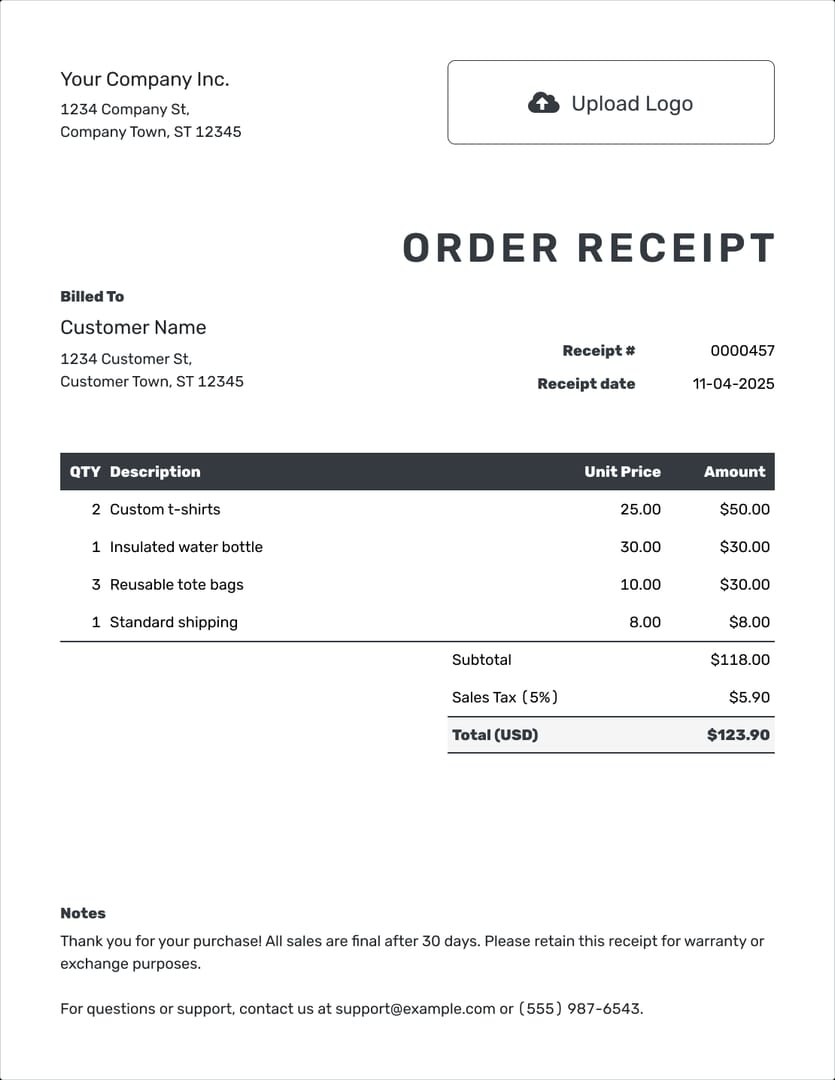
From reviewing failed recharge cases, the most common preventable issue is users checking only the display name and not the UID plus server or region together. And when troubleshooting missing or wrong delivery, the order ID, payment receipt, and a screenshot of the target account page are usually the first pieces of evidence that make support conversations faster.
If you need more detail on record-keeping, the Fancy receipt and order ID guide is the natural next step.
If you are topping up for another person, what should you verify first?
Do not top up a friend’s Fancy account using only their username.
A username or display name is not a safe delivery identifier. The safer method is to ask the recipient for a live screenshot from the logged-in target account showing the UID and server or region. They do not need to share a password, and they should not. What you need is proof of the recipient account, not access to it.
A simple confirmation flow works well:
Ask them to open Fancy and send a screenshot of the profile page with UID and server or region visible.
Ask which device they currently use for that account.
Repeat the UID back to them before payment.
For higher-value orders, ask them to confirm the screenshot was taken from the live account they want credited now, not from an old phone.
This matters because shared-device purchases and old saved logins create exactly the kind of mismatch that causes wrong delivery. If the recipient recently changed phones, the risk is even higher. In that case, ask them to verify the account after re-login first, then send the screenshot.
When support needs evidence, here is the escalation path
If credits do not appear where expected, start with immediate checks before assuming the worst. Reopen the intended account, confirm the UID and region again, and compare them with what was submitted. Community reports suggest delivery is often quick after UID confirmation, sometimes within minutes, so a short delay is not automatically a wrong delivery. But if the account details do not match, that is the real issue.
When you do need help, the usual escalation path is:
Open an in-app ticket or official support request.
If needed, continue through official email support.
If the payment side remains unresolved, escalate to the payment provider with the same proof set.
Support usually wants the same core evidence first: UID screenshot, server or region, order ID, payment receipt, and proof of the login method or account page. If the problem came from a social-login mismatch after a phone change, say that clearly. I switched from iPhone to Android and may have opened a different account with a different login method is more useful than my top-up is missing.
There is one hard limit worth stating plainly. Community guidance is consistent that if a wrong UID was entered and the credits were delivered to a stranger’s account, reversal is uncertain without strong proof. That does not mean you should not report it immediately; it means prevention is far easier than recovery.
Where official guidance is unclear, separate confirmed information from community-observed patterns:
Confirmed by repeated community guidance: verify UID, server or region, and login method on the live target account before paying; keep screenshots and receipts; guest accounts are risky; app and web can both deliver to the same UID if login is consistent.
Less certain or edge-case territory: merged accounts, changed-email restoration, and region migration outcomes may depend on manual support review.
If you are already in a dispute, the Fancy top up sent to wrong account guide and Fancy account binding after changing phone guide are the most relevant follow-ups.
Before you confirm the order
After a device switch, the safest Fancy top-up habit is to slow down for one minute and verify the live account in front of you. Check the UID. Check the server or region. Check how you logged in. Make sure the recipient is the right person if you are buying for someone else. Then save the proof before and after payment.
That is the real answer to How to Verify Fancy Account UID for Top Up After Switching Devices (iOS/Android/Web) to Avoid Wrong Delivery: do not trust names, memory, or the fact that a login worked. Trust the live UID on the target account, paired with the correct server or region and backed by screenshots, order ID, and receipt. If anything looks different after changing phones, fix the account binding first and top up second.