
If your PUBG Mobile UC payment failed, don't keep retrying right away. First check whether the payment actually failed, is still pending, or was charged but UC delivery is delayed. Then verify your 10-digit player ID, region, package, and payment authentication before trying again. That order matters because repeated retries are one of the easiest ways to create duplicate charges and more confusion.
For a quick recovery path, use this rule: failed before charge = fix payment setup; charged but no UC = wait 2-8 hours, relaunch the game, then escalate with proof. If you need a clean retry path, this guide to PUBG Mobile UC payment failed fix is useful only after you've confirmed your current order status.
Why does PUBG Mobile UC payment keep failing?
PUBG Mobile UC payments usually fail because of bank declines, authentication failures, security risk flags, or account-region mismatches.
From reviewing failed recharge cases, the most common preventable issue is users treating every error the same. But there are three different failure points:
Users commonly report these triggers:
Rooted or jailbroken devices
VPN enabled during checkout
Unlinked PUBG account details
Region mismatch between account and payment method
Google Play billing address mismatch
Apple Pay blocked by the issuing bank for fraud review
App store restrictions or temporary gateway issues
A detail many guides miss: a successful bank charge does not always mean the order cleared merchant verification. Risk screening can flag new devices or unusual login patterns. Community reports also show that logging in consistently on the same device helps reduce false fraud flags.
Why do billing address, card country, and region mismatch matter?
They matter because app stores and payment processors compare your payment profile with your account region before approving the order.
This is especially common on Google Play. Users widely report declines when the billing address doesn't match Google Pay settings. Overseas users hit this more often: official guidance supports direct top-up through Midasbuy global, while app-store purchases are more likely to fail on region mismatch. Personally, I would check this first if you're traveling or using a card issued in another country.
Officially, direct top-up through Midasbuy uses your player ID, while app-store purchases rely on your Google or Apple account. That difference explains why direct top-up can work even when app-store checkout doesn't.
What if the problem is the wrong player ID or package, not the card?
That can stop successful delivery even if payment itself went through.
Before retrying, verify:
Player ID: PUBG Mobile uses a 10-digit number shown in your in-game profile
Server/region where applicable
UC package selected
Linked email or phone if the checkout asks for contact details
In checkout troubleshooting, account identifiers often matter as much as the payment method. A correct payment sent to the wrong ID is much harder to fix than a simple card decline.
What does it mean if PUBG Mobile UC was charged but not received?
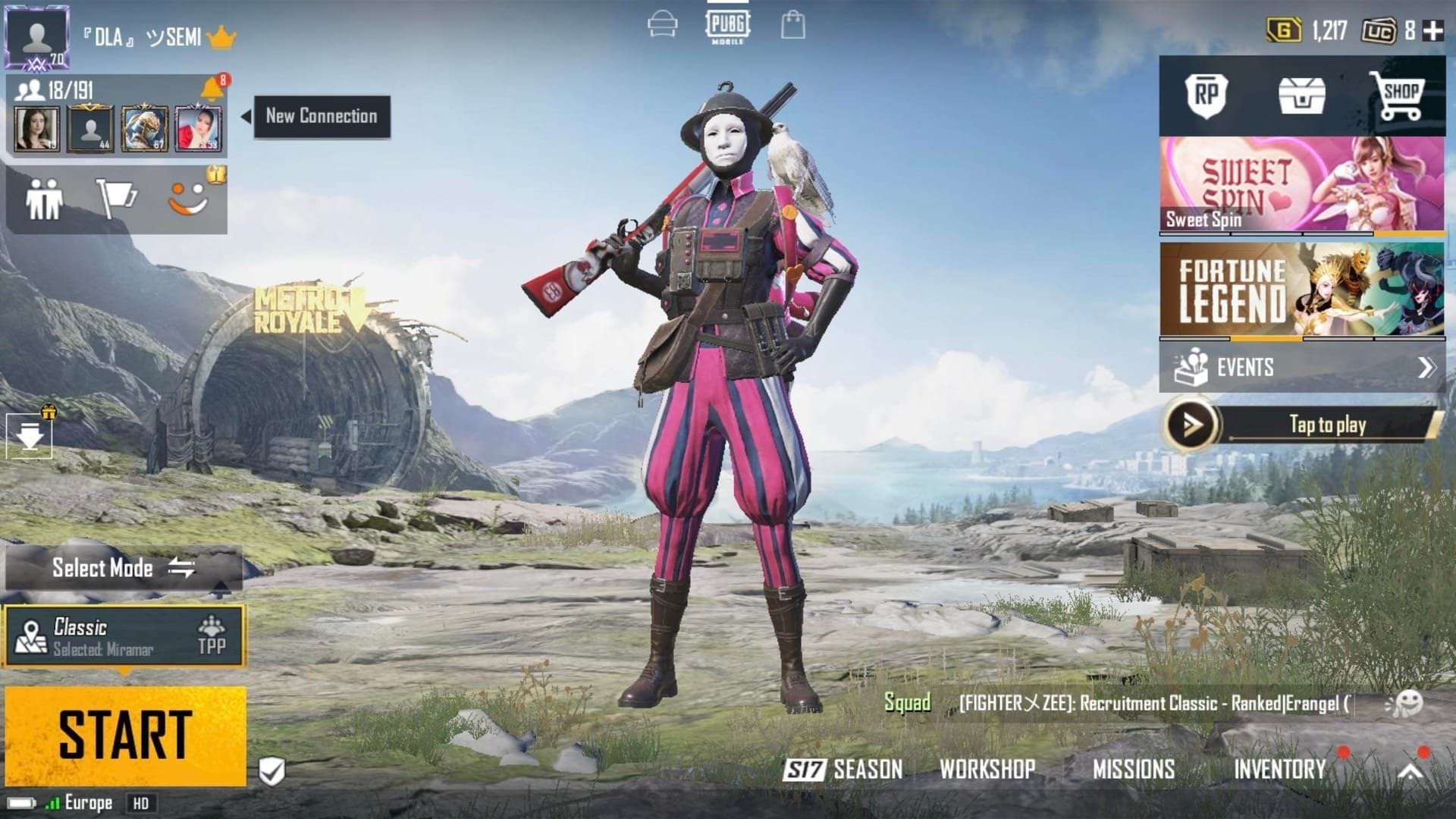
It usually means the payment succeeded but UC delivery is delayed, not that the checkout fully failed.
That distinction matters. Community reports separate payment failed from delivery delayed: if money was charged, you're already in a post-payment issue. Official guidance says to fully close PUBG Mobile and relaunch it to sync the UC balance. Check the top-right UC counter after reopening.
Use this timing guide:
Honestly, delayed delivery is frustrating when the payment already left your account. But retrying too fast is usually the wrong move. I would avoid a second purchase until you've checked your bank, app store, or seller status page first.
If you're comparing next-step options after a stuck order, this page on PUBG Mobile UC top up failed after payment fits the situation where the charge exists but delivery doesn't.
How can you fix a PUBG Mobile UC payment failed error step by step?
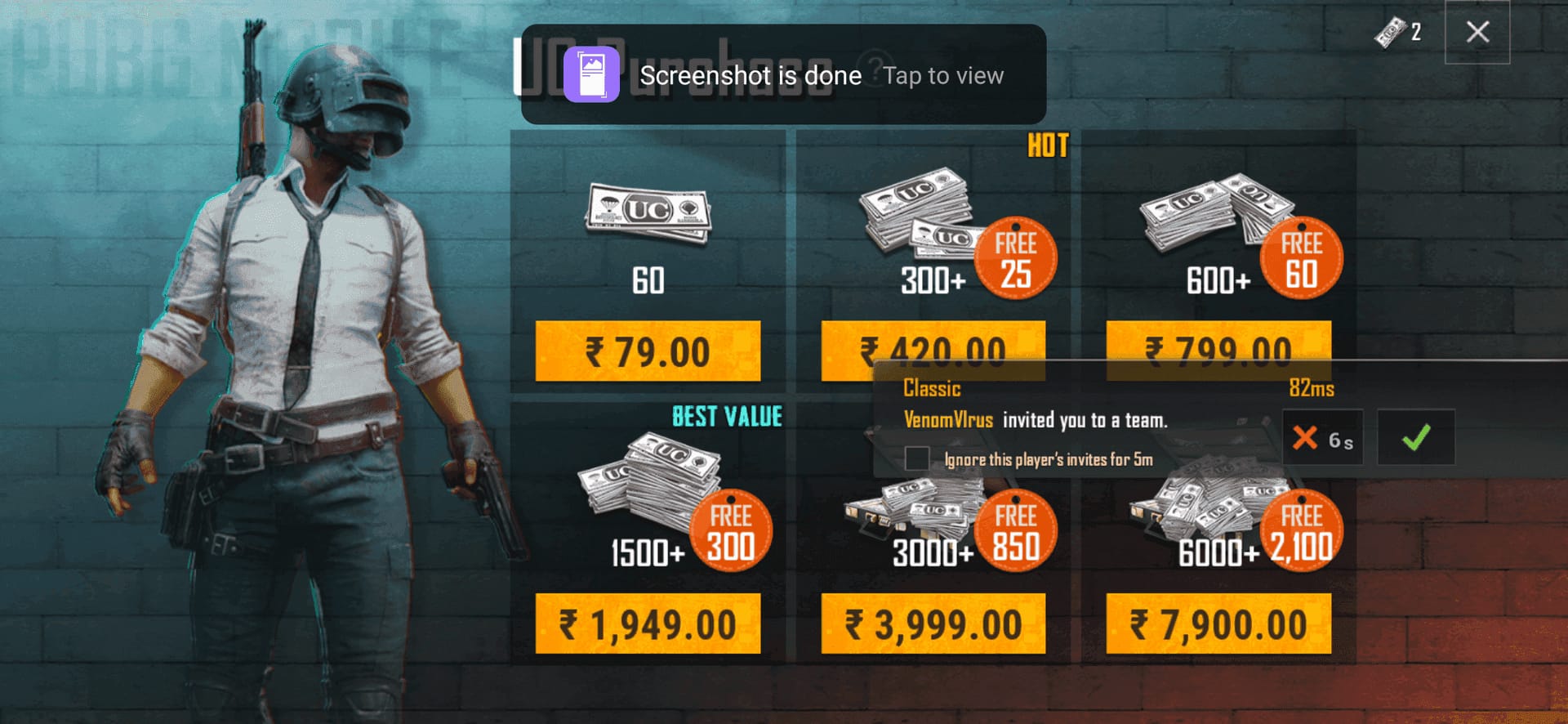
You can fix most PUBG Mobile UC payment failures by checking status first, then verifying account details, then retrying with a clean payment setup.
Check whether the payment failed, is pending, or was charged
Look at your bank/app store/payment app history.
If there's no charge, treat it as a checkout failure.
If there's a pending charge, wait. Don't stack retries.
If the charge posted, move to delivery checks.
Verify your account details
Confirm the 10-digit player ID in your profile.
Recheck region/server and UC package.
Make sure your PUBG account is linked to email or phone if possible.
Remove common risk triggers
Disable VPN.
If the device is rooted/jailbroken, restore it to normal status before retrying.
Use a stable connection.
Update the game and clear PUBG cache; on iPhone, offload the app if needed.
Check payment method setup
Confirm available balance and card limits.
Make sure billing address matches your payment profile.
Complete 3D Secure, OTP, or app approval.
For Apple Pay or Google Pay auth issues, enable biometrics if required.
If PayPal keeps failing a linked card, users commonly report better results after adding funds to PayPal balance first.
Match payment region to account region
This is critical for overseas users.
If Google Play country doesn't match, update it or use direct top-up instead.
Officially, Midasbuy supports overseas direct top-up and uses player ID rather than app-store identity.
Retry once with one method
Use one clean attempt only after the checks above.
If it fails again, switch to another supported method: credit/debit card, PayPal, Apple Pay, Google Pay, or local wallet.
Temporary gateway issues sometimes clear with time or a method change.
How can you top up PUBG Mobile UC safely after a failed payment?
The safest path is official in-game purchase or official Midasbuy, then any verified HTTPS checkout that asks only for the information needed to deliver UC.
Officially, safe top-up means:
Use official in-game checkout or Midasbuy
Check for HTTPS
Be suspicious of prices that look unrealistically low
Never share your login password
Midasbuy is the official PUBG Mobile UC top-up partner, and official information confirms a 10% discount on 300+ UC packs. In my experience comparing checkout paths, official checkout is clearer for tracking and support, while direct player-ID top-up is often easier for users blocked by app-store region rules.
What should you share, and what should you never share?
Share only what the order needs:
Player ID
Selected package
Payment confirmation details if support asks
Never share:
PUBG password
Full card number
One-time codes with anyone outside your payment app or bank flow
Fraud red flags users commonly report:
Prices far below normal market range
Sites without HTTPS
Requests for account password
If you decide to retry through VGTopup, do it only after confirming your player ID, package, and current payment status so the next order doesn't overlap with a pending one.
What should you do if PUBG Mobile UC was charged, delayed, or refunded?
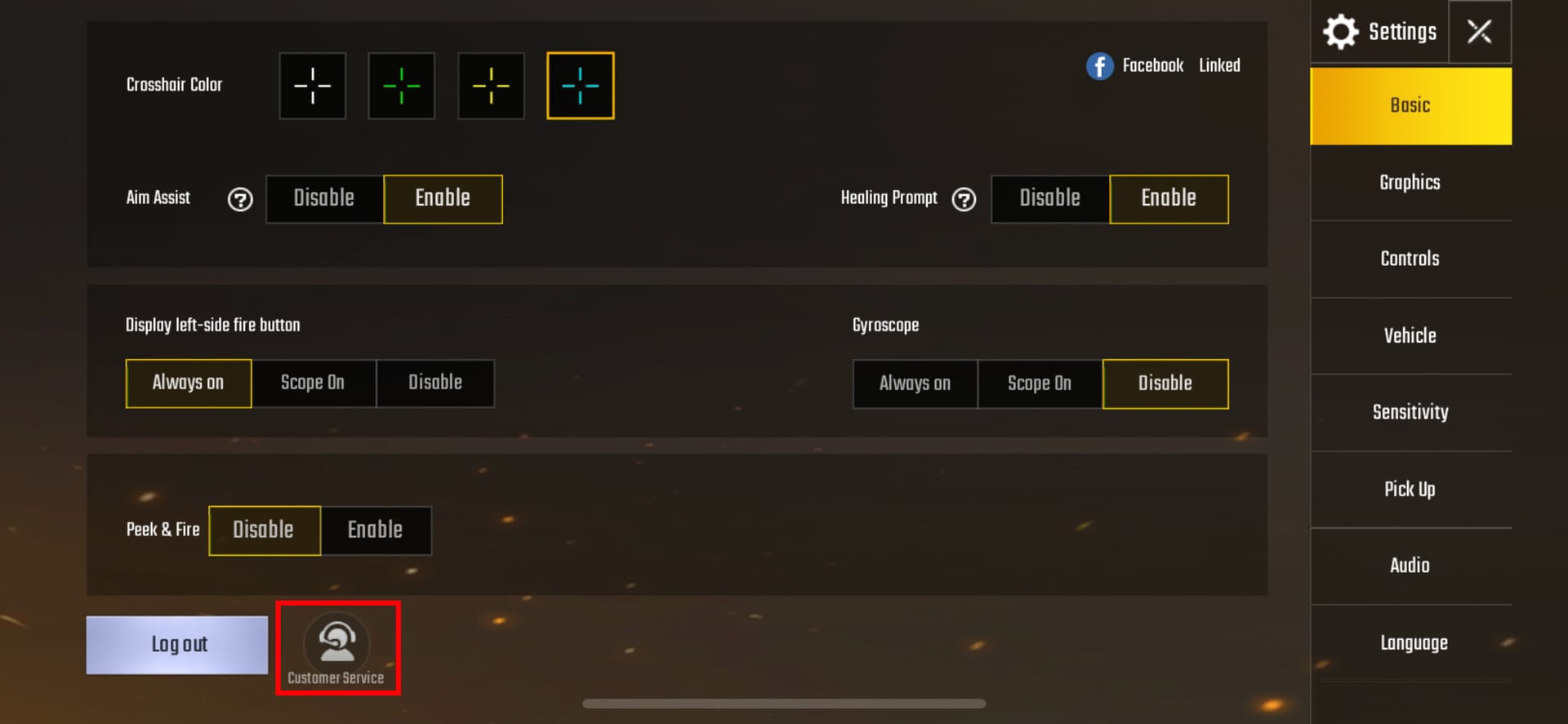
You should collect proof first, then contact the right party based on where the order failed.
When investigating delayed delivery reports, the first useful evidence is always:
Order ID
Payment timestamp
Amount paid
Masked payment method
Screenshot of the final status page
Player ID
Use this escalation path:
Official support channels:
PUBG Mobile Help Center: https://pubgmobile.helpshift.com/hc/en/3-pubg-mobile/
Official support site: https://support.pubgmobile.com/
Refund rules are stricter than many users expect. Officially, refunds are available only within 7 days for a wrong purchase if the UC is unused. Recharges are generally non-refundable after UC delivery or use. Community guidance also notes that charged-but-no-UC cases can qualify for redelivery or refund through support.
FAQ
Why does PUBG Mobile UC payment keep failing?
Usually because of bank decline, 3D Secure failure, low balance, billing mismatch, VPN/risk screening, or region mismatch. App-store restrictions are also common, especially for overseas users.
What should I do if PUBG Mobile UC was charged but not received?
Fully close PUBG Mobile and relaunch it first. If UC still doesn't appear, wait 2-8 hours, then contact support with your receipt, player ID, order ID, amount, and screenshots.
Can region mismatch cause a PUBG Mobile UC payment failure?
Yes. It's widely reported on Google Play and other app-store flows when payment country, billing profile, and account region don't align. Direct top-up by player ID is often the cleaner workaround.
How long should I wait if my PUBG Mobile UC order is still processing?
Wait 2-8 hours before retrying or escalating. Retrying too early is one of the most common ways users create duplicate charges.
Is it safe to retry a PUBG Mobile UC payment immediately?
No, not until you confirm the first attempt truly failed. Check bank, app store, or checkout status first so you don't pay twice for one order.
Can I get a refund for a failed PUBG Mobile UC top up?
If the order failed and UC was never delivered, support may arrange redelivery or refund. Officially, wrong-purchase refunds are limited to 7 days and only if the UC is unused.
What details do I need before contacting support for PUBG Mobile UC?
Prepare your player ID, order ID, timestamp, amount, masked payment method, and screenshots of the final payment status. That bundle speeds up support far more than a vague "payment failed" message.
PUBG Mobile UC payment failures are usually fixable, but the right fix depends on where the process broke: before charge, during authorization, or after payment with delayed delivery. Check status first, verify player ID and region, remove VPN and billing mismatches, then retry once. If money was taken and UC didn't arrive, relaunch the game, wait up to 8 hours, and escalate with full proof through official support.