
If your Zenless Zone Zero top up payment failed, the fastest fix is usually simple: verify your UID/login and server, make sure your billing country matches your account/store region, wait for any pending authorization to clear, then retry once with a supported payment method that can pass 3D Secure or OTP verification.
If money was deducted but you got no Monochrome, stop retrying. A bank hold is not always a completed payment. Save the receipt, check purchase history and in-game manual activation, then contact official support with your UID, order ID, amount, timestamp, region, and screenshots. If you need a cleaner reference point while comparing checkout paths, this overview of Zenless Zone Zero top up payment failed issues covers the same core checks.
Why does Zenless Zone Zero top up payment fail in the first place?
It usually fails because of one of five things: bank decline, fraud checks, region mismatch, store/platform issues, or wrong account details.
From reviewing failed recharge cases, the most common pattern isn't a broken checkout page. It's a mismatch between account region, billing country, and payment method. Official guidance confirms the payment method country/region must match your physical location and the game download store, and App Store/Google Play billing country must match the account region.
What do failed, pending, authorized, and delivered actually mean?
They are not the same status, and mixing them up causes most bad retries.
This distinction matters. In payment troubleshooting, users often confuse a temporary card authorization with a completed charge. Honestly, that's where duplicate attempts start, and then fraud systems get stricter.
Which payment methods fail most often?
Cards fail most often, but not always for the reason users think.
Credit/debit cards: commonly declined by issuer fraud protection, especially for gaming or international transactions
PayPal: users commonly report it works when direct card payments fail because it bypasses some card-side blocks
Prepaid/gift cards: widely observed to fail more often; I would avoid them for urgent top-ups
Google Pay / Apple-linked methods: can show a transaction before credits arrive if store-side processing lags
Local wallets: users commonly report overseas failures due to region locks
And don't ignore limits. Daily bank, app store, or wallet limits can block larger purchases even when your balance is enough.
Can account region, currency, or platform mismatch cause Zenless Zone Zero payment errors?
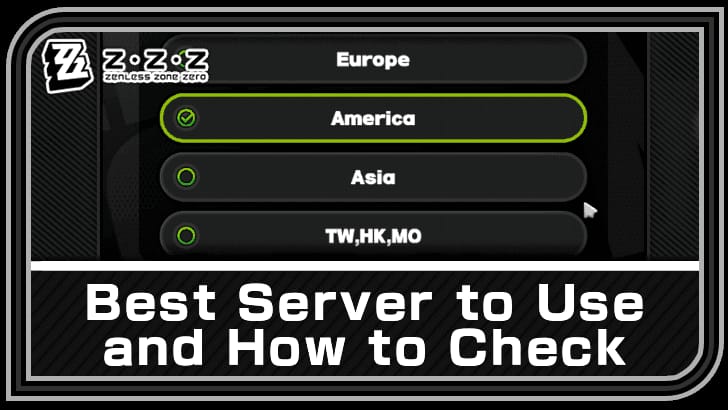
Yes — this is one of the biggest confirmed causes.
Officially, your payment method country/region must match your physical location and store region. Community reports add another layer: currency and tax mismatches often trigger declines, especially on overseas payments. If your game account, App Store/Google Play profile, and card billing country don't line up, the payment may fail before the order is created.
Which platform-specific issues should you check first?
Check the platform that actually processed the payment, not just the game.
Officially, Epic Games Store had top-up issues on Apr 3, 2025 that were resolved by a launcher update. Apple also had service errors affecting iOS top-ups and receipts in Oct 2024. So yes, sometimes the problem is upstream. But in my experience reviewing recharge issues, users blame outages too quickly when the real cause is still region or bank verification.
Why can repeated retries make the problem worse?
Because repeated attempts can trigger duplicate authorizations or fraud flags.
Users commonly report that retrying too fast leads to multiple pending holds. Banks may read rapid repeat attempts as suspicious behavior. Personally, I would check purchase history first, wait a bit, and only make one clean retry after fixing the likely cause.
If you're comparing options after a decline, keep this in mind while reviewing any Zenless Zone Zero purchase failed fix: the safest path is not "try five times," it's "fix one variable, retry once."
How can you fix a Zenless Zone Zero top up payment failed error step by step?

Yes — there is a safe order, and following it reduces duplicate holds and wasted time.
Confirm the account details first.
Verify UID/account ID, server/region, selected product, and amount. Community reports consistently show wrong UID or server selection causes failed or misrouted top-ups.Check whether the payment is truly failed or just pending.
Look at purchase history in the store or payment app. Officially, processing delays can happen, so don't assume "charged" means "delivered."Stop using VPN.
Official guidance says disable VPN. Community reports tie VPN use to many ret 107 purchase failures.Switch to a stable network.
Use a mobile hotspot or another reliable connection. For ret 107, users commonly report success after resetting the network, flushing DNS, or switching to IPv4.Update and restart.
Officially, update the game/app to the latest version and restart the device. On PC, update the launcher, clear cache, and repair the game if needed.Check payment verification.
Make sure 3D Secure or OTP was fully completed. A lot of "card declined" cases are actually abandoned verification screens.Review balance and limits.
Confirm sufficient funds, daily limits, and whether your bank blocks gaming or international transactions. If needed, call the bank and ask them to approve the transaction.Delete and re-add the card if needed.
Users commonly report that removing a saved card and re-adding it without saving can help.Switch payment method once.
If card fails, try PayPal or another supported wallet. Community feedback consistently says PayPal succeeds in some cases where direct cards don't.Retry once after waiting.
Wait after the failure before reattempting. Don't spam the checkout.
What's the best retry sequence for urgent top-ups?
For urgent orders, I would use this order:
Disable VPN
Verify UID/server/login
Check pending status and wait briefly
Confirm 3D Secure/OTP
Switch network
Retry once with the same method if the issue was verification-related
If declined again, switch to PayPal or another supported method
Escalate with proof instead of trying again
That sequence works better than random troubleshooting because it separates identity/account issues, network issues, and bank issues.
What should you do if Zenless Zone Zero charged you but the top up did not arrive?
First, treat it as a delayed or unconfirmed order, not an automatic loss of funds.
Officially, if charged but no credits arrived, you should:
Check whether the top-up needs manual activation in-game
Log out and back in
Check purchase history
Contact official support if it still hasn't arrived
A successful bank charge does not always mean the order cleared verification. That's the part many generic guides miss.
What evidence should you prepare for support?
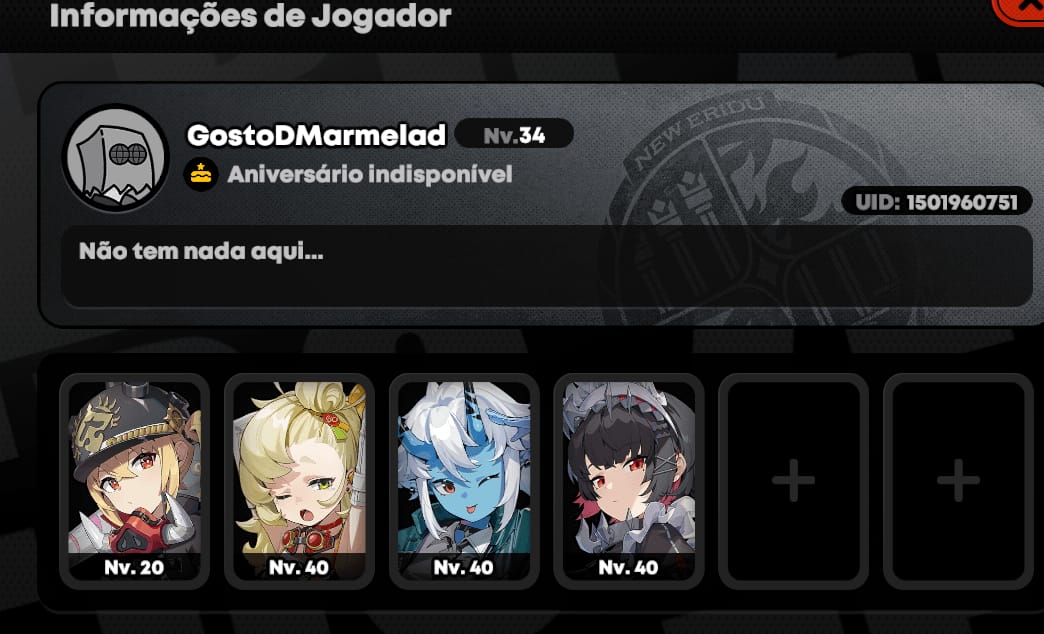
Prepare everything before opening a ticket. The details that consistently help support resolve the case are:
UID / account ID
Order ID
Payment receipt
Timestamp
Paid amount
Region
Screenshots of the error and payment status
Officially, this is the correct evidence set. And yes, it speeds things up.
Who should you contact first: game support, store support, or your bank?
Start with official HoYoverse support if the order exists or the game/store shows a completed purchase without delivery. Official escalation guidance says support first, then the payment provider or bank.
Use this split:
Why does Zenless Zone Zero say payment failed?
Usually because the bank blocked it, the billing region didn't match, the payment verification wasn't completed, or the account details were wrong. Official help also points to VPN use, unstable networks, unsupported payment methods, and insufficient funds.
Why was I charged but did not receive my Zenless Zone Zero top up?
Because the payment may only be authorized, not fully cleared and delivered. Check purchase history, log out and back in, look for manual activation, then send official support your UID, order ID, receipt, amount, and timestamp.
How long should I wait if my Zenless Zone Zero payment is pending?
Wait long enough to confirm whether the store or bank is still processing before retrying. Official guidance confirms delays can happen, and in my view the worst move is immediate resubmission because it can create duplicate holds.
Can account region mismatch cause Zenless Zone Zero top up failure?
Yes, absolutely. Officially, billing country must match the account/store region, and users widely report overseas payments failing when region, currency, or tax settings don't line up.
Does Zenless Zone Zero support PayPal or local wallets in every country?
No. Availability depends on platform and region. Users commonly report PayPal works well where supported, while local wallets often fail overseas because of region locks.
Should I retry a failed Zenless Zone Zero payment immediately?
No. Wait, verify the cause, and retry once only after fixing it. Repeated retries are widely reported to trigger fraud checks or duplicate authorizations.
How do I contact support for a Zenless Zone Zero top up problem?
Use official HoYoverse support first and include UID, order ID, payment receipt, timestamp, amount, region, and screenshots. If the issue sits with Google Pay, App Store, or your bank, contact that provider after or alongside the official ticket depending on where the payment stopped.
Zenless Zone Zero payment failures are usually fixable. The fastest path is to verify UID and region, remove VPN, check whether the charge is only pending, complete 3D Secure, and retry once with a supported method. If funds were deducted and no Monochrome arrived, don't keep resubmitting — gather proof and escalate through official support first, then your bank or store provider if needed.