
If your Genshin Impact top up payment failed, fix it by identifying the failure type first: declined, pending, charged but no delivery, or wrong account/platform details. Most failures come from bank fraud checks, 3D Secure not completing, insufficient funds, App Store/Google Play billing issues, region mismatch, or entering the wrong UID/server.
From reviewing failed recharge cases, the biggest mistake is treating every error as a bank problem. It often isn’t. If you need a broader overview while troubleshooting, this guide on Genshin Impact top up payment failed scenarios can help you compare the likely cause before retrying.
Why did my Genshin Impact top up payment fail?
The direct answer: most failed payments are caused by bank restrictions, unsupported payment region, platform mismatch, unstable network, or account detail errors.
Official guidance confirms these core causes:
Insufficient balance or invalid payment method
Bank or payment-provider restrictions
Payment method not supported in your account region
VPN use or unstable network
Outdated game/device cache issues
Community reports add the failures official pages don’t always spell out clearly:
3D Secure authentication didn’t complete
Cross-border card payments were flagged
Prepaid cards were declined for international use
Repeated retries triggered fraud prevention
Session timeout interrupted checkout before completion
The 4 failure types users confuse most often
These are not the same problem, and the fix changes depending on which one you have.
Honestly, this separation matters more than most guides admit. A successful bank charge does not always mean the order cleared final verification or delivered in-game.
Can account region, server, or platform mismatch cause Genshin Impact payment failure?
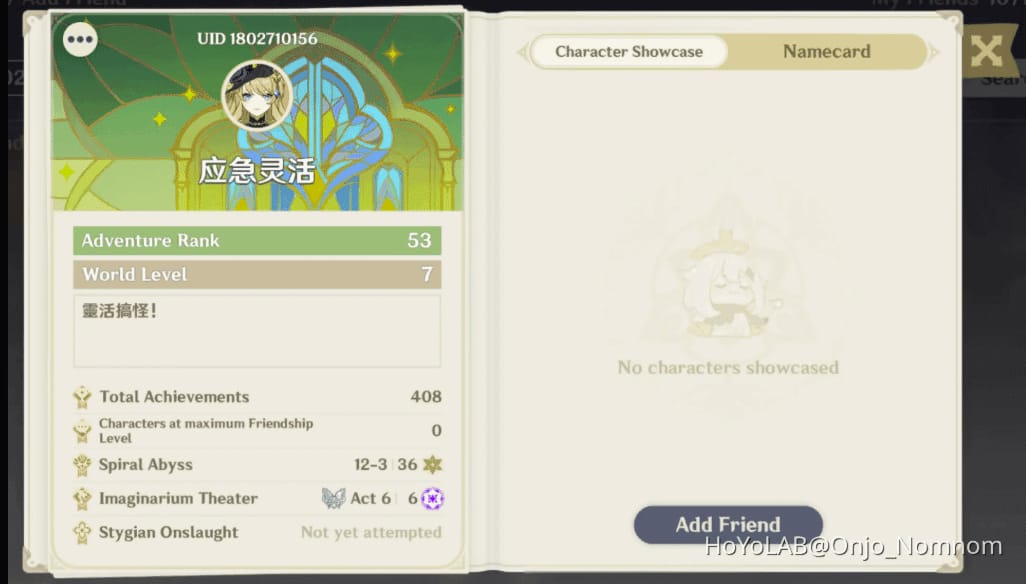
Yes. Region, server, UID, and platform mismatch are common recharge blockers, especially for overseas users.
Officially, the payment method must be supported in the account region. HoYoverse also states that payment region should match your physical location and account region to avoid declines. Community reports widely observe that some accounts are effectively safer to top up through their original registration platform or matching store.
What should you verify first?
Check these before blaming your card:
UID
Server
Account region
Original platform/store
Current payment region
A practical detail many users miss: the first 1–2 digits of your UID are commonly used by players to identify server/region. If the UID/server doesn’t match the target account, the recharge can fail or go to the wrong place.
Why do PC, App Store, and Google Play fail differently?
Because each route has its own billing rules.
In my experience reviewing recharge issues, platform mismatch is the most underdiagnosed cause. Users switch countries, stores, or devices, then assume the card is the problem. But the store/account path is often what broke.
How do I fix a failed Genshin Impact top up payment step by step?
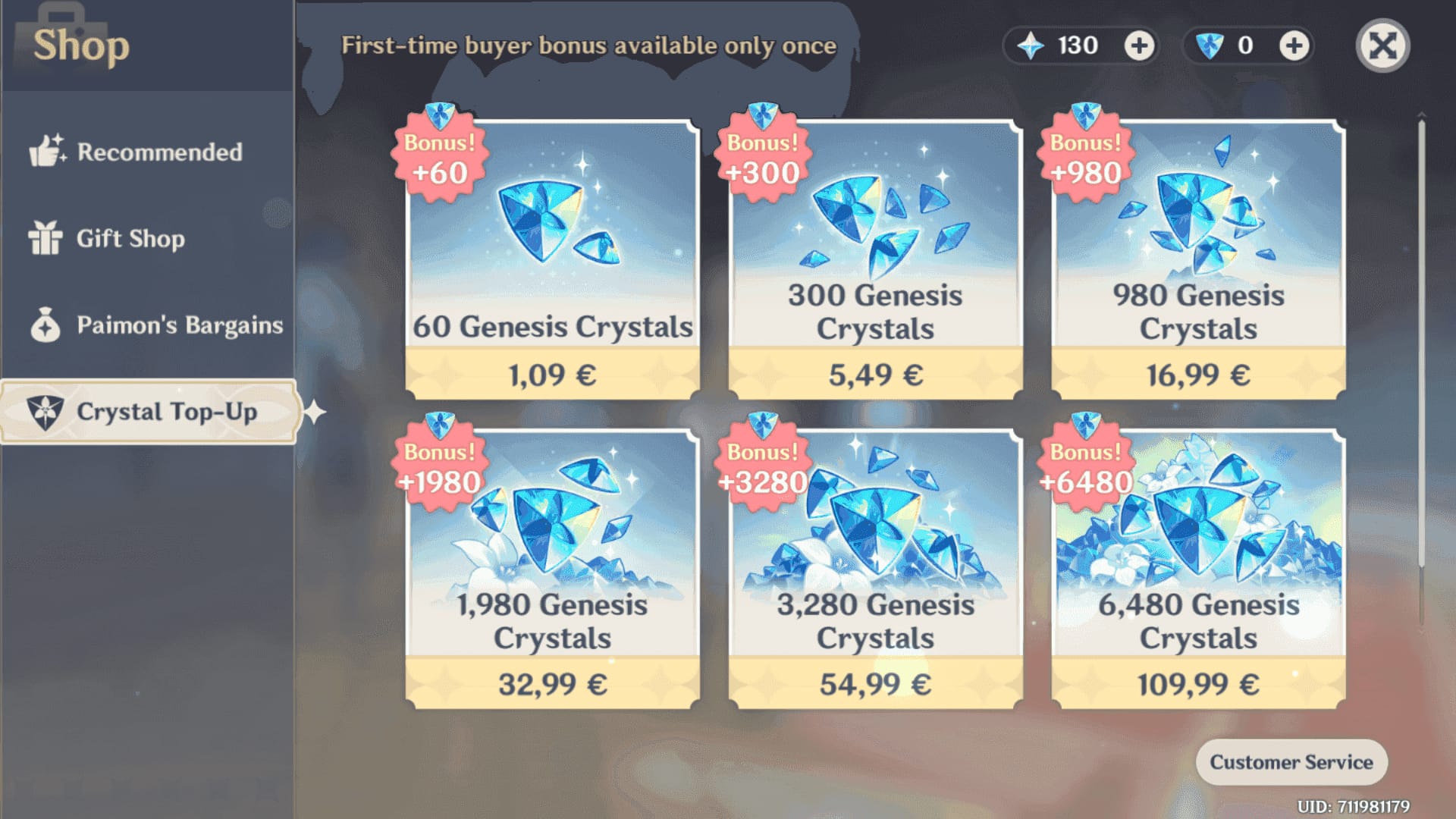
Start with diagnosis, not retries. Repeated attempts are one of the fastest ways to create duplicate holds and longer resolution times.
Check the payment status
Look for one of these: declined, pending, charged, refunded.
Check your bank/app store receipt and in-game purchase history.
If it’s pending, don’t spam retries. Community reports say repeated attempts often trigger extra fraud flags.
Verify UID, server, and region
Open your in-game profile and confirm the UID.
Confirm the correct server.
Make sure your payment method is supported in that account region.
If you’re overseas, check whether your current country, bank, and account region now conflict.
Check the payment method itself
Confirm enough balance.
Complete any 3D Secure or bank authentication prompt.
If using PayPal, users commonly report failures from insufficient balance or unsupported region.
Prepaid cards are widely reported as unreliable for cross-border gaming payments.
Fix network and device issues
Disable VPN.
Switch to a stable network or mobile hotspot.
Update the game and device.
Clear cache or reinstall if needed.
Log out and back in, then restart the purchase flow without paying yet if the checkout seems stuck.
Use the right platform path
On PC, try the official HoYoverse Top-Up Center if the in-game flow is failing.
On App Store, check Apple ID funds and unpaid orders.
On Google Play, update payment info and resolve billing-center errors.
Retry only after the cause is fixed
If the payment was clearly declined, retry after fixing the bank/authentication issue.
If the payment is pending or under review, wait first. Community advice commonly suggests waiting up to 24 hours before retrying to avoid duplicates.
If you want another checkout path after confirming your account details, some users look for a Genshin Impact recharge payment error fix through a simpler top-up flow. I’d still check UID, server, and region first, because no checkout path can fix wrong account data.
What should I do if my Genshin Impact payment was charged but the top up did not arrive?
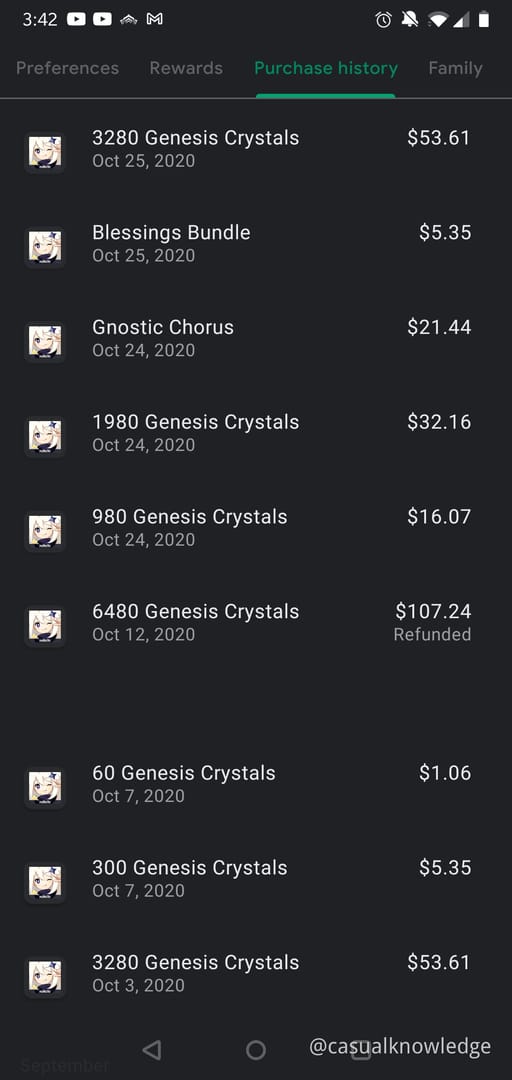
If you were charged but received no Genesis Crystals, don’t repay immediately. First confirm whether it’s a delivery delay, a platform refresh issue, or a payment that never fully cleared.
Do this in order:
Restart the game
Officially, restarting can refresh the Genesis Crystals balance after top-up.
Check the same platform used for payment
Review purchase history, receipt, and transaction status.
If available, manually claim through the same platform. Official guidance notes this can resolve some charged-but-undelivered cases.
Check in-game mail and order history
Community reports say delayed delivery can happen during processing.
Wait if the order is still processing
Officially, order processing delays are possible.
If the payment later reverses or refunds, that points to failed verification rather than successful delivery.
Collect proof before contacting support
UID
Server
Order ID or transaction ID
Payment timestamp
Payment method
Screenshots of the billing result and missing delivery
Escalate in the right order
Bank/payment provider first for declines, holds, fraud blocks, or authentication issues
App Store/Google Play first for store billing problems
HoYoverse support after that, with proof
That order matters. Official guidance says to contact the payment channel first, then HoYoverse support. When delayed delivery cases are escalated, the details that actually speed things up are the UID, server, order ID, timestamp, and screenshot of the billing result.
How can I avoid Genshin Impact top up payment failure next time?
The best prevention is simple: match account region, payment region, platform, and UID before paying.
Use this checklist:
Personally, I would avoid rapid retries more than anything else. Delayed delivery is frustrating when the payment already left your account, but panic-clicking usually makes the case messier.
FAQ
Why does Genshin Impact say payment failed?
Usually because the bank blocked the transaction, the payment method wasn’t supported in your account region, 3D Secure wasn’t completed, or the network/session broke during checkout. Wrong UID, server, or platform path can also cause it.
Why was I charged but did not receive my Genshin Impact top up?
A charge can appear before final verification or in-game delivery finishes. Restart the game, check the same payment platform, review order history, and collect the transaction ID if the Genesis Crystals still don’t appear.
Can account region or server mismatch cause Genshin Impact top up failure?
Yes. Officially, payment support depends on account region, and community reports widely note UID/server mismatch as a recharge failure cause. Overseas users hit this more often.
How long should I wait if my Genshin Impact payment is pending?
If it’s pending, wait before retrying. Community guidance commonly points to waiting up to 24 hours after fixing the cause, especially if a bank hold or anti-fraud review is involved.
Should I retry a failed Genshin Impact payment immediately?
No, not if the payment is pending or already shows a charge. Retry only after confirming the first attempt was fully declined and after fixing the cause, or you risk duplicate holds.
Who should I contact first for a failed Genshin Impact top up?
Contact the payment provider first for card, PayPal, fraud-check, or authorization issues. For App Store or Google Play billing problems, contact that store first; then go to HoYoverse support with UID, server, order ID, timestamp, and screenshots.
Genshin Impact top-up failures are usually fixable once you separate declined, pending, charged-no-delivery, and account/platform mismatch cases. Check UID, server, region, payment status, and platform first; then contact the right party in the right order. If you only remember one rule, make it this: don’t spam retries while a payment is pending.