
To safely top up Yoyo Coins for the first time, use an official purchase path where available, confirm the exact YoYo account or recipient User ID before paying, and save your receipt or order ID as soon as checkout finishes. Most first-order problems are not technical failures at all. They come from avoidable mistakes: entering the wrong ID, using a payment method that does not match the region, or paying again while the first transaction is still pending. If you want the broader flow, start with this Yoyo Coins top up guide.
Before you pay: the 60-second Yoyo Coins safety check
A first Yoyo Coins purchase is safest when you slow down before the payment screen, not after it. YoYo Coins are the premium currency used for gifts, effects, and rooms in the YoYo voice chat app, and the top-up flow depends on the correct User ID. That matters because the purchase is tied to the account identifier you enter, not to what you assume your username or profile should be.
The official step available in the facts is simple: open the YoYo app, tap Me, and find your User ID below your avatar. That is the identifier required for top-up. If you are buying for yourself, confirm that the app is logged into the right account first. If you are buying for a friend, confirm that you have their correct UID and not just a display name.
This is also the moment to read the order details like a careful buyer rather than a rushed one. Check the displayed coin amount. Check the local currency shown at checkout. If any fees or taxes are shown in the payment flow, read the final total before you approve it. And confirm the order type: based on the available facts, YoYo top-ups are one-time purchases, not recurring subscriptions.
For beginners, the safest habit is to treat the pre-pay screen as your last chance to catch a wrong account or wrong region. It usually is.
How do I safely top up Yoyo Coins for the first time?

The cleanest beginner path is straightforward: get the User ID from the app, open a supported top-up page, choose a small pack, pay once, then verify the balance and save proof.
Where official support is confirmed, Codashop is listed as a top-up platform for YoYo Coins in PHL, MYS, SGP, ARE, and SAU. The official flow in the facts is to enter the YoYo User ID on Codashop, select the coin amount, and pay using a local method. No registration is needed on Codashop for YoYo top-up, which can make a first order feel simpler because there is less account setup to get wrong.
A safe first walkthrough looks like this in practice:
Start inside the YoYo app, not from memory. Open Me, locate the User ID below the avatar, and copy it carefully. If you use multiple accounts, shared devices, or different login methods, do not assume the currently visible profile is the one you want to recharge. Verify it.
Then open the supported purchase route. If you are in a region where Codashop officially supports YoYo Coins, that is the clearest documented path in the facts. Enter the User ID exactly as shown. If the purchase is for a friend, stop and verify the recipient UID one more time before moving on.
For a first order, a small pack is the safer choice. That recommendation is community-based rather than official, but it is sensible: if you are testing a payment route for the first time, a smaller amount limits the impact of a wrong ID entry or a payment issue.
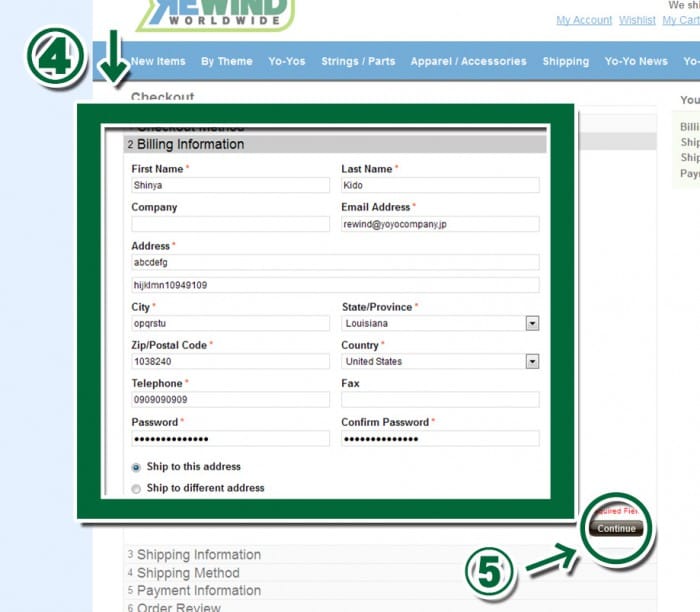
After that, choose the payment method that matches your local market. The facts show region-specific options such as GCash in the Philippines, Touch ’n Go eWallet in Malaysia, GrabPay in Singapore, the Philippines, and Malaysia, STC Pay and Mada in Saudi Arabia, and Payit, Etisalat, and PayBy in the UAE. The point is not to chase every possible method. It is to use the one that fits your region and is clearly shown in local currency.
Then pay once. That sounds obvious, but many first-time problems get worse because the buyer sees a delay, panics, and submits a second payment. If the first transaction is still processing, a duplicate attempt can create a much messier support case.
Once payment completes, go back to the YoYo app and check the balance in the Me tab. Community reports say coins are often added instantly on supported routes, but often is not the same as always. Before you close anything, save the confirmation page, receipt, order ID, and timestamp.
If you want a simpler checkout flow to compare, you can also review the Yoyo payment and support hub.
Is Yoyo Coins top up safer in the app or on the web?
This is where many beginner guides become confusing, so it helps to separate expectation from confirmed information.
The brief asks for a comparison between in-app billing and web checkout, including app store checks and card verification. But the facts available here point in a different direction: YoYo Coins top-up is described as direct web top-up via User ID, with no app store billing confirmed in the facts database. That means buyers should be careful not to assume that Apple App Store or Google Play billing is automatically part of the YoYo Coins purchase flow.
So what can be said safely?
Web checkout is the confirmed route in the facts. It relies on entering the correct YoYo User ID and paying through region-specific methods. That makes the biggest risk very clear: wrong ID entry. It also makes proof easier to understand, because the order confirmation, receipt, and order ID come from the checkout itself.
Card-based web payments may involve verification steps such as 3-D Secure, depending on the payment route. The brief requires that point, and it is a reasonable payment-safety note, but the facts do not document a specific YoYo-only card verification flow. So the careful interpretation is this: if your chosen web checkout shows card verification, complete it once and wait for the final result before trying again.
As for Apple ID, Google Play, or app store billing, the safest editorial position is not to overstate them. If a buyer reaches YoYo Coins through a web top-up page that asks for User ID, then support proof will usually live with that checkout route, not with an app store purchase history. If official YoYo guidance changes later, that should be reviewed. For now, the confirmed beginner route in the facts is web-based ID top-up.
What usually goes wrong on a first purchase?
The most common first-purchase mistakes are boring, repetitive, and completely preventable. That is good news, because it means a careful buyer can avoid most of them.
The biggest one is the wrong account problem. Community reports and troubleshooting experience point to the same pattern: people top up while logged into the wrong YoYo profile, or they enter the wrong User ID for a friend. Because direct account top-up depends on accurate ID entry, a payment can succeed and still credit the wrong destination if the UID was wrong.
The second common issue is retrying a pending payment. A pending transaction feels like nothing is happening, but that does not mean the first attempt failed. In digital top-up cases, the second attempt often creates more confusion than the original delay. If the payment route is still processing, wait for a clear result before doing anything else.
The third issue is region mismatch. The facts indicate that region-specific payments match local currency, and wrong-region payment methods may fail. In practical terms, if the checkout is built for your local market, use the local method it shows. Do not force a route that belongs to another country and expect it to behave normally.
The fourth issue is poor record-keeping. Buyers often think they will save proof only if something goes wrong. That is backwards. The best time to save proof is when everything still looks normal and the confirmation page is visible.
If you need a deeper troubleshooting path later, this is the point where a guide like Yoyo account region mismatch help or Yoyo in-app vs web checkout comparison becomes useful.
What proof should you keep after payment?
Support works fastest when the case is easy to verify. For a Yoyo Coins first top up, that means keeping enough evidence to answer four questions: who paid, which account should receive the coins, when the payment happened, and what order the support team should trace.
The facts support keeping the following proof:
receipt
order ID
payment timestamp
account ID or User ID
screenshots of the confirmation page
A post-payment balance screenshot is also useful because it shows whether the coins appeared in the account after checkout. If you can capture the confirmation page with the User ID and timestamp visible, even better. That reduces back-and-forth later.
This is one of those areas where real support outcomes are predictable. Cases move faster when the buyer already has the order ID, timestamp, and account identifier ready. Cases move slower when the buyer says only, I paid, but nothing happened.
If you want a dedicated walkthrough for this part, the natural next read is Yoyo Coins receipt and order ID guide.
If Yoyo Coins do not arrive, what should you do next?
First, do not panic and do not pay again immediately. Community reports say delivery is often instant on supported routes, but the facts also allow for delays. A safe rule is to wait a few minutes, then verify the account and payment status before escalating.
Start by reopening the YoYo app and checking the balance in the Me tab. Make sure you are still looking at the same account whose User ID you used at checkout. That sounds basic, but it catches more mistakes than people expect.
Next, review the payment result. A wallet or bank deduction does not always mean the top-up order has fully cleared. If the payment is still pending, wait for the final status rather than creating a duplicate order.
If the coins still do not appear after those checks, prepare a support bundle with:
the order ID
the receipt
the payment timestamp
the YoYo User ID or account ID used
screenshots of the confirmation page
a screenshot of the current balance
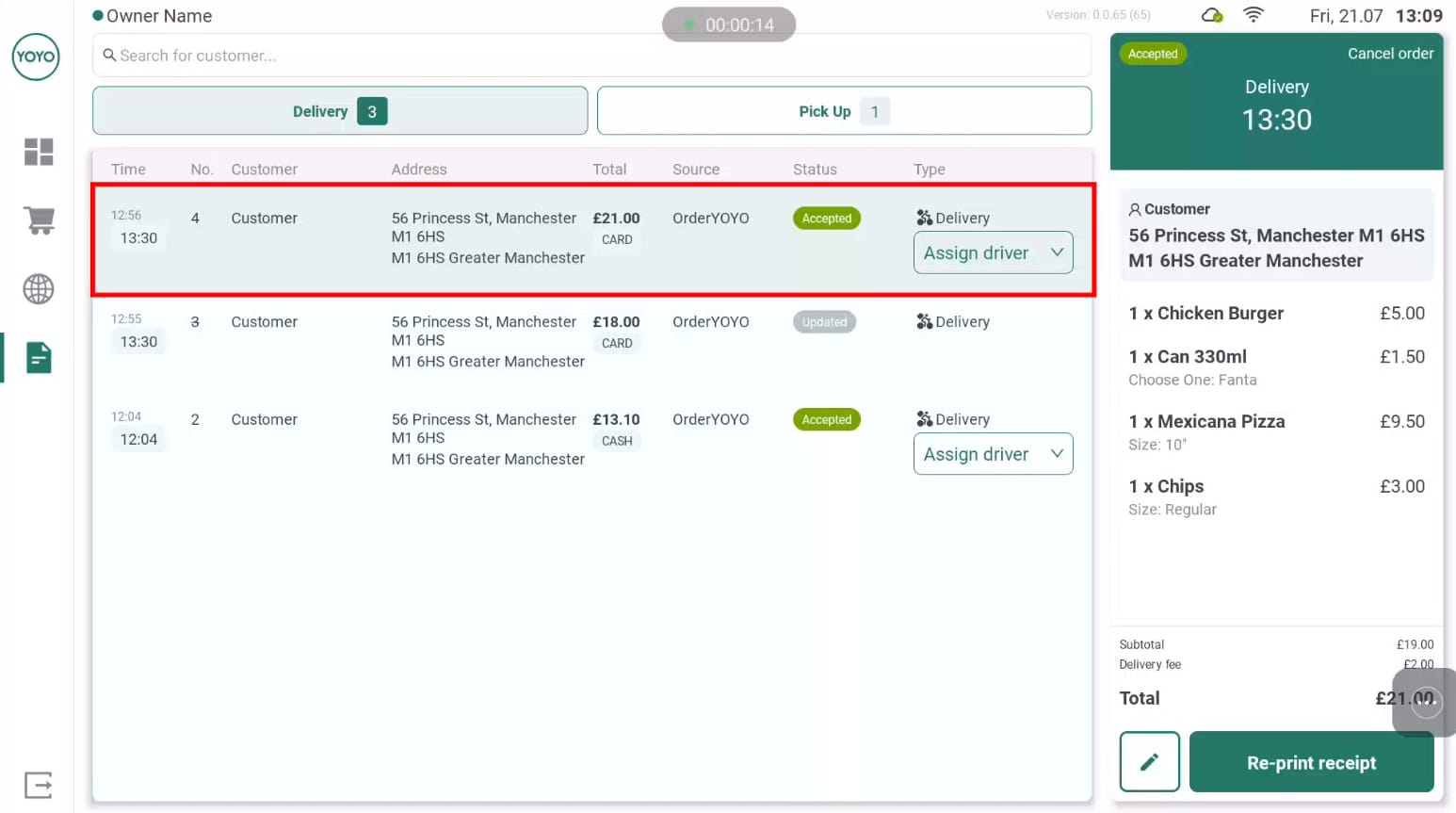
Then contact the support team for the top-up site you used. The facts specifically support contacting the top-up site support with proof if coins are not added. Keep your message short and factual: paid successfully, coins not received, User ID used, order ID, payment time. That gives support something they can act on immediately.
For a fuller recovery path, see Yoyo Coins not received after payment.
A safer first purchase makes the second one easier
A good first Yoyo Coins purchase is not about speed. It is about making the transaction traceable. Use the User ID from the YoYo app’s Me tab, choose a supported route such as Codashop where officially available, match the payment method to your region, and start with a small pack if you want to test the process carefully. Pay once, check the balance, and keep the proof.
One final distinction matters. Some guidance here is confirmed by official or platform-level facts, such as the use of User ID, the Codashop flow, and region-specific payment methods. Other points, like instant delivery being common or small test purchases being wise, come from community reporting and practical troubleshooting patterns. That difference is worth keeping in mind whenever official guidance is limited.
If you want a clearer Yoyo Coins checkout flow, use VGTopup and verify your account details before payment so your first order stays simple and traceable.