
Yes—Yaahlan Diamonds can realistically be recharged with USDT without a credit card, but not through a direct in-app Yaahlan crypto checkout. The workable no-card path is usually a third-party web checkout that supports Yaahlan UID top-up or Yaahlan gift cards paid with crypto. Before you send anything, verify your UID, wallet region, pack value, and the exact USDT network. From reviewing failed recharge cases, the biggest problem is usually a preventable mismatch, not the payment itself. If you want a no-card route, Yaahlan USDT top up only makes sense after those checks are done.
Pre-payment checklist that actually prevents failed Yaahlan top-ups
Use this list before checkout:
Copy your Yaahlan UID from Me; users commonly report it is typically 8–12 digits
Confirm the Wallet region/country matches the product you plan to buy
Check whether you are buying:
direct UID recharge, or
a Yaahlan gift card PIN for wallet redemption
Match the pack price in USD to the listing
If paying with USDT, confirm the exact network: TRC20, ERC20, or BEP20
Send the exact amount requested at checkout
Keep the order ID and transaction hash
For a first order, test with the $0.99 pack before buying larger packs
Disable VPN before redeeming a gift card or checking delivery
Never share your login; a UID is enough for supported top-ups
The hardest checks are UID, region, and network. Those three cause most paid but not received cases.
Can I recharge Yaahlan Diamonds with USDT without a credit card?
Yes, but usually through a third-party web checkout rather than Yaahlan’s own in-app billing. Community and seller-specific sources consistently show that Yaahlan top-ups can be done by UID, and Yaahlan gift cards can be bought with crypto. Confirmed examples include routes where USDT is accepted for Yaahlan-related purchases, while Yaahlan itself is described as using gift cards in-app rather than direct crypto.
That distinction matters. If you open the app and expect a native USDT button, you probably won’t find one. If you use a web checkout that supports Yaahlan UID top-up or gift card purchase, USDT becomes a real no-card option.
Personally, I would treat support as checkout-dependent, not officially native. That’s the accurate framing.
Which payment method fits best for Yaahlan Diamonds?
For true no-card buying, crypto and some e-wallet routes are the practical options. Apple Pay and Google Pay may appear at checkout, but they often sit on top of a linked card, so they don’t solve the no-credit-card problem by themselves.
From comparing checkout paths, I prefer methods with clearer order tracking over methods that only feel convenient. USDT is strong for no-card buyers because the proof trail is better than many wallet checkouts: you have the order ID and the blockchain transaction hash.
And value matters too. Community pricing shows:
$14.99 commonly gives 6300 + 850 = 7150 Diamonds, around 477 Diamonds/USD
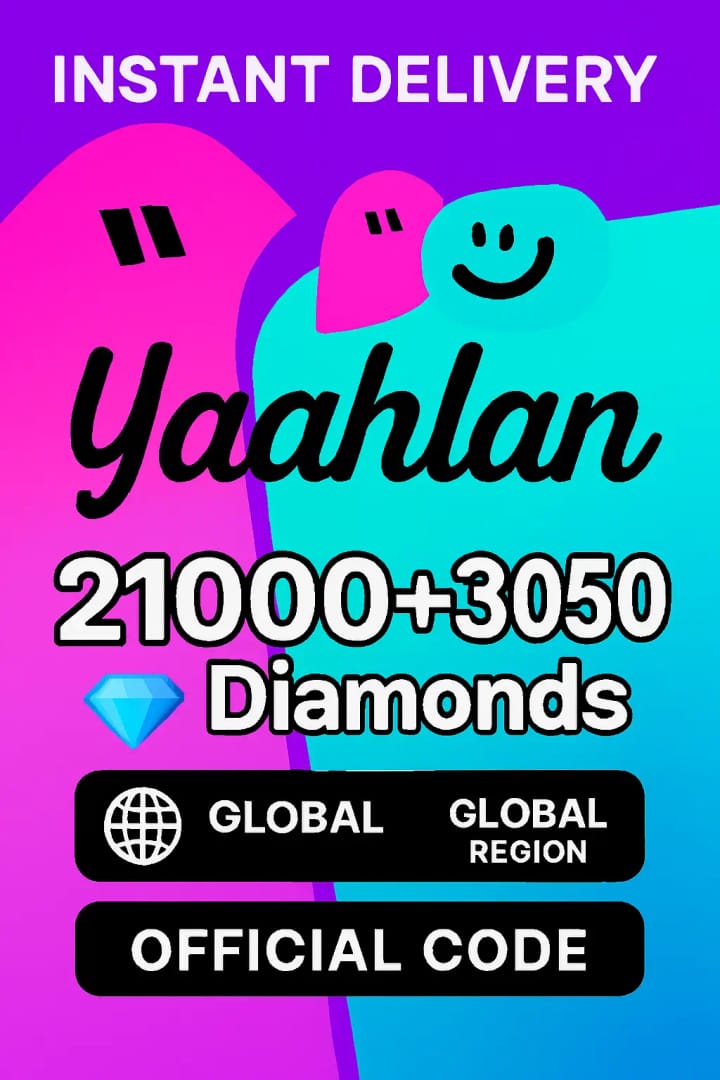
$49.99 commonly gives 21000 + 3050, around 481 Diamonds/USD
$159.99 is widely reported as the best value, around 486 Diamonds/USD
For most buyers, the $14.99 pack is the practical sweet spot. For pure value, larger packs win.
What should I verify before sending USDT?
You should verify the recipient details, the product type, and the USDT network before you pay. A successful blockchain transfer does not guarantee the recharge can be matched to your Yaahlan account.
Recipient details first
For Yaahlan, the key identifier is usually your UID, found under Me in the app. Community guidance says top-up sites use that UID for delivery. If you’re buying a gift card instead, the UID may not be used at purchase, but the wallet region still matters when redeeming.
Check these in order:
UID copied correctly
Correct account logged in
Wallet country/region matches the gift card or recharge route
No VPN active during redeem or delivery check
A lesser-known point: if you changed phones, your UID still stays with the same account. Diamonds are tied to the account UID, not the device.
Product-side checks buyers skip
This is where rushed buyers get burned:
Is the listing for Yaahlan Diamonds or a Yaahlan USD gift card?
Is the pack shown in USD, and does it match the denomination you expect?
Is the route global/MENA-compatible for your account region?
Are there refund limits? Gift cards are commonly treated as non-refundable after delivery.
If you’re buying for a friend, use their UID on a supported direct recharge route. Community reports don’t show a reliable direct in-app transfer method.
Which USDT network should I use for a Yaahlan recharge?

Use the exact network shown at checkout—nothing else. If the payment page says TRC20, don’t send ERC20 or BEP20.
That sounds obvious, but it’s the most expensive mistake in crypto top-ups. USDT transfers are generally irreversible, and the common failure points are:
TRC20 sent to ERC20 address
BEP20 sent when only TRC20 is accepted
Amount mismatch after fees
Sending after the checkout quote changed
I would check the address, chain, and final amount twice before confirming. Honestly, this is the one step where slowing down saves the most money.
Why did my Yaahlan USDT payment fail or stay pending?
Most pending or failed cases come from a mismatch between payment data and account data. Users commonly report delivery in 30–60 seconds on fast web checkouts, with up to 5 minutes sometimes needed for refresh. After that, treat the order as delayed and start collecting proof.
Here’s the practical diagnosis:
From reviewing recharge issues, I’d check region mismatch before assuming the crypto payment failed. A lot of buyers focus on the blockchain side and miss the product-side mismatch.
Paid but no diamonds received: what proof should I prepare?

Prepare order ID, transaction hash, and UID screenshot first. Those three records solve support cases faster than generic payment screenshots.
Support usually needs:
Order ID
Blockchain transaction hash
Your Yaahlan UID
Screenshot of the pack purchased
Time of payment
If gift card route: screenshot of the Wallet region and redeem error, if any
Users commonly report that reputable sellers resolve around 80% of delayed cases within 24 hours when the proof is complete. That matches what I see in payment troubleshooting generally: support moves faster when they can tie the blockchain payment to a specific account and order.
If the issue is a direct recharge, contact the seller first because they control the order mapping. If it’s a delivered gift card code that won’t redeem, you may still start with the seller, but include the wallet-country screenshot because that’s often the real blocker.
If you’re comparing no-card routes, Yaahlan crypto recharge no card is only worth considering when the checkout clearly shows the supported method and you know what proof you’ll have if something stalls.
Common mistakes I would avoid on a first purchase
That small test order matters. Community pricing shows $0.99 commonly gives 420 + 50 Diamonds, enough to confirm your account path works before you commit more.
Short FAQ
Is USDT safer than using a credit card for Yaahlan Diamonds?
For privacy, yes; for reversibility, no. Crypto hides card details, but card disputes are generally easier than recovering a wrong-chain USDT transfer.
Can I use Binance Pay instead of sending USDT manually?
Sometimes, yes, if the checkout supports it. Community data shows Binance Pay is available on some crypto-friendly gift card routes, but not as a universal Yaahlan-native option.
Do Apple Pay or Google Pay solve the no-credit-card problem?
Usually not by themselves. They often wrap a linked card, so they’re convenient, not truly card-free.
How fast do Yaahlan Diamonds arrive?
Commonly 30–60 seconds after payment on fast web checkouts. Give it up to 5 minutes before treating it as delayed.
Can I top up a friend’s account?
Yes, on supported UID-based top-up routes, by entering their UID. There’s no widely confirmed direct in-app transfer path.
My recommendation
If you need a no-credit-card Yaahlan recharge, use a web checkout that clearly supports USDT or Binance Pay, verify UID + region + network, and start with a small test pack. I personally prefer the route with the clearest order tracking, even if it isn’t always the cheapest. After you’ve confirmed your account details and supported payment options, check VGTopup for available methods and only pay when the checkout shows the exact network and product type you expect.