
If your Zenless Zone Zero top up payment failed, don't keep retrying right away. First confirm whether the order was declined, is still pending, or was charged without delivery, then check your UID/server, payment verification, and region match before trying again.
According to the official help flow, the first checks are simple but decisive: valid payment method, enough funds, matching region/physical location, and no VPN. If you're dealing with Zenless Zone Zero top up payment failed errors, the fastest fix usually comes from identifying the exact failure type before making a second attempt.
Why did my Zenless Zone Zero top up payment fail?
The direct answer: most failures come from bank declines, 3D Secure verification failure, region mismatch, unstable connection, wrong UID/server, or unsupported payment methods.
From reviewing failed recharge cases, the most common avoidable mistake is users treating every error as a simple decline. It isn't. In practice, there are four different states:
Officially, bank security blocks and insufficient funds are common causes. Community reports add another pattern: multiple failed attempts often trigger fraud flags faster, especially for gaming or international transactions. Honestly, this is where many users make things worse by hammering the pay button.
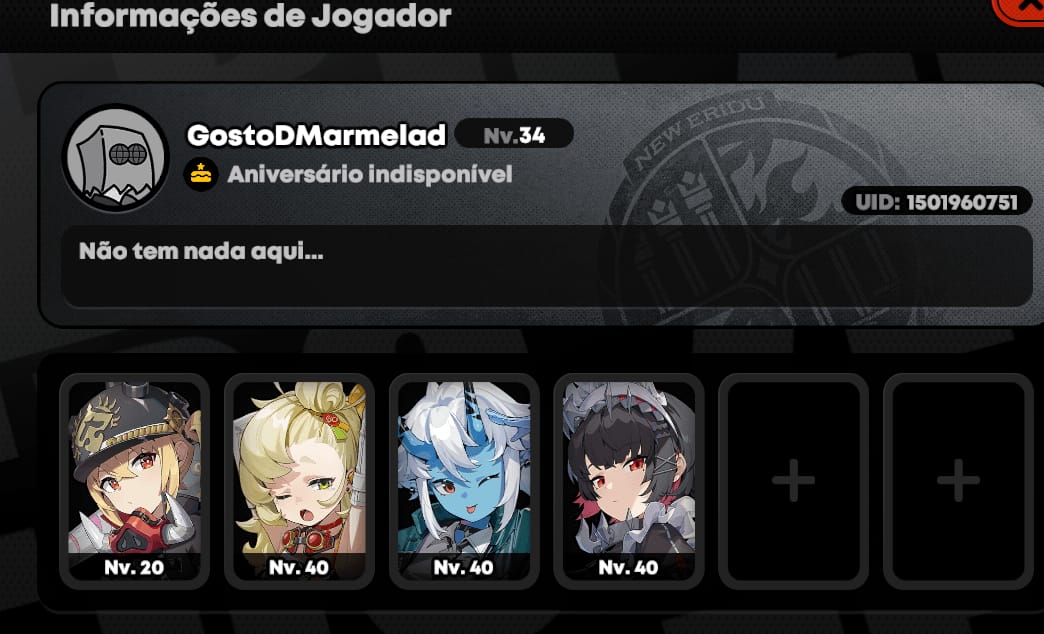
Another overlooked cause is incorrect account information. Community reports widely note that a wrong UID or wrong server selection can send the top-up to the wrong account or fail the order entirely. In ZZZ, the UID is commonly identified as your 9-10 digit player ID from the profile screen. Wrong-account top-ups are often irreversible, so I would check this before anything else.
Can account region or store country mismatch cause Zenless Zone Zero payment errors?
Yes — and it's one of the least explained but most disruptive causes.
Official guidance confirms the payment method must match your account region and your physical location. Users also commonly report failures when the payment country, store country, and game server/account region don't line up. That includes card billing country mismatches and app store settings that don't match your current region.
Here's the practical version:
This is where official and community information line up pretty well. Officially, region mismatch can cause failure. Community reports go further: cross-region top-ups often fail when the payment country differs from the account server or local currency setup.
Personally, I would avoid prepaid or gift cards here. Users commonly report they fail more often because of international restrictions, and they tend to be weaker on verification support.
Why does ret 107 appear during Zenless Zone Zero payment?
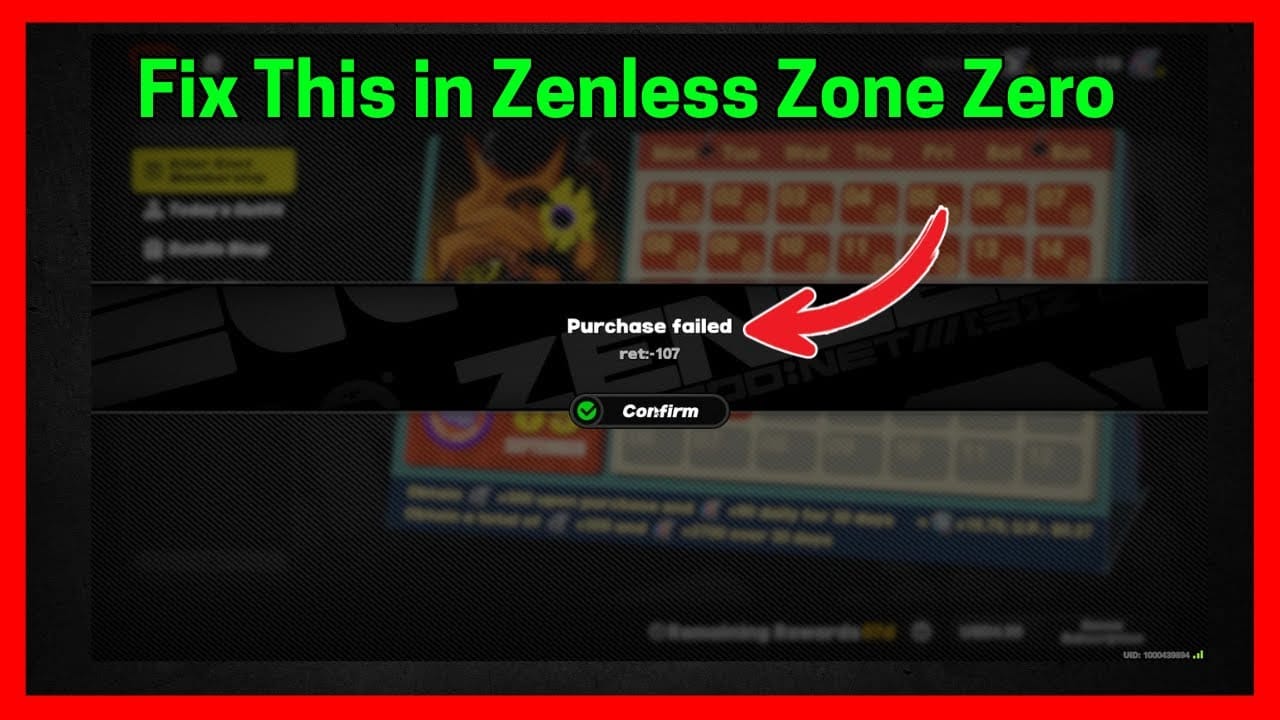
ret 107 usually points to a network, VPN, or payment-path issue, according to community reports.
The safest response is not "try again five times." Officially, you should disable VPN, switch to a stable connection, and retry only after basic cleanup. That means:
Turn off VPN or proxy
Switch from unstable Wi‑Fi to mobile hotspot or wired internet if possible
Clear app cache
Restart the device
Update the game
For persistent launcher issues, reinstall the launcher or update Epic if you're using that path
Community troubleshooting also suggests a network reset on PC with ipconfig /flushdns, /release, and /renew. That's not official ZZZ support language, but users commonly report it helps when ret 107 is tied to local network resolution problems.
How can I fix a Zenless Zone Zero top up payment failed error step by step?

Yes — and the safest fix is to follow a strict order so you don't create duplicate charges.
Check the order status first.
Look at in-game purchase history or your store/payment history. A successful bank charge does not always mean the order has fully cleared verification.Identify the failure type.
No charge + instant rejection = likely declined or verification blocked
"Processing" or no final result = pending
Charged but no currency = undelivered
Verify account details exactly.
Recheck:UID/account ID
Server/region
Selected package/amount
In Monochrome Market and official top-up flows, exact UID/server matching matters.
Check payment verification.
Make sure:Card has enough balance
3D Secure completed if prompted
Billing address matches App Store/Google Play or card settings
Your bank hasn't blocked gaming or international transactions
Remove common blockers.
Disable VPN
Change to stable internet
Clear cache
Reboot device
Update game/app/launcher
Retry once, safely.
In my experience reviewing recharge issues, one clean retry after fixing the cause is reasonable. Repeated rapid retries are not. They can trigger issuer fraud review.Switch payment method only after the basics are clean.
Officially supported methods include credit/debit card, PayPal, Apple Pay, and Google Pay, though availability varies. Official top-up support includes card and e-wallet options, but not crypto/USDT.If using app store billing, follow the platform owner.
Officially, App Store and Google Play purchase issues should go to Apple or Google support first, not HoYoverse.
If you want a cleaner comparison point before retrying, check Zenless Zone Zero recharge not received paths and supported payment details carefully. I personally prefer checkout flows with clearer order tracking, even if they aren't always the cheapest.
What should I do if my Zenless Zone Zero payment was charged but the top up did not arrive?
Wait briefly, then verify delivery manually, and escalate with evidence if it still hasn't arrived.
Officially, pending payments can process within minutes. For charged-but-undelivered orders, the first fixes are:
Log out and back into the game
Try to manually activate or claim the purchase
Check purchase history
Wait before opening a case
Community reports commonly suggest waiting 1 to 24 hours after a processing delay before escalating
If nothing arrives after 24 hours, contact the right party:
Prepare these details before you contact support. This is where fast cases get solved faster:
UID/account ID
Server/region
Order ID
Payment reference / transaction ID
Amount paid
Timestamp, ideally with UTC+8 noted
Screenshots of the error and charge
Device/platform used
Officially, HoYoverse asks for UID, order ID, payment reference, screenshots, timestamp, amount, and region for unresolved delivery issues. And yes, delayed delivery is frustrating when the money already left your account.
What are the most common Zenless Zone Zero payment failed questions?
Why does Zenless Zone Zero say payment failed?
Usually because the payment was declined by the bank, blocked during 3D Secure verification, rejected for region mismatch, or interrupted by network issues. Wrong UID/server and unsupported payment methods also cause failures.
Why was I charged but did not receive my Zenless Zone Zero top up?
Officially, some payments stay in processing for minutes before delivery. Log out/in, manually claim if available, check purchase history, and contact support if nothing arrives after 24 hours.
How long should I wait if my Zenless Zone Zero order is pending?
Minutes is normal. Community reports commonly treat 1 to 24 hours as the reasonable wait window before escalation, especially if the charge is already visible.
Can region mismatch cause a Zenless Zone Zero payment to fail?
Yes. Official guidance says your payment method, account region, and physical location need to align; users also widely report failures when store country or billing country doesn't match.
What should I do before retrying a failed Zenless Zone Zero payment?
Check whether the first order is actually pending, verify UID/server, disable VPN, switch to stable internet, confirm 3D Secure, and review bank blocks. I would do all of that before a second attempt.
How do I get a refund for a failed Zenless Zone Zero top up?
Refunds usually go through the payment provider or store if the payment failed or was declined, but official outcomes aren't guaranteed once a transaction has processed. For App Store or Google Play purchases, start with Apple or Google.
Which details does support need for a Zenless Zone Zero payment issue?
Have your UID, order ID, payment reference, amount, region, screenshots, and timestamp ready. Missing these details is one of the biggest reasons support cases drag out.
Conclusion
If your Zenless Zone Zero top up payment failed, the key is to identify the exact state first: declined, pending, charged-but-undelivered, or verification-blocked. Then check UID/server accuracy, region and billing match, 3D Secure, bank blocks, and network stability before retrying. My clear recommendation: make one clean retry only after fixing the cause. If money was deducted and nothing arrives within 24 hours, escalate with full evidence to the correct support channel.