
If your Yoyo Coins were not added after payment, do not purchase the same pack again right away. First check three things: whether the payment is fully settled, whether you are logged into the exact Yoyo account that should receive the coins, and which payment route you used. That matters because direct top-up channels are supposed to credit quickly, while app-store billing and payment verification can create a gap between charged and delivered. In most missing-balance cases, the problem is not that coins vanished, but that the order is still processing, attached to another account, or missing the right proof for support to trace it.
Quick diagnosis: is this a delay, an account mismatch, or a real delivery failure?
The fastest way to solve a Yoyo payment successful but coins missing problem is to classify it correctly before opening tickets everywhere.
For direct top-up, the official expectation is fairly clear. YoYo Coins top-up via Codashop works by entering a user ID, selecting a coin value, completing payment, and then having the coins added immediately to the account. Another official route notes that orders can be processed and delivered within 30 minutes via LDShop. In practical terms, that gives you a short waiting window, not an unlimited one.
So if your Yoyo balance is not updated after payment, start with the timeline. A few minutes of delay can still be normal. A payment marked as processing or pending may still be under review. But if the provider shows completion and the expected delivery window has passed, you are no longer dealing with a simple sync issue.
Before assuming the coins are lost, verify the three points that cause the most confusion:
the Yoyo account currently logged in
the receiving user ID entered at checkout, if you used direct top-up
the payment status shown by the store, wallet, bank, or checkout provider
This is also the point where many users misread money deducted as order fully settled. Those are not always the same thing. A card, wallet, or bank app can show a deduction before the merchant side finishes confirmation.
If you need broader billing context while checking the payment route, this can help: Yoyo payment, billing, and support hub.
What does a successful payment actually mean on each channel?
This is where many thin troubleshooting guides stop too early. The useful question is not just whether you paid, but what that payment status means on the channel you used.
Direct top-up through web checkout or user-ID entry
For YoYo top-up via Codashop, the official flow is simple: enter the YoYo user ID, choose the value, complete payment, and coins are added immediately. In the Philippines, official payment options include Codacash PH, Globe, GCash, Smart, Maya, GrabPay PH, bank transfer, and Coins.ph. In Malaysia, YoYo top-up is also offered through Codashop. In Kuwait, official payment methods include KNET Card and Zain KW, with instant delivery for coins.
The practical meaning is straightforward: if you entered the correct user ID and the payment completed, the coins should normally appear quickly. If they do not, support will usually look first at whether the wrong account identifier was entered, not whether the whole system failed.
App-store billing
App-store purchases need a different interpretation. On iOS, official policy is especially important: consumable in-app purchases such as coins cannot be restored. That means if you have a Yoyo app store purchase not showing, the Restore Purchases button is not a fix for missing coin packs. Restore is relevant for non-consumable purchases, and official guidance says it depends on being signed into the same Apple ID.
That distinction matters because users often describe two different problems as one. Missing coins are a consumable-delivery issue. Locked premium access may be an entitlement or account issue. A changed device can complicate both, but the remedy is not the same.
Wallet, bank, and card deductions
A wallet or bank deduction can still be waiting on verification. Official wallet troubleshooting in similar top-up flows points users to transaction history and in-app help tools first. For example, GCash guidance says to check transactions and use Get Help if a top-up is not received. That does not prove a Yoyo-side failure; it often means the payment trail must be confirmed before Yoyo can match it.
So if your Yoyo order is pending but charged, treat charged as evidence to preserve, not as final proof that delivery should already be complete.
Why are my Yoyo Coins not added after payment?
Most Yoyo coins not received cases come down to a small number of causes, but each one needs a different response.
Are you in the same Yoyo account you paid for?
From reviewing digital top-up complaints, the most common cause of paid but not received is not system failure but an account mismatch between checkout and current login.
That happens more often than users expect. You may have paid for one account and then opened another because:
you switched from email login to phone login
a shared device auto-signed into someone else’s account
you changed phones and re-entered different credentials
you used a guest-style or temporary session before logging in properly
you manually entered the wrong user ID during checkout
A Yoyo wrong account recharge can look exactly like a failed delivery until you compare the receiving account details with the order details. If the top-up route required a user ID, that field matters more than your bank screenshot.
Did you change device, email, or login method?
Phone changes create a lot of false alarms. Community experience across digital credit systems repeatedly shows that users think the balance disappeared when they are simply no longer in the original account. If your Yoyo account mismatch after payment started after a new phone, app reinstall, or changed email, re-check the original login method before escalating.
On iOS, remember the official rule again: consumable coins cannot be restored. If your issue is specifically coins, Restore Purchases is not the main path. If your issue is a non-consumable entitlement, official guidance says to verify the same Apple ID login on the new device.
Could region or platform be part of the confusion?
YoYo payment methods vary by market, and that can make users think a purchase is missing when they are checking the wrong route or account context. If you paid through a regional direct top-up method but are now checking a different login, region, or platform session, the balance may appear absent even though the order was attached elsewhere.
This is especially relevant when users move between app billing and web checkout and assume all receipts will look the same. They do not.
Is the transaction still under review?
Fraud screening, 3-D Secure, wallet verification, and settlement checks can all delay final confirmation. Across app and web billing flows, users often misread money deducted as final delivery, even when the transaction is still pending review or waiting for store confirmation.
That is why a Yoyo payment verification delay should be treated differently from a confirmed failed delivery. One requires patience and proof. The other requires escalation.
What proof should you keep before contacting support?
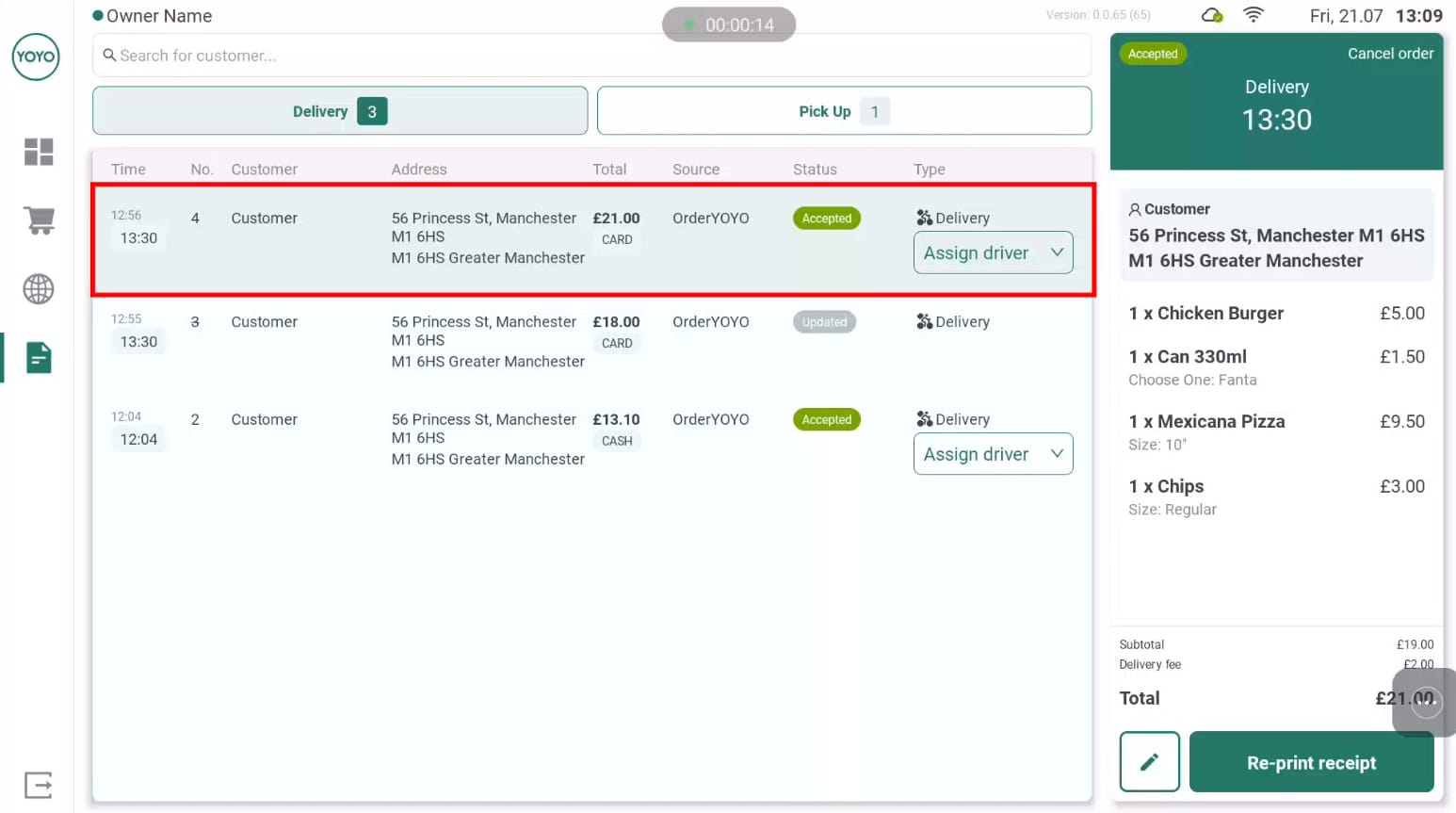
Support cases move faster when the first message already answers the obvious tracing questions. The strongest tickets are not the angriest ones; they are the clearest ones.
If your Yoyo top up was not credited, keep these details together before you contact anyone:
transaction ID or order number
receipt or invoice screenshot
Yoyo user ID
login method used on Yoyo, such as email login or phone login
pack or coin value purchased
exact payment time
device and platform used, such as iPhone, Android, or web checkout
screenshot of the current balance or locked entitlement
This is the evidence that reduces back-and-forth. In post-payment troubleshooting, the fastest cases to resolve are the ones with a clean order ID, timestamp, platform name, and receiving account proof in the first support message.
What usually slows things down is incomplete proof: cropped screenshots with no date, missing order IDs, or messages that say only money deducted no balance. You also do not need to expose sensitive card details just to prove payment. Show enough to identify the transaction, not your full financial information.
If you need help locating receipts or invoices, this is the right next read: Yoyo receipt or invoice download guide.
Should you contact Yoyo support, the app store, or the payment provider first?

The right contact depends on where the order is stuck.
If the payment provider still shows pending, under review, or incomplete, start there. That includes wallet apps, bank transfer records, and card transactions that do not yet show final settlement. Official wallet support patterns back this up: users are told to check transaction history first and raise a ticket through the payment channel when the top-up does not arrive.
If the provider or store shows the payment as completed and the normal delivery window has passed, then Yoyo support becomes the main contact because the issue is now tracing the entitlement or account credit.
A practical escalation path looks like this:
For direct top-up routes that are supposed to be instant, give it a short refresh window first. Reopen the app, log out and back in carefully, and confirm the user ID. If the route you used mentions processing within 30 minutes, wait for that window to pass before escalating.
For Apple App Store or Google Play billing, confirm the billing account first. On iPhone, do not rely on restore for consumable coins. If your issue is a non-consumable entitlement after changing devices, verify the same Apple ID and use the restore flow where relevant. If your issue is coins, gather the receipt and account proof instead. If you need more on that distinction, see the Yoyo Google Play or Apple billing not showing article and the Yoyo restore purchase after changing phone guide.
As for refunds, they are usually more realistic when the payment never fully settles or when the store or provider confirms non-delivery. Manual crediting is more realistic when the order is traceable and the receiving account can be identified. If you are already at that stage, the Yoyo refund for undelivered coins explainer is the better next step.
What should you avoid while waiting?
The mistakes that create the longest delays are usually avoidable.
The first is buying again because the first order looks stuck. A duplicate payment turns one unclear case into two. Support now has to work out whether one failed, both succeeded, or one went to the wrong account.
The second is deleting the app before saving evidence. Once the receipt, order screen, or account details are gone, your case becomes harder to trace.
The third is filing a chargeback too early. If the order is still traceable and support could manually resolve it, an early reversal can complicate the process. It is better to document the case first, wait through the normal delivery window, and then escalate in the right order.
Shared devices are another common trap. One person remains logged in, another person pays, and the coins land exactly where the active account or entered user ID pointed. That is why Yoyo wrong account recharge cases often take longer than simple delays.
Before your next Yoyo purchase
A little prevention saves a lot of support time.
Before paying again, confirm the exact Yoyo account, screenshot the user ID, and keep the receipt trail from the start. If you are using a direct top-up route, double-check the manually entered ID before confirming payment. If you are using app-store billing, make sure the store account and the Yoyo account context are both what you expect.
It also helps not to switch login methods until the balance appears. A user who pays while signed in one way and then reopens the app with another method can create the impression that the Yoyo purchase completed but no coins arrived, when the issue is really account identity.
For future purchases and account checks, these guides are useful follow-ups: Yoyo Coins buying and account verification guide and Yoyo payment, billing, and support hub.
If you want the short version, it is this: when Yoyo Coins are delayed after purchase, think in order. Check settlement. Check account match. Check the payment channel’s normal delivery window. Then send one clean support message with the right proof. That approach solves more cases, and solves them faster, than guessing, repurchasing, or escalating blindly.