
If your Steam Wallet Top Up Payment Failed But Charged issue shows up, don't retry right away. In most cases, the charge is a bank authorization hold, not a completed payment captured by Steam [official]. Steam confirms that failed purchases can place a temporary hold on your card, and banks may release it in a few days or take up to 30 days depending on issuer policy [official].
Check in this order: Steam purchase history, wallet balance, email receipt, then your bank/app transaction status. If the wallet still isn't funded after 24–48 hours and Steam shows no completed purchase, contact Steam Support with proof. If you're dealing with Steam top up payment failed or Steam wallet funds not received after payment, the key is to identify whether the payment is pending, captured, or already failed.
Why does Steam say payment failed but my card was charged?
Usually because your bank placed an authorization hold, but Steam never captured the funds. That's the core distinction most users miss.
From reviewing digital top-up support cases, this is the most common confusion. Your banking app may show a deduction, pending card charge, or reserved balance. But if Steam declined the transaction, Steam officially says it does not capture funds. The bank simply earmarks the amount and releases it later.
Use this quick read:
Two common card-level triggers are AVS failure and CVV2 failure [official]. That means:
Billing address doesn't match the card issuer's record
3-digit security code was entered incorrectly
And yes, Apple Pay or Google Pay can fail the same way as a normal card if the underlying card details or region don't line up [community].
Why is my Steam Wallet top up stuck, delayed, or not received?
Because not every successful-looking payment is a successful Steam funding event. A processor delay can look normal for 1–2 hours, but much longer often points to failure or review [community].
I would check this first:
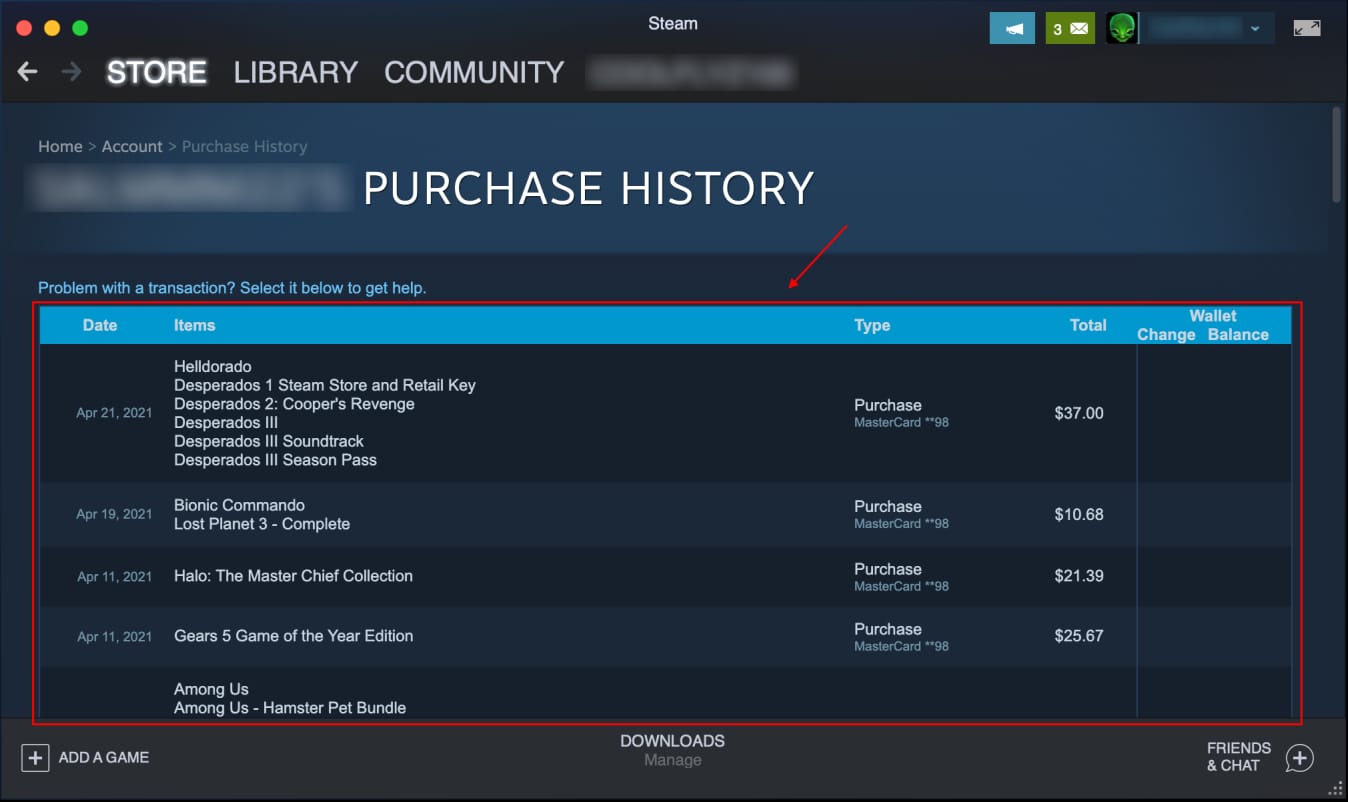
Steam purchase history at
account.steampowered.com/account/historySteam Wallet balance in the client top-right
Email receipt
Bank status: pending hold or posted charge
Steam's official check order is close to that: email receipt, wallet balance, then bank statement for a pending hold. In practice, purchase history belongs at the top because it tells you whether Steam sees the order at all.
Typical causes, in probability order:
Authorization hold after a failed card attempt [official]
Processor delay of 1–2 hours on a successful path [community]
Anti-fraud review delaying approval for up to 24 hours [community]
Region mismatch between Steam account country and payment method [official]
VPN/proxy or session issue in client/web checkout [official]
Duplicate retries creating multiple pending holds [community]
Wrong account or wrong code region in code-based funding cases [community]
One detail many guides skip: Steam saves a failed shopping cart for 72 hours [official]. So if you panic-retry from the same cart or switch between client and web too fast, you can create a mess of pending authorizations without ever getting wallet funds.
Can account region or payment method mismatch cause Steam Wallet funding to fail?
Yes. Steam officially requires the payment method region to match your Steam account region.
This is where users get trapped after moving countries, using a foreign-issued card, or checking out through a VPN. Steam may reject the payment even if your bank approves the authorization. The result: no wallet funds, but a temporary hold still appears.
Check these points:
Steam account region in Store settings
Billing address on the payment method
Card issuer country
Currency of any wallet code
VPN/proxy status
Officially, disabling VPN/proxy and retrying can resolve session issues. Community reports also note that physical Steam Wallet codes are often region-locked by currency, while digital codes are often less strict, though sources vary by seller and region [community]. If a code fails because of region, contact the code seller for refund handling.
Personally, I would avoid forcing a payment through a mismatched region setup. It wastes time and increases the chance of repeated holds.
How do I diagnose Steam Wallet Top Up Payment Failed But Charged step by step?
Use this triage checklist in order. It reduces duplicate charges and gives you the right evidence if support is needed.
1. Stop retrying for now
Repeated retries are a major cause of duplicate pending charges. If you already retried, check whether Steam shows multiple failed attempts before doing anything else.
2. Check Steam purchase history
Go to account.steampowered.com/account/history.
Look for:
Failed transaction
Pending purchase
Completed purchase
Multiple attempts for the same amount
If the charge is captured, Steam usually shows it in history. If history shows failure and your bank shows pending, that's usually a hold waiting to release.
3. Check wallet balance and the correct account
Log into the exact Steam account you intended to fund. Then:
Refresh the client
Check the wallet balance in the top-right
Confirm you didn't top up an alternate account
In missing-delivery investigations, the fastest path is verifying four details in order: account, amount, timestamp, and whether Steam issued an order confirmation.
4. Check your email receipt
A real Steam receipt matters. No receipt usually means no completed capture.
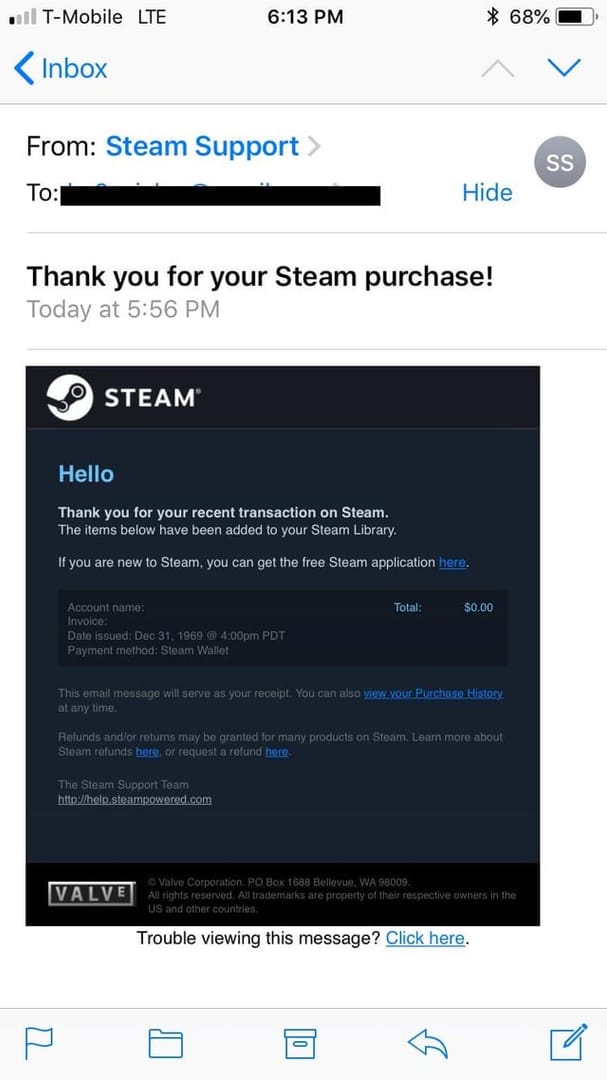
If you have:
Receipt + no wallet funds: check history, then support
No receipt + pending bank charge: likely hold
No receipt + posted charge: gather proof and escalate
5. Check the bank/app wording
Look for exact language:
Pending
Authorized
Processing
Posted
Completed
A successful bank charge does not always mean the order cleared verification. Honestly, this is the most frustrating part for users.
6. Verify region, address, and card details
Check:
Steam account country
Billing address match
CVV
Prepaid card registration status
Whether a VPN/proxy was active
Prepaid cards are a known edge case: failed purchases can still hold funds if the card wasn't registered first [official].
7. Switch checkout path only after basic checks
Steam officially suggests trying client vs web as an alternate path for session issues. Do this only after confirming the first attempt isn't still pending.
8. Collect support evidence
Before contacting support, save:
Screenshot of Steam purchase history
Screenshot of wallet balance
Email receipt, if any
Bank/app transaction screenshot
Amount
Timestamp
Last 4 digits of card if visible
Account name used
If you need a cleaner reference point while comparing order states, Steam wallet funds not received after payment is the exact issue pattern to match against.
What should I do if the charge is still pending after 24–48 hours?
Wait if it's clearly pending; escalate if nothing changes after 24–48 hours. That's the practical rule.
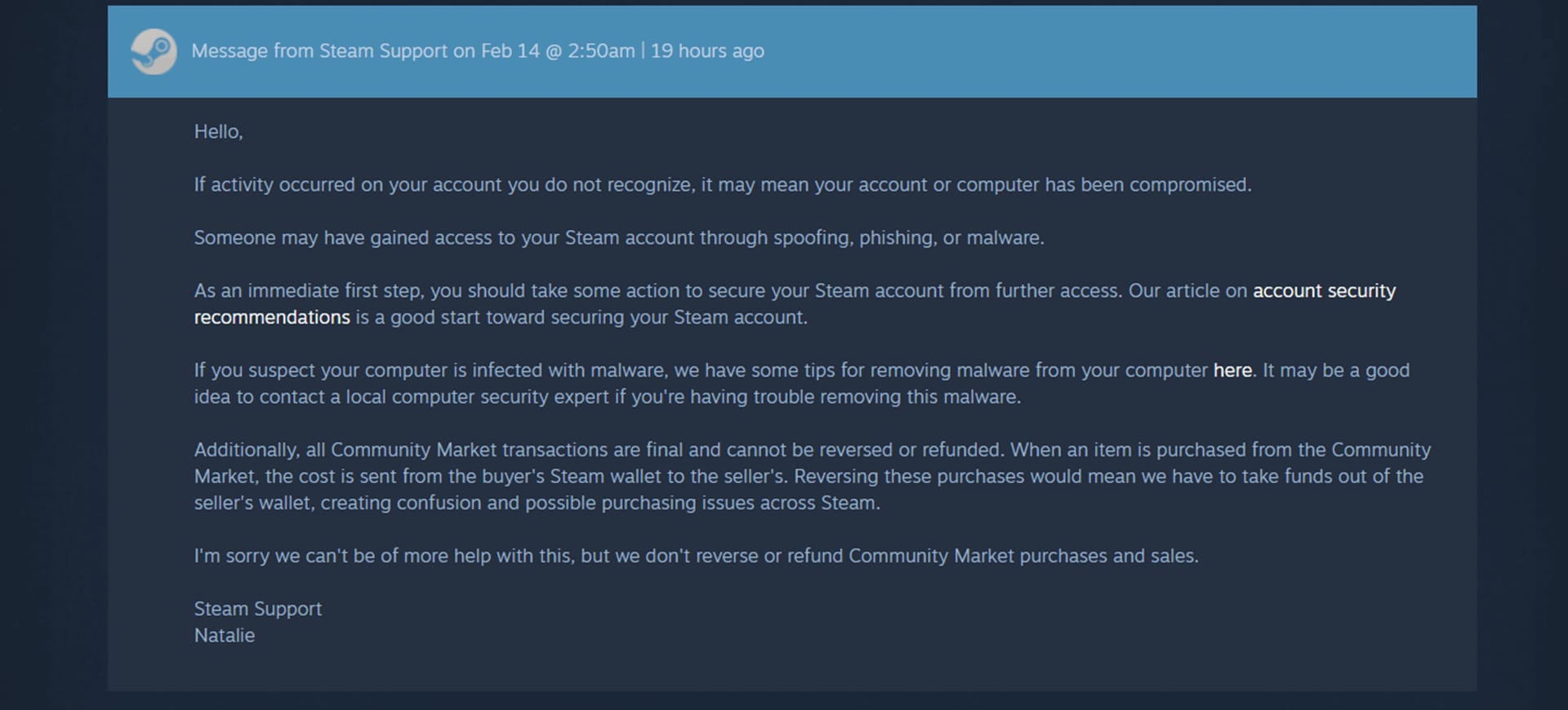
Steam Support can be reached at help.steampowered.com, and users commonly report the best path is **Help > Purchases > Recent Purchases > I was charged for this. Official guidance supports escalating after 48 hours if the wallet hasn't updated and the bank still shows pending.
Use this timing guide:
There is one conflict worth stating clearly: community reports often say holds clear in 2–3 days, while official guidance says banks may take up to 30 days. Both can be true. Typical is shorter; official maximum is longer.
How do I handle duplicate charges, wrong account top-ups, or refunds?
Handle each case differently. Treating them the same creates delays.
Duplicate charges
Most double charges are actually multiple holds from repeated retries [community].
Do this:
Check purchase history for multiple attempts.
Don't file a chargeback first.
Wait a few days to see whether extra holds drop off.
Contact Steam Support if one charge captured but wallet funding is wrong.
Contact your bank if pending duplicates remain beyond about 5 days.
Avoid chargebacks unless absolutely necessary. Steam officially warns that chargebacks can restrict your account until reversed, and dispute reversals can take up to 60 days.
Wrong account top-up
There is no direct transfer between Steam accounts [community]. If you funded the wrong account, contact support with proof immediately:
Correct and incorrect account names
Amount
Timestamp
Receipt or bank proof
Refunds
Steam officially states that unused Steam Wallet funds purchased on Steam are refundable within 14 days. That's different from a failed top-up hold. A failed top-up usually isn't refunded by Steam because Steam never captured it; the bank releases the hold instead.
For approved refunds, wallet credit can appear in 24–48 hours [official].
What should I check first if my Steam Wallet top up was not received?
Check purchase history first, then wallet balance, then email receipt, then bank status. That order tells you whether Steam sees the transaction before you chase the bank.
Why does Steam say payment failed but my card was charged?
Because the bank often authorizes the amount before the final merchant capture. If Steam declines, the bank can still show a temporary pending deduction.
How long does a pending Steam Wallet charge take to reverse?
Usually a few days, but officially it can take up to 30 days depending on your bank. Community reports commonly see 2–3 days.
Can Steam top up fail because my account region does not match my payment method?
Yes. Steam officially requires the payment method region to match the Steam account region, and mismatches are a common cause of failed funding.
Will Steam automatically refund a failed wallet top up?
Not in the usual sense. If Steam never captured the payment, your bank releases the authorization hold; if Steam did capture and later approved a refund, timing is different.
What proof do I need to contact Steam Support about a charged but failed top up?
Prepare screenshots of:
Steam purchase history
Wallet balance
Email receipt
Bank transaction status
Also include the amount, timestamp, and account used. Support moves faster when those details are complete.
What should I do if I retried and got charged twice on Steam?
Assume duplicate holds first, not duplicate completed charges. Check history, stop retrying, and monitor the bank; escalate if extra charges persist beyond several days or if one was actually captured.
How can I avoid Steam Wallet Top Up Payment Failed But Charged next time?
Use one clean attempt with matching account and payment details. That's the safest fix.
Before your next top-up:
Match payment region to Steam account country
Disable VPN/proxy
Verify CVV and billing address
Register prepaid cards before use
Don't switch rapidly between web and client
Don't retry while the first attempt is still pending
Keep screenshots if the order matters urgently
From comparing checkout paths, I personally prefer the one with clearer order tracking, even if it isn't always the cheapest. If you need a clearer top-up flow with support-ready payment details, check Steam options on VGTopup only after you've finished the diagnostic steps above.
If your Steam Wallet top-up failed but your card was charged, the most likely cause is a temporary bank authorization hold, not a completed Steam payment. Check purchase history, wallet balance, receipt, and bank status in that order, then wait or escalate based on the timeline. If nothing updates after 24–48 hours, contact Steam Support with full proof and avoid repeated retries.