
Most State of Survival Diamonds top-up myths collapse for one reason: players treat cheap, fast, and safe like they mean the same thing. They don't. The safest route is still official checkout through FunPlus, Google Play, or the Apple App Store, with your correct Survival ID entered before payment.
Free-diamond generators, hacked APKs, and "easy crypto shortcuts" are commonly fraudulent by community report, and official warnings say suspiciously cheap offers are likely scams. If you want a lower-risk purchase path, focus on documented payment proof, clear support, and exact account details. For a tracked option outside app stores, compare the checkout flow carefully before using State of Survival Diamonds safe top up.
Why do so many State of Survival Diamonds top-up myths keep spreading?
Because scam claims are simple, while real recharge rules are not. "Free diamonds," "half-price instant top-up," and "refund it later if anything goes wrong" sound easy, so they spread faster than boring but correct advice.
Three myths show up again and again:
Myth: free diamonds are hidden somewhere online.
False. Community reports consistently link generators, hacked APKs, and fake ads to credential theft, malware, or bans.Myth: any discount means the same thing.
False. Official promotions and event rewards are very different from grey-market underpricing.Myth: chargeback fixes a bad top-up with no downside.
False. Users commonly report losing access, getting blocked, or having future goods withheld after disputes.
From reviewing digital top-up issue patterns, I’d check the boring details first: Survival ID, payment status, and seller support path. Honestly, that solves more cases than people expect.
Is it safe to buy State of Survival Diamonds from a third-party site?
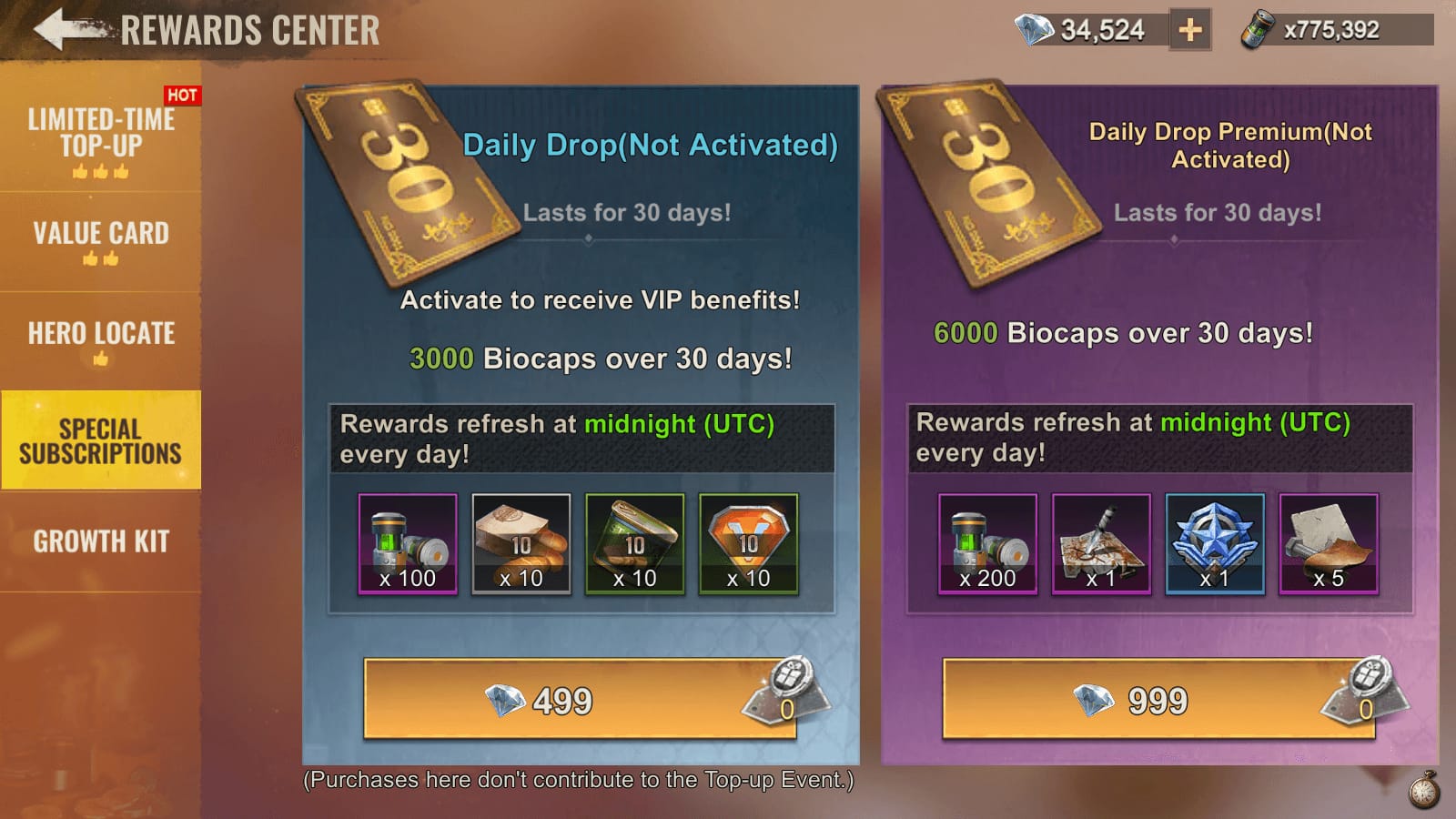
Not by default. Safety depends on how the seller handles payment, account data, delivery, and support, and official channels remain the safest confirmed option.
Officially confirmed safe routes include:
ss-pay.funplus.com
store.funplus.com/stateofsurvival
Google Play
Apple App Store
Official channels add diamonds shortly after purchase confirmation and don't require risky workarounds. Community reports say third-party purchases can work in some cases, but the risk profile is higher: delayed delivery, non-refund, scams, and possible account action.
What separates a lower-risk checkout from a dangerous one?
In my experience reviewing recharge issues, these signals matter more than the headline discount:
A point many guides miss: a successful bank charge does not always mean the order cleared verification. Payment can be captured first and still sit in review. So "money left my card" is not the same as "diamonds are confirmed."
If you do compare alternatives, keep the standard strict. A documented checkout like State of Survival Diamonds third party recharge is still only worth considering after you verify ID, package, and support terms.
What happens if a State of Survival Diamonds payment is charged back?
A chargeback is not a harmless undo button. In digital goods, community reports say it can trigger currency reversal, account review, login blocks, or future purchase restrictions.
This is where buyers get burned twice. They assume:
the bank dispute returns the money, and
the game side simply forgets the transaction.
That often isn't how digital top-ups work. Community reports say chargebacks on third-party orders frequently fail to restore the situation cleanly, and some players report blocked logins until the disputed amount is settled. There are also reports that refunds through platform channels can affect future goods delivery.
Chargeback vs refund request
Personally, I would avoid using chargeback as Plan A unless the seller is unresponsive and you've documented everything. For digital currency, once delivery is recorded, refunds are often limited.
How do I safely top up State of Survival Diamonds online?
Use official checkout first, and if you use any other seller, verify every account and payment detail before paying. Most preventable mistakes happen before the transaction, not after.
What’s the safest step-by-step recharge checklist?
Use the official top-up center when possible.
FunPlus officially provides ss-pay.funplus.com, with store.funplus.com/stateofsurvival as another official route. Google Play and the Apple App Store are the safest card-based options.Confirm the exact account identifier.
State of Survival top-ups require your User ID/Survival ID. Double-check every digit. Wrong-account top-ups are painful because support may review them, but transfers are not guaranteed.Check server and region details.
Community info says no official region lock is clearly confirmed for top-ups, but server/account matching still matters. I would verify the account profile before paying, especially on region-matched payment methods.Compare the price logically.
A small discount can be normal. A dramatic undercut is where scam risk rises fast. Official warnings specifically say very cheap third-party diamond offers are likely scams.Use supported payment methods only.
Credit card, debit card, and authorized local wallets are safer than unverified stablecoin or USDT routes. Community reports consistently flag crypto shortcuts as high-risk when there is no official support.Save proof before closing the page.
Keep:order ID
payment receipt
package selected
account ID used
support contact page
Don’t share login credentials.
A seller should not need your password for a normal ID-based recharge. Account-sharing shortcuts are widely reported as suspension risks.
Why did my State of Survival Diamonds not arrive after payment?
Usually because of payment verification delay, account-ID mismatch, or a wrong login context—not instant proof of fraud. Officially, diamonds should arrive shortly after purchase confirmation on official channels, but "charged" and "confirmed" are not always the same status.
How should you troubleshoot a missing Diamonds order?
Check the payment status first.
If it says pending, wait for sync before doing anything else. Community guidance says pending orders may need time, and reordering too fast can create duplicate charges.Confirm you used the correct Survival ID.
This is the most common preventable mistake. From comparing checkout paths, wrong ID entry causes more "not received" complaints than people think.Relog and clear cache if needed.
Community troubleshooting suggests clearing cache and logging back into the correct Google account when the purchase was tied to platform login.Verify package and account context.
Make sure you checked the right character/account and not another linked login.Contact support with full evidence.
You’ll usually need:Player ID/Survival ID
Order ID
payment proof
time of purchase
package bought
If the wrong account was topped up, stop experimenting.
Contact customer support immediately with proof. Community guidance is clear here: there is no simple self-transfer fix.
Quick problem map
FAQ
Is it safe to buy State of Survival Diamonds from a third-party site?
Not automatically. Official FunPlus checkout and app stores are the safest confirmed options, while third-party safety depends on whether the seller uses ID-based delivery, clear receipts, and real support without asking for login credentials.
Can you get free State of Survival Diamonds legally?
Yes, but only through official events, codes, or in-game tasks when offered. "Generators," hacks, and fake free-diamond ads are commonly reported scams.
What happens if a State of Survival Diamonds payment is charged back?
It can create more problems than it solves. Community reports mention reversed access, login blocks, and future goods issues after disputed digital transactions.
Why did my State of Survival Diamonds not arrive after payment?
Most often it's a pending verification, wrong account ID, or login mismatch. Check order status, relog, confirm the Survival ID, and contact support with your order ID before paying again.
Can a cheap State of Survival Diamonds deal get my account in trouble?
Yes. Official warnings say unusually cheap offers are likely scams, and community reports tie grey-market deals to delayed delivery, non-refund, and account risk.
What details do I need before recharging State of Survival Diamonds?
Have your Survival ID or Player ID ready, confirm the package, save the order ID, and know the support path before you pay. If any of those are missing, I’d pause the purchase.
State of Survival Diamonds top-up myths usually fail at the same point: they ignore how digital payments actually work. Free-diamond claims, login-sharing shortcuts, and chargeback "fixes" are not smart hacks; they're common ways to lose money or access. Stick to official channels when possible, verify your ID and payment details first, and only use a documented checkout path if you can track the order and support from start to finish.