
Most Razer Pay Link top-up orders complete fast, but a pending status usually means payment verification, account details, or fraud checks haven't fully cleared yet. In normal cases, delivery is 1–5 minutes after payment confirmation, with 5–15 minutes possible during peak periods. If you're in a hurry, check the order status, your account balance, and your receipt before doing anything else.
I would check this first: did the payment succeed, did the order move beyond pending, and did the credit actually arrive in your Razer account transaction history? For quick status checks and receipt-based follow-up, keep your Razer Pay Link Top-Up order tracking details ready and don't place a second order while the first is still under review.
Why can a Razer Pay Link top-up be instant for some users but delayed for others?
Because payment approval and credit delivery are not the same step. A top-up can be charged successfully, then sit in pending while the gateway, bank, or fraud screening finishes verification.
Officially, you can reload Razer Gold through the reload page using Visa or Mastercard, and order status can be checked in your account orders page. In practice, users commonly report a different pain point: the bank deduction appears first, but the order remains pending for hours. From reviewing delayed digital top-up cases, this is where many buyers panic too early. A successful charge does not always mean the top-up has cleared fulfillment.
Common delay causes:
Payment authorization lag: cards, local wallets, and bank-linked methods can approve payment before the merchant gets final confirmation
Fraud screening/manual review: pending often means verification is still running
Account or ID mismatch: wrong linked account details can stop credit posting
Region restrictions: Razer Gold is widely reported as region-locked; wrong-region accounts can trigger errors or invalid PIN issues
Gateway timeout: users report checkout pages freezing or timing out even after payment approval
Peak-hour queue: some orders that are usually instant stretch to 5–15 minutes
One detail many guides miss: cross-border digital top-ups don't have shipping delays, so if an order is slow, the bottleneck is almost always payment confirmation, region validation, or account matching—not logistics.
Why does my Razer Pay Link top-up show pending, processing, paid, failed, canceled, or completed?
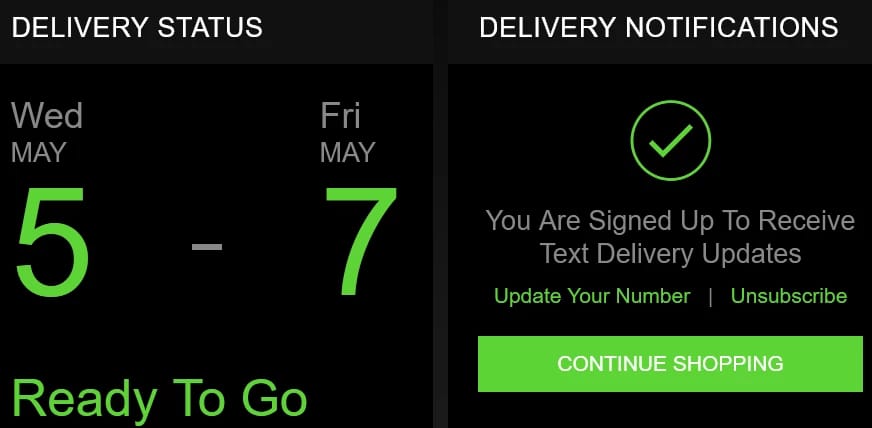
These statuses usually describe different stages of payment and fulfillment, not just a simple success/fail result. That's why "paid" can still mean "not credited yet."
Here is the practical meaning:
Users commonly report pending transactions lasting 24+ hours after deduction, and forum complaints often mention 2–3 days for final resolution. That's not normal for a clean order, but it does happen. And if ID confirmation gets involved, some cases reportedly stretch far beyond the promised 24 hours.
Personally, I would treat the statuses like this:
Pending under 15 minutes: normal enough, especially at busy times
Pending for hours after deduction: start collecting proof
Pending past 24 hours: escalate with support
Failed with a bank hold still visible: wait for the debit to clear or reverse, then contact support or your bank if needed
For buyers watching a Razer Pay Link Top-Up pending status, the key distinction is simple: payment success, order processing, and visible account credit are three separate checkpoints.
How do I track a Razer Pay Link top-up order and confirm whether it was delivered?
Track it through your order record first, then confirm inside the account that should receive the credit. Don't rely on the payment notification alone.
Officially, signed-in users can log into razer.com/my-account/orders to view order status. If you checked out as a guest, check your email, including spam and promotions, for the order confirmation and receipt.
Use this tracking checklist:
Find the order ID
Order page in your account
Confirmation email
Payment receipt or payment reference number
Match the payment details
Amount paid
Timestamp
Payment method used
Last digits or reference from card, wallet, or bank app
Verify the destination account
Correct account ID, user ID, phone number, or linked identifier
Correct region/server if relevant
Correct logged-in Razer account
Check actual credit delivery
Open Razer Gold wallet transaction history
Check current balance, not just notifications
Refresh, sign out/in once, then recheck
Decide whether to wait or escalate
1–5 minutes: standard
Up to 15 minutes: still plausible at peak
Several hours: prepare support evidence
24–48 hours unresolved: submit a ticket
In checkout troubleshooting, many "not received" cases turn out to be delayed posting or a region mismatch, not a lost order. That's why balance verification matters more than the payment SMS.
What should I do while waiting for a pending Razer Pay Link top-up?
Wait carefully, not passively. The right move is to verify, document, and avoid creating a second problem.
How should you handle a pending order step by step?
Check your balance and transaction history first.
Officially, Razer Gold wallet history is the right place to confirm whether the credit arrived. Sometimes the order email lags behind the wallet update.Review the order status in your account or email.
If you're signed in, use the orders page. If not, search inbox, spam, and promotions for the receipt.Compare account details.
Confirm the exact account identifier and region. Community reports repeatedly tie invalid or delayed top-ups to wrong-region accounts or mismatched details.Watch your bank or wallet app.
Bank holds can sit as pending debits before they settle or reverse. If the merchant never fully captures the payment, the refund path may start from the bank side.Do not place a duplicate order.
Honestly, this is the most expensive mistake urgent buyers make. Duplicate purchases often create refund and reversal issues that take longer than the original delay.Prepare support evidence before contacting anyone.
The biggest time-waster is opening chat with no usable proof.
What proof actually speeds up support?
Send only what support needs. No more.
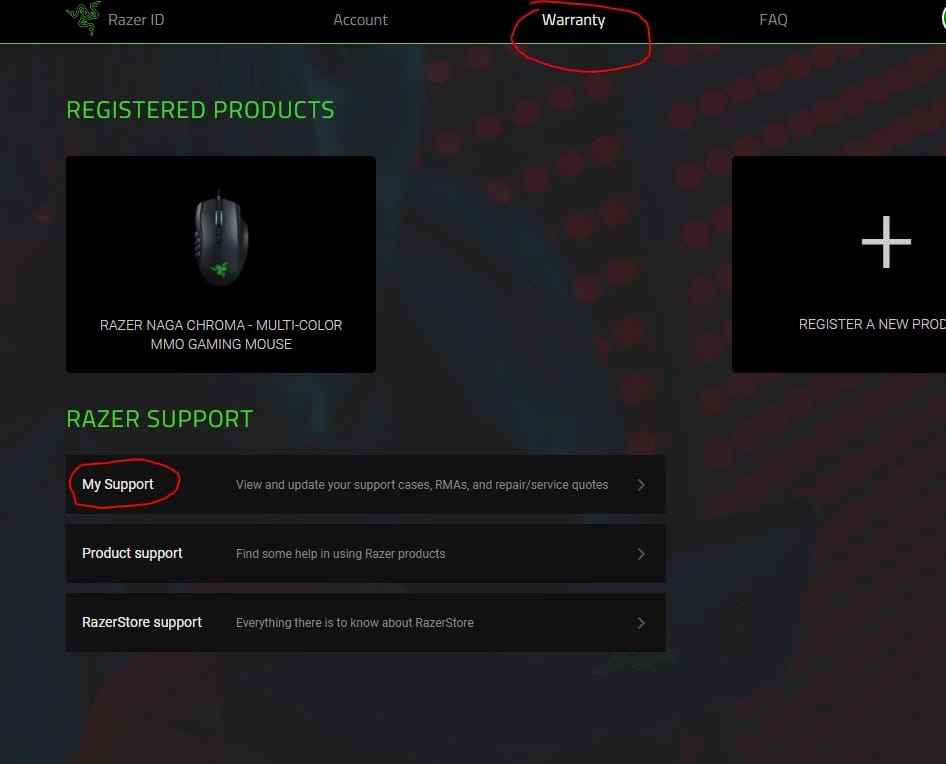
Official support options include the Razer Gold ticket inbox and live chat via the green button. Users commonly report 24–48 hours for ticket responses. If the order is still unresolved after that, refunds are often handled through support or, depending on the payment method, through your bank.
Safety rules while waiting:
Don't share full card numbers, passwords, or one-time codes
Don't send unrelated personal documents unless official support specifically requests them
Don't use a VPN to bypass region locks; community reports flag this as risky, especially in locked regions
Don't open repeated disputes while the order is still in a normal verification window
How long does a Razer Pay Link top-up usually take?
Usually 1–5 minutes after payment confirmation. During peak periods, 5–15 minutes can still be normal.
Why is my Razer Pay Link top-up still pending?
Pending usually means the payment is waiting on bank confirmation, fraud screening, gateway verification, or an account/region check. Users also report pending after page timeouts, crypto approval delays, and local wallet deductions that haven't fully settled.
How can I track my Razer Pay Link top-up order?
Use your order ID, payment reference, confirmation email, and Razer account orders page. Then verify the credit inside your wallet transaction history, because payment success alone doesn't confirm delivery.
What should I do if I paid but did not receive the credit?
First, recheck the correct account and wallet history. If nothing appears after the normal wait window, submit a support ticket with the order ID, receipt, timestamp, amount, and screenshots.
Can I place another order while the first Razer Pay Link order is pending?
No—unless support confirms the first one failed. Community experience is clear here: duplicate orders often create longer delays, duplicate charges, or messy refund cases.
What details do I need before contacting support about a delayed Razer Pay Link top-up?
Have the order ID, payment receipt, timestamp, amount, account identifier, region, and screenshots of the status and wallet history. I would also note the payment method used, because bank transfer and some no-card methods can be slower than cards or crypto.
Will a failed Razer Pay Link top-up be refunded automatically?
Sometimes, but not always on the same timeline. Failed verification refunds may go through support or your bank, and the timing depends on whether the payment was captured, held, or never fully settled.
A fast Razer Pay Link top-up is usually delivered within minutes, but a pending order means you need to separate payment success from actual credit delivery. Check the order page, email receipt, and wallet history first; then escalate with complete proof if the delay runs past the normal window. If you need a clearer checkout trail next time, keep your receipt, verify account region before paying, and never place a second order while the first is still pending.