
If your PUBG Mobile UC payment failed, first check whether the charge actually went through, then verify your player ID, payment method, and region before retrying. The safest approach is not to spam the checkout. Repeated attempts often trigger more fraud checks or duplicate pending authorizations.
In my experience reviewing recharge issues, most cases fall into three buckets: true bank/card declines, account or region mismatches, or a payment that was captured but UC delivery is delayed. Start there. If you need a quick reference for a PUBG Mobile UC payment failed fix, the key is to separate failed, pending, charged, and delayed states before you do anything else.
Why does PUBG Mobile UC payment keep failing?
It usually fails because of bank security checks, region mismatches, verification errors, or a wrong account detail.
From comparing checkout paths, card problems are the most common. Users widely report debit and credit card declines caused by insufficient funds, fraud prevention, or failed 3D Secure prompts. Prepaid cards also fail often because of spending limits or region restrictions. If you're paying in a currency that doesn't match your store or billing setup, that can also break the transaction.
A lot of users miss the region layer. Community reports consistently show failures when your Google Play or Apple ID country doesn't match your physical location or payment setup. On Midasbuy, cross-border mismatches can trigger a choose another region error. And if you're on Apple Pay, unpaid balances or an unmatched region can stop the payment entirely.
Temporary risk blocks are another hidden cause. VPN use, high-risk devices, repeated retries, and outdated app sessions are commonly linked to checkout errors or holds. Honestly, this is where people make it worse: they keep tapping Pay and turn one failed order into several pending ones.
How do failed, pending, canceled, and charged-but-not-delivered orders differ?
They differ by charge status, and that tells you what to do next.
Users commonly report UC sync in 1-5 minutes, but delays can stretch to 12 hours. Risk-review holds of 1-12 hours are also widely observed. A successful bank charge does not always mean the order has cleared verification yet.
Why can account details or platform settings stop a PUBG Mobile UC recharge?
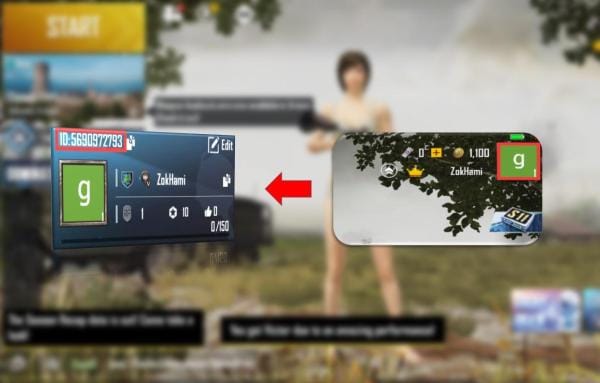
Yes, account details and platform settings can absolutely stop the recharge, and wrong player ID is one of the most expensive mistakes.
Officially, Midasbuy top-ups require the exact 10-digit Player ID from your in-game profile. Midasbuy sends UC directly by Player ID, while in-app Google Play or Apple purchases sync through your store account. That difference matters. If you use the wrong ID on a direct top-up, UC can go to the wrong account, and community experience shows wrong-ID deliveries are generally non-refundable once completed.
I would check these first:
Player ID: copy the exact 10-digit ID from your in-game profile
Account link status: link email or phone and enable 2FA before retrying
Store country: Google Play / Apple ID country should match your payment setup
Billing permissions: Android users may need Google Play billing permissions enabled
VPN status: disable VPN before retrying
App state: update PUBG Mobile, clear cache if needed, and reopen cleanly
Personally, I prefer direct top-up through official channels when troubleshooting because the order path is clearer: Midasbuy uses Player ID directly, while in-app purchases depend on store account sync and store-region rules.
How can you fix a PUBG Mobile UC payment failed error step by step?
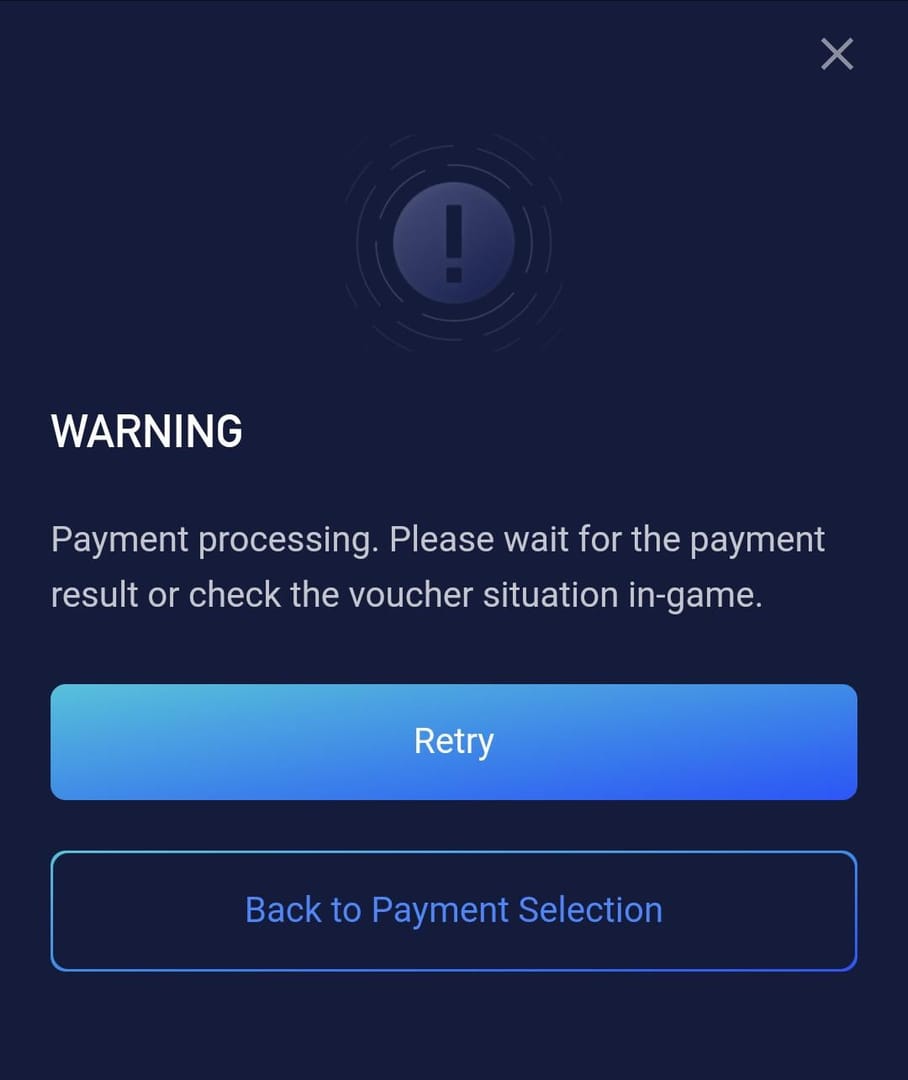
Fix it by checking charge status first, then correcting the exact failure point before one clean retry.
Check whether you were actually charged.
Look at your bank, card app, Google Play, or Apple purchase history.No charge: the payment failed; fix the cause and retry
Pending: wait up to 24 hours
Charged: don't repay yet; monitor delivery first
Restart the game and device.
Official guidance is simple: fully close PUBG Mobile, restart your device, reopen the game, and check your UC balance again. Delayed sync is common.Verify the Player ID and package.
Confirm the exact 10-digit Player ID from your profile. Double-check the UC pack before paying again. There is no UC transfer between accounts.Check payment-method issues.
For cards, confirm:enough balance
no fraud block from the bank
3D Secure prompt completed
billing address matches
local currency setup matches the store/account
If your debit card failed, contact the bank and ask whether fraud prevention blocked the transaction. For prepaid cards, users commonly report better results with Google Play balance instead.
Check region and device risk factors.
Match your store region, payment region, and physical location as closely as possible. Disable VPN. Update the app. Clear cache if the checkout keeps looping or throwing errors.Wait before retrying.
If the order is pending or the card was charged, wait 12-24 hours. Official guidance supports waiting 24 hours for delayed or pending cases, then retrying; escalate after 48 hours if unresolved.Retry once using a clean checkout session.
Use an official flow such as Midasbuy or the in-game store with verified details. Midasbuy is the official PUBG Mobile UC recharge site and supports multiple payment methods securely. In select regions, Razer Gold is also an official partner.
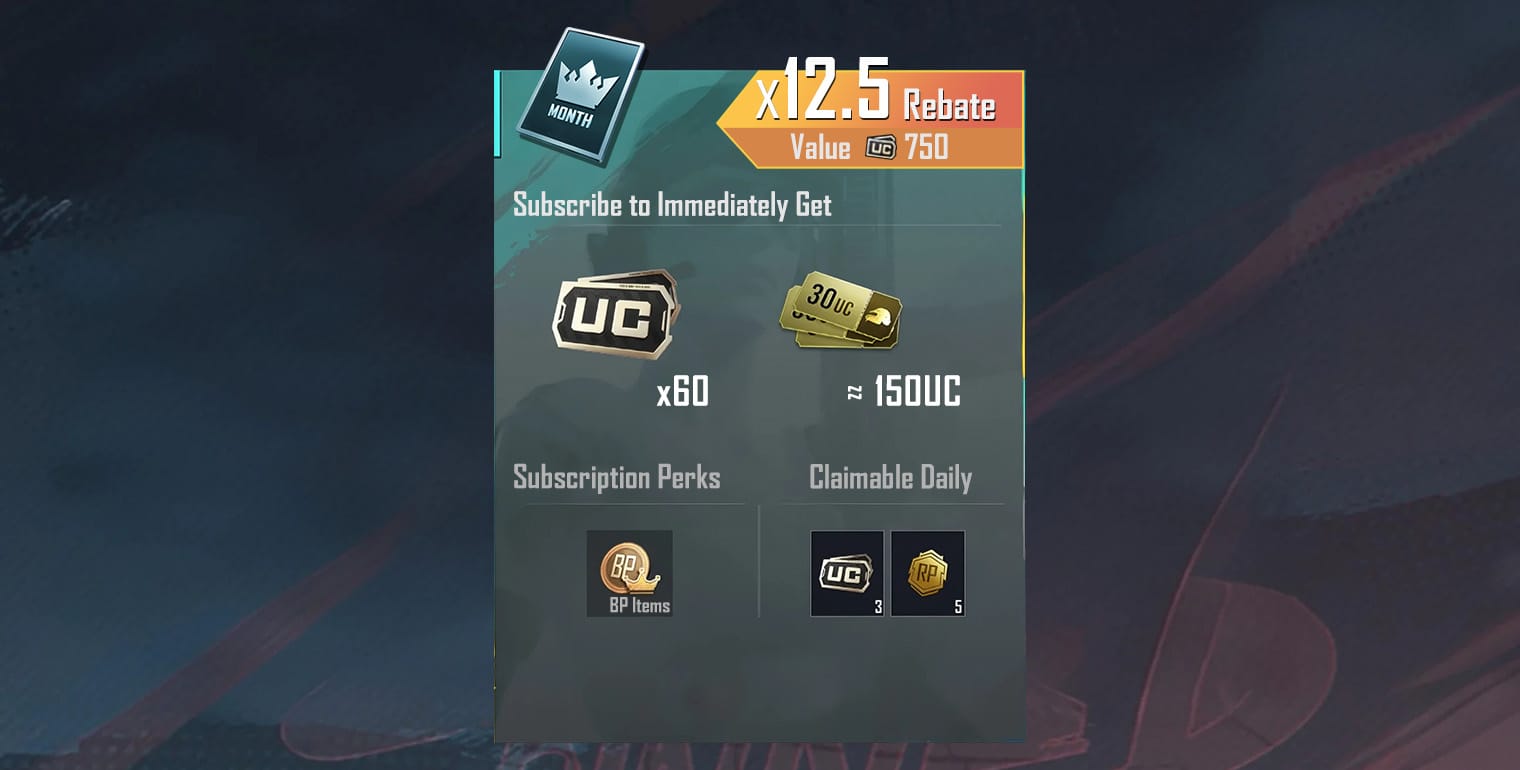
Escalate with proof if UC still doesn't arrive.
Contact official support through helpshift.com, or email service@pubgmobile.com / help@midasbuy.com. The fastest cases usually include complete evidence.
What proof should you collect before contacting support?
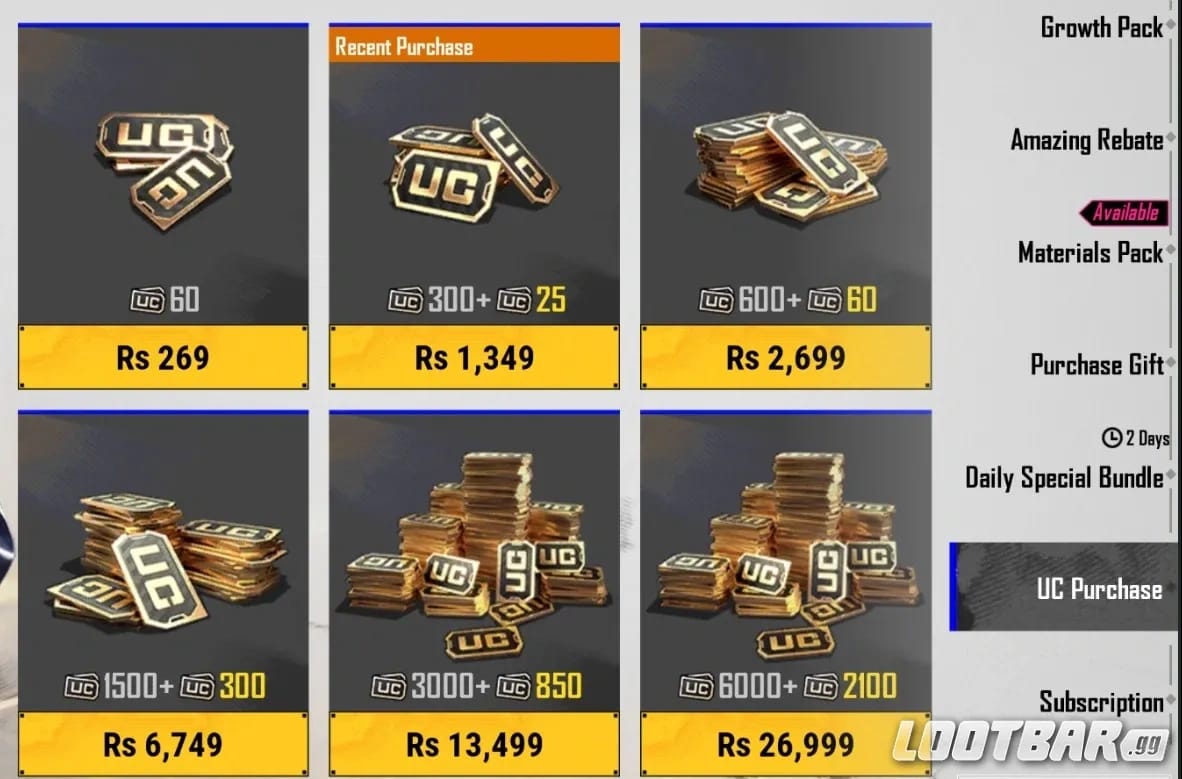
Collect everything before you open a ticket. It saves time.
This is also the right moment to review PUBG Mobile UC top up charged but not received scenarios, because support handles delayed-delivery cases differently from outright declines.
How can you recharge PUBG Mobile UC safely after a failed payment?
Recharge safely by using official channels, verifying account details first, and avoiding duplicate attempts.
Use the safest path first.
Officially, the safest recharge methods are Midasbuy or the in-game store with a verified Player ID and matching region. Midasbuy sometimes runs official promos, including a 10% discount on 300+ UC packs for limited campaigns.Match the payment flow to your situation.
Card users: use the method only after confirming no bank fraud block
No credit card: use Google Play gift cards, Google Play balance, or e-wallets supported on Midasbuy
Apple users: fix unpaid balances and region mismatches before retrying
Urgent orders: choose the flow with clearer order tracking, even if it isn't always the cheapest
Avoid risky shortcuts.
Community reports repeatedly warn about fake cheap UC offers that take payment and never deliver. I would avoid any route that doesn't give clear order tracking, support contact, and account verification.Keep receipts until UC arrives.
Don't delete screenshots after checkout. Delayed delivery is frustrating when the money already left your account, and proof is what moves support faster.
What should you expect about refunds?
Refunds are limited, not automatic.
Officially, refunds for unspent UC or items may be available within 7 days through a PUBG support ticket with proof. There are no guarantees for spent UC, and official sources also make clear that third-party purchases don't come with guaranteed refunds. If your bank was charged and no UC arrives after 48 hours, escalate to PUBG/Midasbuy support first, then your payment provider if needed.
FAQ
Why does PUBG Mobile UC payment keep failing?
Usually because of card declines, 3D Secure failure, region mismatch, wrong store country, or temporary risk blocks. If the same checkout fails repeatedly, stop retrying and check whether the issue is payment, account, or delivery status.
What should I do if I was charged but did not receive UC?
Wait 12-24 hours first, because delayed sync is common. Restart the game and device, then contact official support with your Player ID, order ID, timestamp, and payment proof if UC still hasn't arrived.
Can a wrong player ID cause a PUBG Mobile UC top-up issue?
Yes. Officially, Midasbuy requires the exact 10-digit Player ID, and a wrong ID can send UC to the wrong account. Once delivered, those cases are often not reversible.
How long should I wait if my PUBG Mobile UC payment is pending?
Wait up to 24 hours in most cases. If the charge remains pending or UC still hasn't arrived after 48 hours, escalate to PUBG Mobile support or Midasbuy support.
Can I get a refund for a failed PUBG Mobile UC payment?
If the payment truly failed and no charge was captured, you usually don't need a refund because no money left. For charged orders, official support may allow refunds for unspent UC or items within 7 days with proof, but spent UC and non-official purchases are not guaranteed.
Is it safe to retry a PUBG Mobile UC payment immediately?
Only if the order was canceled or clearly failed with no charge. If the payment is pending or already charged, don't retry immediately or you risk duplicate charges.
Why is my card declined when buying PUBG Mobile UC?
The usual reasons are insufficient funds, fraud prevention, failed 3D Secure, prepaid card limits, or billing-region mismatch. Debit card users should contact the bank directly to confirm whether the transaction was blocked.
PUBG Mobile UC payment failures are usually fixable once you identify the real state of the order: failed, pending, charged, or delayed. Check charge status first, verify the exact 10-digit Player ID, match your region and payment setup, then retry only once through an official channel. If money was taken and UC still doesn't arrive after 48 hours, file a support ticket with full proof instead of paying again.