
If your PUBG Mobile UC Not Received After Payment issue just happened, don't pay again yet. First check whether the payment was fully captured or only authorized, confirm the exact player ID and account region, then refresh the game and verify your balance. A successful bank alert does not always mean UC delivery has completed.
Official and community guidance lines up on the safest path: restart PUBG Mobile, check order status, wait if the order is still pending, and contact support with full proof if UC still hasn't arrived. For many users, the problem is a sync delay, wrong ID, region mismatch, or anti-fraud review—not a permanent loss.
If you're comparing recharge paths after resolving this, keep receipts and use channels with clearer tracking for PUBG Mobile UC not received after payment cases.
Why was my PUBG Mobile UC not received after payment?
The usual reasons are pending payment verification, app-store sync delay, wrong player ID, or region mismatch.
From reviewing digital top-up support cases, I would check the payment state before anything else. Users often see "charged" and assume the order is complete, but payment authorization and payment capture are not the same. Community reports regularly show bank holds that later reverse, while true completed charges usually appear in store history or seller order records.
Common causes:
Officially, PUBG Mobile support advises fully closing the game, reopening it, and checking your UC balance again. Community experience adds a useful detail many pages miss: logging out and back in, or switching between Wi‑Fi and mobile data, can force a balance refresh.
Can region mismatch or fraud checks delay PUBG Mobile UC delivery?
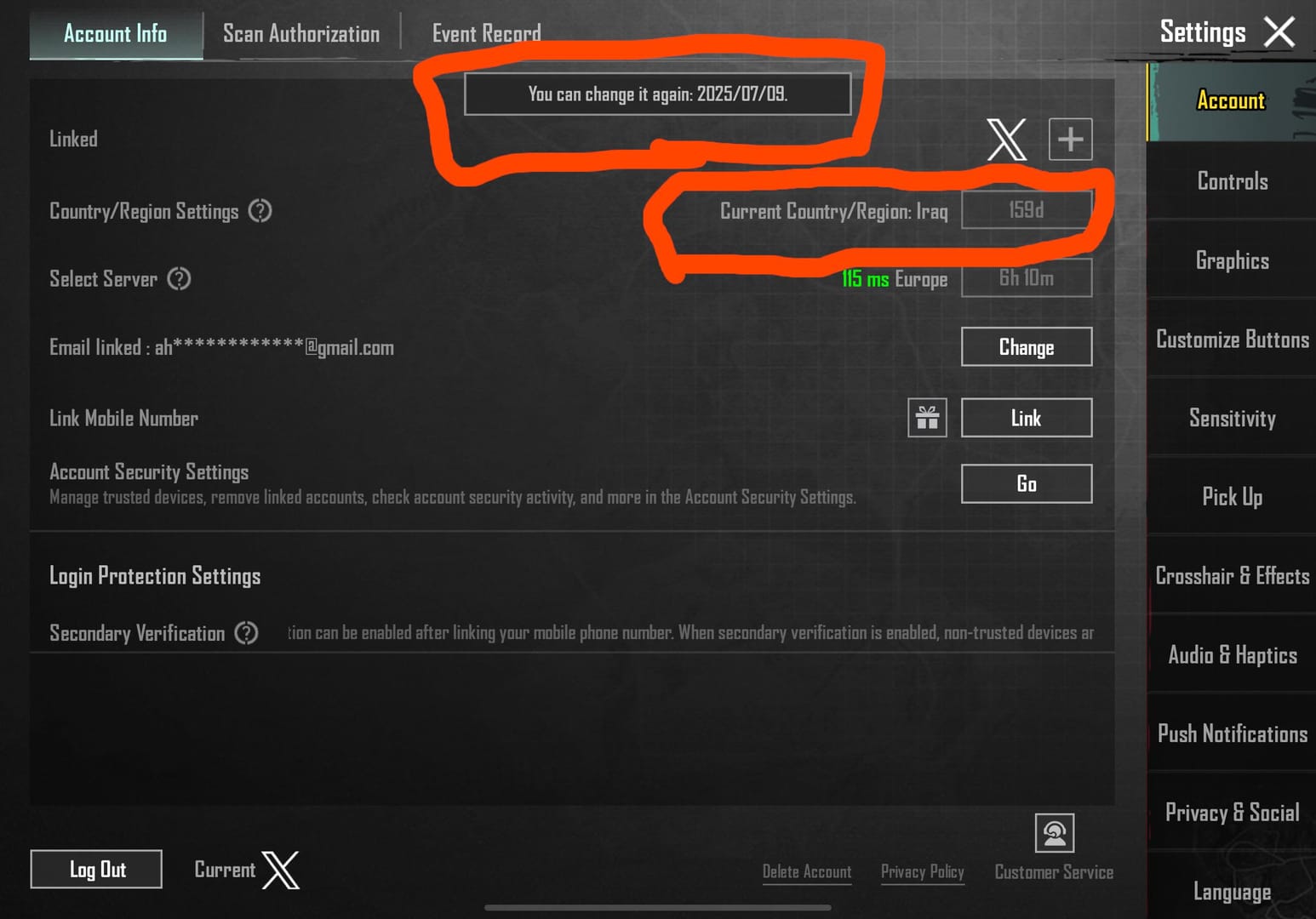
Yes. Region mismatch and fraud checks are widely reported reasons for delayed or failed UC crediting.
This is one of the most overlooked causes. If your PUBG account region, app store region, payment method region, or checkout currency don't match, the order can fail verification or sit in review. Users commonly report this with Google Play, Apple App Store, Apple Pay, and Google Pay when the store country doesn't match the game account or local billing setup.
Another trigger is anti-fraud review. Community reports say delays are more common when:
you're making a first-time purchase
you use a VPN
the device is rooted or jailbroken
the payment pattern looks unusual
the card country and account region don't line up
In recharge troubleshooting, many "payment successful but no UC" cases are not delivery bugs at all. They're verification holds. The practical rule is simple: if the order is pending, wait 12-24 hours before escalating. And don't place a duplicate order during that window.
How long should you wait before treating PUBG Mobile UC as a failed order?
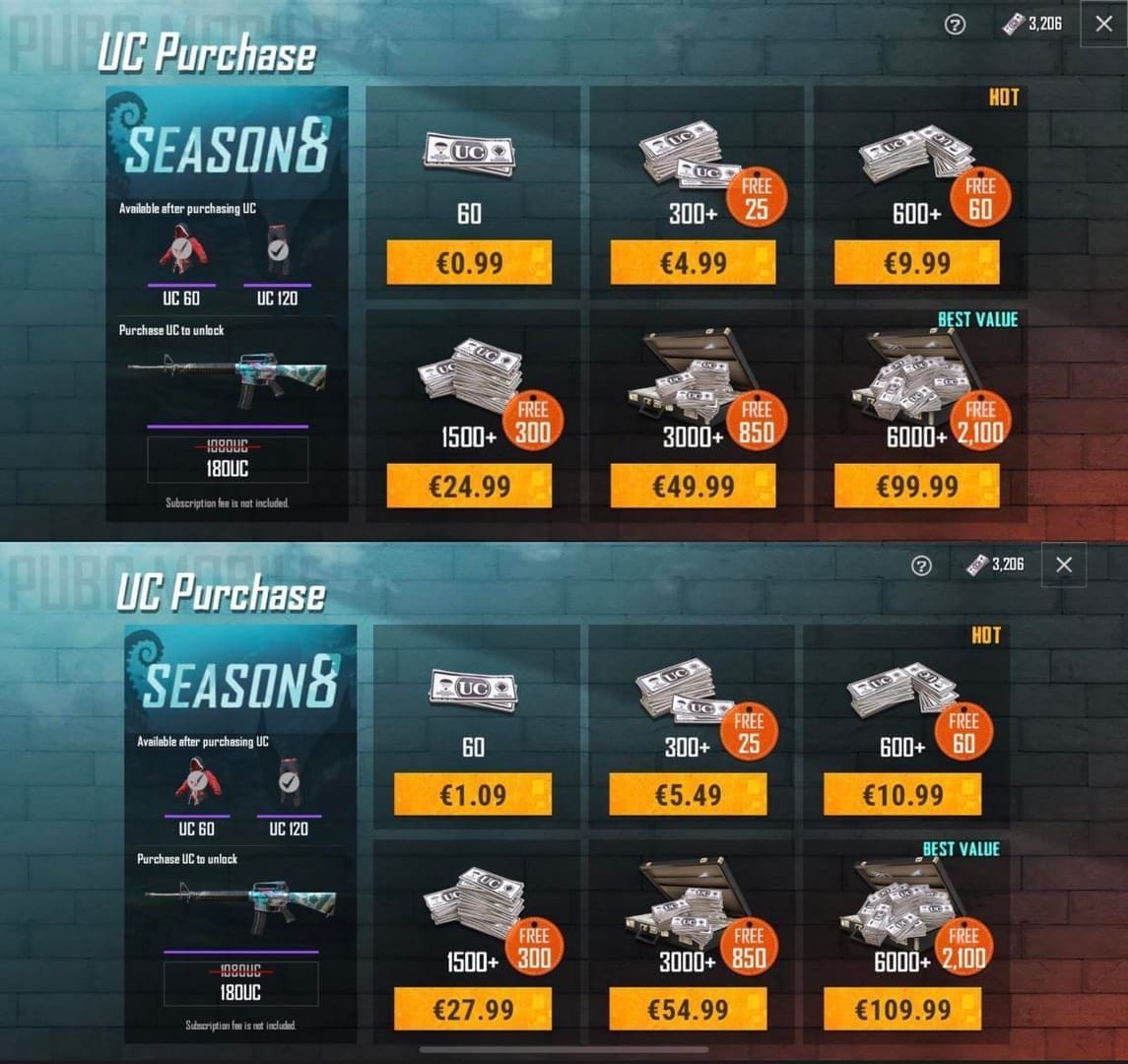
Usually, official-channel UC arrives fast, but not every delay means failure.
Community and single-source data suggest:
official-channel delivery is typically within 10 minutes
app store sync delays can stretch to 30 minutes
pending orders often resolve within 12-24 hours
failed undelivered orders may auto-refund in 3-7 days according to community reports
Here's the decision tree I personally use:
That distinction matters. Most weak guides jump straight to "contact support." In practice, support works faster when you first separate a pending authorization from a true failed delivery.
If your issue started during checkout or the order never completed cleanly, this related path may help: PUBG Mobile UC top up failed.
How do I fix PUBG Mobile UC not received after payment step by step?
Follow a channel-based checklist. The right fix depends on where you paid.
Website or Midasbuy checkout
Check the order page Confirm the order status is paid, pending, or failed. Officially, for website checkout you should log in, select the correct region, enter the exact player ID, pay, then check in-game.
Verify the player ID Double-check the exact ID entered. In my experience reviewing recharge issues, wrong account identifiers are one of the most expensive mistakes because wrong-account UC is commonly reported as non-transferable and often non-refundable.
Refresh PUBG Mobile Fully close the game, reopen it, and check your UC balance. If still missing, log out/in and switch networks.
Wait if the order is pending If payment is successful but the order is still processing, wait up to 24 hours. Don't create a second order.
Collect proof before contacting support Prepare:
player ID
order ID
transaction ID
payment receipt screenshot
screenshot showing missing UC balance
timestamp
platform used
Google Play or Apple App Store purchase
Open purchase history Verify the transaction in Google Play or Apple App Store history. This tells you whether the purchase actually completed.
Check whether it was a hold or completed charge A card notification alone isn't enough. Community guidance notes that some "charges" are authorization holds, not captured payments.
Refresh the game Restart PUBG Mobile, clear cache if needed, update the app, and restart the device.
Wait for sync App store purchases are often instant, but sync delays up to 30 minutes are commonly reported.
Escalate by the right channel
If the store shows completed purchase but no UC after 24 hours: contact PUBG Mobile support.
If the store order failed but money left your account: use the app store refund/request flow and monitor reversal.
How do I contact support or request a refund for missing PUBG Mobile UC?
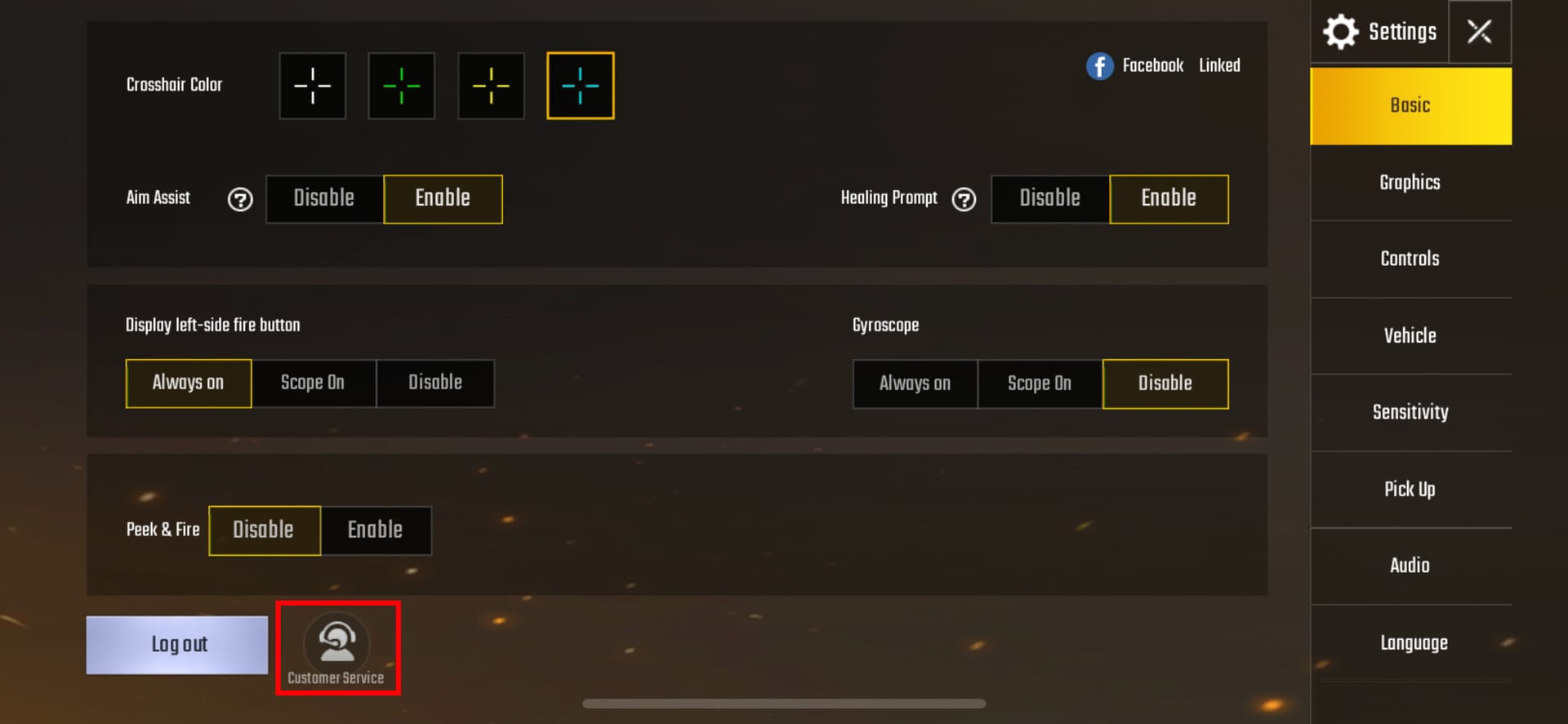
Use the official help center after you've verified the basics and waited the safe window.
Officially, PUBG Mobile asks users to submit a ticket with:
player ID
order ID or transaction ID
payment receipt screenshot
The official support channel is the PUBG Mobile Help Center at pubgmobile.helpshift.com. From comparing support outcomes, the fastest resolutions usually happen when users send every proof item in the first message instead of waiting for support to ask.
Use this proof checklist:
Refund expectations:
Officially, refunds are available within 7 days for unspent UC purchases
Community reports say failed undelivered orders often auto-refund in 3-7 days
If the order is still pending, refund may not be immediate because the payment hasn't fully settled yet
One warning: don't use chargebacks as your first move. Users commonly report that chargeback abuse can lead to account penalties or bans. I would always go through official support or the payment platform first.
Safety rules that save headaches:
use your own player ID only
avoid account sharing
avoid VPNs during payment
don't repay duplicate pending orders
prefer official channels like Midasbuy, Google Play, and Apple App Store for clearer delivery and support trails
If you later top up again, even through a verified seller such as VGTopup, keep the receipt and recheck player details before paying.
FAQ
Why is my PUBG Mobile UC not showing up after payment?
Usually because the order is still pending, the game hasn't synced yet, or the wrong player ID/region was used. Start by restarting the game, checking purchase history, and confirming the exact account details.
How long does PUBG Mobile UC take to arrive?
Official-channel UC is typically delivered within 10 minutes. App store sync can take around 30 minutes, and pending verification cases can take 12-24 hours.
What should I do if my card was charged but I did not receive UC?
First confirm whether it was a completed charge or just an authorization hold. Then check the order status, refresh PUBG Mobile, and gather proof before contacting support.
Can I get a refund if PUBG Mobile UC was not delivered?
Yes, in some cases. Officially, refunds are available within 7 days for unspent UC purchases, and community reports say failed undelivered orders often auto-refund in 3-7 days.
Does a wrong player ID cause PUBG Mobile UC delivery failure?
Yes, very often. Community experience shows player ID mismatch is a common reason for missing UC, and wrong-account credits are difficult to reverse.
Can region mismatch stop PUBG Mobile UC from being credited?
Yes. If your account region, store region, payment region, or currency don't match, the order can be rejected or delayed for review.
Should I buy again if my PUBG Mobile UC order is still pending?
No. Wait up to 24 hours and contact support if it doesn't resolve. Repaying too early can create duplicate charges and a messier support case.
PUBG Mobile UC not received after payment is usually fixable if you follow the order: verify payment status, confirm player ID and region, refresh the game, then escalate with full proof after the safe wait window. My clear recommendation: don't repay a pending order, use official support channels, and keep every receipt until the UC lands or the refund clears.