
If your Bigo Live Diamonds top up payment failed, first identify the status: declined, pending, or charged without delivery. Each one has a different fix. In most cases, the fastest path is to verify your Bigo ID, wait out any pending authorization, then retry once with matching billing and region details.
From reviewing failed recharge cases, the most avoidable mistake is retrying too fast after a pending charge. That often creates duplicate holds without delivering Diamonds. If you need a cleaner checkout path after confirming your details, this guide to Bigo Live Diamonds payment failed fix can help you compare the next safe step.
Why did my Bigo Live Diamonds top up payment fail?
The usual causes are bank decline, 3D Secure failure, ID mismatch, app store billing issues, or region conflict.
Start with the fastest triage:
Users commonly report these error patterns:
51 = insufficient funds
05 = bank do not honor decline
4301 = region mismatch
Community data says 40% of recharge failures come from ID errors, and broader reports put total recharge failure exposure around 30–40% of users, with 30% tied to bank flags. In my experience reviewing recharge issues, people often blame Bigo first when the real cause is the bank blocking an international or gaming transaction.
Less obvious causes matter too:
Expired card details
3D Secure OTP not completed
Wrong billing address or currency mismatch
Google Play country mismatch
Outdated Apple billing profile
VPN use during checkout
Prepaid cards with international limits
A successful bank charge does not always mean the order has cleared verification. That’s the part many guides miss.
Why do region mismatch and billing checks block Bigo Live payments?
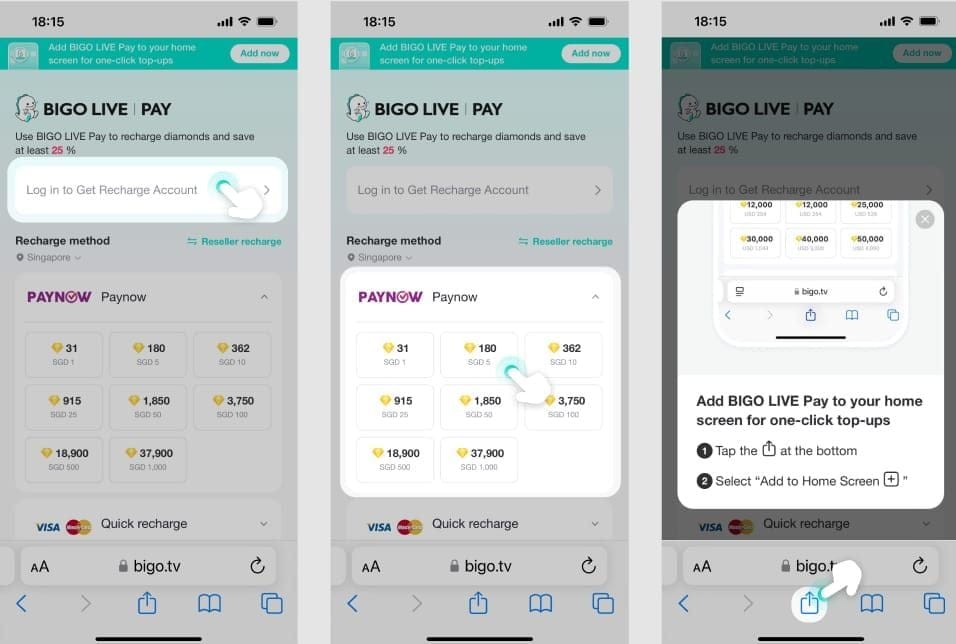
Because Bigo, your app store, and your card issuer all compare country, currency, and account signals.
Official and community guidance align on one key point: your account region should match your billing country, and VPN use can trigger blocks. If your Bigo account is tied to one region but your card or app store is set to another, the payment can fail even when the card works elsewhere.
The checks that commonly conflict are:
Bigo account region
App Store / Google Play country
Card billing country
Billing address
Transaction currency
Wrong currency or billing-address mismatch accounts for about 15% of failures in reported cases. App-store purchases are especially sensitive here. Community reports say Google Play region mismatch and outdated Apple billing address are common reasons in-app purchases fail.
Personally, I would check region before changing cards. A lot of users waste time swapping payment methods when the real issue is a country mismatch baked into the account or store profile.
Why does retrying too many times make Bigo Live payment problems worse?
Because repeated retries can trigger anti-fraud systems and create duplicate authorization holds.
Users commonly report that more than 3 retries in one session increases the chance of extra holds or fraud flags. That matters if you’re in a hurry. Honestly, delayed delivery is frustrating when the money already left your account, but hammering the pay button usually makes cleanup slower.
There’s also a separate edge case: large purchases or payments on a new account can trigger an anti-fraud review, freezing delivery for 7–14 days. That’s not the common outcome, but it happens often enough that urgent buyers should know it.
Trade-off wise:
Community reports generally favor web checkout over in-app when billing errors keep repeating.
How can I fix a failed Bigo Live Diamonds payment fast?
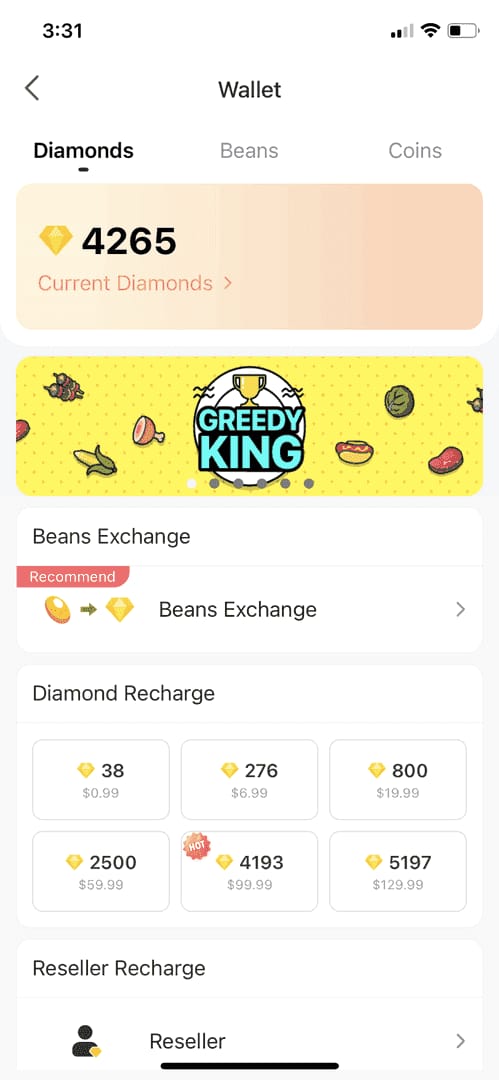
Use this order. It solves most cases without creating duplicate charges.
Check your Bigo ID first.
Go to Me > Profile and confirm the ID is 7–10 numeric digits only. Entering the wrong ID is one of the biggest avoidable causes of failure.Identify the payment status.
Immediate error code = declined
Wallet history shows order but no Diamonds = pending
Bank/app charged you but wallet unchanged = charged-no-delivery
If it’s pending, don’t retry yet.
Wait 5–10 minutes, then go to Me > Wallet > History and pull down to refresh 3–5 times. Reported data says 50–68% of pending cases clear in that short window, and 80% resolve within 48 hours.If it’s declined, check the payment basics.
Confirm:Enough balance
Card not expired
3D Secure / OTP enabled
Billing address matches the card
No VPN
Billing country matches account region
If you used Google Play or Apple Pay, check store settings.
For Google Play failures, update the Play country, clear Play cache, and retry without VPN. On iPhone, check Apple ID payment settings; if needed, offload or reinstall the app.Clear app cache or refresh the app.
On Android: Settings > Apps > Bigo > Storage > Clear. Community reports say this fixes 70–80% of app-side sync issues. On iOS, offload/reinstall and recheck payment settings.Contact your bank before one final retry.
Ask them to whitelist Bigo, international, or gaming transactions. This is especially useful for code 05 declines.Retry once only.
Not three times. Once. If it still fails, stop and move to support or a different supported payment path.
If you’re comparing safer recharge routes after repeated app-store failures, this page on Bigo Live Diamonds top up not received is useful because it focuses on tracking and delivery proof, not just payment submission.
What should I do if I was charged but my Bigo Live Diamonds did not arrive?
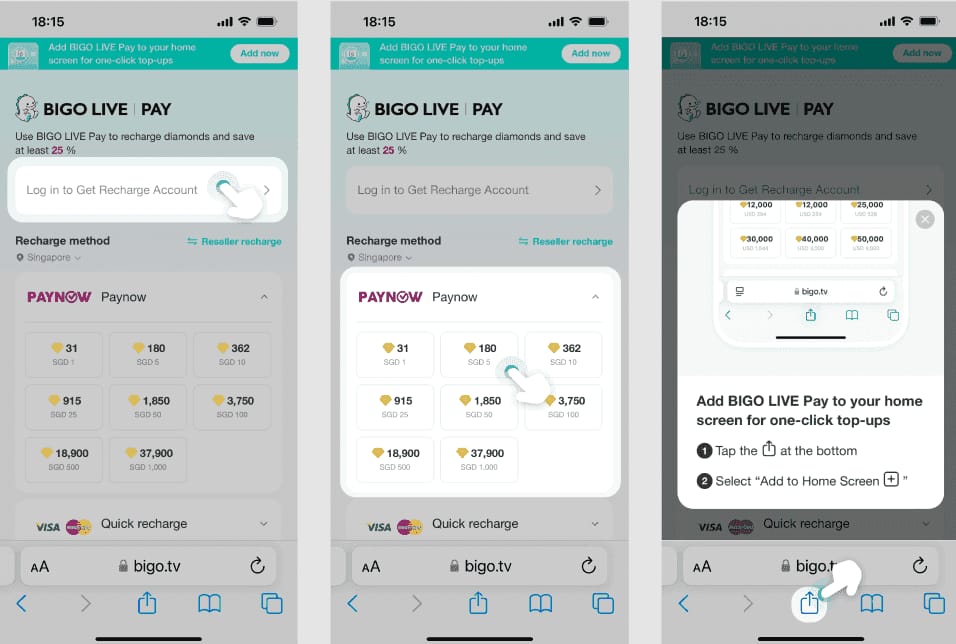
First, treat it as either a pending hold or a delivery sync delay, not an instant refund case.
Use this sequence:
Wait 45 minutes if the bank shows a pending hold.
Reported average holds for small test authorizations are around 45 minutes. A charge line on your bank app doesn’t always mean settlement completed.Refresh the wallet and clear the app side.
Check Me > Wallet > History, refresh several times, then clear cache or reinstall depending on device.Check whether the order is frozen for review.
Large or unusual payments, especially on newer accounts, can be held for 7–14 days by anti-fraud review.Gather support evidence before contacting anyone.
Prepare:Order ID
Transaction ID
Screenshot of receipt or error
Bigo ID
Timestamp
Amount
Payment method
Last 4 digits of the card if used
Contact the right side.
Official Bigo support for non-delivery: feedback@bigo.tv, Me > Feedback > Recharge issues, or the official help pages
Bank or app store for pending authorizations or reversals
Merchant-side support if delivery failed and the order is still unresolved within the allowed dispute period
Refund expectations are pretty clear. Community guidance says delivered Diamonds are generally non-refundable. If Diamonds were not delivered, support or your payment provider may reverse the charge depending on where the transaction got stuck. Reported dispute windows are usually 20–30 days for app store or PayPal-type cases, while failed-delivery merchant cases are often handled within 30 days.
What are the most common Bigo Live payment failure questions?
Why did my Bigo Live Diamonds payment fail?
Usually because of bank decline, insufficient funds, 3D Secure failure, ID mismatch, or region/billing conflict. If you see code 51, check funds first; if you see 05, contact your bank.
What should I do if Bigo Live charged me but I got no Diamonds?
Wait for the pending window, refresh wallet history, and check for a bank hold before retrying. If nothing changes, collect order proof and contact official support.
How long does a pending Bigo Live payment take to clear?
Many pending orders clear in 5–10 minutes after wallet refresh. Reported data says 80% resolve within 48 hours.
Can I get a refund for a failed Bigo Live top up?
If Diamonds were delivered, refunds are generally not available. If payment failed or delivery never happened, the reversal may come from the bank, app store, or merchant depending on where the transaction stopped.
Does Bigo Live block payments from another region?
Yes, region mismatch is a widely reported cause of failure. Your Bigo account region, billing country, app-store country, and currency should align.
Why does my card work elsewhere but fail on Bigo Live?
Because issuers often flag international or gaming transactions differently. In my experience, this is one of the most common my card is fine cases.
How do I contact Bigo Live support about a payment issue?
Use feedback@bigo.tv or Me > Feedback > Recharge issues in the app. Send the order ID, transaction ID, Bigo ID, amount, timestamp, screenshot, and payment method in the first message to avoid delays.
Bigo Live Diamonds payment failures are usually fixable fast if you separate declined, pending, and charged-but-not-delivered cases before doing anything else. Verify your Bigo ID, match region and billing details, wait out pending authorizations, and avoid repeated retries. If money was taken and Diamonds still don’t show, gather full proof and contact official support first, then your bank or app store if the charge remains unresolved.