
If your Poppo Live Coins Top Up Not Received After Payment, first check whether the payment is truly completed, still pending review, or sent to the wrong account. Most missing-coin cases are fixed by confirming the order ID, Poppo user ID, region/server, and purchase channel, then sending the right evidence to support.
In practice, coins usually arrive in 30 seconds to 3 minutes. Wait 15 minutes before reporting. After that, the main causes are account ID mistakes, region mismatch, app sync delay, app-store processing, or bank fraud screening. A successful bank charge doesn't always mean the order has fully cleared.
Why did my Poppo Live Coins top up not arrive after payment?
The usual reasons are payment review, wrong UID, wrong region/server, or a sync delay inside the app.
From reviewing digital top-up support cases, I would check account details first, not assume the payment system is broken. Community reports say around 30% of missing-coin cases come from User ID errors, and those are often irreversible if coins were sent to another account. Poppo Live User ID is the numeric code shown under the Me section, typically in the format ID: [number]. If that number was entered wrong on a UID-based checkout, delivery can fail or go elsewhere.
Another common issue is the difference between captured payment and pending authorization. Your bank may show a charge, but the merchant order can still be under review. This happens more often with:
first-time card payments
cross-border payments
transactions flagged under fraud screening
payments to VSHOW PTE. LTD., which users report can trigger bank checks
And there’s the app itself. Users commonly report temporary missing coins around the daily reset at 00:00 UTC+8, where wallet sync can lag by 90 to 120 seconds. One user-sourced data point says 70% of post-reset missing-coin cases resolve after a wallet refresh.
If you're comparing recharge paths for your next purchase, use sellers that clearly show UID entry and order tracking. That matters more than chasing the lowest price. For reference, this page on Poppo Live Coins top up not received is relevant when you're checking safer recharge flow expectations.
How long should I wait before treating a Poppo Live top up as delayed?
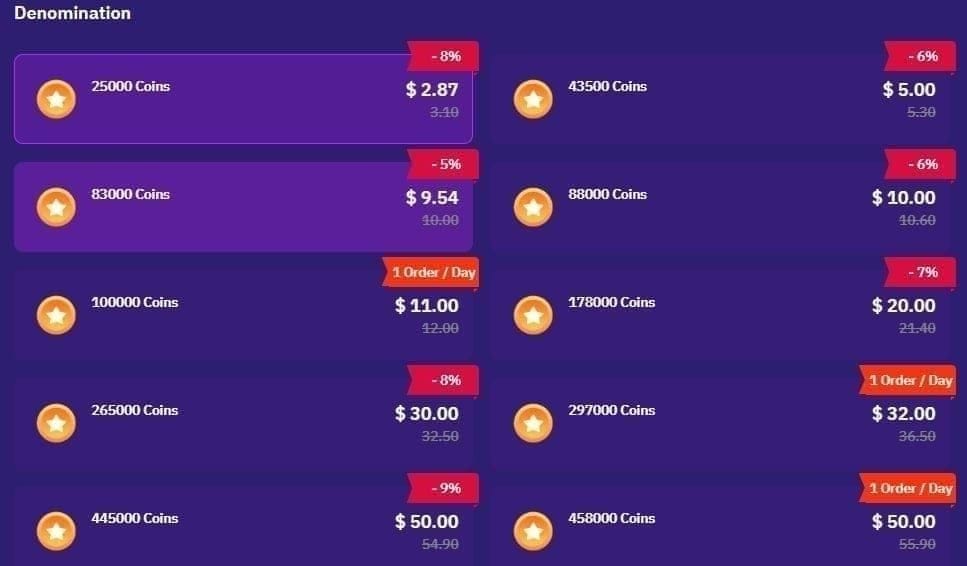
For most orders, wait 15 minutes. For card and app-store orders, longer delays can still be normal.
Here’s the practical timing breakdown:
What many pages miss: pending isn't the same as failed. A pending bank status means the payment may not have settled yet. A completed receipt from Google Play or Apple is stronger proof than a temporary card authorization. And if your order page still says processing, opening a dispute too early can slow everything down.
Personally, I would be more patient with:
first-time card payments
international cards
purchases made near daily reset
app-store orders still processing
I would escalate faster if:
the UID was definitely correct
the order page says paid/completed
15 to 30 minutes have passed
the app has been refreshed and restarted
no coins appear in wallet history
Why do app-store, card, and wallet payments behave differently?
Because each channel has a different verification path before coins are released.
In-app purchases through Google Play or Apple App Store rely on store confirmation first. Community guidance says to wait 15 to 30 minutes before contacting support for those. Card payments can be delayed by bank review, and users commonly report 1 to 3 hours, with some international payments taking up to 24 hours. One user-sourced figure says 20% to 40% of international payments fail due to fraud detection.
Local wallets can be smoother in supported regions, but region matters. In the Philippines, users commonly use GCash or Maya, and region-specific server selection matters during checkout. If the wrong server/region is selected, delivery can fail even when payment succeeds.
Official partners such as Codashop and Joytify are widely reported to deliver instantly and don't require registration, but they still depend on correct UID and region input. Third-party checkout can be safe if it uses HTTPS, asks for UID only, and never asks for your password. I would avoid any seller pushing discounts above 80% off. That’s a scam pattern users repeatedly report.
How can I fix a Poppo Live Coins top up that was paid but not received?
Use this order: verify payment, verify account, refresh the app, then contact the right support team.
Check payment status
Look at your bank statement or card app.
Check Google Play or Apple purchase history if you bought in-app.
Check the merchant order page if you used a UID-based top-up site.
Confirm whether the payment is completed, pending, reversed, or under review.
Confirm the Poppo account details
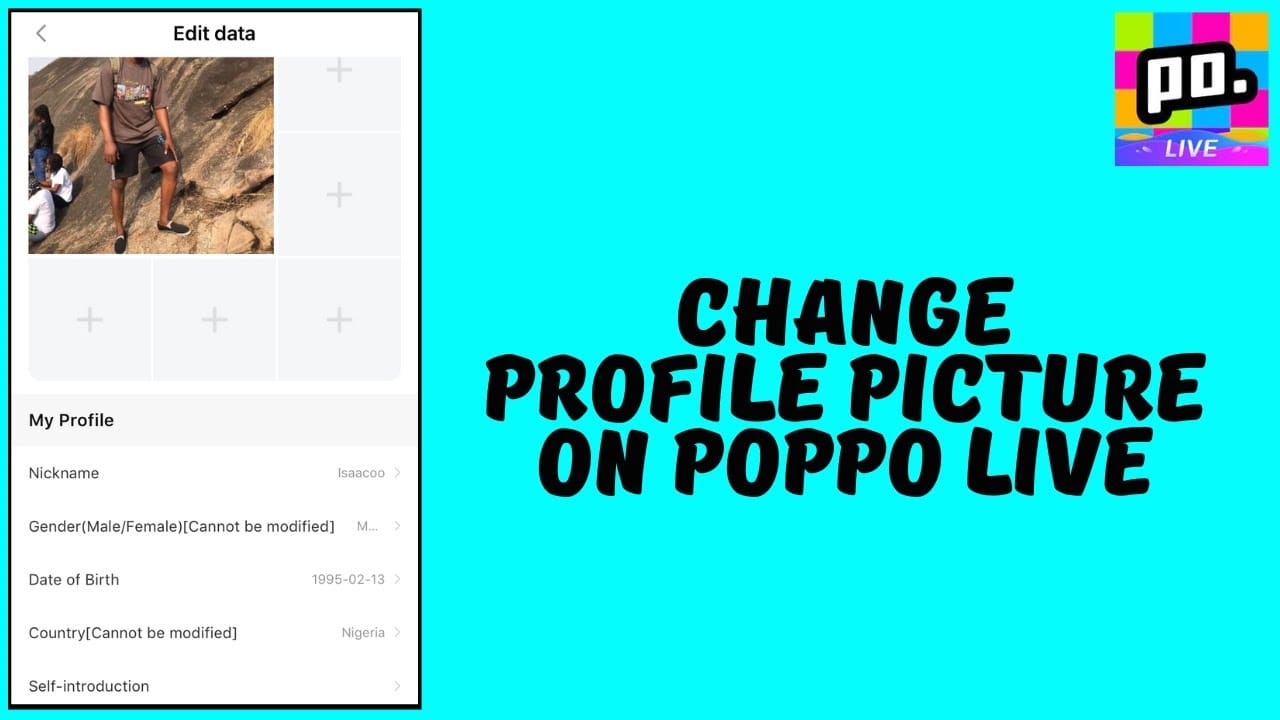
Open Poppo Live and go to Me.
Copy the exact numeric User ID.
Confirm the server/region and selected package.
If you entered the wrong UID or wrong server, coins may be unrecoverable in most cases.
Refresh before reporting
Wait 2 to 3 minutes.
Restart the Poppo app.
Pull down the wallet page to refresh.
Log out and back in.
Force close and reopen the app.
If you used a browser checkout, clear cache and reopen the order page.
Check for duplicate or partial checkout issues
Review whether you opened multiple tabs during payment.
Users report duplicate checkout tabs can cause multiple charges without proper coin delivery.
Make sure you used stable internet and only one active payment window.
Prepare your evidence bundle
Order ID
Payment receipt screenshot
Poppo UID
Package amount
Timestamp
Amount charged
Wallet screenshot showing no coins received
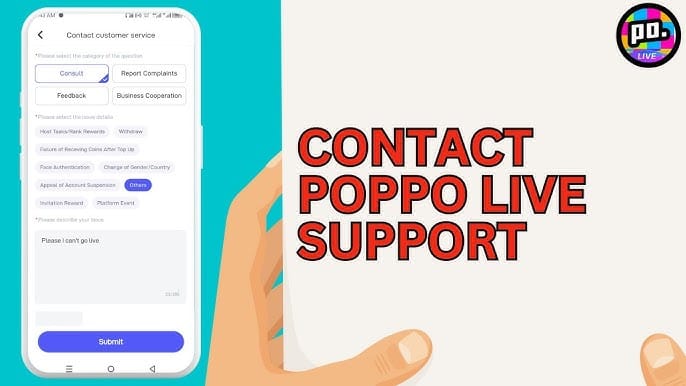
This is the fastest path because support teams usually ask for exactly these items anyway. In my experience reviewing recharge issues, the first message matters. A complete ticket gets handled faster than a vague I paid but got nothing.
If you're troubleshooting a repeated payment issue before buying again, this guide on Poppo Live Coins payment failed fix fits naturally with the same checks: UID, region, and payment status.
What should I do if Poppo Live charged me but no coins were added?
Contact the support team that matches your purchase channel, then consider refund or bank escalation only after review.
Follow this decision tree:
For Poppo support, go to Profile > Help Centre > Submit ticket. Include:
UID
order ID
receipt screenshot
package amount
payment time
wallet screenshot
Refunds are usually possible only for undelivered coins, not spent coins. Community reports say refunds are often denied when support concludes it was user error, and one user-sourced figure claims 99% of those denials involve mistakes like wrong UID or wrong region. For Google Play purchases, users commonly report a refund request window of 48 hours.
I would not rush into a chargeback unless support has denied the case or stopped responding after a reasonable review period. Community experience says early disputes can delay resolution, and chargebacks may risk account penalties or bans.
FAQ
Why are my Poppo Live Coins not showing up after payment?
Usually because the order is still processing, the app wallet hasn't refreshed, or the UID/region was wrong. Start with refresh steps and payment verification before assuming the coins are lost.
How long does Poppo Live coin top up usually take?
Most top-ups arrive in 30 seconds to 3 minutes. Wait 15 minutes before reporting, and allow longer for app-store, card-review, or international payments.
What should I do if Poppo Live charged me but I got no coins?
Check whether the charge is completed or only pending, then verify your UID and region. After that, submit a support ticket with your order ID, receipt, timestamp, and screenshots.
Can a wrong Poppo Live user ID cause missing coins?
Yes. Users commonly report that wrong UID entry sends coins to the wrong account, and that is usually irreversible. Always copy the numeric ID directly from your profile.
Should I contact Poppo Live support or the app store first?
It depends on where you paid. If you bought through Google Play or Apple, check store purchase history first; if you used a UID-based merchant, contact that merchant first; if it was in-app, use Poppo’s Help Centre.
Can I get a refund if Poppo Live Coins were not delivered?
Yes, sometimes—but only for undelivered coins. Spent coins are generally non-refundable, and refund success depends on proving payment completion and non-delivery.
Conclusion
If your Poppo Live Coins Top Up Not Received After Payment, the fastest fix is simple: confirm the payment status, verify the exact UID and region, refresh the app, then contact the correct support team with full evidence. Most cases are delay, sync, or account-entry problems—not permanent loss. For your next top-up, double-check UID twice, use one checkout tab, and avoid suspicious cheap coin offers.