
If your Poppo Live Coins payment failed, don't keep retrying right away. First confirm whether the charge is pending, reversed, or completed without coin delivery, then verify your Poppo Live account ID, region, and payment authentication before making one safe retry or contacting the right support team.
Most failures come from four buckets: wrong User ID, bank fraud checks, 3D Secure/OTP errors, and region or billing mismatches. In my experience reviewing recharge issues, the biggest avoidable mistake is rapid repeat attempts—those can create duplicate holds while solving nothing. If you need a structured Poppo Live Coins payment failed fix, start with diagnosis, not another payment.
Why does my Poppo Live Coins payment keep failing?
It usually fails because the payment was blocked by your bank, the authentication step failed, the billing channel rejected it, or the recharge details were wrong.
Here are the most common causes pulled from observed Poppo Live payment cases:
A detail many guides miss: a "successful" bank charge doesn't always mean the Poppo order cleared verification. I've seen this pattern across digital top-ups—a bank app shows money reserved, but the merchant order is still pending or failed. That's why you must check both sides: bank status and Poppo/order status.
Community reports say your Poppo Live User ID is the numeric ID shown under your avatar, like 678912345. If you enter the wrong UID, coins can go to a stranger's account and usually can't be reversed.
What should I check before I try to pay for Poppo Live Coins again?
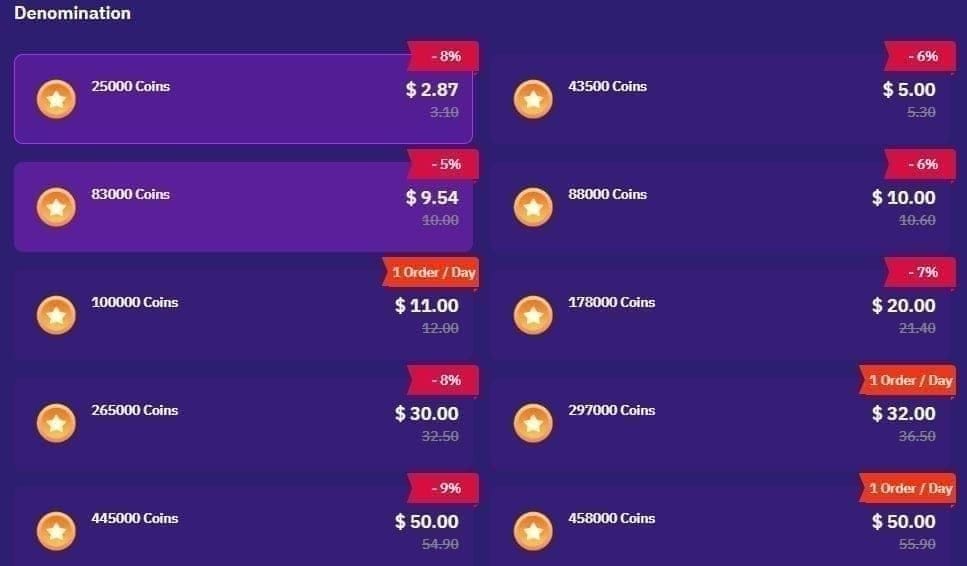
Check the order page, your bank app, email/SMS alerts, app store purchase history, and your in-app coin balance before you retry.
From comparing checkout paths, this is the fastest way to isolate the real failure point:
Quick diagnosis table
Use this sequence:
Check your in-app coin balance.
Check the order page status.
Check your bank app for decline or pending hold.
Review email/SMS payment alerts.
If you paid through Google Play or Apple, check purchase history there too.
Wait times matter:
Pending payment: wait 5-10 minutes
Before retrying: wait 15-30 minutes
Before escalating a failed/missing order: up to 24 hours max, though support contact after 10 minutes is reasonable if money was deducted and no coins arrived
Honestly, delayed delivery is frustrating when the payment already left your account. But retrying too fast is worse. That's how users end up with duplicate authorizations.
What should I do if Poppo Live charged me but I did not get coins?
Wait briefly, verify the order, then escalate with proof to the correct party.
If money was deducted but coins didn't arrive:
Wait 10-15 minutes. Delayed delivery is commonly reported.
Restart the app and check balance/history again.
Pull down the wallet screen 2-3 times to force sync if the balance looks stuck.
If this happens around daily reset, wait 90-120 seconds near 00:00 UTC+8 before assuming failure.
If still missing, contact support with full evidence.
Keep this evidence ready:
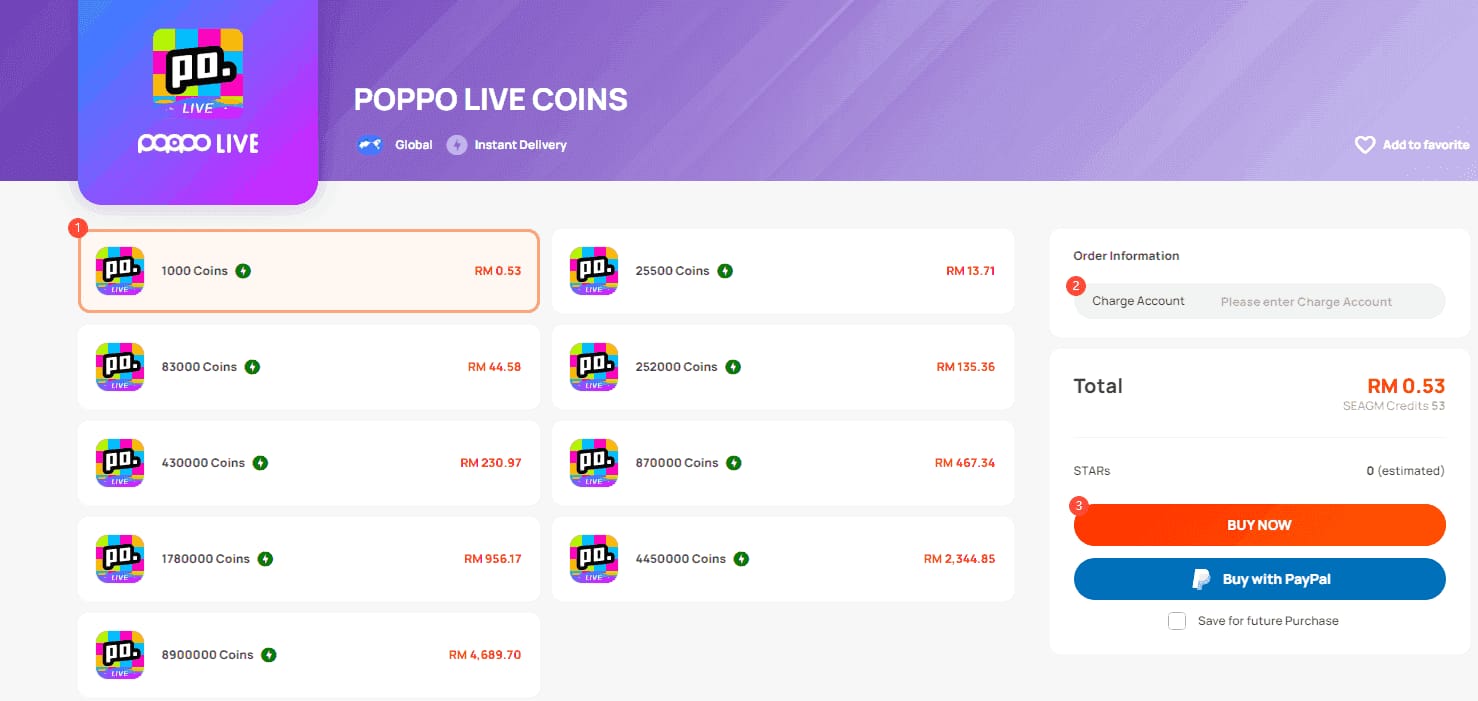
Order ID
Transaction ID
Poppo account ID / UID
Amount paid
Timestamp
Screenshots of payment result and missing balance
This is where users win or lose time. When delayed delivery happens, the fastest resolutions usually come from people who send the exact order ID, account ID, amount, and timestamp in the first message.
Support path depends on where it failed:
Internal refund success appears low in user-error cases. One source set says 99% of internal refund requests fail when the issue was caused by wrong details. So if the problem is a card charge or app-store billing failure, I would usually pursue the bank or app store path first.
If you need a missing-delivery checklist, this related guide on Poppo Live Coins top up not received covers the same proof-first approach.
How can I fix a failed Poppo Live Coins payment step by step?
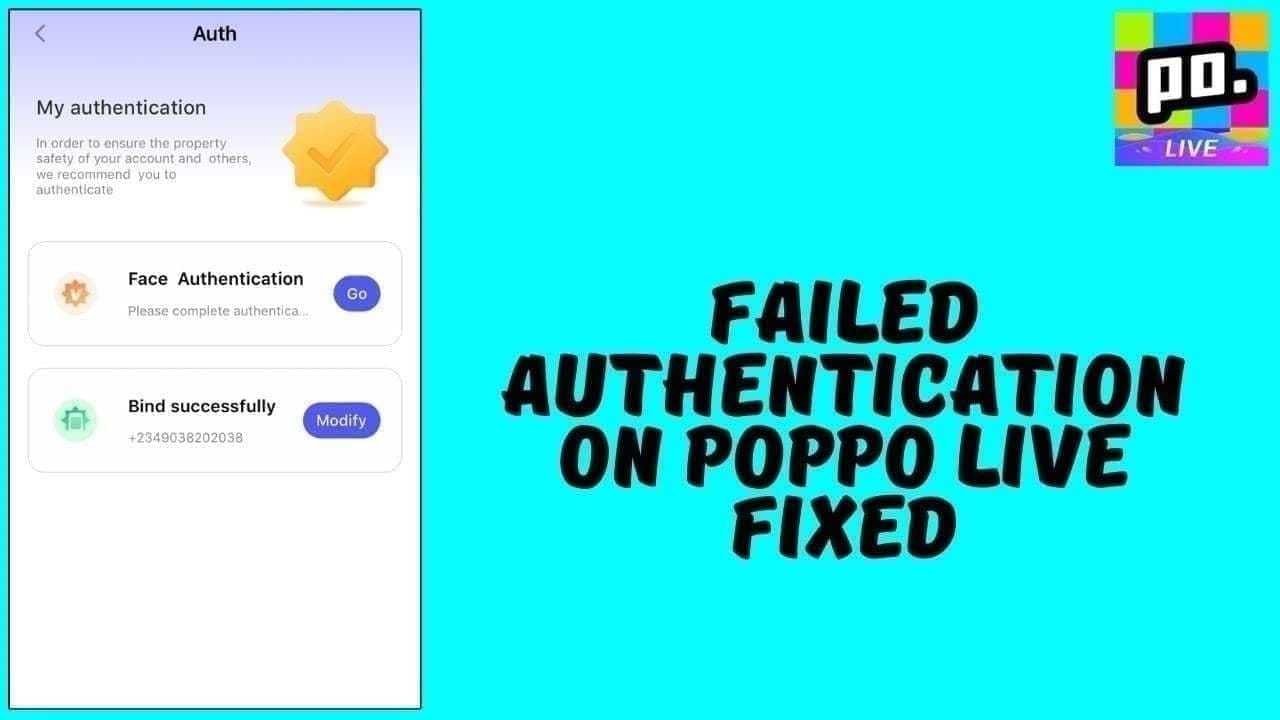
Fix it by verifying the failed order first, correcting the exact cause, then retrying once through a safe checkout path.
Confirm the payment state
Open your bank app and see whether the charge is declined, pending, or posted.
Check Poppo order status and your coin balance.
Review email/SMS alerts for payment confirmation or reversal.
Verify your Poppo account details
Confirm the numeric UID from your profile.
If using a third-party recharge flow, enter the UID and server exactly.
Recheck every digit before paying. Wrong UID is one of the most common failures.
Fix card and authentication issues
Make sure online payments are enabled.
Confirm you have enough funds.
Complete the 3D Secure / OTP step without timing out.
If Apple Pay is declined, check connection, update iOS, and contact your bank if needed.
Check region and billing alignment
Match your billing profile, local currency, and account region where possible.
Region/currency mismatch is widely observed as a blocker, especially in parts of Asia and the Middle East.
Some users try VPNs for cheaper rates, but I would avoid that. It can trigger risk checks and may carry account-ban risk.
Clear app issues before one retry
Go to Settings > Apps > Poppo Live > Storage > Clear Cache
Restart the app
Update Poppo Live if needed
Check internet stability
Wait 15-30 minutes, then retry once
Escalate if the retry fails or money was taken
Contact Poppo support if no coins after 10 minutes on a confirmed payment
Contact Apple/Google for app-store billing failures
Contact your bank for declines, fraud flags, or unresolved charges
How can I recharge Poppo Live Coins safely after a failed payment?
Recharge safely by using the official app or a clearly verified checkout, checking HTTPS, and confirming your UID before you pay.
The safest option is usually the official Poppo Live app recharge. Supported methods commonly include:
Credit card
Debit card
Apple Pay
Google Pay
PayPal
If you don't have a credit card, PayPal, UPI, and some e-wallet options are commonly used on supported channels. Third-party top-up can be safe when the checkout is clearly verified and the site uses HTTPS, but the same rule applies: your UID must be exact.
Safe recharge checklist
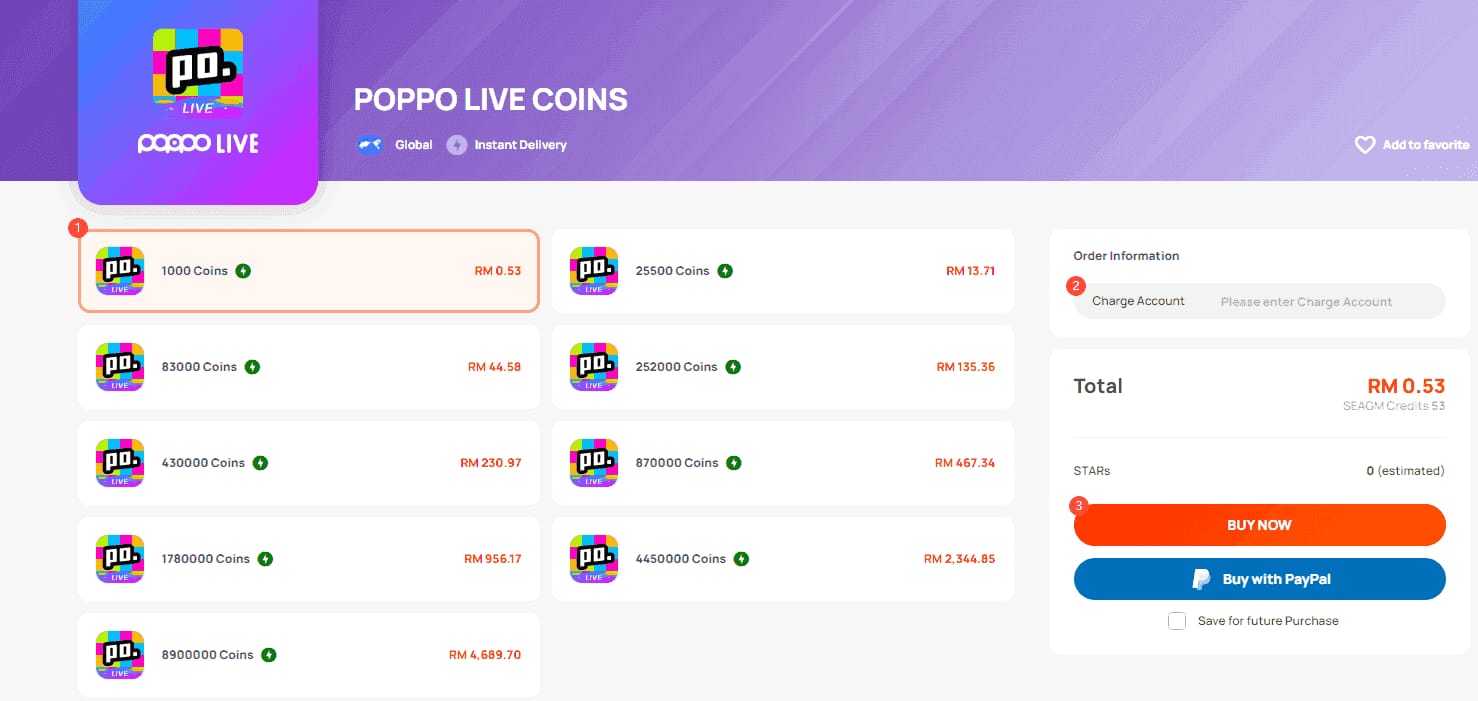
Trade-off: official checkout is usually clearer for support, but some users prefer verified third-party options for local payment flexibility or discounts. Discounts can be steep—some reseller offers reach up to 70%, and one 2026 value point cited 9460 coins per USD at a high verified tier—but cheaper is not safer if you rush the ID entry.
VGTopup is one possible retry path only after you've confirmed your account details and supported payment method. Safety comes from verification, not from clicking faster.
FAQ
Why does my Poppo Live Coins payment keep failing?
Most repeat failures come from bank fraud filters, 3D Secure errors, wrong UID entry, or region mismatch. If your card works elsewhere but not here, the issue is often authentication or an international-risk block rather than lack of funds.
How long does a Poppo Live Coins recharge take to arrive?
Many pending payments clear within 5-10 minutes. If coins don't show after 10-15 minutes, restart the app, refresh the wallet, and prepare to contact support with proof.
Can I get a refund for a failed Poppo Live payment?
Sometimes, but the path matters. iOS refunds often take 3-5 days, Google Play 1-7 days, while internal Poppo handling can take 2-3 weeks and appears less reliable in user-error cases.
Does account region mismatch cause Poppo Live payment failure?
Yes, users commonly report region and currency mismatch as a real cause of blocked payments. It can look like a card problem even when the card itself is fine.
Who should I contact for Poppo Live payment problems?
Contact Poppo support for missing coins after a confirmed payment, Apple or Google for in-app billing failures, and your bank for declines or suspicious-activity blocks. If a third-party order is stuck, contact the seller first, then consider a chargeback within 60 days if unresolved.
Why is my card declined on Poppo Live but works elsewhere?
Poppo payments often trigger 3D Secure checks and international fraud screening that other merchants don't. In practice, your bank may block the transaction as suspicious even though the card is valid.
Poppo Live Coins payment failures are usually fixable once you identify where the process broke: bank, app store, Poppo account, or checkout channel. Verify the UID, check payment status on both the bank and order side, wait the right amount of time, then retry only once through a safe path. If money was taken and coins didn't arrive, escalate fast with complete proof.