
If your Poppo Live Coins payment failed, first identify the failure type: declined, pending, or charged but no coins. The fix changes completely depending on that status. In most cases, the fastest path is to verify your Poppo Live numeric User ID, turn off any VPN, confirm your card or wallet can pass 3D Secure, and retry only once after the first payment status is clear.
From reviewing failed recharge cases across digital top-up flows, the most preventable mistake is retrying too fast. That can create duplicate holds, trigger extra fraud checks, and make a simple delay look like a bigger payment problem.
Why does my Poppo Live Coins payment keep failing?
Usually because of one of four issues: wrong User ID, bank decline, region mismatch, or anti-fraud checks. Users commonly report that incorrect Poppo Live account input is the biggest delivery mistake, and one data point puts 30% of failures on wrong User ID entry. Bank-side risk checks are even bigger: 60% of payment failures are tied to fraud detection, while 3D Secure failures cause about 25% of card errors.
The fastest way to separate the real cause is this:
A few details matter more than people expect:
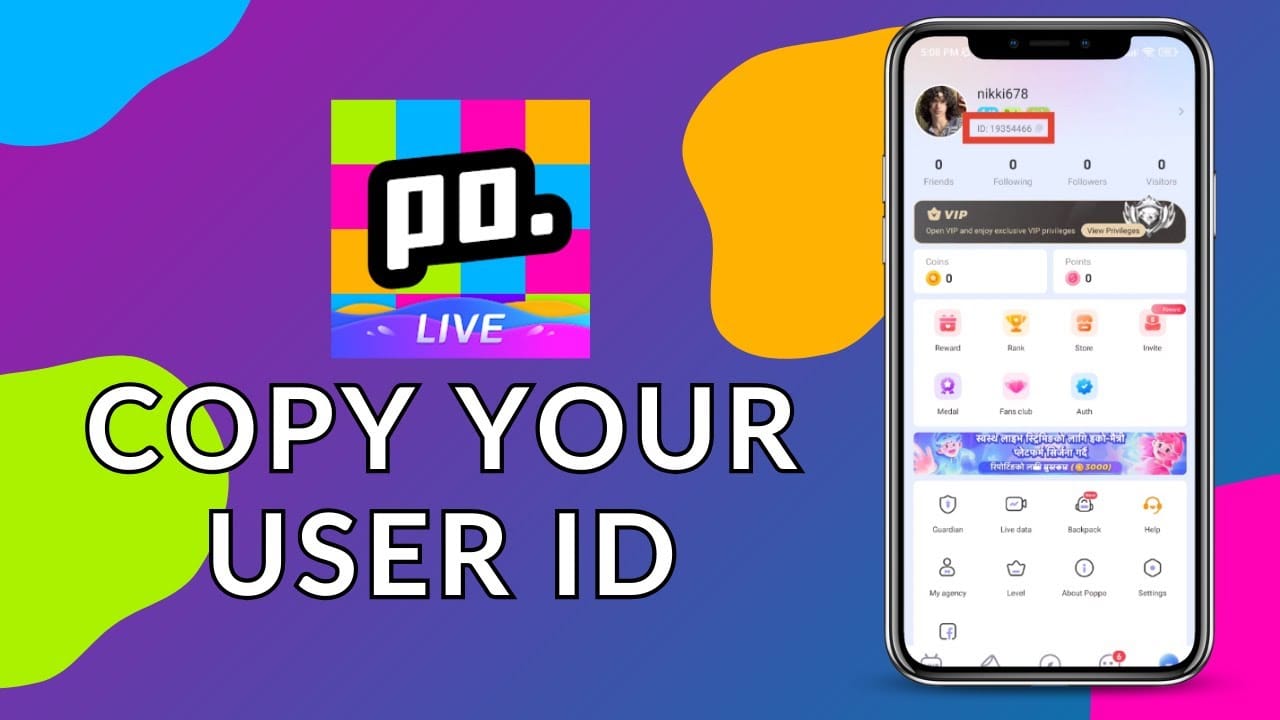
Poppo Live User ID is numeric and found in the app’s Me tab.
Poppo Live may price in USD or EUR, so unsupported local currency can trigger conversion issues or billing friction.
Billing address mismatch can fail cross-border payments even when the card itself works elsewhere.
VPN use can trigger anti-fraud review and cause declines.
Repeated retries can look suspicious to banks and payment gateways.
Honestly, delayed delivery is frustrating when the money already left your account. But a successful bank charge does not always mean the order has fully cleared verification.
If you're comparing recovery options after a failed checkout, this overview of Poppo Live Coins payment failed scenarios can help you decide whether to retry or switch methods.
Can a region mismatch cause Poppo Live payment failure?
Yes, region mismatch is a common cause of Poppo Live recharge failure, especially on cross-border payments. In checkout troubleshooting, account region, app store country, and card issuer country conflict more often than users expect.
The usual mismatch patterns are:
Poppo account used in one country, but payment card issued in another
Google Play or App Store country different from your current billing country
Local currency unsupported, forcing USD/EUR conversion
Foreign-issued card plus roaming or VPN, which raises fraud flags
This is where many generic guides fail. They say try another card without explaining why the first one failed. In practice, the conflict is often not the card brand but the country combination behind the transaction.
Check these before retrying:
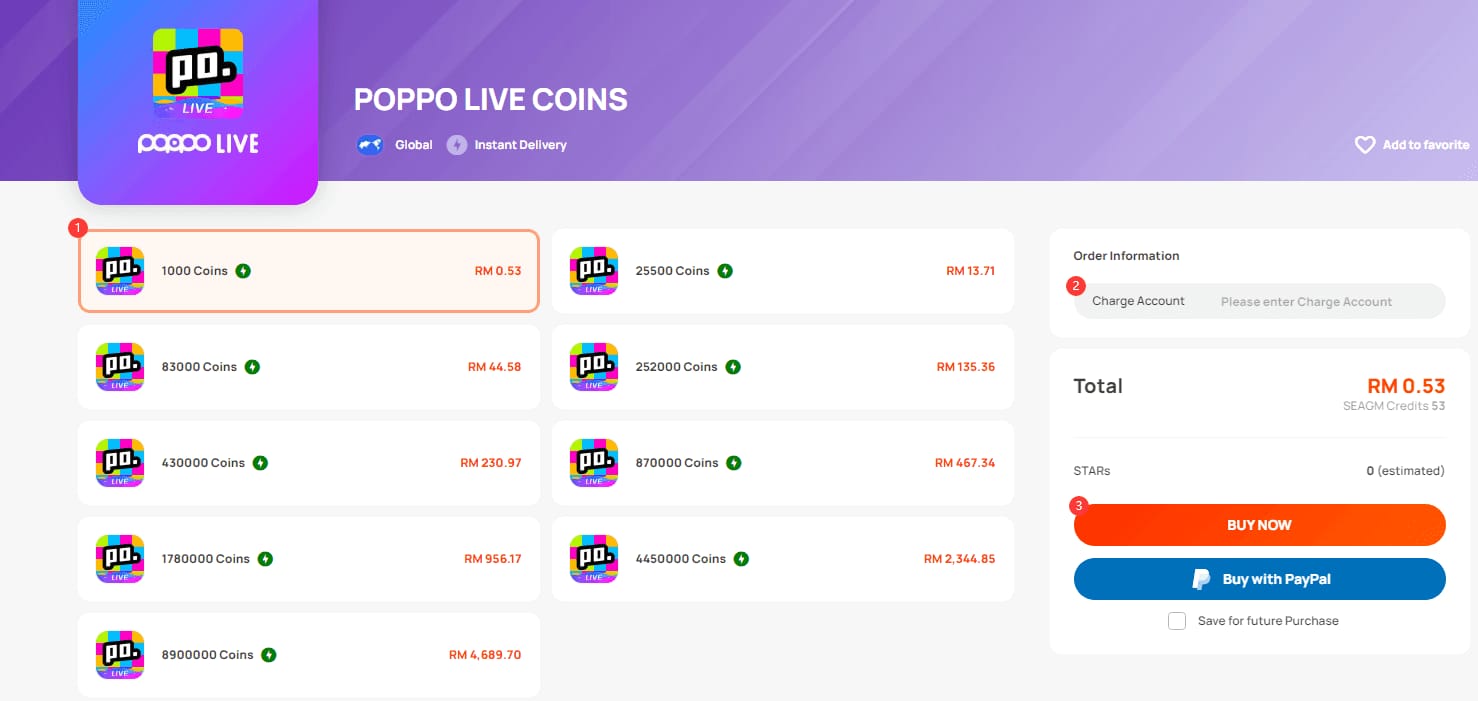
Users commonly report that third-party top-up services are useful when official app payment support is limited by region. Crypto options like USDT are also widely recommended for cross-border payments because they avoid some bank declines, though they only work if that option is actually available in the payment flow.
What should I do if my Poppo Live Coins payment failed?
Start by confirming whether the order failed, is pending, or was charged. Don’t retry blind.
Check the payment status
Look at Poppo order status if visible.
Check bank app, card app, Google Play, or Apple billing history.
If it says pending, wait before doing anything else. Server or gateway delays often resolve in 15-30 minutes.
Verify your Poppo Live account ID
Open Poppo Live > Me tab.
Confirm the numeric User ID.
Re-enter it carefully. Wrong ID entry is one of the most common causes of missing coins.
Refresh the app properly
Pull down the wallet to sync.
Force close and reopen the app.
On Android: Settings > Apps > Poppo Live > Storage > Clear Cache.
On iOS persistent issues: delete and reinstall the app.
If the issue happens around 00:00 UTC+8, temporary display delays are reported; pull down the wallet 2-3 times after reset.
Check card and bank conditions
Confirm available balance.
Complete any 3D Secure prompt.
Ask your bank to allow Poppo Live or international online transactions before retrying.
Watch for daily transfer/card limits if you made multiple attempts.
Retry once, not repeatedly
Turn off VPN or proxy.
Correct billing details.
Retry only after the first attempt is clearly failed, not pending.
If one method keeps failing, switch to another supported method such as debit/credit card, PayPal, Apple Pay, Google Pay, UPI, or USDT where available.
Personally, I would avoid hammering the pay button. That’s how users end up with duplicate holds or multiple Google Play charges.
What should I do if Poppo Live charged me but I did not get coins?
First wait, then verify, then escalate with proof. Normal coin delivery is usually instant or within 1-5 minutes, but delayed top-ups can take 10-15 minutes, and some pending gateway cases resolve in 15-30 minutes.
Use this sequence:
Wait 10-15 minutes
Don’t buy again immediately.
Restart the app and refresh the wallet.
Confirm the charge is real
Check whether the bank charge is settled or still pending.
For Apple Pay or Google Pay purchases, confirm the transaction in store billing history.
Verify the destination account
Recheck the Poppo numeric User ID used for the order.
Make sure you didn’t top up the wrong account.
Collect support evidence
Order ID
Payment reference
Screenshot of payment success or bank deduction
Poppo ID
Exact timestamp
Bank statement if needed
Contact the right support team
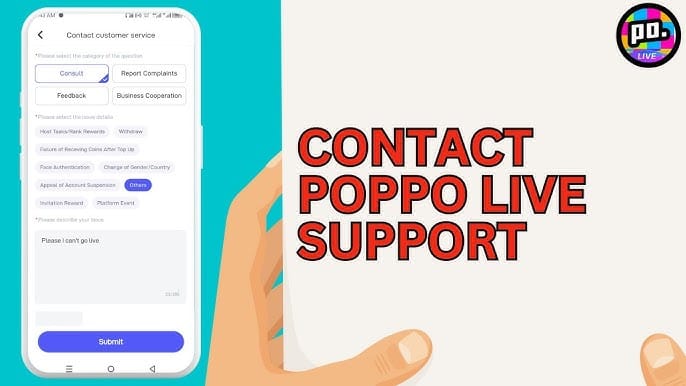
If you paid in-app through Apple/Google billing, contact the app store billing support first for billing disputes.
If you used an external seller, contact that seller first.
Use in-app chat for Poppo Live support when coins are missing after payment.
If unresolved, users commonly report support replies in 24-48 hours.
Escalate after 24-48 hours
If coins still haven’t arrived and the charge is settled, escalate to Poppo support with all evidence.
Failed or pending charges are the ones most likely to be reversed. Successful digital top-ups usually aren’t refundable.
If your issue is specifically a successful payment with missing delivery, this page on Poppo Live Coins top up not received is the next thing I’d check before opening a ticket.
How can I fix Poppo Live Coins payment failed fast and avoid it next time?
Use a safe retry checklist. It reduces duplicate charges and catches the failures most people miss.
Use the exact numeric Poppo ID from the Me tab
Turn off VPN/proxy
Match billing address to the card
Confirm app store country and card country aren’t conflicting
Make sure 3D Secure approval can come through
Check balance and daily limits
Wait for pending status to clear before retrying
Retry once only
Switch payment method only after status is clear
Use only authorized sellers if buying outside the app
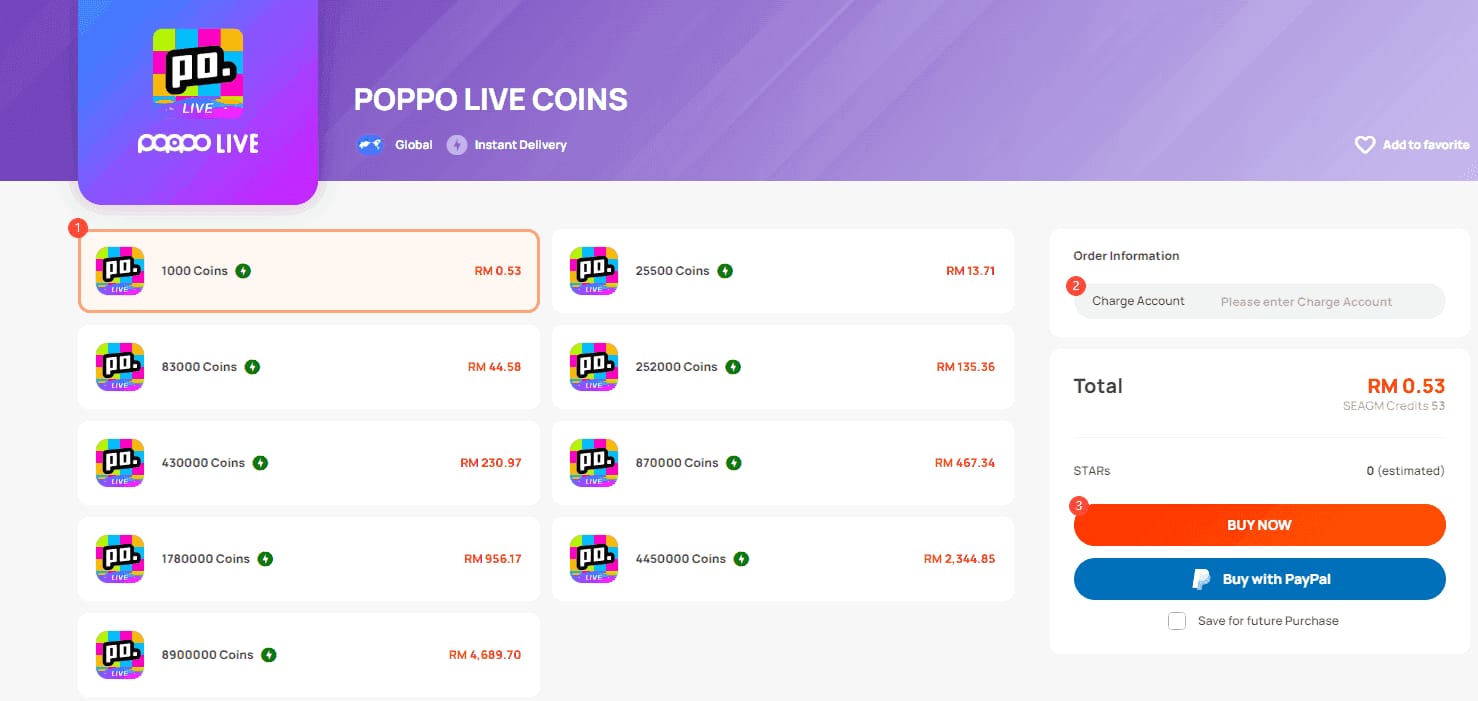
Authorized platforms commonly cited by users include Codashop, SEAGM, BitTopup, EnjoyGM, and LootBar. Some users report discounts of up to 70% on third-party top-ups, and one data point shows 98% success with 3D Secure-enabled cards on third-party checkouts. Still, I would only use authorized options and avoid random low-price sellers. Cheap is nice; scam recovery is not.
If you want a cleaner checkout path after troubleshooting, compare supported Poppo Live Coins payment options on VGTopup and double-check your account details before paying.
What are the most common Poppo Live payment questions?
Why does my Poppo Live Coins payment keep failing?
Most repeat failures come from bank fraud checks, 3D Secure problems, wrong User ID entry, or region mismatch. Repeated retries can make it worse by triggering extra risk checks.
How long should I wait if my Poppo Live Coins order is pending?
Wait 15-30 minutes before retrying or escalating. Many pending top-ups clear on their own once the payment gateway or server catches up.
Can a region mismatch cause Poppo Live payment failure?
Yes. If your app store country, card billing country, and current account region don’t line up, the payment can fail even with a valid card.
Why is my card declined for Poppo Live Coins?
The usual reasons are insufficient funds, failed 3D Secure, international transaction blocks, billing address mismatch, or bank fraud detection. I would check bank approval prompts first.
Who should I contact for a Poppo Live payment problem?
Contact the payment channel that handled the charge first: app store support for Apple/Google billing, seller support for external top-ups, and Poppo in-app chat for missing coins or account-side issues.
Can I get a refund for a failed Poppo Live Coins payment?
Usually yes for failed or pending charges that never complete. Usually no for successful digital top-ups that were correctly delivered, so verify status carefully before filing a dispute.
Poppo Live Coins payment failures are usually fixable once you separate declined, pending, and charged-but-undelivered orders. Check your numeric User ID, remove VPNs, confirm 3D Secure and billing details, then retry only once after the first payment status is clear. If money was deducted and coins still don’t show after 15-30 minutes, gather proof and contact the right support channel with your order ID, timestamp, and payment reference.