
If your Genshin Impact top up is stuck on Google Play Billing pending, do not immediately buy again on the web. First confirm whether the Play order is still under review, already charged, or never completed—because the right fix depends on the checkout channel. Officially, a pending Google Play purchase can take up to 1 hour to finalize, and unprocessed pending orders may auto-cancel after 3 days. From reviewing failed digital top-up cases, the most common mistake is switching channels too early and creating a duplicate-charge mess.
Quick local-market check: where region and currency usually break
For Android users, the first friction point is often billing region, not the game itself. Google Play usually bills in your local currency, while the official HoYoverse web checkout follows your account region and may show a direct USD equivalent. Users commonly report pending reviews when those don’t line up cleanly.
If you need an alternative purchase route later, keep this reference handy: Genshin Impact Top Up Google Play billing pending.
Why is my Genshin Impact Google Play purchase stuck on pending?
It’s usually because the payment hasn’t fully finalized between Google Play and the app yet. That’s an official distinction: pending does not mean delivered late; it means the store transaction itself is not complete.
Common causes:
Payment verification delay on Google Play
Local currency mismatch or account-region checks
VPN enabled, which officially can cause pending verification issues
Wrong Google account signed into Play Store
Play Store / Play Services cache problems
Network instability; on some Samsung Android cases, users report cache clearing plus switching networks helps
What I would check first:
Wait the full 1 hour
Disable VPN
Force stop Genshin Impact
Restart the device
Check if the same Google account is signed in
Check Play purchase history
And don’t trust the bank notification alone. A successful authorization hold does not always mean the order has cleared.
Can I switch to web checkout if Google Play Billing is pending?
Not yet, unless you’ve confirmed the Play order won’t settle. That’s the safest answer.
Users commonly report that switching to web works well after Google Play has clearly failed or been canceled. But if Google still shows pending, web checkout becomes risky because both orders can complete.
Safer decision tree
Play says Pending + no receipt + bank hold only
Wait up to 1 hour
Don’t repay
If still unresolved, monitor for cancellation
Play says Completed + receipt exists + crystals missing
Don’t buy again
Restart game, log out/in, verify UID/server
Then contact HoYoverse for delivery
Play order canceled / disappeared / no auth hold
Web checkout is reasonable
Play pending for days
Pending orders may auto-cancel after 3 days
If canceled, web is the cleaner route
Personally, I would avoid a web retry while Google still shows any live pending state. Cleaner tracking is worth more than saving a few minutes.
How do you tell where the payment actually happened?
You tell by checking the store record first, not the game screen. In billing disputes, the fastest resolution usually comes from matching the support path to the payment route.
Google Play pending vs completed order
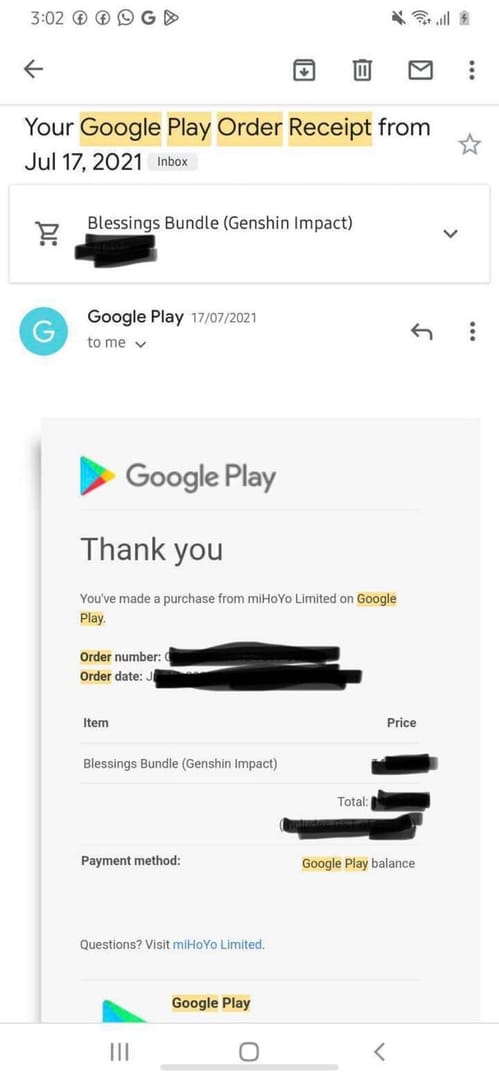
Official path: Google Play Profile > Payments & subscriptions > Purchase history
What each status means:
What should the game show if delivery succeeded?
For Genesis Crystals, successful delivery should appear on the correct UID/server. If you paid on the wrong server or entered the wrong UID on web checkout, delivery can fail even after payment.
That’s one of the less obvious differences between app billing and web billing:
Google Play ties the purchase flow to the app account context
Web checkout bypasses device registration, so your UID/server entry must be exact
Apple ID billing, Google Play, and web checkout are not the same problem
They follow different rules. Mixing them up wastes time.
Google Play billing
Use Google Play support first for:
Pending purchases
Charge review
Cancellation issues
Missing receipt in Play history
Then use HoYoverse support only if Play shows the order as completed but the crystals never arrived.
Apple ID billing
Apple ID billing follows Apple’s own purchase controls and receipts. If you’re troubleshooting an iPhone or iPad purchase, treat it as a separate channel from Android Google Play. Don’t apply Android cache or Play-history steps to Apple purchases.
Web checkout
Use web support only if a web order actually exists. If you never completed a web payment, web support can’t fix a Google Play pending case.
Official web route for Genesis Crystals: HoYoverse Top-Up Center at genshin.hoyoverse.com/payment.
If your Play route is dead and you want a clean second attempt, this is the scenario where Genshin Impact Top Up web checkout pending fix becomes relevant.
Why is my purchase not showing after payment?
Because not showing can mean three different things, and each one has a different fix.
1) Missing top-up after a completed payment
This means the store order completed, but Genesis Crystals didn’t appear.
Official checks:
Restart Genshin Impact
Log out and back in
Verify platform transaction history
Confirm UID/server
If the order is confirmed and crystals still aren’t there, contact HoYoverse support with proof.
2) Restore purchase confusion
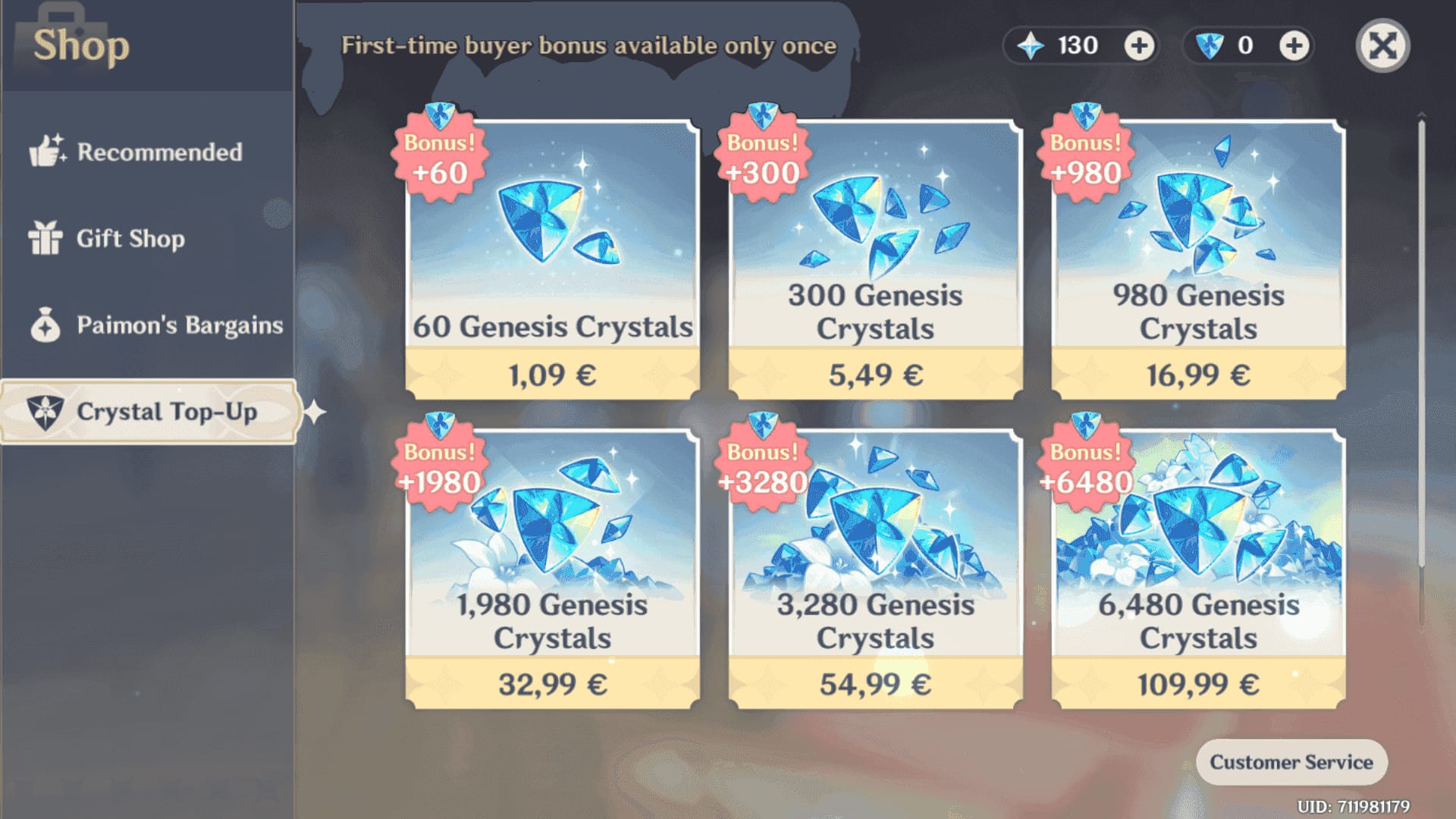
Restore does not bring back one-time Genesis Crystal purchases. Consumables are non-restorable. This is where many players get stuck after changing phones.
What restore is useful for:
Subscription-type purchases
Especially Blessing of the Welkin Moon
What restore is not for:
One-time crystal packs
Old consumable top-ups on a new device
3) Subscription not showing
For Welkin, the fix is different:
Check Google Play > Subscriptions
Confirm Welkin is active
Clear Play Store cache/data
Make sure the correct Google account is signed in
Restart the game
That’s a subscription visibility issue, not a missing consumable issue.
What proof should you save before contacting support?
Save the order trail before anything disappears. Honestly, delayed delivery is frustrating enough; having weak proof makes it worse.
Support-proof checklist
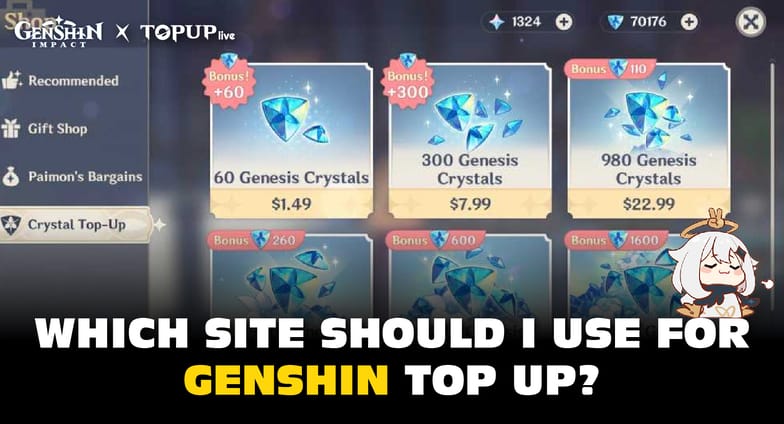
Google Play order number
Screenshot of Purchase history
Bank authorization or settled charge screenshot
Your UID
Your server
Package bought
Exact timestamp
Screenshot showing crystals not received or subscription not active
The decisive evidence is usually the combination of:
store order number
UID/server
purchase time
Not just a bank SMS.
Before you pay again: red flags that mean stop
If any of these are true, don’t retry yet:
Google Play still says Pending
You have no store receipt
The bank only shows an authorization hold
There’s no in-game mail or crystal delivery
You used a VPN
Your Google account region and payment country don’t match cleanly
You’re not 100% sure the UID/server is correct
Users commonly report refunds for failed Google Play top-ups taking 4–7 days. And if refunded crystals were already spent, community reports warn of negative primogems that usually need repayment within 7 days. So a duplicate charge isn’t just annoying; it can turn into an account-state problem.
Which support path fits your case?
Use the support team that owns the payment route.
When contacting support, provide:
order ID
UID
timestamp
screenshots
That shortens the back-and-forth more than any long explanation.
Final recommendation
Treat this as a channel diagnosis, not just a missing crystals problem. Wait the first hour, verify Play history, and don’t switch to web while Google still shows pending. If Play clearly fails or cancels, web checkout is the cleaner fallback—just double-check UID and server before paying. If you need an alternative after confirming the original order is dead, use VGTopup only once you’re sure no pending Google charge can still settle.