
If your Wuthering Waves Lunite Top Up Payment Successful But Not Received issue just happened, don't buy again yet. First check whether the payment was only authorized, whether the order is still processing, and whether the UID/server matched the account you meant to top up. Most cases are a delay, account mismatch, or payment verification hold—not a permanent loss.
Use this triage order: confirm payment status, reopen the game and claim, verify UID/server/region, wait within the normal delivery window, then escalate with full proof. For official purchases, Kuro's top-up flow says to complete purchase, log into the game, and check in-game delivery. For third-party orders, users commonly report delays of 30 minutes to 3 hours during busy periods.
Why can Wuthering Waves Lunite payment be successful but not received?
Yes, this happens because payment, settlement, and delivery are separate stages. That's the part many generic guides miss.
A card or wallet can show a successful charge while the seller still marks the order as processing. In my experience reviewing recharge issues, this is where users panic and repurchase, then end up with duplicate charges. A successful bank notification only proves the payment method accepted or reserved funds; it does not confirm the Lunite was credited.
According to the official top-up center, the normal flow is:
Complete purchase
Log into the game to claim
Check in-game delivery status
And official notes also say first-time top-up bonus displays and purchase-limit displays can lag behind the actual purchase. So if the bonus or subscription indicator looks wrong, verify inside the game before assuming the order failed.
What do payment statuses actually mean?
They mean different things, and treating them as the same causes bad decisions.
Users commonly report confusion between authorized and settled payments, especially on card checkouts. One practical wrinkle: card payments may take over a week to fully post on a bank statement, so your bank view is not a reliable real-time delivery tracker.
Why is my Wuthering Waves Lunite order stuck on processing?

Usually because the order is still in verification or queue, not because it is lost. Busy periods, network fluctuations in some regions, and store-side checks are common causes.
For direct top-up flows, some reports say delivery is often 3–5 minutes, while login-based top-up can take 10–15 minutes. For third-party orders, community reports put normal delay at 30 minutes to 3 hours during high demand. Honestly, delayed delivery is frustrating when the payment already left your account, but 20 minutes on a busy queue is still not the same as a failed order.
Common causes:
High demand queue on the seller side
Network fluctuations in certain regions [official]
Wrong UID or server
Region mismatch between payment route and game account
Logging in during third-party top-up, which users commonly say can interrupt delivery
PC checkout instability, especially for Lunite subscription; community reports say mobile is more stable
One edge case worth checking first: if you bought the Lunite Subscription and it doesn't show, close and reopen the game. Community users report that refresh fixes some missing-display cases. The subscription's official value is 300 Lunite immediately + 90 Astrite daily for 30 days for $4.99 USD.
If you're comparing support paths for a missing order, this summary on Wuthering Waves Lunite top up not received after payment is useful because it frames delay vs mismatch vs escalation clearly.
How do I diagnose a Wuthering Waves Lunite top up that was paid but not received?
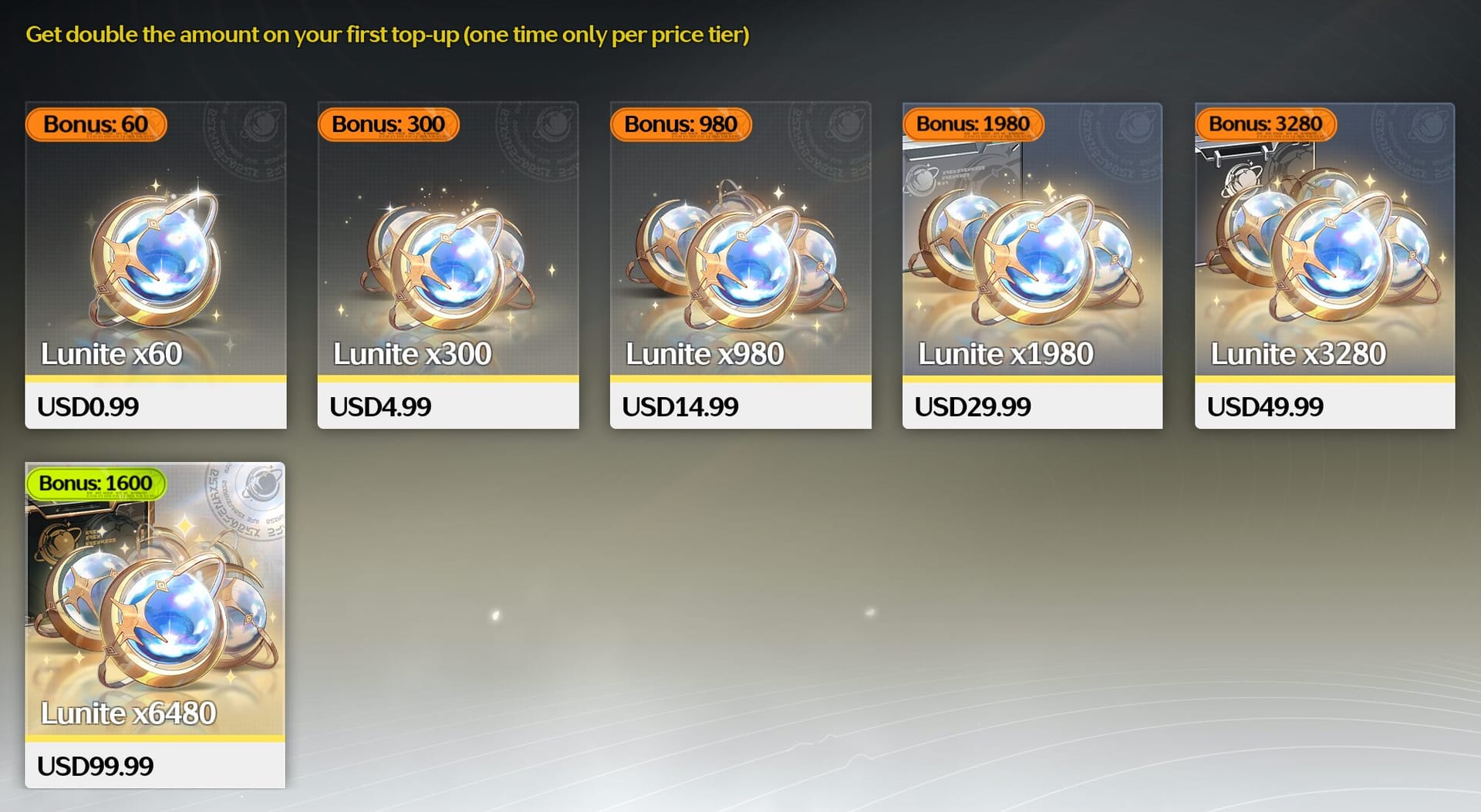
Follow this order. It saves time and avoids duplicate purchases.
Check whether payment is completed or only authorized.
Look at the store or seller order page, not just your banking app. If it says processing, wait within the normal window.Log into Wuthering Waves and check delivery.
Officially, logging in is part of the claim flow. Then close and reopen the game once if the currency or subscription doesn't appear.Verify UID, server, region, and platform.
I would check this before anything else if you used a third-party checkout. Wrong UID entry is one of the hardest mistakes to reverse, and users commonly report transfers are unlikely once delivered to the wrong account.Check whether the top-up landed on a different account or character.
This matters if you manage multiple accounts, changed regions, or used the wrong login method.Review timing against the delivery window.
Official/in-app: usually short, but still refresh in-game first
Direct top-up: often 3–5 minutes
Login top-up: often 10–15 minutes
Busy third-party queue: up to 3 hours commonly reported
Gather full proof before contacting support.
Fastest cases usually include:Order ID
Payment transaction ID
Receipt screenshot
UID
Server/region
Platform used
Package bought
Exact timestamp
Contact the right support team.
Official purchase issue: in-game support or official support email users commonly cite: wutheringwaves_ensupport@kurogame.com
App store purchase not credited: request refund through Google Play or Apple if still uncredited, then contact game support to refresh the account
Third-party stuck order: contact seller support with order ID, proof, and timestamps
What should your first support message include?
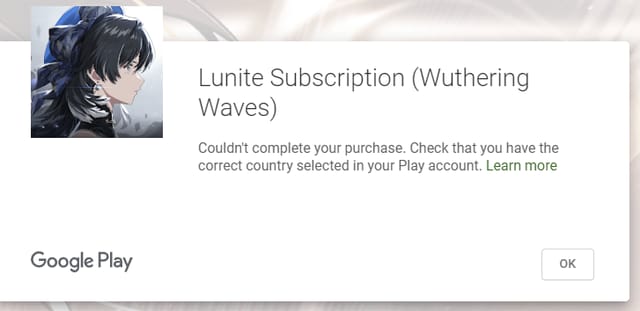
Send one complete message. Don't drip-feed screenshots.
Template
Subject: Paid but Lunite not received
UID:
Server/region:
Platform:
Package purchased:
Order ID:
Payment transaction ID:
Purchase time and timezone:
Current order status shown:
What you've already tried: logged in, restarted game, checked correct account
Attachments: receipt screenshot, order page screenshot, in-game screenshot
From comparing checkout paths, the users who send only a bank screenshot usually wait longer. Support needs identifiers they can trace in their own system.
What should I do if I entered the wrong account or still have not received Lunite?
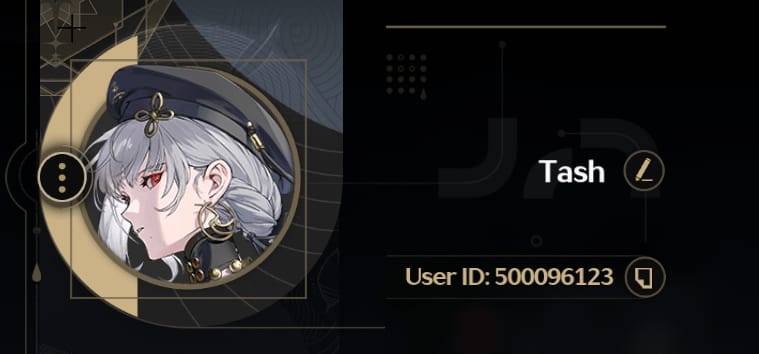
Act fast, but be realistic: wrong-account cases are the hardest to undo. If the order has not been delivered yet, a refund or cancellation is sometimes possible. If it has already been delivered, official policy says Lunite is non-refundable and non-transferable once delivered.
Here's the practical split:
Users commonly report that if the wrong account was topped up, support may only offer a credit-side resolution if any resolution is possible at all. Personally, I would avoid waiting too long here—contact support immediately with the wrong UID, intended UID, and timestamp.
If you need a cleaner reference path for this exact problem, Wuthering Waves Lunite payment successful no credits fix covers the evidence and escalation flow in one place.
How can I avoid Wuthering Waves Lunite top up problems next time?
Use a short prevention checklist. It matters more than people think.
Double-check UID and server before paying.
Wrong-account entry is one of the most expensive mistakes.Match account region to payment method.
Region mismatch is a known cause of undelivered or locked orders.Prefer mobile over PC for sensitive purchases.
Community reports say mobile purchases are more stable than PC for Lunite, especially subscription purchases.Use mobile data if your Wi‑Fi is unstable.
Users commonly report fewer purchase interruptions this way.If using third-party top-up, bind your Kuro account and don't log in during processing.
That combination is widely reported to reduce failures and speed delivery.Save every confirmation until delivery is visible in-game.
Keep the receipt, order ID, and timestamp. Always.
If you want a clearer checkout flow next time, VGTopup is one option—but whichever route you use, keep your order details until the Lunite is confirmed in-game.
FAQ
Why is my Wuthering Waves Lunite top up not showing up?
Most often because the order is still processing, the game needs a refresh, or the UID/server was wrong. Officially, you should log into the game and check delivery status after purchase.
How long does Wuthering Waves Lunite top up take to arrive?
Direct top-up reports often say 3–5 minutes, login top-up 10–15 minutes, and busy third-party orders 30 minutes to 3 hours. Escalate after the normal window passes.
What should I do if payment is successful but Lunite is not received?
Don't repurchase immediately. Check order status, reopen the game, verify UID/server/region, then contact support with receipt, order ID, transaction ID, and timestamp.
Can I get a refund if I entered the wrong Wuthering Waves account?
Sometimes only if the order has not been delivered yet. Once delivered, official policy says Lunite is non-refundable and non-transferable.
Why does my order say processing after payment?
Usually because the payment was captured but delivery verification is still running. High demand, network fluctuations, and account or region checks are common reasons.
What proof does support need for a missing Lunite top up?
Send the order ID, payment transaction ID, receipt screenshot, UID, server/region, platform, package, and purchase time. This is far better than sending only a bank charge screenshot.
Is a payment receipt enough to confirm delivery?
No. A receipt confirms payment activity, not in-game credit. You still need to verify the order status and whether the Lunite reached the correct account.
If your Wuthering Waves Lunite payment succeeded but nothing arrived, the right move is simple: don't pay again, verify the order stage, confirm UID/server/region, and escalate with complete proof. Most cases resolve as a delay, processing hold, or account mismatch. If the normal delivery window has passed, contact the correct support team immediately and include every identifier in your first message.