
If your Whiteout Survival top up is pending or delayed, don’t pay again right away. First check whether the payment is still processing, whether the seller captured it but hasn’t delivered yet, or whether the UID/account details were wrong. Use your order ID, receipt timestamp, amount, and UID to track the order before escalating.
In most cases, a short delay is normal. Official support confirms payment processing delays happen, and logging out then back in often fixes missing delivery because Frost Stars or packs may arrive through in-game mail. For urgent buyers dealing with Whiteout Survival top up pending, the key is simple: verify first, wait in stages, then contact support with complete proof.
Why is my Whiteout Survival top up still pending after payment?
A pending top-up usually means the payment flow and the delivery flow are not at the same stage.
That distinction matters more than most guides admit. From reviewing delayed digital top-up cases, I would check this first: did your bank, Apple Pay, Google Pay, card issuer, or wallet only authorize the payment, or did the seller actually capture it and queue delivery? Community reports commonly break it down like this:
A successful bank charge does not always mean the order has cleared merchant verification. That’s the part many users miss. Card and wallet orders are the most common place this breaks, especially when anti-fraud review or region mismatch kicks in, according to community reports.
Other common causes:
Wrong UID entered on a UID-based top-up
Region or platform mismatch
Temporary seller queue delay
VPN-triggered payment failure or review
Duplicate-order checks after repeated attempts
And yes, wrong UID is a serious one. Users commonly report those orders don’t self-correct and may be non-reversible, so double-checking before payment is safer than trying to fix it later.
How long does a Whiteout Survival top up usually take to arrive?
Most Whiteout Survival top-ups arrive within minutes, but waiting up to 30 minutes is still widely reported as normal.
Officially, payment processing delays can happen, and restarting the game resolves many cases. Across common top-up flows, the timing usually looks like this:
Single-source platform claims vary: some advertise 1-5 minutes, others 5 minutes, and some 10-30 minutes. Community consensus is more useful here: under 30 minutes is usually normal; after 1-2 hours, treat it as a support case.
My view: if you need the fastest safe recharge, prioritize the checkout path with the clearest order tracking and receipt trail, not just the lowest price. Personally, I would avoid any flow where you can’t easily retrieve an order ID or payment proof.
How can I track my Whiteout Survival top up order safely?
Track it with your order ID, payment receipt, UID, and store history—not by guessing from your bank notification alone.
For official purchases, Century Games officially advises checking Google Play or App Store purchase history, then logging out and back in if items haven’t appeared. Rewards may land in in-game mail, so check there after restart.
For UID-based orders, safe tracking usually means:
Log in to the seller’s order history page
Search by order ID
Match the UID used at checkout
Compare payment time and amount with your receipt
Check in-game mail after relogging
If you need a clean reference point for Whiteout Survival recharge order tracking, keep these fields together before you contact anyone:
One insider detail generic guides skip: if a site uses UID-only delivery, you usually do not need to share your game password on trusted flows. If a top-up is pending, the bigger risk is wrong UID entry, not lack of login access.
What should I do while waiting for a Whiteout Survival delayed top up?
Use a timed checklist. Don’t improvise.
Honestly, delayed delivery is frustrating when the money already left your account. But the worst move is usually a second payment or an early chargeback. Community experience is consistent on this: wait 30-60 minutes before doing anything drastic.
How do I handle the first 5 to 30 minutes?
Follow this order:
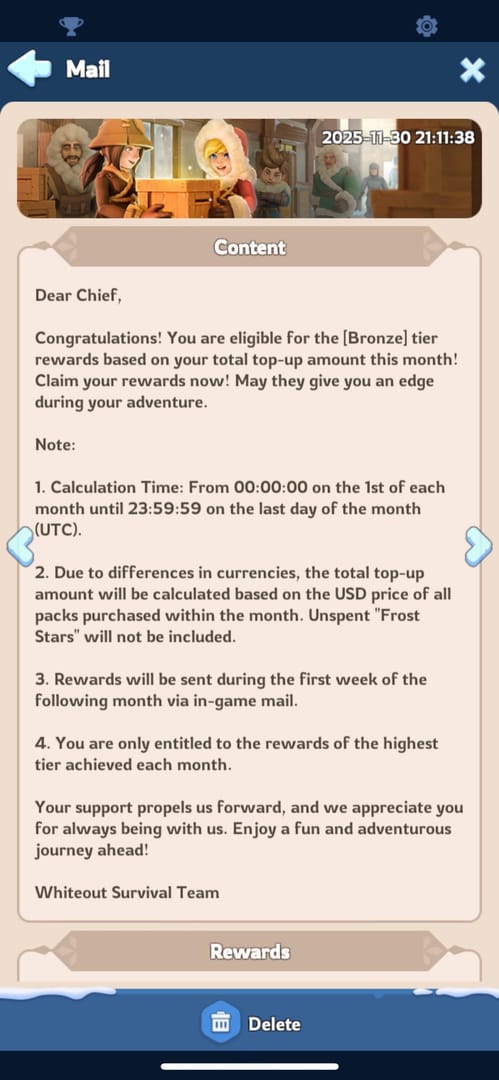
Check in-game mail. Officially, top-up rewards may appear there.
Log out and log back in. Century Games officially recommends this for missing purchases.
Confirm the payment status. Look at your card, Apple Pay, Google Pay, bank, or wallet receipt.
Check store history. Use Google Play or App Store purchase history for official purchases.
Disable VPN if you used one. Users commonly report VPN use causes payment failures.
Don’t place a second order. Duplicate payments create harder support cases.
If you’re still waiting, clearing app cache is a common community fix on Android: Settings > Apps > Whiteout Survival > Clear Cache. I’d treat that as a secondary step, not the first one.
How do I escalate after 30 minutes to 2 hours?
Escalate in stages so you don’t lose time.
At 30 minutes:
Recheck order history
Reconfirm UID/account ID
Compare receipt amount and package selected
Stay out of repeated checkout attempts
At 60 minutes:
Gather your evidence bundle
Screenshot order status, receipt, and any error message
Note exact timestamp and payment method
At 1-2 hours:
Contact the seller support first if the order exists in their system
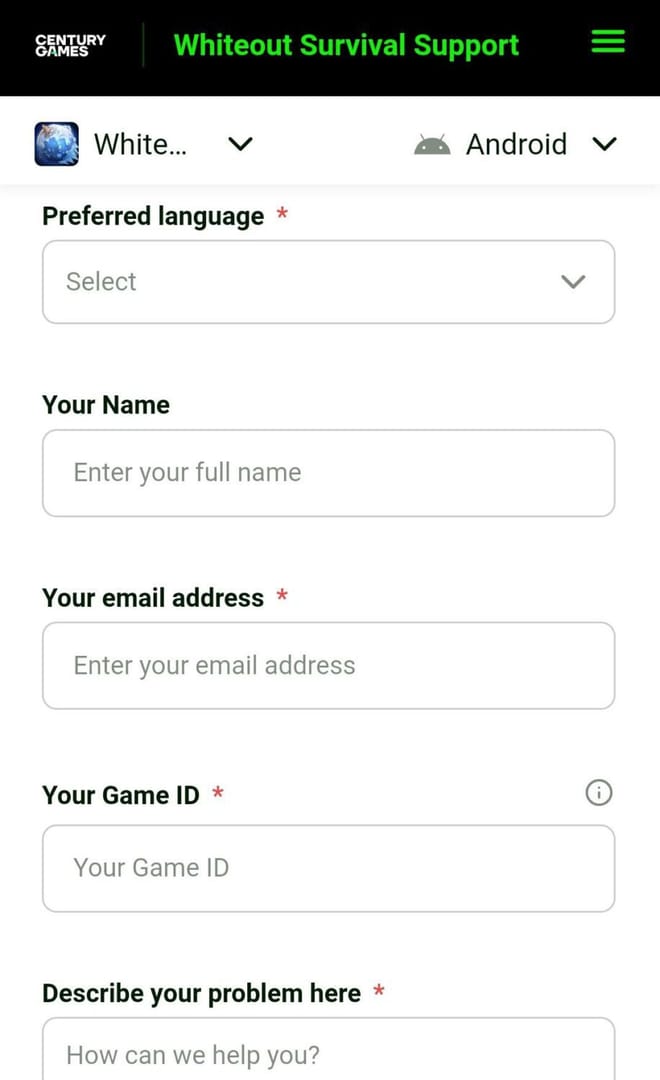
If it was an official purchase, open a ticket through the official help center at centurygames.helpshift.com
Include UID, order details, and payment proof from the first message
After several hours:
Treat it as abnormal, not routine
Keep all receipts and avoid chargebacks until support responds unless your payment provider specifically requires action
While waiting, do the low-risk stuff: farm resources, check alliance events, and keep your account stable. Community users often suggest staying patient rather than constantly relogging during active third-party processing. One single-source note even advises not logging in during processing to avoid conflicts.
What answers do users need most about Whiteout Survival pending orders?
How long does a Whiteout Survival top up usually take?
Usually a few minutes. Community consensus says under 30 minutes is still normal; after 1-2 hours, contact support.
Why is my Whiteout Survival top up still pending after payment?
Most often because payment authorization, anti-fraud review, seller queue delay, or wrong UID/account details are blocking delivery. Bank-side success and merchant-side delivery are not the same thing.
What should I do if Whiteout Survival payment is successful but the credits did not arrive?
First log out and back in, then check in-game mail and your purchase history. After that, track the order with your order ID, UID, timestamp, and receipt before contacting support.
How can I track my Whiteout Survival top up order safely?
Use the seller order history or official store history, then match order ID, UID, amount, and payment time. Don’t rely only on a bank notification.
Can a wrong UID or account ID cause a Whiteout Survival top up delay?
Yes. Community reports say wrong UID entries are a major cause of non-delivery, and some are not reversible.
Should I pay again if my Whiteout Survival order is still processing?
No. In recharge troubleshooting, one of the most common avoidable mistakes is placing a second order before the first one finishes authorization or review.
What proof do I need when contacting support about a delayed Whiteout Survival top up?
Send UID, order ID, payment timestamp, amount, payment method, screenshots of receipt, and any error message. From comparing support cases, complete first-contact evidence usually gets the fastest resolution.
What is the safest next step if my Whiteout Survival top up is delayed?
The safest next step is to verify, wait by timeline, then escalate with full proof.
If the order is under 30 minutes old, keep checking mail, relog once, and confirm payment status. If it’s past 1-2 hours, contact support with a complete evidence bundle and avoid duplicate payments or premature disputes. For future urgent purchases, use a checkout path with clear receipts and order history, and keep your UID and order ID saved from the start.