
If your PUBG Mobile UC payment failed, don't keep retrying blindly. First confirm whether the payment was declined before capture, left as a pending authorization, or was fully charged but UC never arrived. Most failures come from bank verification, 3D Secure timeout, billing mismatch, app-store country mismatch, VPN/root security flags, or the wrong player ID/region—not the UC pack itself.
The safest path is simple: verify your Player ID, account region, app store country, billing name/address, and payment status before trying again. If you were charged but got no UC, wait 24–72 hours, check in-game mail, then escalate with your order ID and receipt. If you need a cleaner retry path, this PUBG Mobile UC payment failed fix overview helps you avoid duplicate charges.
Why does PUBG Mobile UC payment keep failing?
It usually fails because the payment details and the account details don't line up. Officially, PUBG Mobile UC top-up requires an exact Player ID and a region match between your account, store, and payment method. Users also commonly report bank declines, insufficient funds, 3D Secure timeouts, VPN use, rooted devices, and temporary gateway issues during peak hours.
The key is to identify which stage failed:
From reviewing failed recharge cases, the most preventable mistake is retrying too fast while the first attempt is still pending. That creates duplicate-charge confusion and can trigger more fraud checks.
What causes card, billing, and 3D Secure failures?
Card failures usually come from verification problems, not lack of balance. Users commonly report that even funded cards fail when the billing name/address doesn't exactly match bank records, the account region differs from the card region, or 3D Secure approval times out before capture.
I would check these first:
Billing name and address exactly match your bank records
Card region matches your PUBG/account store region
3D Secure prompt was completed, not abandoned
Sufficient available funds, including any small verification hold
Card removed and re-added if the token is stale
A successful bank prompt doesn't always mean the order cleared merchant verification. That's the part many generic guides miss.
Why was I charged but did not receive PUBG Mobile UC?
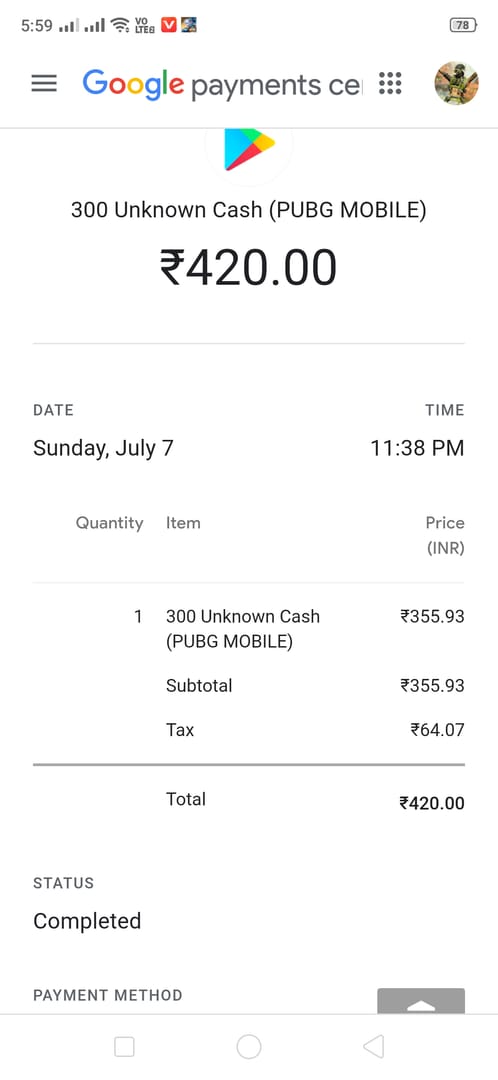
If you were charged but got no UC, the payment likely completed but delivery is delayed. Community reports say official-channel delivery is usually within minutes, but delays of 24–48 hours happen from server sync; waiting up to 72 hours is the practical window before escalation.
Check these before contacting anyone:
In-game UC balance
In-game mail
Order status in the app store or checkout page
Whether the charge is completed or still pending
Honestly, this is the most frustrating case because money has already left your account. But don't repay yet. Users commonly report that retrying a charged-but-undelivered order is how duplicate purchases happen. For a focused checklist, see this PUBG Mobile UC top up not received help path.
Which proof should you collect before contacting support?
You should collect the receipt, order ID or transaction ID, Player ID, character name, purchase date/time, and price. Officially, PUBG Mobile support and Midasbuy support require those details for purchase issues.
Use the right support path:
Official policy says refunds are possible within 7 days if the UC is unspent/unused, through the app store or PUBG support.
How can I fix a PUBG Mobile UC payment failed error step by step?
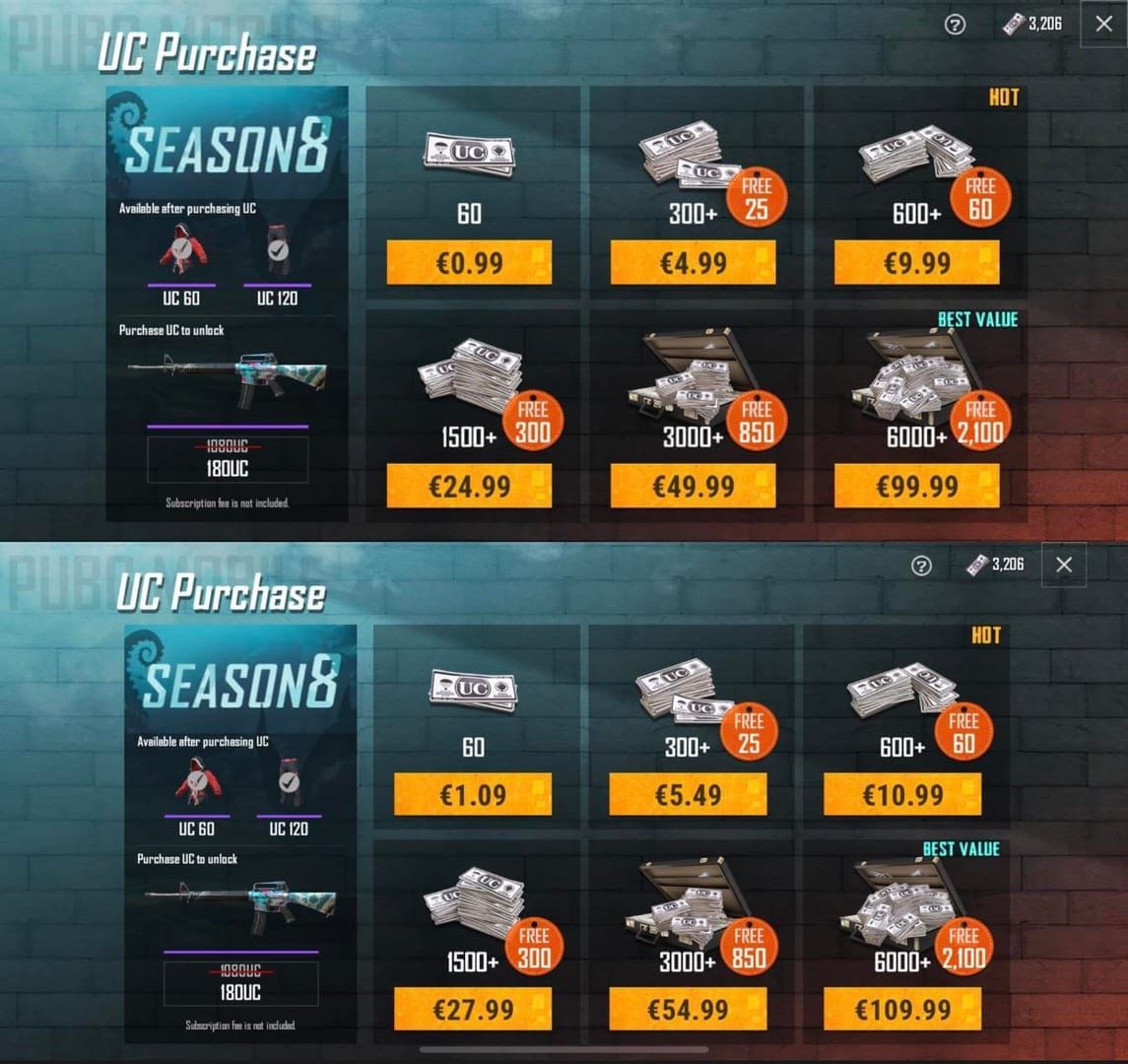
You can fix most PUBG Mobile UC payment failures by checking account details first, then applying the payment-method-specific fix. In my experience reviewing recharge issues, account-region mismatch and wrong Player ID matter more often than users expect.
Verify the Player ID
Enter the exact PUBG Mobile Player ID.
Recheck digit by digit before paying.
Confirm you're topping up the correct account, not an alt.
Confirm region and server
Match your account region with the Midasbuy country or app store country.
Don't use a VPN to force another region; users commonly report this triggers fraud screening and ban risk.
Restricted-country users are safest on official channels if the payment method is supported.
Check the package and checkout path
Make sure you selected the intended UC pack.
Promo code failures are often just expired or region-invalid codes; redeem them only on the official redeem page.
Check payment status before retrying
No bank charge: retry after fixing details.
Pending authorization: wait; don't retry yet.
Completed charge, no UC: wait 24–72h, then escalate.
Disable risk triggers
Turn off VPN.
On Android, unroot if applicable.
On iPhone, restore standard settings if the device is modified.
Link an official email or phone if your account looks high-risk.
Retry after a short cooling-off period
For temporary gateway issues, users commonly report 15–30 minutes helps.
For Google Play pending issues, waiting 24 hours is safer.
How do I fix card, Apple Pay, Google Pay, debit card, and app-store checkout failures?
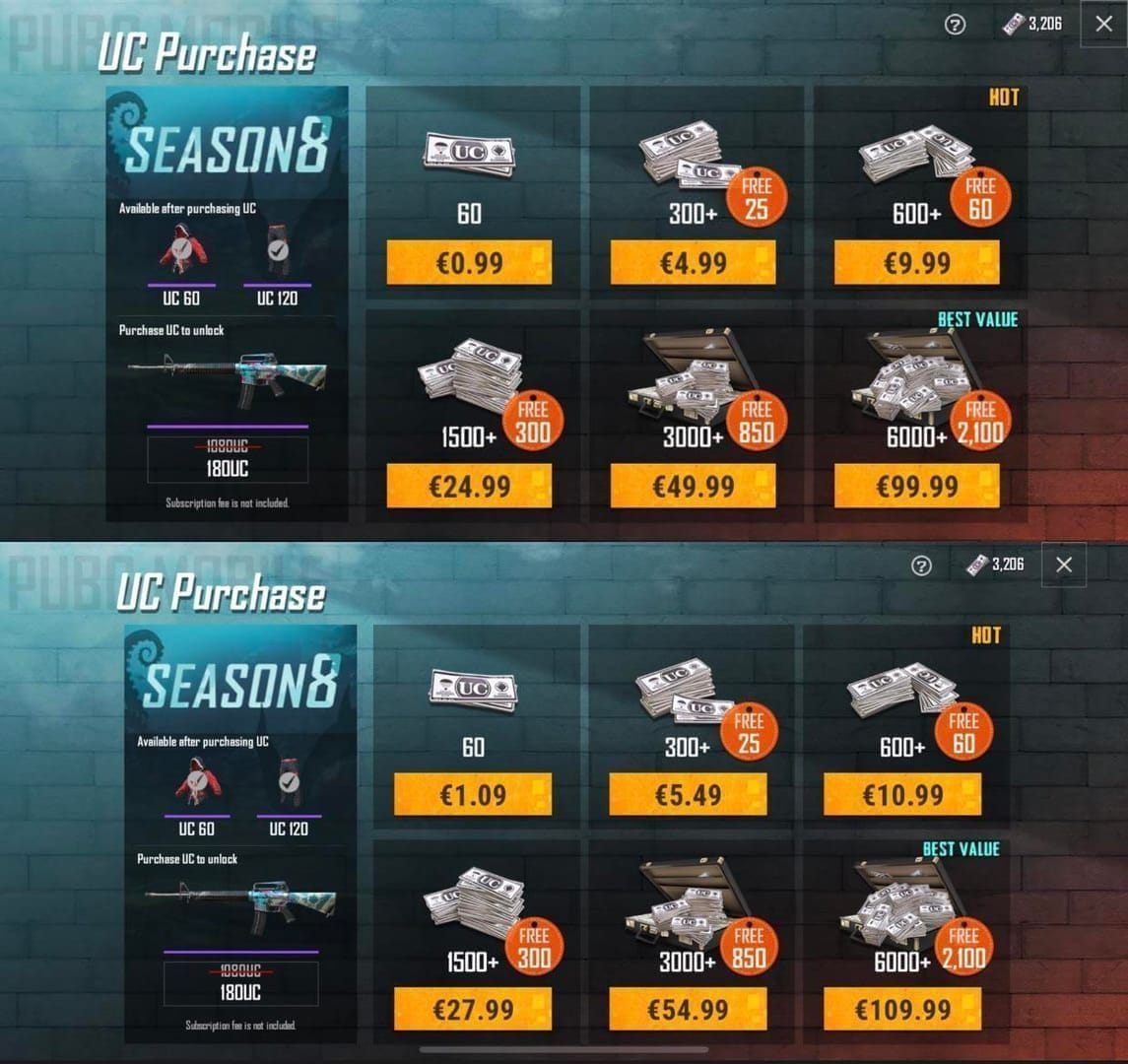
Use the fix that matches your payment method. Generic retries waste time.
A few edge cases matter:
Apple Pay India and Google Pay India failures are commonly tied to region mismatch.
New devices reportedly face stricter fraud checks after 2025, according to community observations.
If your app store country is wrong, changing it can help—but do it cautiously because store-region changes affect other purchases too.
Personally, I prefer official Midasbuy when app-store checkout keeps failing because it's the official recharge partner and usually gives clearer payment-method options across regions.
How can I top up PUBG Mobile UC safely after a failed payment?
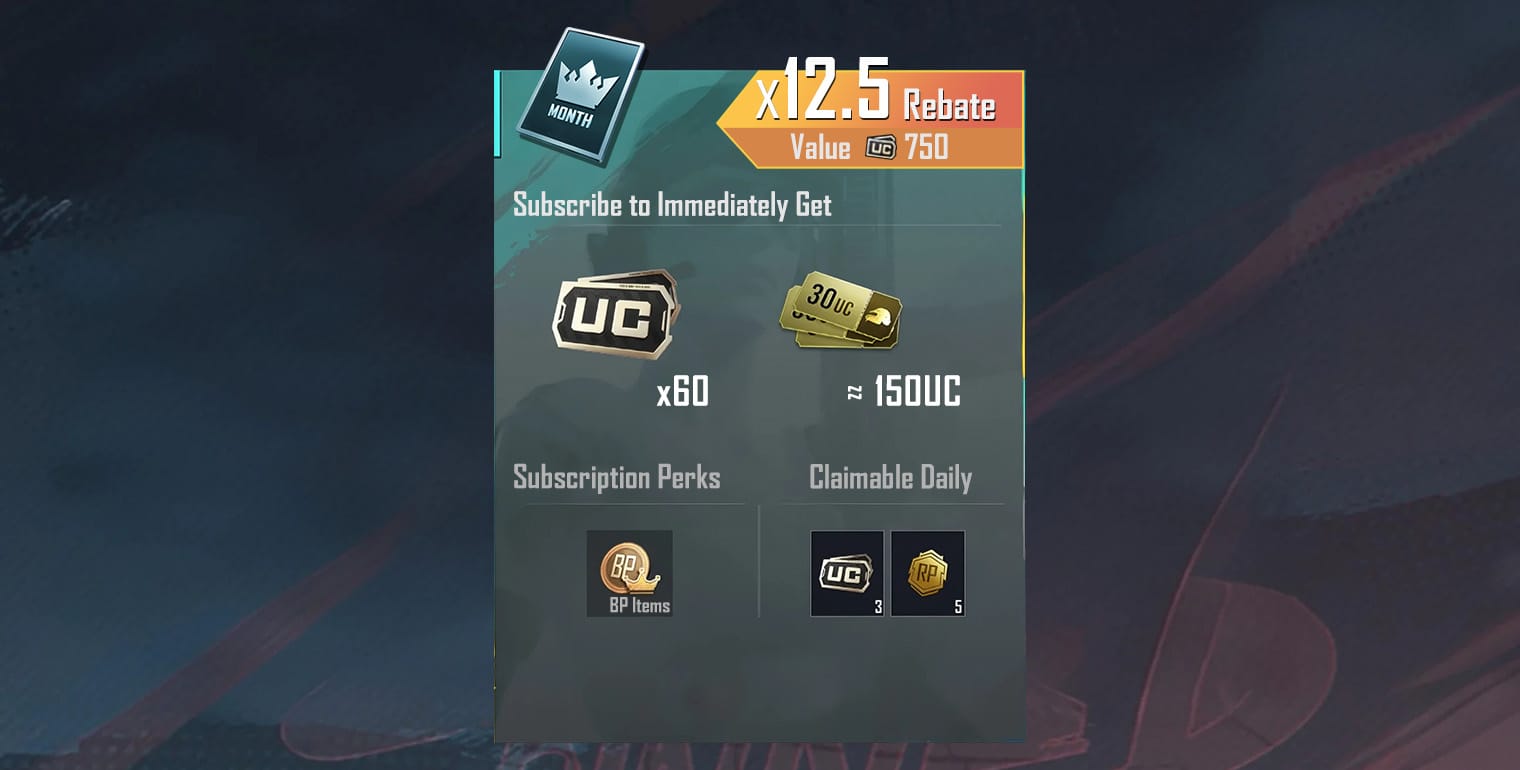
The safest way is to use official channels only: Midasbuy, the in-game store, App Store, or Google Play. Officially, those are the safest paths because they support proper receipts, order tracking, and support escalation.
Before you pay again, use this checklist:
Exact Player ID entered
Correct account/server/region selected
App store country matches account/payment region
Billing name/address matches bank records exactly
VPN off
Device not rooted or modified
Screenshot or save the order page
Keep receipt, order ID, and transaction ID
And avoid the obvious trap: huge discount claims with unclear authorization. Community reports mention discounts as high as 20–55% on some third-party offers, but non-delivery and account risk are the trade-off. I would avoid any checkout that can't clearly show order tracking, support path, and account verification.
Why does PUBG Mobile UC payment keep failing?
Usually because your bank, billing details, or region setup doesn't match the account you're trying to top up. The fastest checks are Player ID, app store country, billing address, VPN status, and whether the first attempt is still pending.
What should I do if I was charged but did not receive PUBG Mobile UC?
Wait 24–72 hours first, because delivery delays and server sync issues are widely observed. Then contact the app store or Midasbuy support with your receipt, order ID or transaction ID, Player ID, purchase time, and price.
Can a region mismatch cause a PUBG Mobile UC payment to fail?
Yes. Official requirements say the account, app store, and payment method region need to match. This is one of the most common causes of failed checkout and post-payment delivery issues.
How long should I wait before retrying a failed PUBG Mobile UC top-up?
If there was no charge, retry after fixing the cause; for temporary gateway issues, 15–30 minutes is reasonable. If the charge is pending, don't retry—wait for the authorization to clear or reverse, often within 3–7 days.
Why is my card declined for PUBG Mobile UC even when I have enough balance?
Because balance isn't the only check. Billing mismatch, 3D Secure timeout, region conflict, or fraud screening on VPN/rooted devices can all decline a funded card.
How do I verify the correct PUBG Mobile player ID before paying?
Check the Player ID directly in your PUBG Mobile account and compare every digit before confirming payment. If you're topping up for another account, verify the character name after entering the ID whenever the checkout supports it.
If your PUBG Mobile UC payment failed, the fix is usually not try again harder. Check whether the payment was declined, pending, or fully charged without delivery, then act based on that stage. Reconfirm Player ID, region, billing details, and payment method, use official channels like Midasbuy or app stores, and keep every receipt. If money was taken but UC didn't arrive, wait up to 72 hours, then escalate with full proof instead of risking a duplicate charge.