
If your Poppo Live Coins top up payment failed, don't keep retrying right away. First confirm whether the payment was declined, is still pending, or was charged successfully but the coins haven't arrived. Then check your Poppo User ID, server/region, billing details, and payment method before making one clean retry.
From reviewing failed recharge cases across digital top-up flows, the most common preventable mistake is repeated retries while the first payment is still processing. If you're dealing with Poppo Live Coins top up payment failed, the safest path is: verify status, wait 5–10 minutes, refresh the wallet, then escalate with proof if needed.
Why did my Poppo Live Coins top up payment fail?
The most common causes are wrong User ID, bank fraud blocks, 3D Secure failure, and region mismatch.
Users commonly report that about 30% of failures come from entering the wrong Poppo Live User ID. Poppo uses a numeric ID shown under your profile/avatar, such as ID: 678912345, and it must match exactly. A wrong server or zone selection can also stop delivery even if payment goes through.
Bank-side rejection is even bigger. Community reports say roughly 60% of payment failures are triggered by bank fraud detection against the merchant name VSHOW PTE. LTD. In practice, this happens when:
your bank blocks foreign or international transactions
your daily limit is too low
the card is expired or short on funds
the issuer requires 3D Secure and you didn't complete it in the bank app or verification page
Region issues are another frequent blocker. Geo-restrictions are tied to around 40% of Error 1005 timeouts, and about 30% of those cases are fixed by disabling a VPN. In my experience reviewing recharge issues, users underestimate how often billing address, account region, and checkout region need to line up.
Why was I charged but my Poppo Live Coins did not arrive?
Usually because the payment is authorized but not fully captured yet, or because delivery is delayed.
A successful bank alert does not always mean the order has cleared verification. Check whether the charge is:
Pending/authorized: money is reserved, but the order may still fail or reverse
Captured/completed: payment fully processed
Reversed: temporary hold removed
Duplicated: two separate captures or one capture plus one pending hold
Users commonly report 12–18% delivery delays during high-traffic periods or payment gateway peaks. If payment succeeded but coins are missing, the practical fix is often simple:
Wait 2–3 minutes.
Force close and reopen Poppo Live.
Pull down to refresh the wallet.
Check Profile > Wallet > Transaction History for Pending, Failed, or Success.
Honestly, this is the most frustrating case because the money appears to be gone. Still, don't repay immediately. A second payment before checking status is how duplicate charges happen.
Why does clearing cache and updating the app fix some payment errors?
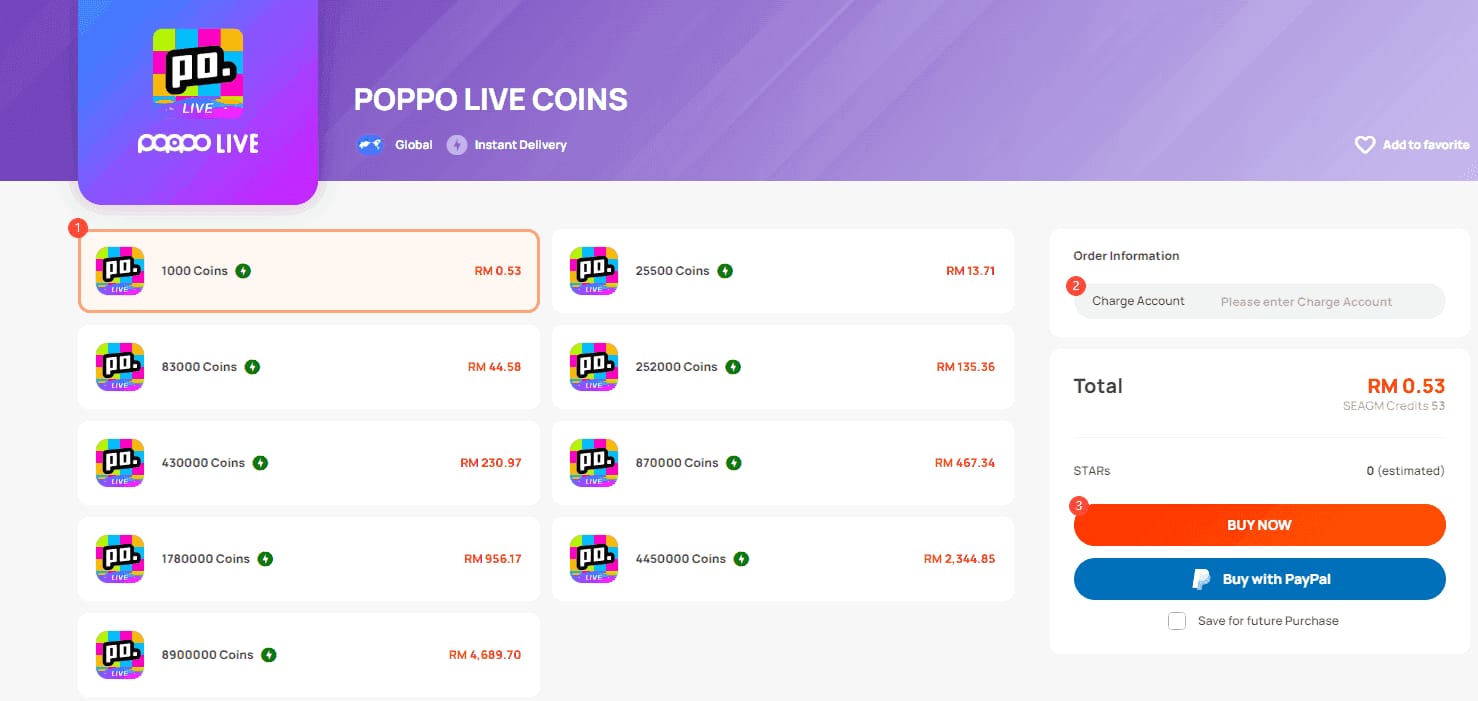
Because some failures are local app conflicts, not true payment declines.
Community data for app version 2.9.6 says clearing cache fixes about 70% of payment conflicts, and recent 2.9.5/2.9.6 updates reduced crashes and auth freezes by roughly 15–50%. That's a big clue: some "payment failed" messages are really session or authentication problems.
Use these checks first:
One detail many guides miss: discount top-ups fail for the same reason as standard ones. The primary issue is still ID mismatch, not the package itself.
How can I fix a Poppo Live Coins top up payment failed error step by step?
Yes — follow a strict order, and don't exceed three retries in 24 hours.
Check whether the first payment is actually failed.
Look at your bank statement and identify whether the charge is pending, authorized, reversed, or completed. Wait 5–10 minutes before doing anything else.Check Poppo order status.
Open Profile > Wallet > Transaction History and look for Pending, Failed, or Success. If the order is pending, leave it alone for now.Verify your account details.
Confirm the numeric User ID under your profile. Then verify server/zone, package, and account region. If you used the wrong ID, contact support immediately with a screenshot of the mistyped ID.Fix app-side issues.
Android: Settings > Apps > Poppo Live > Storage > Clear Cache
iPhone/iPad: delete and reinstall the app
Then force restart the app and log in again.
Remove region conflicts.
Disable VPN. Make sure your billing address, payment region, and Poppo account region are consistent. Restricted Asia-region routing is commonly linked to ID and payment errors.Check your payment method.
For cards, enable international transactions, confirm available funds, and complete 3D Secure. For Google Pay, check payment settings and try mobile data. App-store billing issues should be verified in Google Play or Apple billing history.Retry once, cleanly.
Use one device, one network, one payment method, one session. Wait 5–10 minutes between attempts, and stop after 3 tries in 24 hours to avoid more fraud flags.
Community and single-source data together suggest these fixes solve about 95% of common cases. If you need a cleaner retry path after confirming the first attempt truly failed, Poppo Live Coins recharge not received cases are easier to verify when the checkout shows clear order details and timestamps.
How do I contact support for a Poppo Live Coins payment issue?
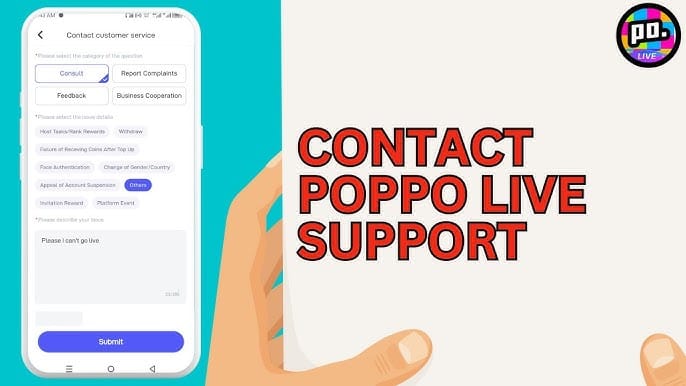
Use official Poppo support first for coin delivery issues, your bank for declines, and the app store for billing disputes.
Prepare this before opening a ticket:
Then follow this path:
Coins missing or wrong account issue: contact Poppo in-app support chat.
Card declined or fraud block: contact your bank/issuer.
Duplicate app-store charge: check Google Play or Apple billing, then contact the store if needed.
Order stuck over 24 hours: escalate to Poppo support with full proof.
Personally, I would check support evidence before sending the first message. Cases move faster when you already have the order ID, account ID, timestamp, and screenshot of the charge.
Refunds are possible, but not easy. Community experience suggests about 30% success for platform-error refunds, only around 1% for user mistakes like wrong ID, and the process can take 2–3 weeks. If coins were already used, gifted, or the request is outside the time window, refund approval drops sharply.
Why does Poppo Live Coins top up payment keep failing?
Usually because the same root issue was never fixed. The repeat offenders are wrong User ID, bank fraud screening, incomplete 3D Secure, VPN/region mismatch, and retrying too many times in one day.
What should I do if Poppo Live Coins payment is pending but no coins arrived?
Wait 5–10 minutes first, then restart the app and refresh the wallet. If the order still shows pending after 24 hours, contact Poppo support with your order ID, receipt, amount, and timestamp.
Can I get a refund for a failed Poppo Live Coins top up?
Sometimes, yes. Refunds are more likely when the platform failed; they're much less likely when the wrong ID was entered, and they often take 2–3 weeks.
How do I know if my Poppo Live Coins order was charged twice?
Check your bank statement and app-store billing history for two separate completed captures. One completed charge plus one pending authorization is not always a true duplicate, so verify status before disputing.
Does account region mismatch cause Poppo Live Coins payment failure?
Yes, often. If your account region, billing address, payment region, or VPN location don't match, the payment can fail or the order can time out.
Why is my card declined when buying Poppo Live Coins?
Most often because of fraud screening, low funds, expired card details, foreign transaction blocks, or missing 3D Secure approval. Calling the bank to approve the merchant and enabling international payments often fixes it.
Who should I contact for Poppo Live Coins payment problems?
Contact Poppo support for missing coins or wrong delivery, your bank for card declines, and Google Play or Apple for app-store billing disputes. That's the fastest split in real cases.
If your Poppo Live Coins top up payment failed, the right move is simple: stop retrying, verify whether the charge is pending or completed, check your User ID and region, then make one clean retry only after fixing the cause. If coins were charged but not delivered, refresh first and escalate with full proof. For future top-ups, use region-consistent details, complete 3D Secure, avoid VPNs, and keep every order record.