
For a large Mecha Break Bulk Corite Top Up, the safest move is to verify the exact recipient account first, then pay through a route that gives a traceable receipt and order ID. If anything goes wrong, support usually resolves faster when you can show the account identifier, payment timestamp, amount, and official transaction proof in one place. For high-value orders, the real risk usually isn't the payment rail itself. It's a mismatch: wrong UID, wrong server, wrong platform flow, or a fraud review after a large charge.
If you're comparing checkout paths for a Mecha Break bulk corite top up, treat proof quality as part of the purchase, not an afterthought.
What is the most likely support path after a large Corite payment problem?
The most likely path is: wait briefly for verification, collect proof, then open an in-game support ticket with a complete evidence pack.
That order matters. Users commonly report that platform purchases can process payment before Corite appears, and larger Steam purchases may trigger security review or even a temporary freeze. Xbox buyers also report cases where payment completes but Corite doesn't credit, with in-game support as the next step. So don't rush into duplicate purchases or charge disputes first. That often makes the trail messier.
A practical timeline:
Immediately after payment: save the receipt, order ID, transaction reference, amount, and timestamp.
Short wait window: allow time for payment verification and crediting. Some sellers advertise instant delivery only after verification, which is the key phrase.
If still missing: check the exact account, UID, and server used.
Then escalate: submit an in-game support ticket with the full proof bundle.
Only after support review stalls: consider talking to your card issuer about the charge status, but keep the support ticket active.
From reviewing digital top-up support cases, the fastest-resolved tickets usually include both the account identifier and the official payment reference, not just a cropped bank screenshot.
How do I verify the right Mecha Break account before a bulk Corite top up?
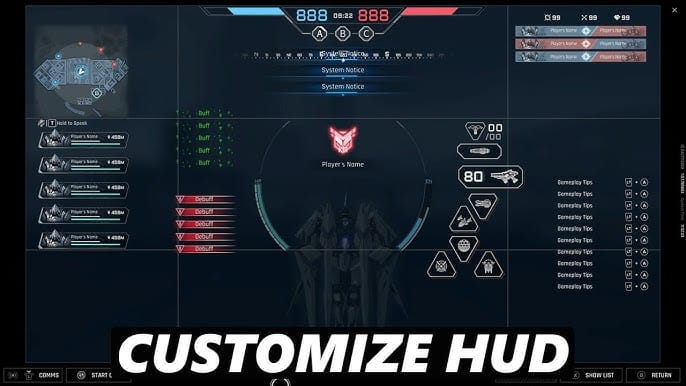
Verify the visible UID or player ID and the selected server before you pay.
For Corite top-ups, community listings consistently require two fields: UID/player ID and server. Common server options shown by sellers include Asia-Pacific, North America, South America, and sometimes All Server. The simple but costly mistake is manual entry. Copy-paste the UID if possible. Users and sellers repeatedly warn that manual typing causes mismatches.
What I would check first:
Logged-in account: especially on shared PCs, consoles, or alt accounts
UID/player ID: copy-paste, don't retype
Server/region: match the account's actual server, not your physical location
Platform route: web checkout, platform store, or app billing aren't interchangeable proof trails
Currency/store context: store region and card issuer country can trigger review even when the game account is correct
A successful bank charge does not always mean the order cleared verification. That's the part many buyers miss.
Evidence that actually helps
If the game doesn't clearly show a UID on one screen, record the strongest visible account identifier available and pair it with the server selection. But if a seller asks for UID, don't guess.
Which payment proof is strongest if something goes wrong?
The strongest proof is the official receipt plus the order ID and payment reference, backed by the account identifier used for delivery.
A bank statement helps, but on its own it usually proves only that your card was charged. It doesn't prove where the Corite should go. For a missing top-up, support needs to connect three things:
who paid
what order was created
which account should receive the currency
That's why a clean proof bundle beats a single screenshot every time.
Web checkout, app billing, and card proof aren't the same
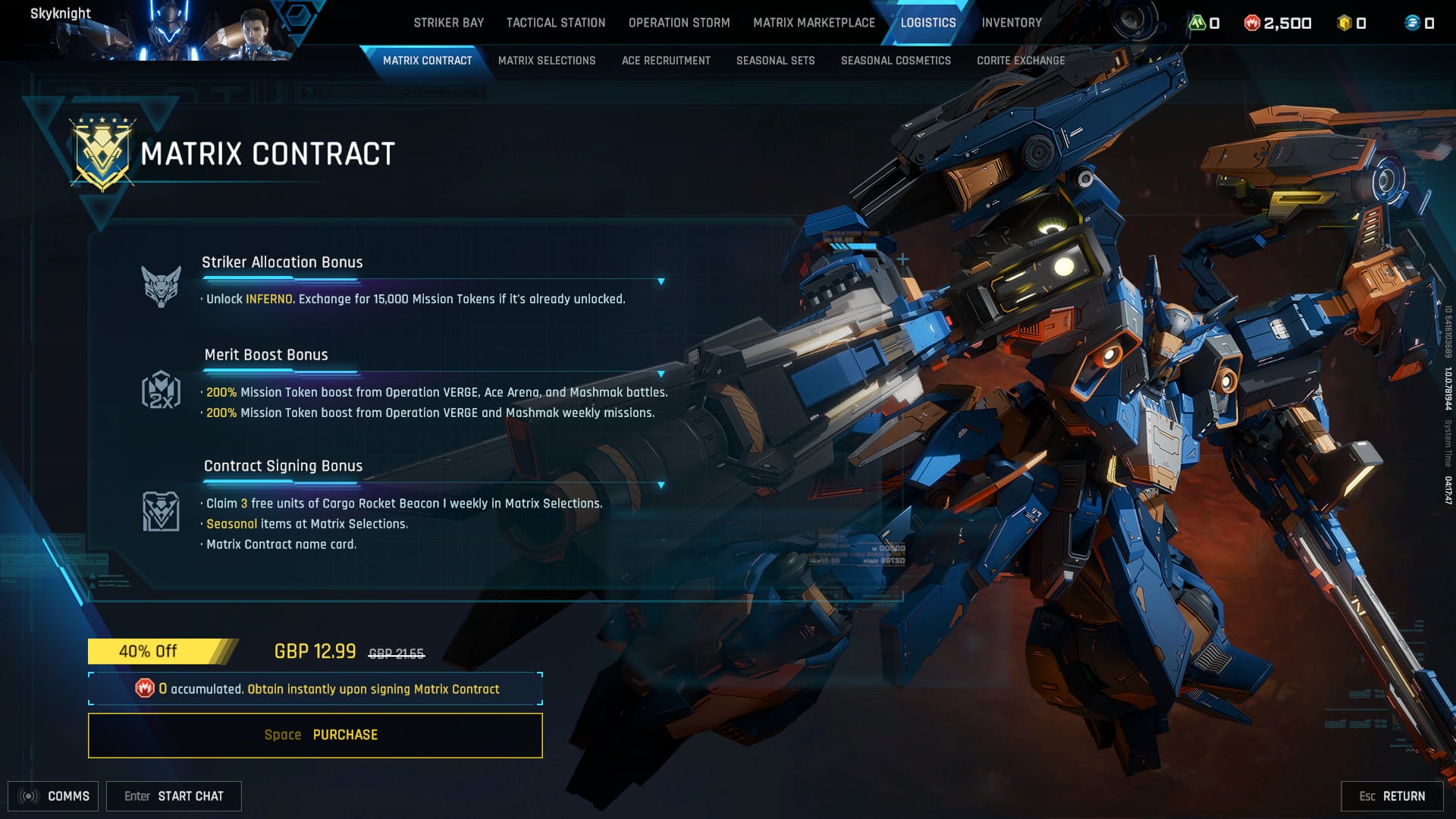
Web checkout usually gives clearer merchant-side order tracking. App-store billing often gives a strong platform receipt, but the wording may not map neatly to the in-game order support wants. Card statements are useful for charge confirmation, yet they can be too generic if the descriptor is abbreviated.
Personally, I prefer the route with clearer order tracking for expensive packs, even if another method looks slightly faster. For support readiness, traceability wins.
If you're buying through a web flow such as Mecha Break high value recharge receipt, save the receipt page before closing it. For app-store or platform billing, also save the store receipt email or order history entry.
Why is a large Mecha Break Corite payment stuck in review or pending?
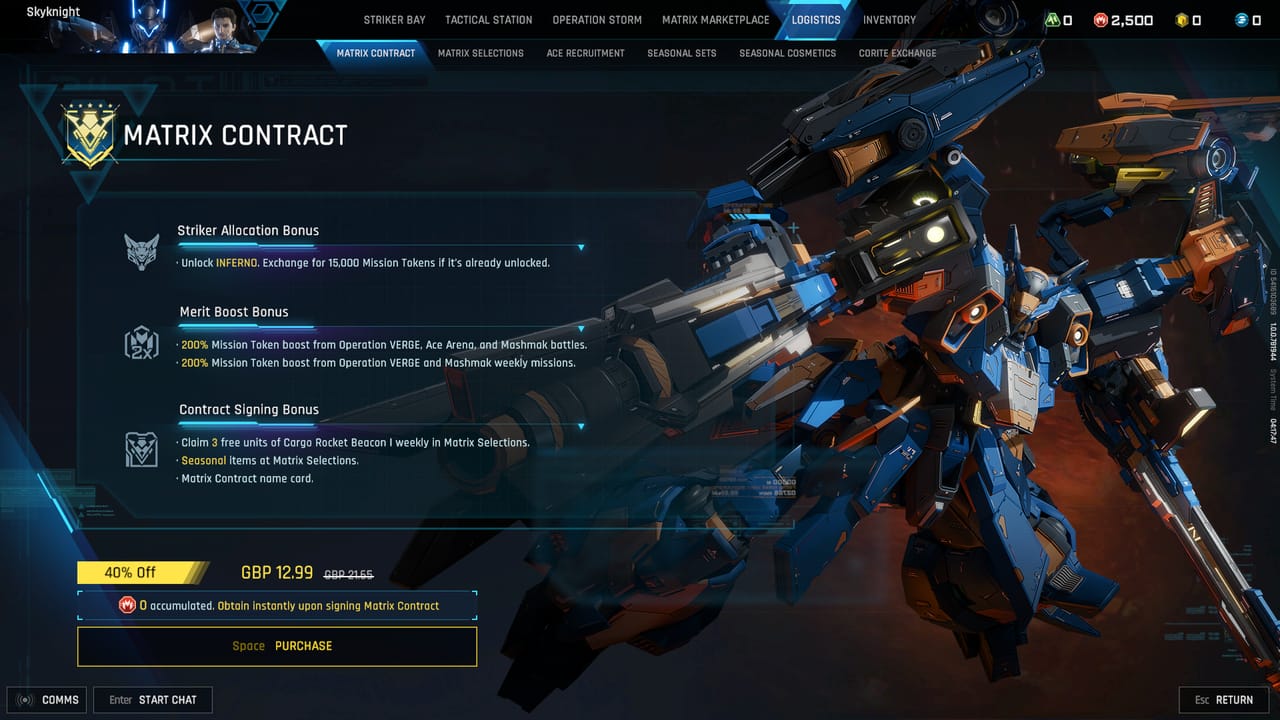
Large orders get stuck mainly because of fraud screening, repeated attempts, or account/store mismatches.
Community reports around Steam are especially relevant here: bulk buys may trigger fraud detection, and some users report account freezes for security checks after Corite purchases. On Xbox, payment can process without immediate crediting, with in-game support needed afterward. Those aren't the same problem, but they lead to the same buyer mistake: paying again too quickly.
Common triggers:
Multiple rapid attempts after a slow checkout
Issuer verification such as 3-D Secure or card risk checks
Store region vs account region confusion
Currency mismatch between store display and card issuer expectations
Wrong UID or server entry
Overlay or recharge server errors after payment on Steam
When waiting is reasonable:
You have a valid receipt
The charge is posted or authorized
No duplicate order was created
The account details entered were correct
The issue appeared right after a known platform or overlay hiccup
When I would escalate sooner:
The receipt exists but the UID/server on the order is wrong
You see two charges or two order attempts
The account is frozen for security review
The payment says completed but no order reference is visible anywhere
And don't keep retrying. Duplicate-attempt patterns can make a routine delay look like suspicious activity.
If Corite does not arrive, what should I send to support first?
Send a short, complete ticket with the account identifier, server, order reference, payment proof, and a plain description of the issue.
Use this structure:
Issue type: charged but not credited / pending review / wrong recipient
Account details: UID or player ID, server
Payment details: amount, currency, timestamp
Order proof: receipt, order ID, transaction ID
What you've already checked: correct login, correct server, no duplicate claim used
A good first message is simple:
I paid for Corite, but it has not been credited.
UID: [your UID]
Server: [server]
Order ID: [ID]
Transaction reference: [reference]
Amount/time: [amount, currency, timestamp]
I confirmed the account and server before payment. Please check the order status.
Mini scenario note: the common wrong-account dispute
A buyer tops up on a shared device, sees the right character name in memory, but the active login is an alt account. Payment succeeds. Corite lands somewhere else. Support can only act quickly if the ticket includes the UID actually entered, not just the buyer's preferred account name.
In high-value checkout flows, the most common preventable issue is not payment failure but buyer-side mismatch: wrong login, wrong region, or topping up the wrong account on a shared device. Honestly, that's frustrating because it feels like a payment problem when it's really an identity problem.
Does a bank statement alone count as enough proof?
No. A bank statement alone is usually not enough for a missing Mecha Break top-up.
It's useful supporting evidence, especially for duplicate-charge fears, but support still needs the order-side reference and the intended recipient account. Think of the bank statement as confirmation that money moved, not confirmation that the Corite destination was valid.
If all you have is a bank record, try to recover:
receipt email
order history entry
app-store purchase record
checkout confirmation page
transaction reference from your card or payment app
A conservative buying call
For expensive Corite purchases, buy only when your proof trail is clean: correct UID, correct server, saved receipt, visible order reference, and one payment attempt. If any of those pieces are missing, pause. I would avoid large manual-entry orders and any seller flow that doesn't leave you with a usable receipt. If you’re ready to place a larger Corite order, use VGTopup only after confirming the exact account details and keeping your receipt and order reference saved.