
If your imo App Store purchase is pending, first confirm whether Apple has actually completed the transaction before trying to restore diamonds. A completed Apple receipt proves billing; missing diamonds after that usually means an account mismatch, sync delay, or entitlement delivery issue inside imo. If the purchase is still pending, Apple hasn't finished charging yet, so restore usually won't fix it.
From reviewing failed digital purchase cases, I would check this first: Apple purchase history, email receipt, and your exact imo account ID. Don't rebuy while the order is pending. That is how duplicate charges happen when the first order later clears.
Why is my imo App Store purchase still pending?
A pending imo App Store purchase means Apple hasn't successfully completed the in-app charge yet. Officially, this usually happens when Apple can't charge your payment method or available balance.
Here's the practical difference:
Two details matter more than most guides admit:
A bank charge or hold is not the same as a completed App Store receipt. Honestly, this is where many users get misled.
Apple pending purchases can last weeks if payment keeps failing, though users commonly report many diamond issues resolve within 30 minutes after refresh, cache clear, or reinstall.
Check Apple billing here: Settings > Apple ID > Media & Purchases > View Account > Purchase History. If it still shows pending, you can't cancel that App Store pending state directly; officially, you wait for completion or request a refund after it completes.
Users commonly report that adding a small Apple balance can push a stuck payment through, but that's a community workaround, not an official guarantee.
A related shortcut if you're trying to recover a stuck iPhone order is this guide to imo app store diamonds pending, but use it only after you've confirmed whether Apple finished the charge.
Why are my imo diamonds or subscription not showing after payment?
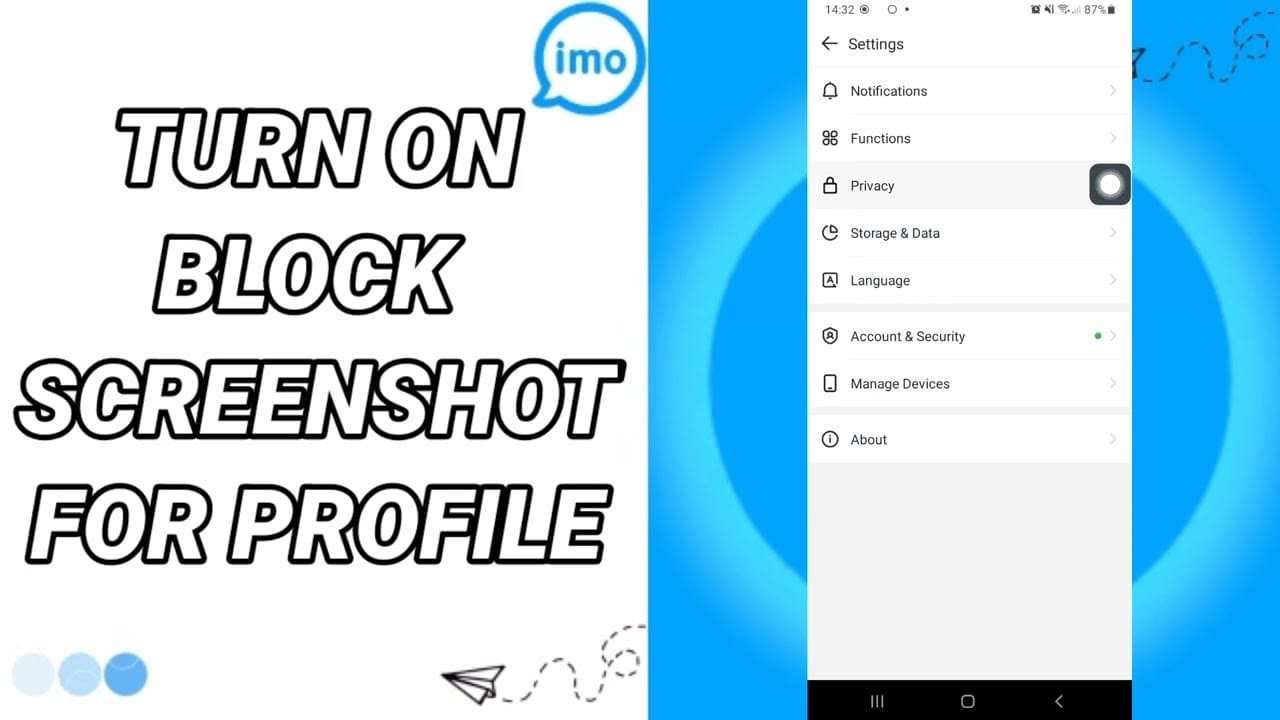
If payment is completed but diamonds or premium access aren't showing, the problem is usually not billing anymore — it's account targeting or app-side delivery. That's the key separation most pages miss.
The facts point to three common causes:
Wrong IMO ID: community data says about 40% of diamond failures come from incorrect IMO ID entry
Network instability: another 40% is tied to unstable connectivity during or after checkout
Login/account mismatch after reinstall or phone change: users often reopen imo under a different phone number or profile
And yes, diamonds are commonly understood to be tied to your imo account ID, not the device. So changing iPhone doesn't usually lose them if you log back into the same account.
For subscriptions or premium access not showing on Android, Google officially says to verify the same Google account used for purchase. On iPhone, the equivalent logic is similar: make sure the app session and the billing account line up with the account that should receive the entitlement.
Region also matters. Officially, App Store country settings affect pricing, and in my experience comparing checkout paths, local currency mismatch is less common than plain account mismatch — but when it happens, it confuses users because App Store pricing and web pricing may not look identical even for the same diamond pack.
Why is imo cheaper on web checkout than in the App Store?
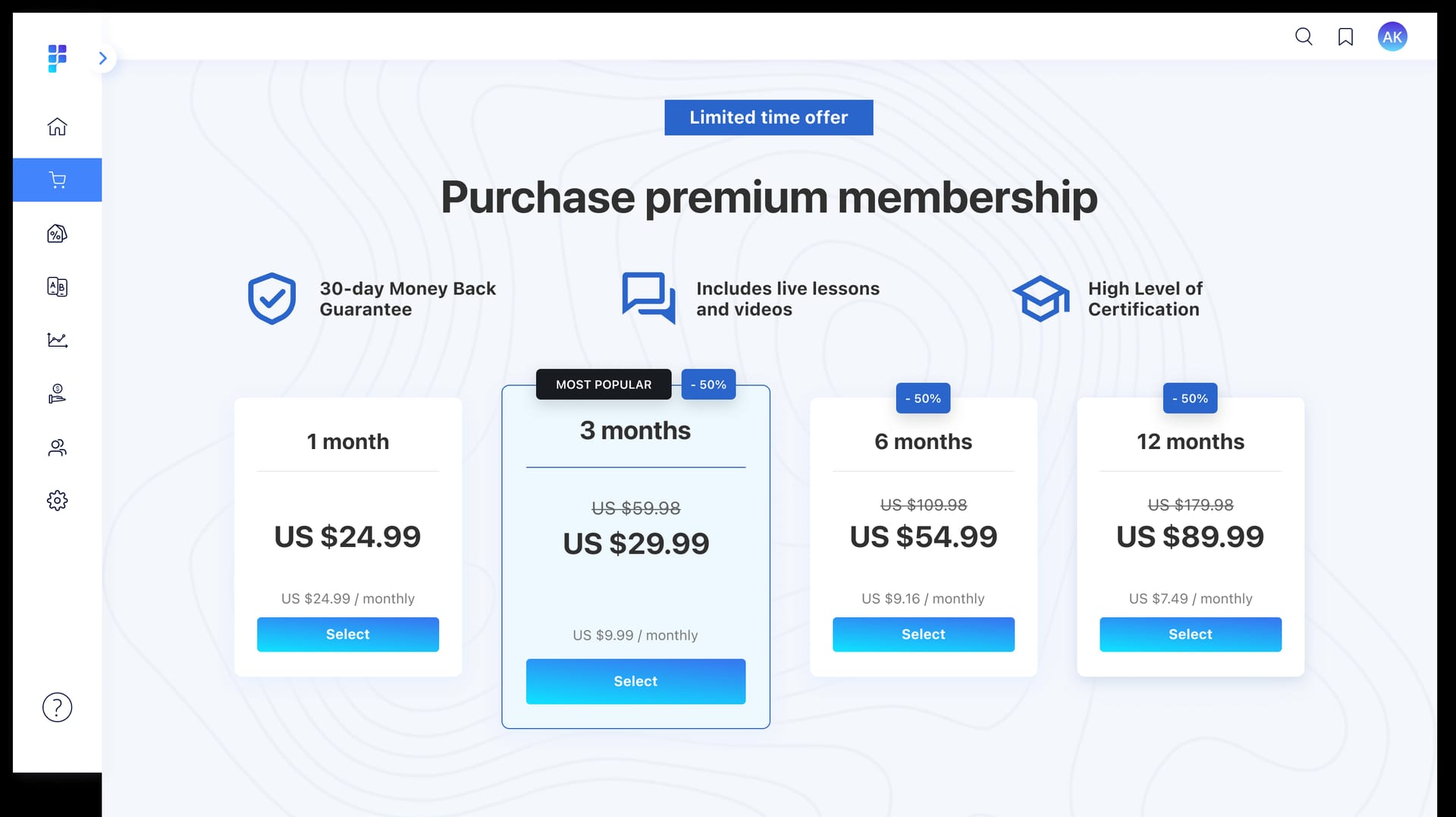
Because Apple in-app billing adds store fees, and web checkout bypasses that layer. Officially, Apple App Store in-app purchases carry roughly 30% to 38% markup on imo diamonds.
The price gap can be significant:
That doesn't mean web is always the right immediate fix. Personally, I would avoid switching channels until the pending Apple order is resolved. If you buy again on web while Apple later completes the original order, you may end up with duplicate purchases and a refund chase that can take 5 to 120 days after 72 hours for undelivered items.
How do I restore diamonds in imo and confirm the right account?
Start by proving the purchase completed, then verify the receiving account, then try restore or refresh. In restore-purchase troubleshooting, the fastest wins usually come from login checks before reinstalling.
Check Apple purchase status
Go to Settings > Apple ID > Media & Purchases > View Account > History
Look for the imo transaction status
Check your Apple email receipt; officially, the receipt confirms completed vs pending
Review your bank statement to see whether it's an authorization hold or a settled charge
Check imo transaction history
In imo, go to Me > diamonds/beans icon > history
If the order appears there, screenshot it
If it doesn't, that usually means the app hasn't received or matched the entitlement yet
Verify the exact imo account
Open imo and find your ID: top center button > avatar > ID
Community reports describe the IMO ID as 7-10 digits
Confirm you're on the same phone number/login method used before reinstall or device change
Try Restore Purchases if the option exists
Officially, use app settings > Restore Purchases if your current app version shows it
Community experience suggests there may be no imo-specific restore UI in some versions, so don't waste time hunting for a button that isn't there
Refresh the app state
Force stop imo
Clear cache/data if available
Relaunch and sign in again
Users commonly report most issues clear within 30 minutes
Reinstall only after account checks
If you changed devices, reinstalling can help sync entitlements
But verify the same phone number/account first; otherwise you may think the diamonds vanished when you're simply in the wrong profile
If you're specifically dealing with iPhone restore behavior after reinstall or a new device, this walkthrough on imo restore purchase ios is relevant once you've confirmed the Apple receipt is completed.
How can I switch future imo payments from Apple ID billing to web checkout safely?
The safe answer is simple: resolve the current App Store order first, then use web checkout for future purchases. Don't use web as a panic replacement for a still-pending Apple transaction.
Use this sequence:
Wait before rebuying
Community experience: wait 30 to 72 hours on pending orders before escalating
For large purchases over $500, extra processing of 5 to 30 minutes is commonly reported
Confirm the old order's final state
Pending in Apple history: stop and wait
Completed with Apple receipt but no diamonds: contact imo
Refunded/failed/canceled: then it's safe to buy again through another channel
Match the target account exactly
On web checkout, enter the correct IMO ID
Wrong ID is one of the biggest failure points
Check region and currency
Match your App Store country and expected pricing as closely as possible
Region settings affect price consistency
Local currency mismatch is reported as rare, but it does happen
Keep the web order proof
Save the order ID, payment timestamp, amount, and account ID entered
Web checkout support will need that, not your Apple receipt
For future eligible orders, some users prefer direct web checkout through services such as VGTopup because card billing is clearer and avoids App Store fees. I agree with the logic, but only after the old Apple transaction is fully closed.
Should I contact Apple, imo, or web checkout support for this problem?
Contact the party that owns the failed step. That's the fastest route.
Prepare this proof before contacting anyone:
Apple receipt email
Apple transaction ID
imo account ID
Screenshots of purchase history and in-app balance/history
Timestamp of payment
Bank statement showing hold vs settled charge
Web order ID if you used direct checkout
Officially, Apple handles billing status and refunds, while imo handles missing diamonds after payment completion. That's the clean split.
FAQ
Why is my imo App Store purchase still pending?
Because Apple hasn't completed the charge yet. Officially, pending usually means Apple couldn't charge your payment method or balance, and that can last from minutes to weeks if the billing issue repeats.
How do I restore diamonds in imo after reinstalling the app?
Log back into the same imo account first, then check your balance and transaction history. If your version shows Restore Purchases, use it; if not, refresh, clear cache, and contact support with your receipt and IMO ID.
Should I contact Apple or imo for a pending purchase?
For a true pending App Store transaction, contact Apple. If Apple already issued the final receipt and the diamonds still didn't arrive, contact imo.
What receipt proves an imo App Store purchase was completed?
The Apple email receipt and completed entry in Apple purchase history are the real proof. A bank authorization hold alone does not prove the in-app purchase finished.
Can I switch from Apple ID billing to web checkout for imo?
Yes, for future purchases, but only after the pending Apple order is resolved. Switching too early is how users accidentally pay twice.
Why are my imo diamonds or subscription not showing after payment?
Usually because of account mismatch, wrong IMO ID, network instability, or delayed entitlement sync. Check the exact receiving account before reinstalling or opening a support ticket.
Conclusion
If your imo App Store purchase is pending, treat billing, delivery, and account state as three separate checks. First confirm whether Apple completed the charge. Then verify the exact imo account ID and try restore or refresh. If the order is still pending, don't rebuy yet. Once that transaction is closed, web checkout is often the cleaner and cheaper option for future purchases.