
To verify your CarX Street Player ID safely, use the in-app account/profile identifier instead of your nickname, then recheck the exact digits, current login, and any required server or region details before paying. The safest habit is simple: save one clear screenshot of the active account ID before checkout and one screenshot of the completed receipt after payment.
From reviewing failed recharge cases, the most common preventable mistake is users entering a visible nickname, an old screenshot, or the wrong profile after switching devices. A successful charge doesn't always mean the order targeted the right account. If you're buying through a CarX Street player ID top up, verify the ID first, not after payment.
Why do wrong account top up mistakes happen in CarX Street?
Wrong-account top ups usually happen because users verify the wrong detail. In CarX Street, the important field for support and many third-party recharge flows is the Player ID, User ID, or CarX ID-style account identifier — not your editable nickname.
The repeat causes are predictable:
Nickname confusion: your display name can look official, but recharge systems typically need the stable account ID.
Typos and pasted spaces: one wrong digit is enough.
Old screenshots: users often save an ID image from a previous login or device.
Guest account confusion: after reinstalling or changing phones, the game may open a different profile.
Store-account mismatch: some users commonly report needing both the in-game profile and a store account set up for full account ID access.
Region/platform assumptions: even when server or region isn't always requested, it can matter for fulfillment or support tracing.
Personally, I would check guest-vs-bound status before anything else. That's where a lot of expensive mistakes start.
Quick risk check
Why is CarX Street Player ID more important than username or display name?

Because Player ID is the account identifier used for support and many recharge flows. Officially, CarX support asks for CarX ID, device, and game version in the support ticket form at carx-store.com/en/support/ticket. That tells you what matters when an issue needs manual checking.
Users commonly report finding the account ID in the profile menu or an in-game screen corner. Sources differ on exact menu labels because UI can change, but the pattern is consistent: look for the numeric or account-specific identifier tied to the active profile, not the nickname shown publicly.
A useful rule:
Nickname / username: visible, editable, not reliable for payments
Player ID / User ID / CarX ID: stable identifier, used for support and top-up matching
Server / region: only enter if the checkout asks for it or if your account is region-sensitive
Platform: note whether you're on iOS or Android if support may need it
That distinction is what many generic guides miss. They explain how to buy, but not how to prove you targeted the right account.
Do you need a server or region to top up CarX Street?
Usually, the core requirement is the Player ID, but server, region, and platform still matter when the checkout asks for them or when support investigates a failed delivery. Official sources are sparse on CarX Street server/region rules, so don't invent them at checkout. Use only what the game or order form explicitly shows.
In practice, I would verify these four details before paying:
Player ID / User ID / CarX ID
Current login method — guest or bound account
Platform — iOS or Android
Region/server — only if displayed or required in the order form
If a seller sends a 16-digit unique code after Player ID confirmation, as some single-source listings describe, accuracy matters even more. Once a code or fulfillment is tied to the submitted ID, fixing a wrong target gets harder.
How do you verify CarX Street Player ID before paying?
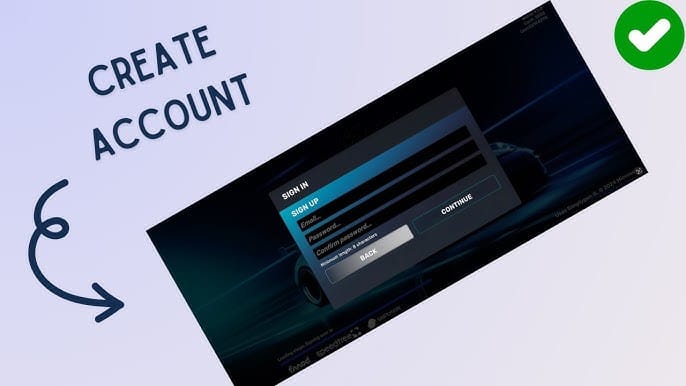
Use a one-minute checklist. It works.
Open the active CarX Street account
Go to the profile/account area.
If the app shows more than one number, use the one labeled like Player ID, User ID, or CarX ID.
Users commonly report the ID may also appear in a screen corner.
Confirm you're on the intended profile
Check your current progress, cars, or profile details.
If you recently changed phones, reinstalled, or switched login methods, stop here and confirm you're not on a fresh guest account.
Take one fresh screenshot
Include the visible ID and account name if possible.
Don't rely on an old gallery image.
Copy carefully
Paste the ID into checkout.
Then compare every digit against the screenshot.
Watch for hidden spaces at the start or end.
Check extra order fields
If the form asks for region, server, or platform, match exactly what your account uses.
If it doesn't ask, don't guess.
Save proof before closing anything
Screenshot the order summary before payment if possible.
After payment, save the receipt, order ID, package, and timestamp.
For buyers using a CarX Street wrong account recharge flow, this screenshot-first habit is the easiest way to avoid support headaches later.
How do you avoid wrong account top up mistakes during checkout?
Use a pre-payment checklist and don't rush. Honestly, delayed delivery is frustrating. Wrong-account delivery is worse.
30-second pre-payment checklist

Evidence to save for support
In missing-credit investigations, the first details support usually needs are straightforward:
Screenshot showing the target account identifier
Order ID
Payment receipt
Payment timestamp
Package purchased
Device
Game version
That lines up with official support requirements: CarX support requests device, CarX ID, and game version in the ticket form. If email verification is part of your account security flow and the code doesn't arrive, community guidance is to resend the code and refresh the app.
If you notice a wrong ID right after paying, do this immediately
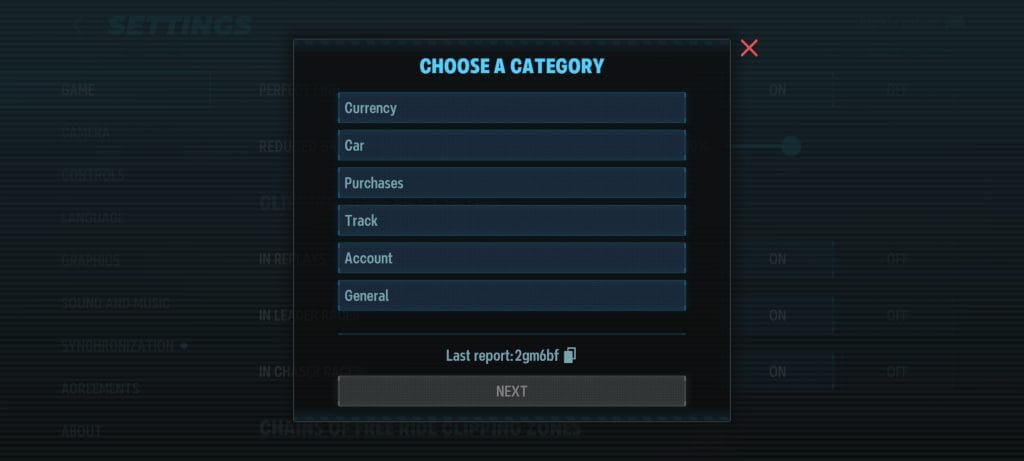
Do not place a second order to fix it.
Save everything: wrong ID entered, receipt, order ID, timestamp, package.
Contact the seller support channel at once with the evidence.
Contact official support if the issue affects the game account itself:
Ticket form:
carx-store.com/en/support/ticketEmail:
support@carx-tech.com
Speed matters. Once fulfillment is completed to another account or a code is issued and used, reversal becomes much less likely.
What should you do if your CarX Street top up is missing, delayed, or sent to the wrong account?
First, verify whether the order is actually delayed or whether the account details were wrong. A paid status on your bank, card, Apple Pay, Google Pay, crypto, or bank transfer side does not confirm successful in-game delivery.
Use this escalation order:
Reopen the game and refresh
Check the same account you submitted.
Make sure you're not now logged into a different profile.
Review the order details
Compare submitted Player ID with your screenshot.
Check package, platform, and any region field.
Wait a reasonable delivery window
Instant delivery is advertised by some stores, but not every order clears instantly.
If the order still hasn't arrived after the stated window, escalate.
Send support-ready evidence
Order ID
Receipt
Timestamp
Submitted Player ID
Screenshot of the active account ID
Device and game version
Use official support for account-side issues
Officially, CarX support accepts tickets with CarX ID, device, and game version.
Community reports also mention WhatsApp or email contact routes in some account-fix cases, but the official ticket form is the cleaner first step.
My view: official support is slower than a simple self-fix, but it's the strongest path when account identity needs to be verified.
FAQ
Where can I find my CarX Street Player ID?
Users commonly report finding it in the profile/account area or in a corner of the in-game screen. If you see both a nickname and a numeric/account identifier, use the identifier.
Is CarX Street username the same as Player ID?
No. Your username or nickname is the display name; the Player ID/User ID/CarX ID is the account identifier used for support and many top-up flows.
Do I need a server or region to top up CarX Street?
Not always. Enter server or region only if the checkout requires it or if your account clearly shows those details.
What happens if I enter the wrong CarX Street Player ID?
The order can be delivered to the wrong account or fail verification. Contact support immediately with the order ID, receipt, timestamp, and the wrong and correct account details if available.
Can a CarX Street top up be reversed after it is sent to the wrong account?
Sometimes, but don't count on it. If fulfillment is already completed or a code has been issued and redeemed, recovery gets much harder.
What proof should I save for a CarX Street missing top up case?
Save the account ID screenshot, order ID, payment receipt, timestamp, package purchased, device, and game version. That's the evidence most likely to speed up support.
Why did my CarX Street payment succeed but the credits did not arrive?
Because payment success and delivery success are not the same thing. The order may still be pending verification, tied to the wrong ID, or checked against a different logged-in profile.
CarX Street top-up mistakes are usually preventable. Verify the active Player ID, not your nickname, confirm you're on the right account after any device or login change, and save both the ID screenshot and payment receipt. If something goes wrong, contact support fast with CarX ID, device, game version, order ID, and timestamp. If you're ready to buy, do it only after that 30-second verification check.