
If your Identity V top up payment failed, don't keep retrying right away. First confirm whether the payment was actually declined, still pending, or already charged but delayed, because the fix depends on that status and repeated attempts can trigger extra bank or anti-fraud blocks.
In practice, most failed Echoes purchases come from card issuer declines, billing or region mismatches, wallet verification issues, or simple account/server input errors. If the status says processing, wait and re-login. If money was deducted, collect your receipt, order ID, account ID, and server before contacting the payment provider or NetEase support.
Why did my Identity V top up payment fail?
The most common reason is a payment verification problem, not a broken game checkout. Official guidance confirms that bank or card issuer declines, outdated card details, billing address errors, anti-fraud checks, and spending limits cause many failures.
From reviewing failed recharge cases, I would check these first:
A common trap: a failed top-up after several quick retries. Users widely report that high-value or repeated attempts trigger fraud checks. In my experience reviewing recharge issues, retrying more than three times quickly usually makes things worse, not better.
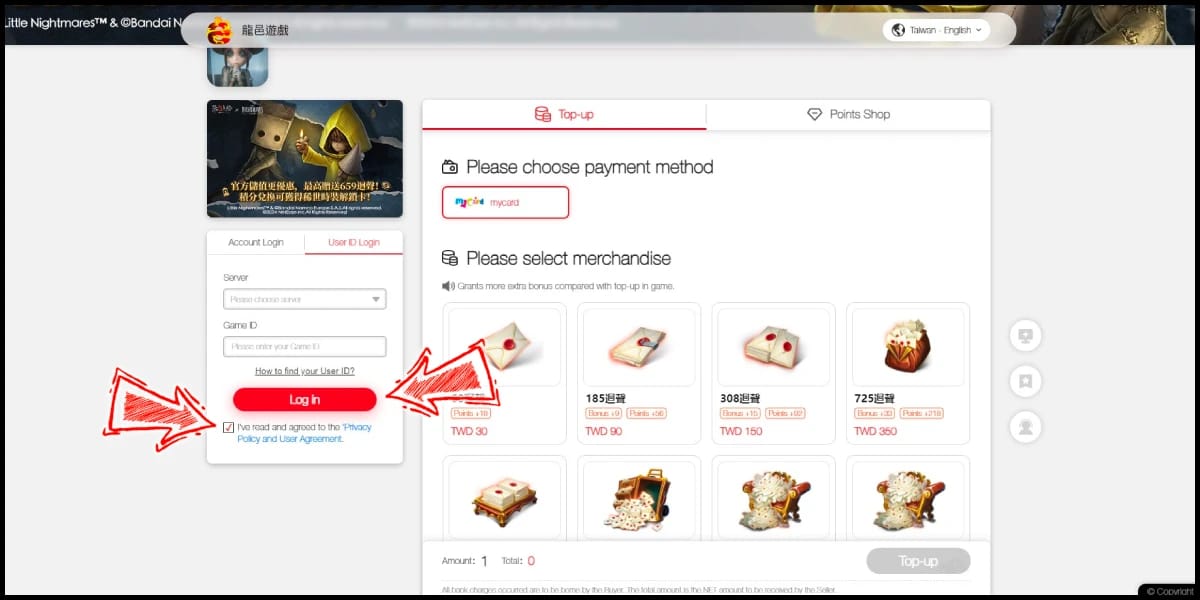
If you're comparing checkout paths or trying another route for Identity V top up payment failed, verify the payment method name, billing country, and account details before you submit again.
Can region mismatch cause an Identity V top up to fail?
Yes. Region mismatch is one of the most overlooked causes of Identity V recharge failure. Users commonly report errors when the account server, top-up site region, app store country, billing country, or payment profile don't match.
This matters most for overseas users. A few examples:
Your Identity V account is on one server, but you top up on a site or store tied to another region
Your App Store or Google Play country differs from your card billing country
The payment method holder name or country doesn't match the wallet profile
Country restrictions block cross-border purchases
Personally, I would avoid retrying until you verify all of these:
Account ID
Server/region
Package selected
Billing country
Store country
Payment method profile name
That combination is where many "mystery failures" actually start. Top results often miss this and focus only on card balance.
Why was I charged but my Identity V top up did not arrive?
Being charged does not always mean the Echoes purchase fully cleared. Users often confuse an authorization hold with a completed payment, and that leads to duplicate purchases or premature refund requests.
Here's the practical split:
Honestly, delayed delivery is frustrating when the money already left your account. But community reports show that re-logging often reveals the Echoes in your account or inbox, especially with local wallets or delayed processing.
One more edge case users report: a card decline notification can appear even though the payment later settles and Echoes arrive. So don't buy again just because one message looks wrong. Check your balance, in-game mail, and order status first.
And if you're troubleshooting a fix Identity V top up not working situation after a charge, don't request a bank chargeback before confirming delivery status. Users commonly report that refunds after a successful top-up can create negative Echoes and even block play.
How can I fix an Identity V top up payment failed error step by step?

Yes—you can usually fix it by checking status first, then verifying account, region, and payment details in the right order.
Stop retrying for a moment.
If you already tried 2-3 times, pause. Rapid retries often trigger anti-fraud systems.Check whether it's failed or pending.
"Recharge failed" or similar: treat it as a decline
"Processing" or pending charge: wait first
Charged but no Echoes: re-login and check inbox/mail
Re-login and clear basic app issues.
Community troubleshooting often starts with:Log out and back into User Center
Clear app cache
Check that you're on the correct server
On iOS, some users report reinstalling the app helps
If possible, switch networks before retrying
Verify account details before any new payment.
Double-check:Account ID / UID
Server
Region
Package selected
Verify payment profile details.
Match:Billing address
Billing country
Store country
Payment method holder/profile name
Card expiry and available balance
Wait if there's a pending authorization.
In payment troubleshooting, users often mistake pending charges for failed orders. If it looks pending, wait 15-30 minutes at minimum; some authorizations can take up to 24 hours to clear.Retry once, not repeatedly.
Use one clean retry after fixing details. If it fails again, contact the payment provider first for declines, then game support for delivery issues.
How do I solve Identity V payment problems on card, PayPal, Apple Pay, or Google Play?
The fix depends on the payment method. Card issues usually need bank-side action; wallet and app store issues usually need profile or verification fixes.
Card declined
Recheck card number, expiry, CVV, and billing address.
Confirm funds and daily spending limits.
Complete any 3D Secure verification.
If it still fails, contact the card issuer first. Official guidance supports this.
Avoid prepaid Visa debit gift cards if possible; users commonly report poor success rates.
PayPal not working
Update linked card or bank details.
Confirm your PayPal email and bank/card verification status.
Check for PayPal security holds or pending review.
If charged but no Echoes, don't duplicate the purchase while it's pending.
Apple Pay / App Store failed
Check the App Store payment method.
Clear cache or reinstall the app if purchases don't apply.
Switch networks if the purchase flow keeps breaking.
If in-app purchase processes but Echoes don't credit, try the web top-up path.
Google Pay / Google Play error
Make sure the billing address matches your Google Payments profile.
Update expired cards.
Visit payments.google.com and resolve any alerts or verification requests.
Retry only after the payment profile is clean.
What should I do if money was deducted but I did not get the top up?
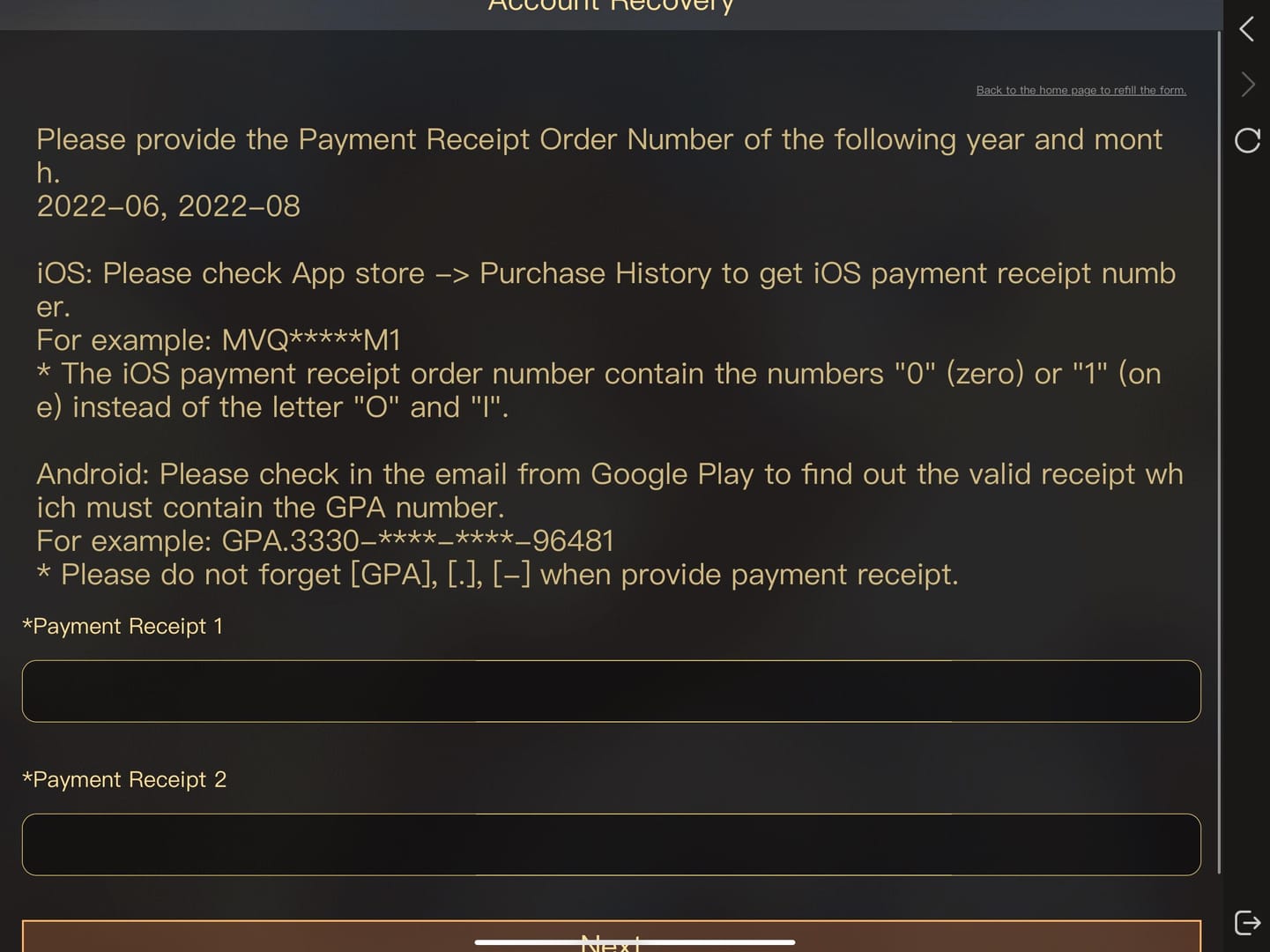
Wait briefly, then contact the right support team with proof. The fastest path is usually collecting evidence before you open any ticket.
Prepare this:
Best next action by purchase channel:
Card/PayPal decline or verification issue: contact the payment provider first
Official Identity V / NetEase top-up issue: contact NetEase support if no delivery after 48 hours
App Store / Google Play issue: check store payment status, then contact Apple or Google if the payment is stuck there
Third-party checkout issue: contact that seller's support for payment failures
I would not ask the bank for a refund before support checks the order. Community reports consistently warn that chargebacks after successful delivery can create negative Echoes.
FAQ
Why does Identity V say payment failed?
Usually because the bank, wallet, or app store blocked the transaction. The most common causes are billing mismatches, insufficient funds, anti-fraud checks, expired payment details, or wrong account/server input.
What should I do if Identity V charged me but I did not get the top up?
First re-login and check your in-game mail or inbox. If nothing arrives after 15-30 minutes, keep the receipt and order ID; if it's still missing after 48 hours, contact support.
Can region mismatch cause an Identity V top up to fail?
Yes. Users commonly report failures when the account server, store country, billing country, or top-up region don't match. This is especially common for overseas purchases.
How long should I wait if my Identity V payment is pending?
Wait at least 15-30 minutes before assuming it failed. Some authorizations or local wallet delays can take longer, and users report that re-logging often shows the Echoes.
Can I retry an Identity V payment immediately after failure?
Not repeatedly. One clean retry after fixing details is reasonable, but fast repeated attempts often trigger fraud blocks or duplicate pending charges.
Who should I contact for an Identity V payment problem?
Contact the payment provider first for declines, verification failures, or wallet issues. Contact NetEase support for undelivered Echoes after payment clears, and contact the store platform if the issue is inside Apple or Google billing.
Will I get a refund if my Identity V top up failed?
If the payment truly failed, the authorization usually drops off automatically or is refunded by the payment provider. If the top-up succeeded, third-party and platform refund rules may not allow reversal, so confirm delivery before requesting one.
If your Identity V top up payment failed, the right move is simple: identify the status first, then act. Failed payments need detail checks and provider help; pending payments need time; charged-but-missing orders need proof and support. Verify account ID, server, region, and billing data before any retry. If your usual checkout keeps failing, choose a payment method that matches your region and keep every receipt.