
Before buying League of Legends RP, verify the exact Riot account you are signed into, confirm the server and region tied to that account, and save proof of the intended recipient and checkout details. Most avoidable RP top-up problems come from wrong-account sign-ins, region mismatch, or missing order evidence rather than the payment itself. For PC League, the key identifiers are your full Riot ID with tag and your region/shard — not your email, not an old summoner name, and not a mobile platform account.
Pre-payment checklist: the six checks that prevent most RP mistakes
I would check these in this order, every time:
Confirm the signed-in Riot account
Copy the full Riot ID#Tag
Check the current server/region in the client
Make sure the purchase route matches that region
If buying for someone else, get a screenshot from them
Save proof before and after payment
That sounds basic. It isn't. From reviewing failed recharge cases, the most common preventable issue is the buyer being signed into the wrong Riot account on a browser or shared device.
If you're comparing purchase routes or preparing a third-party order, this is the point where League of Legends RP top up correct Riot ID server matters more than price or speed.
Is Riot ID the same as your login, summoner name, or email?
No. Riot ID is your cross-game display identity in the format GameName#Tagline, and it is not the same as your login username or email.
Officially, Riot ID uses:
GameName: 3-16 characters
Tagline: 3-5 characters
What the official rule means
A lot of buyers still paste the wrong thing into a recharge form because they remember an old summoner name or use the email they log in with. Riot has made this clearer over time, but display-name changes still confuse people. If a site asks for Riot ID, it means the full visible ID with the #Tag, not your sign-in credential.
What this means for you
Don't use email as account identity for RP delivery
Don't omit the
#TagDon't assume your summoner name is enough
If you recently changed your Riot ID, verify the new one on Riot Account Management before paying. And if you changed your email, users commonly report fewer login issues when they verify the new email first before topping up.
How do I check my Riot ID and region correctly?
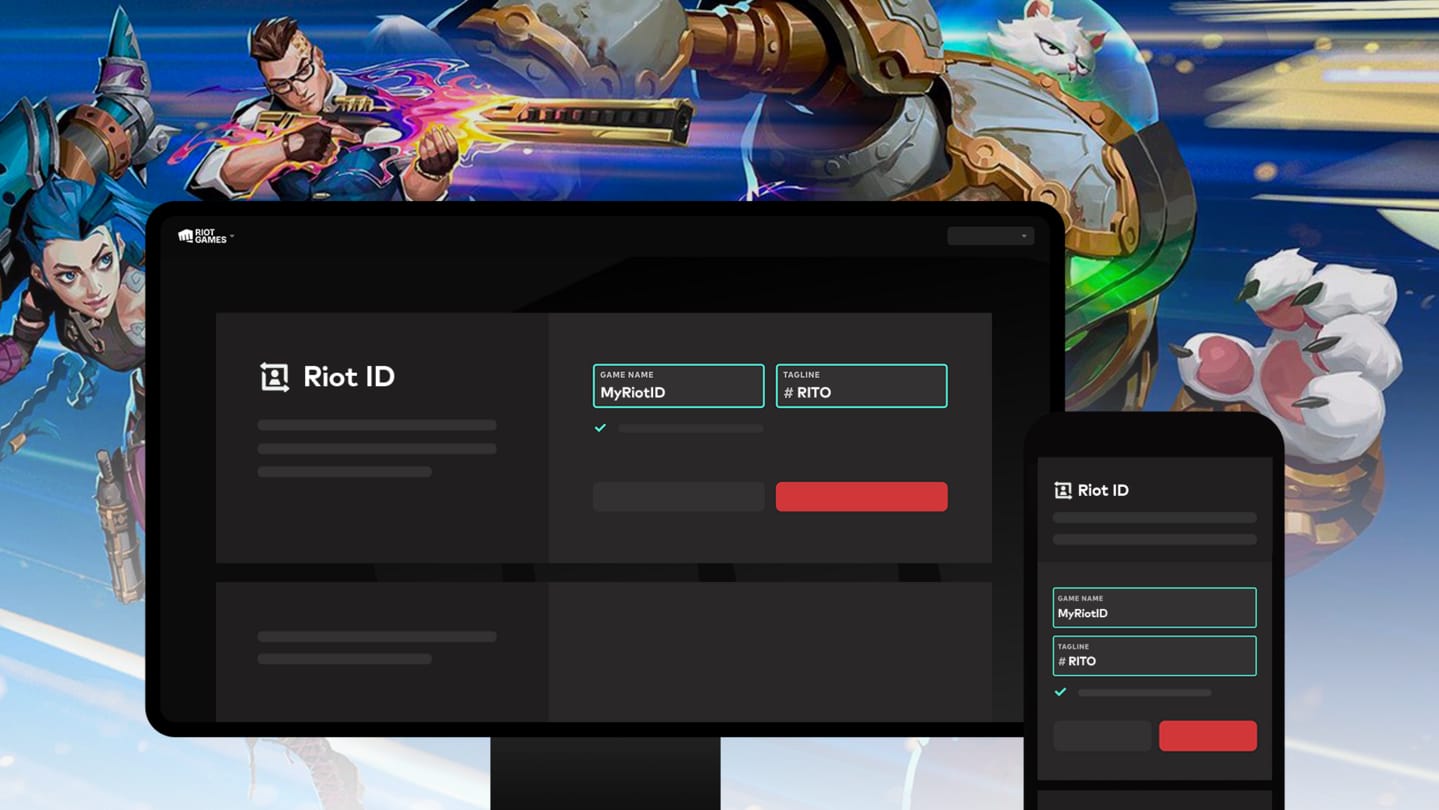
Use both the Riot account page and the League client. The account page confirms identity; the client is the clearest place to confirm the active League region.
Confirmed checks vs common user checks
What the official rule means
Riot officially confirms you can sign in to the Riot account page to view your Riot ID and manage changes. Community guidance, widely used by players, says hovering your profile icon in the League client shows your Riot ID and region instantly. In practice, I trust the client hover check for speed and the account page for identity confirmation.
What this means for you
Use a two-step verification:
Open
account.riotgames.comand confirm the Riot ID.Open the League client and hover your profile to confirm the region/shard.
For League regions, the standard list includes NA, EUW, EUNE, OCE, JP, LAN, LAS, TR. And region matters because your account is tied to its creation region unless you transfer it.
What happens if the region or shard is wrong?
RP usually won't land where you expect if the region is wrong. For prepaid codes, official policy is stricter: they are region-locked and must match the correct region.
Here is the practical decoder:
Users commonly report that wrong-server purchases are the main reason RP doesn't appear after payment. Reddit and community discussions are consistent on this point, and it matches Riot's region-lock structure.
If you're checking whether a purchase path fits your account, League of Legends top up check bound account region is the right question to answer before you pay, not after.
Can I buy RP from another country?
Yes, sometimes — but the account region still controls the RP destination. Your physical location and your account region are not the same thing. The purchase must align with the account shard. So a traveler with an EUW account still needs an EUW-compatible RP purchase path.
Web checkout or client store: which is safer after a device switch?
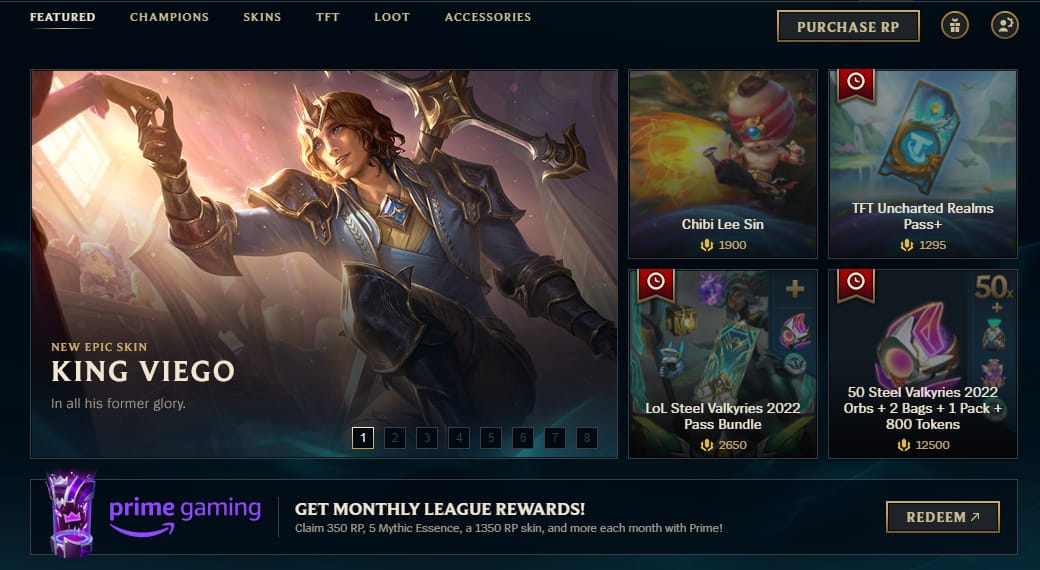
The League client store is safer for verification. Browser checkout is convenient, but it creates more wrong-account risk.
Officially, Riot's own purchase flow is the client store: Store > Purchase RP. From comparing checkout paths, I personally prefer the client when account certainty matters, even if a web flow feels faster.
Why browser checkout causes mistakes
Common failure points:
saved browser sessions
autofill signing you into the wrong Riot account
shared PC logins
stale cache after switching accounts
recent login-method changes not fully verified
A successful bank charge does not always mean the order cleared the right account verification. That's the frustrating part.
Platform-switch rules, decoded
What I would check first
If you switched devices, I would:
Log out of all Riot sessions
Enable or confirm MFA on the Riot account page
Sign back in on the intended account only
Verify Riot ID on the account page
Verify region in the client
Then pay
Buying RP for another person? Get proof before you send money
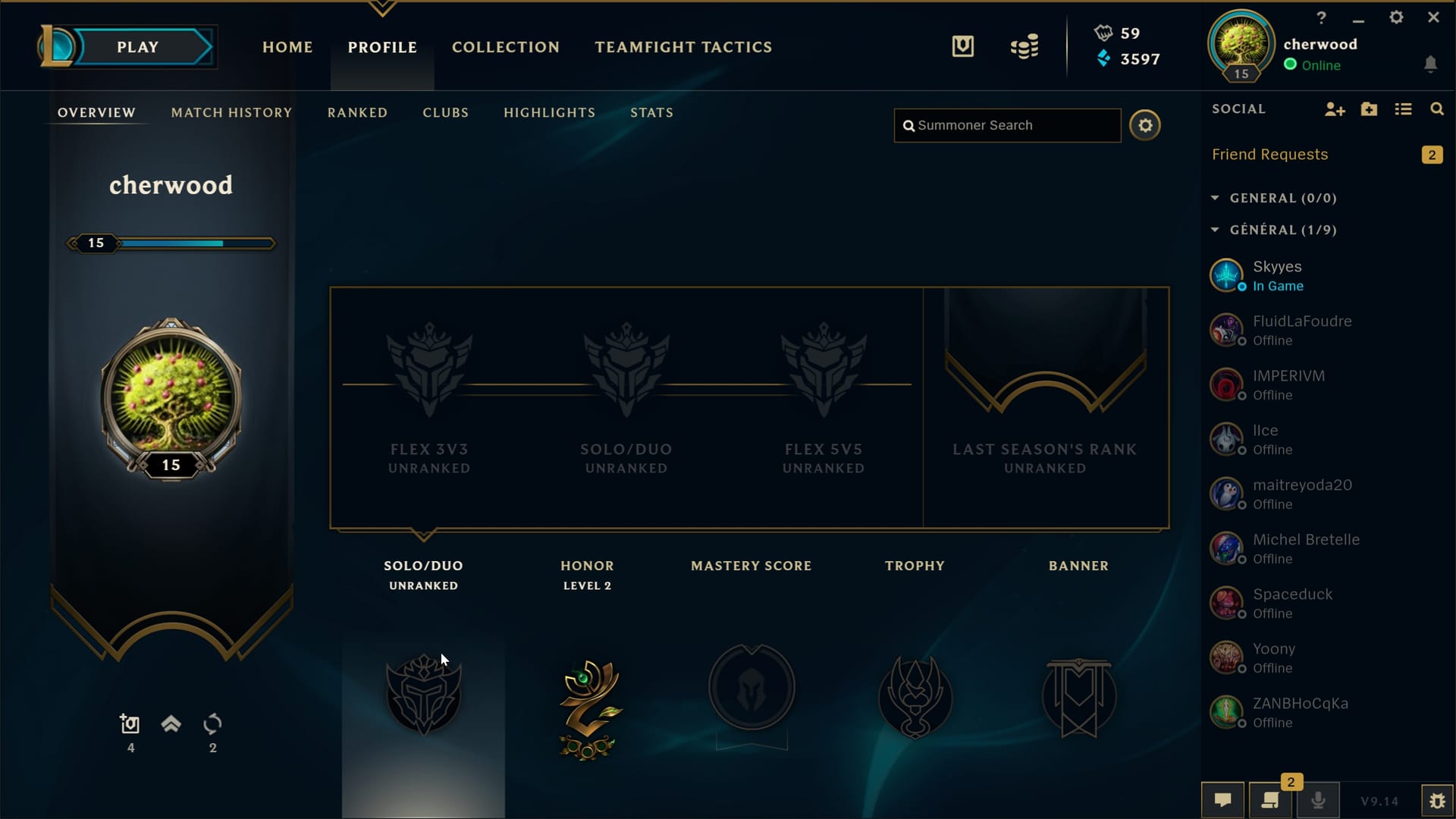
Ask the recipient for a screenshot showing their Riot ID and region. That one step prevents most gift-order disputes.
Users commonly report that buying for friends goes wrong when the sender gets only a display name, or gets the right Riot ID but the wrong region. If the order is for someone else, don't rely on chat text alone.
What proof to keep
Ask for:
screenshot of the Riot ID#Tag
screenshot of the client region/server
confirmation that this is the correct account
if relevant, confirmation they haven't recently changed Riot ID
Mini case note
A typical failure looks like this: the buyer gets PlayerName in chat, assumes that's enough, places the order, and later learns the real delivery identifier was PlayerName#ABCD on a different shard. Support can help only if the buyer has enough evidence to show what was intended.
Common mistake analysis
Most RP errors are identity errors, not payment-method errors.
One more edge case: there is no separate UID for PC League in the way some mobile games use one. Community guidance is consistent here — for PC LoL, Riot ID#Tag and region are the key recharge details.
What proof should you save if RP is delayed or missing?
Save everything that ties the payment to the intended Riot account. In high-value top-up troubleshooting, incomplete proof slows support more than the payment rail used.
Officially useful evidence includes:
order ID
receipt
RP amount
timestamp
Riot ID
before/after client screenshots
And if a prepaid code is involved, Riot's updated policy says receipt details matter for support review.
When support needs evidence
Use Riot Support at support-leagueoflegends.riotgames.com. The current escalation path is:
Chat with ALPHi
Submit a ticket for missing RP
Attach proof
Evidence checklist
Keep:
screenshot of Riot ID on account page
screenshot of region in client
payment receipt
order ID
purchase amount
time of payment
screenshot showing RP balance before and after
bank proof if a chargeback or reversal issue appears
Don't send full sensitive card data. Send enough to identify the transaction, not enough to expose your payment security.
A 30-second check before you pay
Open the Riot account page. Confirm the full Riot ID#Tag. Open the League client. Confirm the region. Make sure you're on the right signed-in account, especially if you're using web checkout, a shared PC, or a recently changed phone. If you're buying for someone else, get their screenshot first.
If any of those details are unclear, pause the order. If they are clear, even a third-party flow such as VGTopup becomes much safer because the risky part was never the button click — it was the account mismatch.