
Yes — you can top up Mobile Legends: Adventure M-Cash with USDT without a credit card, but not through an official USDT checkout. Current evidence shows no official USDT support for M-Cash; crypto buyers usually use a supported third-party checkout that accepts USDT or Binance Pay. The biggest failure points are simple and brutal: wrong network, wrong amount, expired invoice, or incorrect Account ID/Server.
If you want the cleanest no-card path, compare crypto against local wallets and prepaid options before paying. For a direct purchase route, Mobile Legends: Adventure M-Cash USDT top up is the kind of checkout worth considering when you need crypto-friendly payment options and clear order flow.
Why do users choose USDT to top up Mobile Legends: Adventure M-Cash without a credit card?
Because USDT solves the card problem fast. If your credit card is declined, your debit card fails 3DS, or you simply don't use cards, crypto is one of the few checkout paths that can still work.
From comparing checkout paths, USDT is usually best for:
buyers with no credit card
users already holding stablecoins
urgent orders where local wallet verification is slow
Binance users who prefer Binance Pay over on-chain transfer
But crypto is not automatically the best value. In the Philippines, users commonly switch to local wallet checkout like GCash when cards fail, and that can be cheaper than paying blockchain fees. Personally, I would use USDT for speed and access, but I would pick a local wallet first if it's officially supported in my region and I want fewer irreversible mistakes.
Widely observed options around M-Cash include:
USDT / crypto / Binance Pay via supported third-party checkout
Credit or debit cards where issuer and 3DS support cooperate
Local wallets and cash-based methods on official partners in supported countries
Prepaid methods for buyers who want no-card checkout without blockchain risk
How does USDT compare with credit cards, debit cards, Binance Pay, local wallets, and prepaid cards for M-Cash?
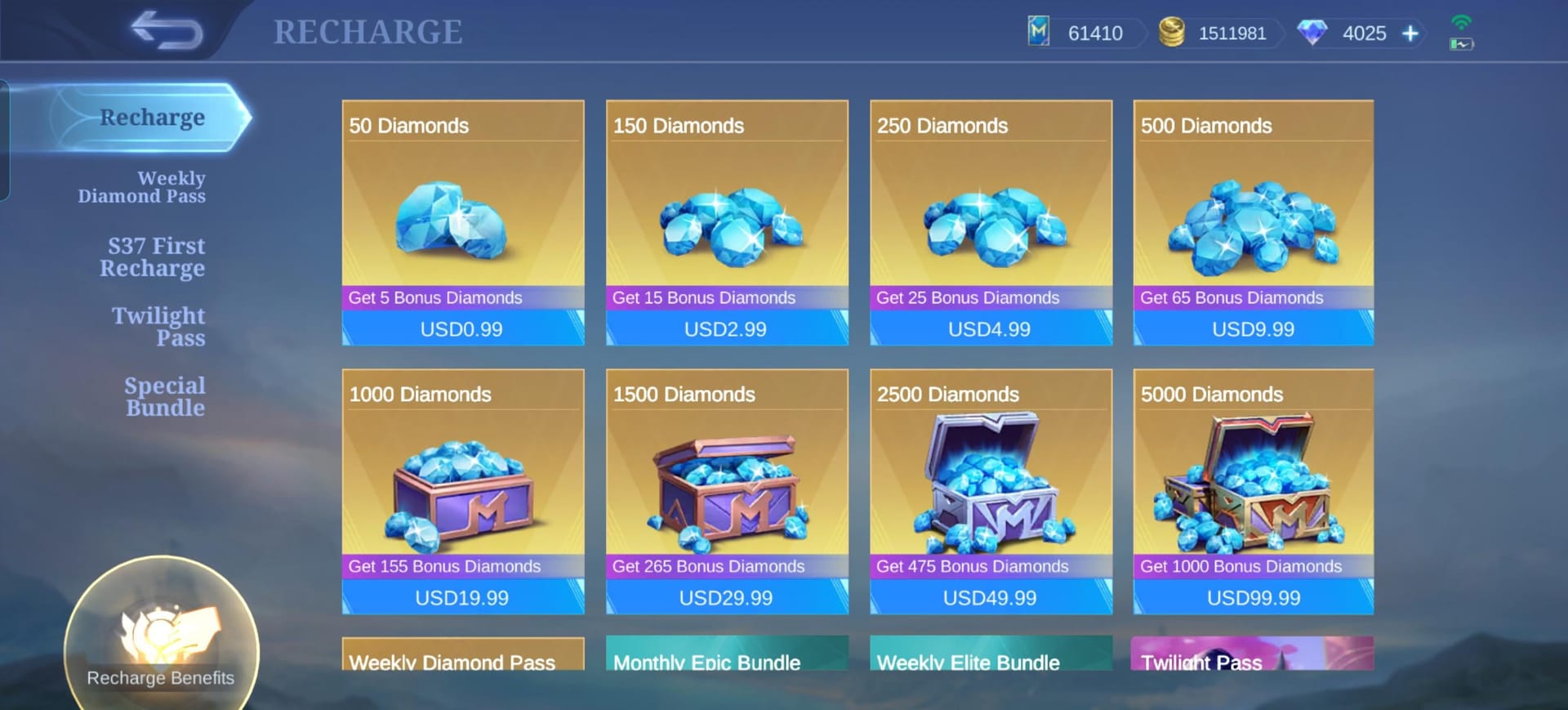
USDT is more accessible for no-card buyers, but it demands precision. Cards are easier to dispute; crypto usually isn't.
A useful nuance most guides skip: payment success and order success are not the same thing. A blockchain transfer can confirm on-chain while the top-up still fails if the Account ID, Server, or region selection was wrong. Honestly, that's the part that frustrates buyers most.
What should you verify before paying USDT for Mobile Legends: Adventure M-Cash?
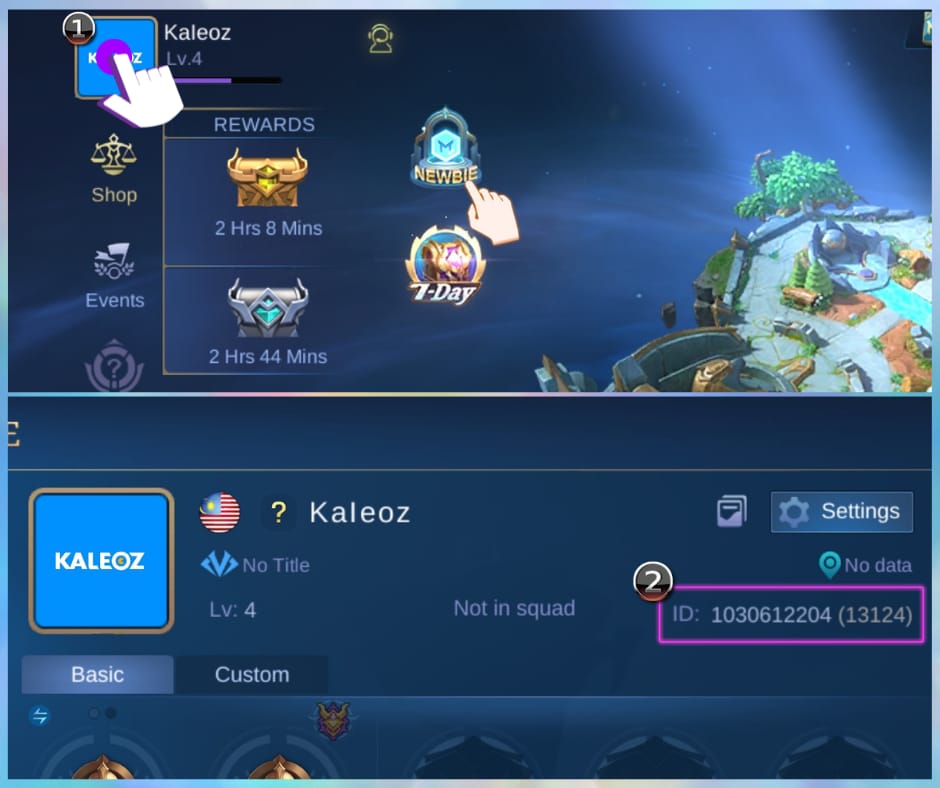
Verify your Account ID, Server ID, package, region, and supported network before you send anything. That's the difference between an instant top-up and a support ticket.
Officially, M-Cash top-up requires:
Account ID
Server ID
Community reports also show that account fields can vary by region, so check the exact identifiers inside your in-game profile before checkout. Region-locked accounts need the matching server selection, and US-region accounts may face third-party restrictions. In my experience reviewing recharge issues, this is where many payment failed complaints actually start.
Use this pre-check list:
If you're still deciding where to buy, Mobile Legends: Adventure M-Cash crypto recharge makes sense only after you've confirmed those account details. I would check the in-game profile twice before opening the wallet app.
How do you top up Mobile Legends: Adventure M-Cash with USDT step by step?
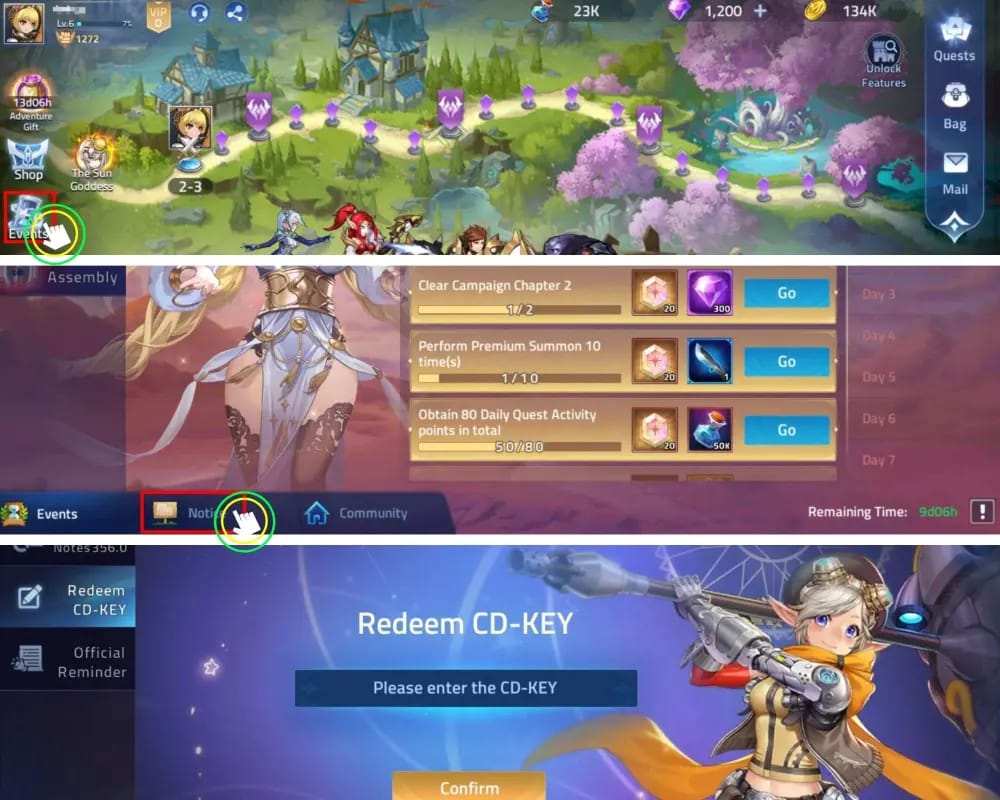
You top up by selecting the package, entering the exact account details, choosing USDT, confirming the network, and sending the exact amount before the invoice expires.
Choose the M-Cash denomination
Pick the package you actually want. Community pricing shorthand treats 100 M-Cash as 1 USD, so use that only as a rough value reference, not a guaranteed store price.
Example availability varies by seller; direct top-up listings such as 699 M-Cash exist.
Enter Account ID and Server ID
Official flow requires both.
Don't guess. Open your in-game profile and copy them exactly.
If your region uses slightly different field labels, follow the profile values shown in-game.
Select USDT or Binance Pay at checkout
If USDT is available, check which network is supported on that invoice.
If Binance Pay is available and you already use Binance, I personally prefer it because it avoids gas fees and reduces network-selection mistakes.
Confirm the network before sending
This is the make-or-break step.
If the invoice says TRC20, send TRC20. If it says ERC20, send ERC20. Never assume.
And send the exact amount shown on the invoice.
Complete payment within the invoice window
Late payment can leave the order unmatched even if the transfer succeeds on-chain.
Save the transaction hash and screenshot the payment confirmation.
Keep the order ID
If M-Cash doesn't arrive, support usually needs the order ID first, then the transaction hash, selected package, and the exact account details you entered.
Check delivery
Official partner guidance says M-Cash is credited instantly after payment confirmation.
If it doesn't show, refresh the game first. Then contact seller support with your order evidence.
What’s the best no-credit-card payment method for your situation?
The best method depends on whether you care most about speed, lower fees, or lower mistake risk.
Choose USDT if:
you already hold stablecoins
your cards are failing
you need a no-bank-card route now
Choose Binance Pay if:
you use Binance already
you want no gas fees
you want a simpler crypto checkout
Choose local wallet or prepaid if:
your country has official support
you want fewer irreversible errors
you prefer cash-based or wallet-based payment over blockchain transfers
Choose official partner checkout if:
safety matters more than squeezing out a small discount
you want clearer support and lower account-risk friction
One concrete benchmark: an official partner listing showed 99 M-Cash for 3.58 RM with a 9% discount. That doesn't prove it's always cheapest, but it does show official routes can still be competitive. I would not assume crypto is the best deal every time.
Why did my Mobile Legends: Adventure M-Cash USDT payment fail or not arrive?
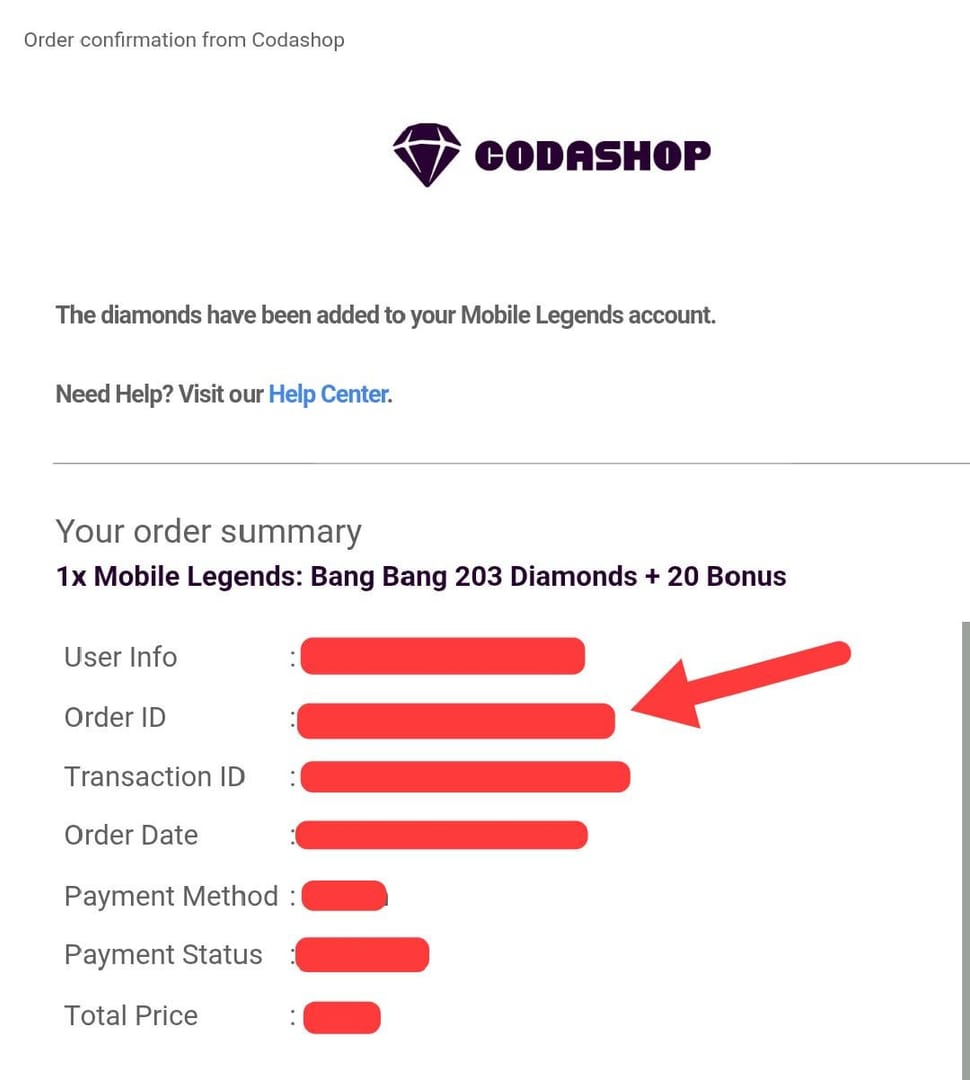
Most failed crypto top-ups come from payment mismatch, not from the game itself. Wrong network, underpayment, expired invoice, wrong Account ID, wrong Server, or region mismatch are the usual causes.
Common failure reasons:
Wrong USDT network: sent on a chain the invoice doesn't support
Underpayment or overpayment: exact-amount invoices may not auto-match
Expired invoice: payment sent after the checkout window closed
Wrong Account ID or Server: fulfillment fails or goes to the wrong target
Region mismatch: region-locked accounts need matching selection
US account restriction: some third-party routes may not support US-region accounts
What to do next:
Refresh the game.
Check whether the payment is confirmed on-chain or in the wallet app.
Gather:
order ID
transaction hash
selected package
Account ID and Server entered
payment timestamp
Contact the seller's support.
Users commonly report that support can trace delayed orders faster when you provide the order ID immediately. A successful bank or crypto payment does not always mean the order cleared verification.
Can I top up Mobile Legends: Adventure M-Cash with USDT?
Yes, through supported third-party crypto checkout paths — not through an officially confirmed USDT option from the publisher. Community and single-source evidence consistently point to third-party USDT support, while official M-Cash channels emphasize standard payment methods instead of crypto.
Do I need a credit card to buy Mobile Legends: Adventure M-Cash?
No. Official partners and supported sellers offer no-card routes such as local wallets, bank-based methods, prepaid-style payments, and crypto-friendly checkout depending on region.
Which USDT network should I use for M-Cash top up?
Use only the network shown on the payment invoice. If the checkout specifies TRC20, ERC20, or another chain, match it exactly or the payment may not be recoverable.
How long does it take for Mobile Legends: Adventure M-Cash to arrive after payment?
Usually instantly after payment confirmation on supported checkout flows. If it doesn't arrive quickly, refresh the game first, then contact support with your order ID and payment proof.
What should I check before buying Mobile Legends: Adventure M-Cash with USDT?
Check the Account ID, Server ID, region, package, supported USDT network, and invoice timer. Those six checks prevent most failed orders.
Can I get a refund if I sent USDT to the wrong network or wrong order?
Don't count on it. Crypto transfers are usually irreversible, so recovery depends on the seller's ability to trace the payment and whether the receiving system supports manual intervention.
USDT works for Mobile Legends: Adventure M-Cash if you use a supported checkout, verify your Account ID and Server, and send the exact amount on the exact network before the invoice expires. For most no-card buyers, my recommendation is simple: use local wallets first when officially available, use Binance Pay next if you already have it, and use USDT when you need the broadest no-card access and can handle the precision crypto requires.