
If you need Jawaker tokens before event lives expire, don't wait for the last few minutes. Tokens are officially added instantly after purchase, but deadline-sensitive orders still fail in practice because card checks, app-store processing, wrong-account mistakes, or simple timing errors leave you with paid tokens that aren't usable before the event ends.
For event renewals, the safest move is to top up early, confirm the exact event timer, and verify the receiving account before paying. If you're buying specifically for expiring lives or a limited-time pack, treat payment success and token availability as two separate checkpoints.
If you're comparing purchase timing options, this is exactly where Jawaker tokens top up for events matters most: not just getting tokens, but getting them early enough to use them.
Why should you top up Jawaker tokens before event lives expire instead of waiting until the last minute?
You should top up early because event access and renewable lives can expire before a delayed order becomes usable. Jawaker events officially use limited lives or attempts, and after a loss you can buy more attempts with tokens to keep progressing. That sounds simple. The real risk is timing.
From reviewing failed recharge cases, the most common last-minute problem isn't a declined card. It's a payment that looks successful while token delivery or order confirmation is still pending. Officially, tokens are added instantly post-purchase, and restarting the app resolves most delays. But near an event deadline, even a short delay can be enough to miss the renewal window.
What can expire first:
Event lives or attempts
Limited-time event access
Seasonal packs and exclusive collectibles
Offer windows tied to a season end
Claim periods for event-related rewards or items
A detail many guides miss: even if your tokens remain valid for a long time — one source says up to 2 years from issuance if the account stays active — the event opportunity does not. Tokens arriving after expiry may still be usable later, but not for the event you were trying to save.
What should you verify before paying for Jawaker tokens near an event deadline?
You should verify the event timer, the exact receiving account, your platform, and the token amount before checkout. In my experience reviewing recharge issues, these checks prevent more losses than hunting for a slightly better price.
Use this pre-payment checklist:
Officially, your Jawaker Player Number is available in settings via the gear icon. If you're redeeming a voucher, copy that ID carefully and use the official redeem page at jawaker.com/en/code. Users commonly report that a single wrong digit can send value to the wrong account, and that's much harder to fix than a delayed order.
And check the goal, not just the bundle. If you're buying for a seasonal pack, remember those packs must be obtained before the season ends. If you're chasing VIP progress, Jawaker officially counts only purchased tokens toward the 1 million tokens in 30 days requirement; event or competition wins don't count.
Why can Jawaker payments still feel slow during a live event deadline?
They can feel slow because payment approval, store verification, and token reflection don't always happen as one clean instant. Officially, token delivery is instant, but the path to "instant" still depends on the checkout clearing.
Typical delay points near deadlines:
Apple Account has no valid payment method linked
Google Play billing is still processing
Credit or debit card triggers bank fraud review
3-D Secure verification isn't completed cleanly
Peak traffic slows app refresh or order confirmation
You paid, but the app hasn't refreshed the balance yet
Official guidance is clear on one practical fix: if tokens don't appear, close and reopen the app. On Android, exiting and reopening can auto-add the tokens. On iOS, close the app from recent apps and reopen. Honestly, delayed delivery is frustrating when the money already left your account, but a restart solves a surprising number of cases.
I would check official checkout first when the deadline is close. Community experience consistently points to official store routes being safer near expiry because they reduce extra handoff delays. Web offers do exist through shop.jawaker.com, including weekly token deals, and vouchers are valid when redeemed correctly. But if you're buying at the edge of an event timer, the cleanest order tracking usually wins over chasing a small offer.
How to top up Jawaker tokens safely before event lives expire?
The safest way is to buy early through an official route, verify the account first, and confirm the balance before leaving the payment flow.
Open the correct Jawaker account
Check you're on the profile that needs the tokens.
Find and copy the Player Number from settings if you're using a voucher or external checkout.
Personally, I would avoid rushing this step. Wrong-account credit is one of the most preventable mistakes.
Read the event timer and renewal need
Confirm whether you're buying for extra lives, a seasonal pack, or another limited-time feature.
Check whether the event is region/group limited.
Decide the minimum token amount you actually need before paying.
Choose the checkout path
In-app store: direct token purchase through Apple or Google billing.
Voucher/web redeem: buy a code, then redeem it at the official code page.
If you're on iPhone, make sure a payment method is linked to your Apple Account first.
Pick the bundle
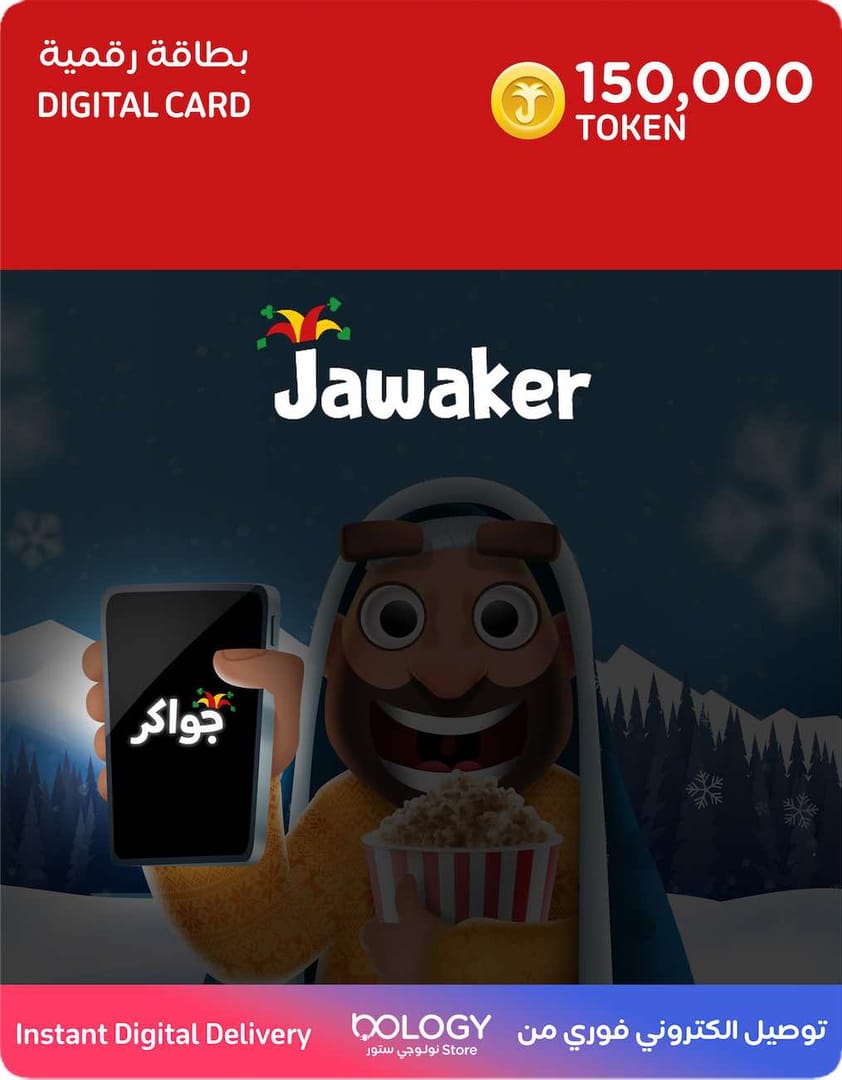
Official examples include:
Pay and save proof immediately
Keep the order ID, receipt, timestamp, and payment screenshot.
On Android, you can also review purchase history at
pay.google.com/gp/w/u/0/home.
Confirm token arrival before leaving
Check your balance.
If tokens don't show, restart the app first.
Then confirm the event still accepts the renewal or purchase you intended.
If you need a purchase option before a deadline, Jawaker recharge before event deadline only makes sense after you've confirmed the right Player Number, event timer, and amount needed.
What should you do if your Jawaker tokens do not arrive before the event expires?
You should first restart the app, then gather proof and contact the right support channel fast. Don't rely on memory. Save everything while the timestamps are fresh.
Follow this order:
Restart the app
Android: exit and reopen.
iOS: close from recent apps and reopen.
Check whether the payment fully cleared
A bank charge alone doesn't always mean the order cleared verification.
Review the app store or payment record for final status.
Collect support evidence
Player Number
Order ID
Receipt
Timestamp
Screenshot of payment success
Screenshot showing missing token balance or expired event
Contact Jawaker support
Use the official help center:
jawaker.helpshift.com
Contact the payment provider only if needed
Do this when the payment status itself is unclear or stuck, not when the issue is only in-game delivery.
The fastest support cases are usually the ones with clean evidence. If you just say "I paid and didn't get it," resolution tends to slow down. If you provide the exact account, exact time, and exact receipt, support has something concrete to trace.
How early should I top up Jawaker tokens before an event ends?
Early enough that a short payment or refresh delay won't matter. Community experience says to top up before the event end rather than relying on "instant" delivery at the last minute.
Can Jawaker tokens arrive late after payment?
Yes, they can appear delayed even though official guidance says tokens are added instantly. In many cases, restarting the app fixes it, but that still creates risk if the event is about to expire.
What should I check before buying Jawaker tokens near an event deadline?
Check the event timer, your local time, the correct account, Player Number, region eligibility, platform, and the exact token amount needed. Also save the receipt and order ID the moment you pay.
Why is my Jawaker payment pending during a live event?
Pending status usually comes from store processing, card verification, 3-D Secure, or bank fraud checks rather than the game itself. That's why I prefer not to leave event renewals to the final minutes.
What happens if Jawaker tokens arrive after the event expires?
The tokens may still remain in your account, but the expired event, lives, or seasonal opportunity may already be gone. That's the core timing risk most basic top-up guides skip.
Can I top up Jawaker on the wrong account by mistake?
Yes. This happens most often when users copy the wrong Player Number or pay while logged into a different profile than the one they actually play on.
Is app store checkout slower than web checkout for Jawaker top ups?
Not always, and sources don't claim a universal winner. My view is simpler: near a deadline, use the route with the clearest account match and proof trail, because verification mistakes hurt more than a minor speed difference.
What is the safest way to avoid buying Jawaker tokens too late?
The safest way is to top up before the pressure window starts, not when lives are already about to expire. Confirm the event timer, use the correct account, save proof, and restart the app immediately if the balance doesn't update. If the purchase is deadline-sensitive, I would choose the path with the clearest tracking over the one that only looks cheaper.