
Yes, you can top up Identity V with PayPal if the checkout route you use supports PayPal in your region. Officially, NetEase’s top-up site supports PayPal, and app-store billing can also work if your App Store or Google Play account has PayPal linked. Before paying, verify your User ID and server first. Most failed or delayed orders come from wrong account details, server mismatch, or payment review.
If you want a web-based route with clearer recharge flow, Identity V top up with PayPal is one option to compare before checkout. I’d still check the official route first if you want the cleanest support path.
Why can topping up Identity V with PayPal work for some users but not others?
It works for some users and fails for others because PayPal availability depends on the checkout route, device ecosystem, and billing region.
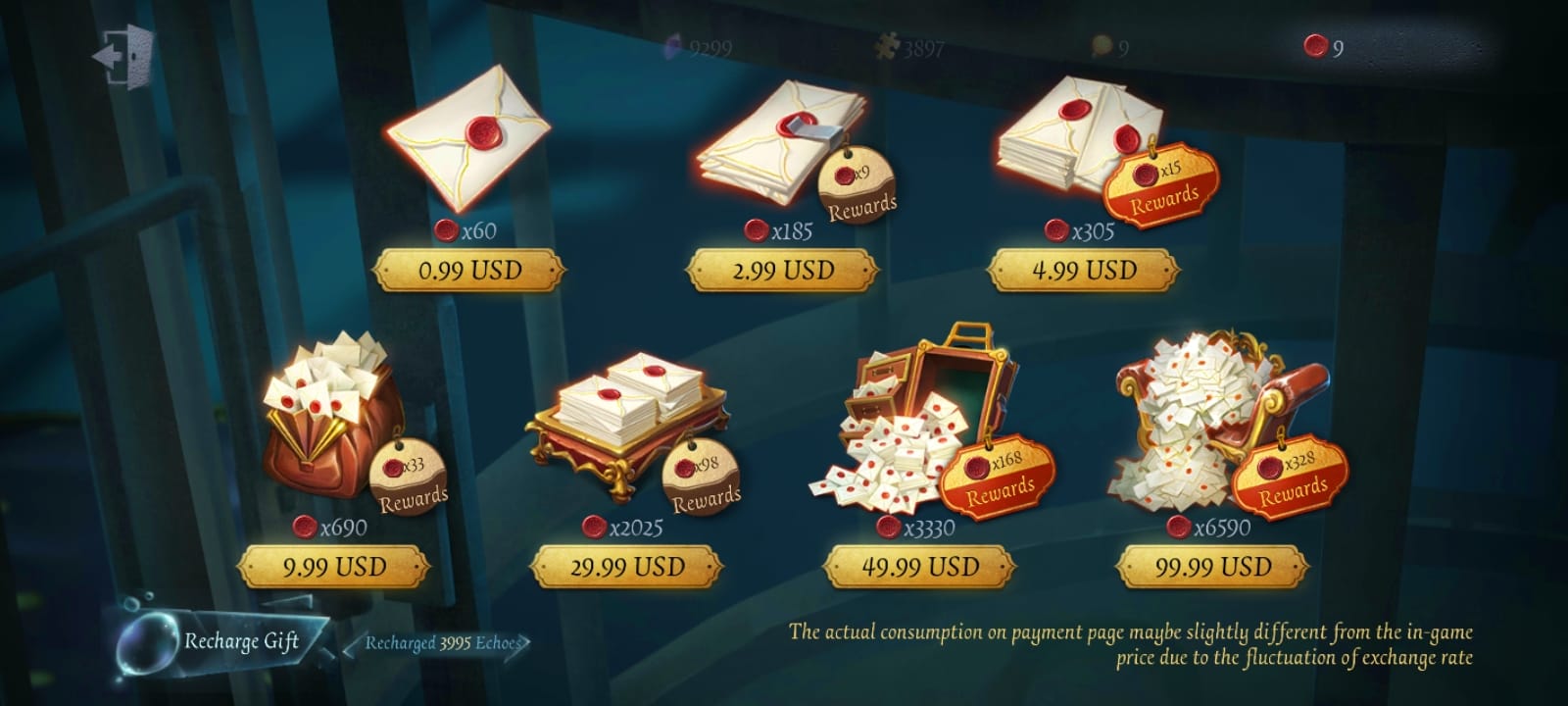
Officially, the NetEase top-up page for Identity V supports PayPal, Visa, and Mastercard. For the global version, you’ll need the correct User ID and server, typically Asia or NA&EU, before payment. On mobile, the flow is different: in-game purchases usually go through App Store or Google Play billing, so PayPal only works if your store account supports it and PayPal is linked as the payment method.
From comparing checkout paths, this is the part most guides miss: PayPal support is not just a game issue; it’s also a store-policy and country setup issue. A player on PC can often pay through the web top-up page even when mobile billing keeps failing. Users commonly report that mobile top-ups fail while web checkout succeeds more often.
Platform differences that matter
For overseas users, web top-up is often easier because it avoids some app-store restrictions. Community reports also say third-party web sellers can be cheaper than in-game pricing, sometimes up to 27% off, though support quality and refund rules still matter.
Why do Identity V PayPal payments fail or get stuck in review?
Most Identity V PayPal failures come from server mismatch, browser/payment issues, or PayPal risk checks.
In my experience reviewing recharge issues, the most common preventable mistake is entering the right UID on the wrong server. That usually triggers an ID not found type problem. And a successful bank or PayPal charge does not always mean the order has fully cleared verification. Rarely, payments go into manual review if they’re pending or flagged for fraud checks.
Common causes:
Wrong server selected for the account
PayPal pending, declined, or under review
Cache/browser issues during checkout
VPN interference
Currency or billing-country mismatch
Mobile store billing problems
What payment status usually means
Users commonly report these fixes working:
Clear cache and retry
Switch browser
Disable VPN
Update the app if using mobile
Retry on the official web top-up page
Personally, I would avoid repeated rapid retries on the same failed checkout. That can trigger more payment-risk checks, and honestly, it’s frustrating when the money has already left your account but the order still isn’t confirmed.
How to Top Up Identity V with PayPal step by step?
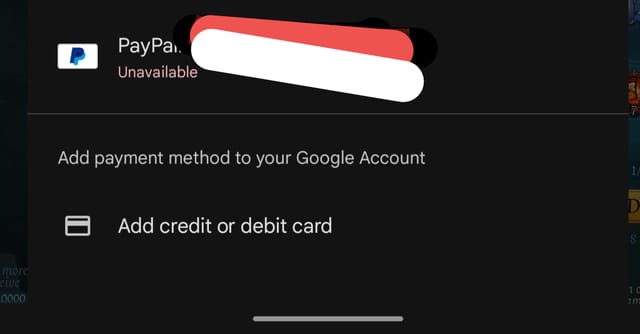
You can top up Identity V with PayPal by using the official NetEase top-up page, a supported app-store billing route, or a trusted verified web seller.
Open the correct recharge route
PC: use the official web top-up page.
Mobile: either buy in-game through App Store/Google Play or use a web top-up page if available in your region.
Find your Identity V account details
You need your User ID and the correct server.
For global accounts, that’s usually Asia or NA&EU.
Check this carefully before paying. Wrong account and wrong server top-ups are usually non-reversible.
Choose the Echoes package
Echoes are the premium currency used for characters, skins, and other items.
If you’re paying in a foreign currency, I would check whether a USD package is available to reduce conversion fees.
Select PayPal at checkout
On official web checkout, PayPal is officially supported.
On iPhone or Android, PayPal works only if it’s linked to your store account.
Authorize the payment
Complete the PayPal login and approval.
Don’t close the page too early. Wait for the merchant confirmation screen.
Verify delivery
Many orders arrive instantly or within seconds after payment confirmation.
If it doesn’t show up right away, wait a few minutes and relog once before assuming it failed.
If you’re comparing web options, buy Identity V echoes PayPal can make sense for users who want a simpler checkout without storing a card. But I still recommend checking account ID and server twice no matter where you pay.
How do you safely troubleshoot Identity V top up issues after paying with PayPal?
Start by collecting the exact payment evidence before contacting support.
When troubleshooting delayed delivery, the details that actually speed things up are:
Order ID
PayPal transaction ID
Identity V User ID
Server
Exact payment timestamp
Screenshot of payment status
If payment succeeded but Echoes did not arrive

Wait a few minutes. Most deliveries are fast.
Relog the game once.
Check whether the payment status is truly completed, not pending.
Confirm you entered the correct User ID and server.
Contact the seller’s support or official NetEase billing support through the official help channels.
Official help is available through the Identity V site and in-game support. Community reports say official support is the right path when payment is successful but credits are missing.
If you entered the wrong account or server
The bad news: digital top-ups are commonly non-refundable, and wrong-account deliveries usually can’t be reversed. Echoes are non-transferable, and users also report that chargebacks can lead to account penalties or negative Echoes balances.
So check these before every order:
If you’re in a restricted region, some users report using a VPN to a supported country for purchase. That’s a community-reported workaround, not an official recommendation, and I would treat it carefully because payment verification can still fail.
FAQ
Can I top up Identity V with PayPal?
Yes. Officially, the NetEase Identity V top-up site supports PayPal. On mobile, PayPal usually works through App Store or Google Play only if your store account supports PayPal billing.
Why is my Identity V PayPal payment failing?
The most common reasons are wrong server selection, PayPal review, browser issues, VPN interference, or billing-region mismatch. Web checkout often succeeds when mobile billing does not, according to user reports.
How long does Identity V top up take to arrive?
Many top-ups arrive instantly or within seconds after payment confirmation. Delays can happen if the payment is pending or sent for manual review.
What account ID do I need for Identity V top up?
You need the exact in-game User ID and the correct game server. For the global version, the server is typically Asia or NA&EU.
Can I get a refund if I topped up the wrong Identity V account?
Usually no. Community reports consistently say digital top-ups are non-refundable once delivered, and wrong-account Echoes are generally not reversible.
Does Identity V top up depend on region or server?
Yes. Region and server matter a lot. A mismatch can cause ID-not-found errors, failed checkout, or delivery problems.
Is PayPal available for Identity V on iPhone, Android, and PC?
Yes, but not in the same way. PC usually uses web checkout, while iPhone and Android depend on app-store billing rules and whether PayPal is linked to that store account.
Conclusion
Yes, Identity V top up with PayPal is possible, but the smoothest route depends on your platform and region. The safest approach is simple: use an official or verified checkout, confirm your User ID and server before paying, and keep your order ID plus PayPal transaction details in case delivery is delayed. If you want fewer problems, web checkout is usually the cleaner option.