
Before any League of Legends RP top up, verify three things exactly as they appear on the correct Riot account: your Riot ID with tagline, your account region/server, and the intended recipient account. Most wrong-delivery cases start with an old Summoner Name, a mismatched region, or a screenshot that no longer matches the live account.
For safety, check the Riot account page first, then confirm the region inside the client or regional login flow, and save proof before paying. If you're switching device, using web checkout, or buying for someone else, don't assume the account binding is obvious. Confirm it live.
Why do you need to check Riot ID, region, and server before buying RP?
You need all three because RP delivery depends on the exact account identity and the correct region, not just a familiar in-game name.
Officially, Riot ID is username#tagline and it's separate from your Summoner Name. Your Summoner Name is the per-server display name inside League, while Riot ID is the account identifier used across Riot games. Since Riot's account system changed, old summoner-based assumptions are a common source of mistakes. In my experience reviewing recharge issues, this is the most preventable error: users submit the right player name, but the wrong identifier.
And region matters just as much. Riot publicly lists servers such as NA, EUW, EUNE, OCE, RU, TR, BR, LAN, LAS, JP, KR, and VN. Users commonly report that cross-region RP attempts either fail, get blocked, or end up tied to the wrong delivery path. Prepaid cards are also widely reported as region-locked.
If you're trying to avoid League of Legends top up wrong account, this is the real rule: seller or checkout flow needs the exact Riot ID plus the correct server. Never guess either one.
Why do users still send RP to the wrong League of Legends account even after checking the name?
Because "the name" often isn't the right identifier.
The biggest confusion is Riot ID vs Summoner Name. Officially, Riot ID is the universal account name with tagline. Summoner Name is just the in-game display name on that server. Community reports also show copied taglines and partial IDs causing errors, especially when multiple accounts have similar names.
A few edge cases matter more than most guides admit:
Old screenshots: shared screenshots from months ago may show a changed Riot ID or a transferred account
Shared-account households: one screenshot folder, two accounts, easy mix-up
Region transfer history: community reports note server transfers cost 2600 RP one-way, so old region assumptions can be wrong after transfer
Recipient confusion: buying for yourself is simpler; buying for another person needs live confirmation, not forwarded text
Copied taglines: users commonly report mistakes when only the username is sent without
#tagline
Personally, I would check the live client or account page every time, even if you topped up the same account before. Guessing details is where safe orders turn into support tickets.
Does login method, web checkout, or device switch change League of Legends RP delivery?
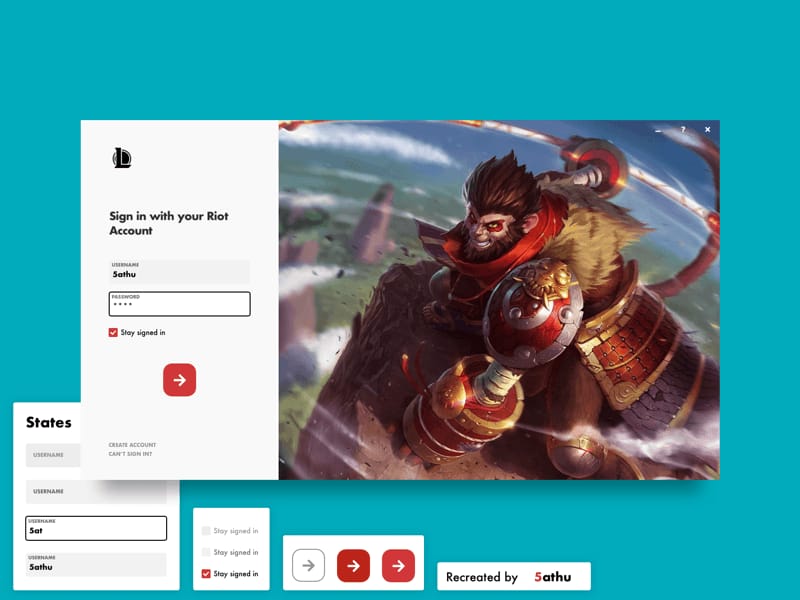
Usually no for PC League account identity, but you still need to verify the bound Riot account and region before paying.
Community reports consistently say web checkout uses the logged-in Riot account region and generally matches the client. From comparing checkout paths, web orders are usually easier to document because you can save the confirmation page, order number, and account details in one place. That's useful when payment clears but RP is delayed.
Platform rules need one clean distinction:
PC League of Legends: RP is tied to the Riot account and region/server
Web checkout: commonly follows the same Riot account region as the logged-in account
iOS vs Android: device switch doesn't change your Riot account itself, but payment rails can behave differently
Wild Rift: community reports note server handling differs from PC LoL, so don't assume mobile rules match PC rules
Confirmed payment rule from Riot: credit card top-up can decline if the billing address doesn't match the region. Users also commonly report Apple Pay failures when billing region and account region don't line up. Honestly, this is frustrating because a bank charge attempt doesn't always mean the order has cleared verification.
How do you check your League of Legends account region, Riot ID, and server before payment?
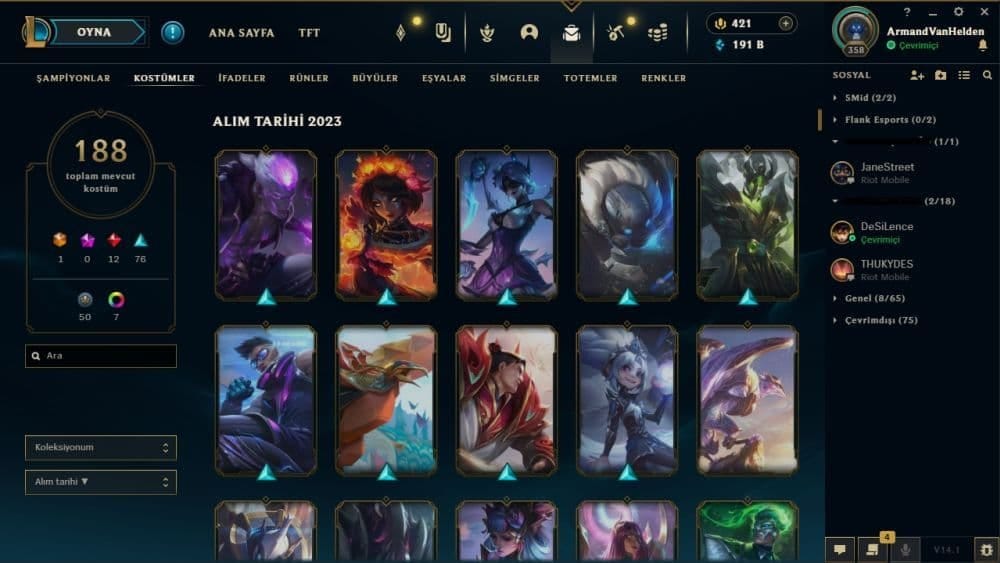
Use this checklist in order. I would not skip steps 2 and 4.
Sign in to the exact Riot account
Go to
account.riotgames.comConfirm you're not on a different saved login
If you manage more than one account, log out and back in manually
Copy the Riot ID exactly
On the Riot account profile, find your Riot ID in
username#taglineformatCopy it exactly as shown
Don't replace it with your Summoner Name
Check the region/server live
Open the LoL client and hover your profile icon; users commonly report this shows Riot ID and region such as EUW
Some users also find region in Riot Client profile settings
If you're at the login screen, Riot officially shows a cog at bottom-right where region can be checked for regionless confusion
You can also test regional logins like
na.leagueoflegends.comoreuw.leagueoflegends.com
Match the RP product to that region
NA account → buy NA-compatible RP
EUW account → buy EUW-compatible RP
Don't buy NA for an EU account just because you're physically in the US now
Community reports say region mismatch is unsafe and can block or misdeliver
Confirm recipient and platform
Self top-up: verify the currently logged-in Riot account is yours
Gift or third-party order: ask for a fresh live screenshot, not an old gallery image
If switching from iPhone to Android or using web checkout, confirm the same Riot account is bound before payment
Save proof before paying
Riot ID screenshot
Region/server screenshot
Order number
Payment receipt
Timestamp
That proof set resolves cases faster. In delayed-delivery troubleshooting, the cleanest cases are the ones with all five items saved before checkout.
What's the safest pre-payment checklist if you're using a seller or web checkout?
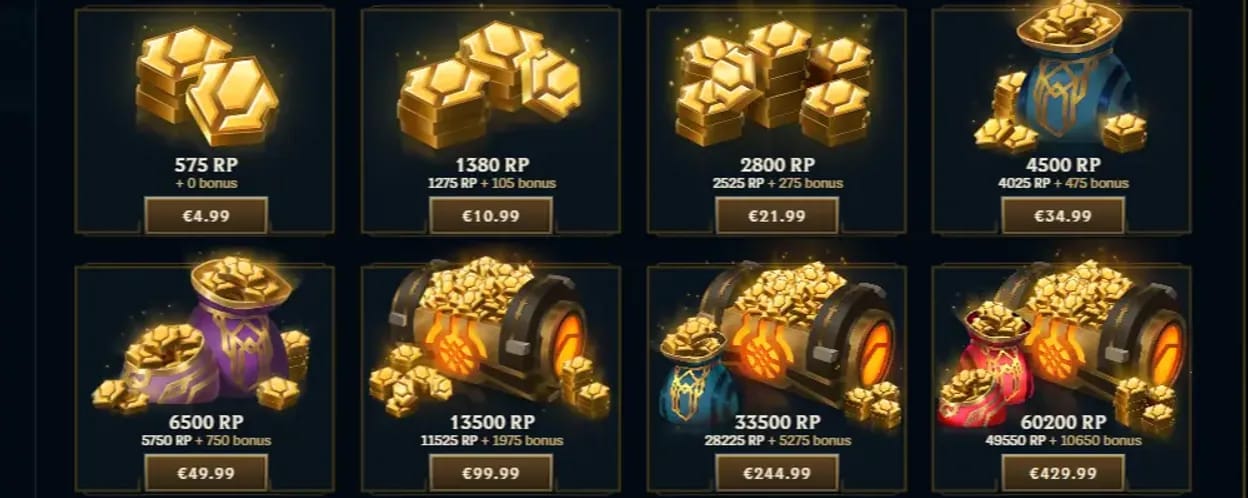
The safest method is to verify identity, region, recipient, and proof before you pay anything.
Use this short pre-flight list:
If any one of these is unclear, pause the order. That's especially true for League of Legends RP top up wrong server cases, where the account name looks right but the shard is wrong.
If you've already confirmed your Riot ID, region, and recipient account, VGTopup is one example of a checkout flow where clearer order-proof tracking can help if you need to follow up later.
What should you do if your League of Legends RP has not arrived or was sent to the wrong account?
First, check whether the payment actually cleared and whether the account details on the order match the live Riot account.
Then do this:
Check transaction history
Officially, delayed RP cases should be checked against transaction ID or purchase history in the client where available
Compare the submitted details
Riot ID with tagline
Server/region
Recipient account
Timestamp
Contact the right party first
Third-party order issue: contact the seller first with screenshots and receipt
Wrong account or unresolved region issue: submit a Riot Support ticket with proof
Include strong evidence
Riot ID screenshot
Region screenshot
Order number
Payment receipt
Timestamp
Login history if support requests it
Officially, support can review login history for RP purchase issues, and support-assisted region correction may be possible in residence-mismatch cases with verification. But don't rely on reversal if the wrong details were submitted to a third-party order. Community reports are clear on that point.
FAQ
How do I check my League of Legends account region?
Use the LoL client, Riot Client settings, or Riot's regional login flow. If the region still isn't clear, Riot Support can confirm it through a ticket and login-history review.
Is Riot ID the same as Summoner Name in League of Legends?
No. Riot ID is your account identifier in username#tagline format, while Summoner Name is your in-game display name on a specific server.
How do I find my Riot ID and tagline before buying RP?
Log in at account.riotgames.com and check your profile. Copy the Riot ID exactly as shown, including the tagline after #.
Can I buy League of Legends RP for a different region?
Official and community evidence both point the same way: don't do it unless the region matches the account. Cross-region purchases are commonly blocked, fail, or create delivery problems.
What happens if I top up RP to the wrong account or server?
Start with the seller if it was a third-party order, then contact Riot Support with screenshots, receipt, and login evidence. Recovery isn't guaranteed, so prevention matters more than escalation.
Does League of Legends RP depend on iOS, Android, or web checkout?
For PC LoL, the key factor is the Riot account and region, not the phone brand. But payment behavior can differ by method, and Wild Rift shouldn't be treated as identical to PC League.
What screenshots should I save before a League of Legends RP top up?
Save your Riot ID, region/server, order number, payment receipt, and timestamp. I would also keep the live client hover or account page visible in the screenshot if possible.
League of Legends RP delivery is safest when you verify the live Riot account first, not when you trust memory, an old Summoner Name, or a forwarded screenshot. Check the full Riot ID with tagline, confirm the server/region, make sure the right account is bound and logged in, and save proof before payment. If anything looks off, stop and verify it before you buy.