
If your Honkai: Star Rail top up was not received after payment, don't buy again immediately. Most cases are a delay, payment verification hold, or wrong UID/server/account issue—not a permanently lost order. First check whether the charge is still pending, confirm the exact UID and server, then relog and restart the purchase flow without paying to force sync.
Honestly, delayed delivery is frustrating when the money already left your account. But a successful bank charge doesn't always mean the order has fully cleared verification. If you're dealing with Honkai: Star Rail top up not received, wait through the normal delivery window first, then escalate with your order ID, receipt, UID, and server.
Why is my Honkai: Star Rail top up not showing after payment?
Usually because payment approval, payment settlement, and in-game delivery are three different stages. Officially, HoYoverse treats many missing top-ups as delays or manual sync issues rather than failed delivery.
From reviewing failed recharge cases, the most common causes are:
Payment still pending: users commonly report credit card fraud review or bank verification delays.
App store sync lag: community reports put many Apple/Google store delays in the first 5-30 minutes.
Wrong account login: officially, items won't land if you paid on a different HoYoverse account than the one you play on.
UID/server mismatch: widely observed as the top cause for third-party non-delivery.
Region mismatch: cross-border or VPN-based checkouts often trigger blocks or non-crediting.
Temporary outage: official outage notices may appear on HoYoLAB; in that case, waiting is correct.
Expected delivery times by payment route
One detail many guides miss: a receipt is not the same as completed delivery. I would check payment status wording first—pending, authorized, and completed are not interchangeable.
Can a wrong UID, server, or account login cause the Honkai: Star Rail top up to go missing?
Yes, absolutely. Officially, top-up must use the same platform and account as your game login, and wrong account login is a confirmed cause of undelivered items.
Check these details before you do anything else:
Personally, I would check account switching first if you use multiple logins. A lot of "missing" Oneiric Shard or Express Supply Pass cases turn out to be purchases made on the wrong account tab, especially after logging in on mobile and PC back to back. And avoid duplicate login during checkout; users commonly report sync issues there too.
What should I do in the first 30 minutes if my Honkai: Star Rail top up was not received?
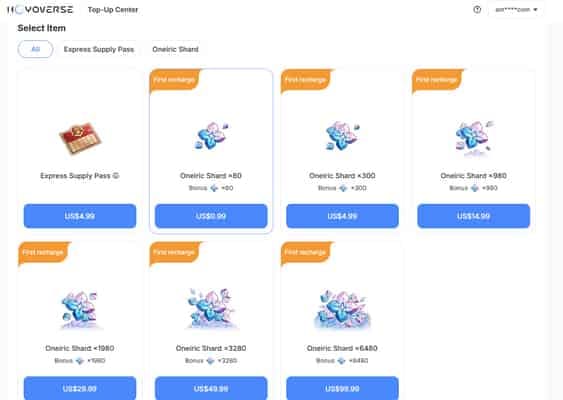
First, wait briefly and force a sync. Officially, the first fixes are to log out and back in, then restart the purchase flow without paying.
Use this order:
Check the payment state
Look at your bank, card app, App Store, or Google Play history.
If it says pending or authorized, don't repurchase.
If you paid by bank transfer, confirm whether it actually settled.
Verify the purchase details
UID
Server
Item bought: Oneiric Shard, Express Supply Pass, or another package
Order ID / transaction ID
Payment timestamp
Email or app store receipt
Force delivery sync
Log out of Honkai: Star Rail and log back in.
Restart the game.
Check mail and current balance.
Restart the purchase page without paying.
On mobile, clear app cache if the balance still doesn't update.
Check for route-specific issues
Apple Pay / Google Pay failures can come from device mismatch or parental controls.
Disable VPN.
Confirm you're on the correct server and character.
Wait through the normal window
App store purchases: often 5-30 minutes.
Credit card: wait at least 30 minutes for sync.
Event-related rewards: sometimes up to 24 hours.
If you're comparing future buying options after a delay, Honkai: Star Rail payment made but no shards cases are usually easier to prevent when the checkout clearly shows UID and server before payment.
How do I fix a Honkai: Star Rail top up not received after payment step by step?
Fix it by escalating to the right support channel based on where you paid, and send complete proof in the first message. In digital top-up troubleshooting, the fastest resolutions usually happen when users include every key detail upfront.
Step-by-step decision tree
If the payment is pending
Do not buy again.
Wait 5-30 minutes for app store sync, or at least 30 minutes for card verification.
Check app store purchase history and bank status again.
If the payment completed but nothing arrived within 24 hours
Contact the payment channel first if it was an authorized purchase. That's official guidance.
Use the support path tied to the checkout source:
Official top-up site:
hsr.hoyoverse.com/paymentIn-game official purchase: in-game feedback
General support:
support.hoyoverse.comApp Store / Google Play: start with the store transaction record
PC wallet options like Razer Gold: use that payment support chat first
Prepare evidence before opening a ticket
UID
Server
Item purchased
Order ID / transaction ID
Payment status
Receipt screenshot or email
Bank statement entry if relevant
Write a clean ticket
State: Payment completed, top-up not received.
Add exact time, timezone, amount, item, UID, server, and screenshots.
Mention what you've already tried: relog, restart, mail check, cache clear.
After 24 hours, escalate to HoYoverse
Officially, after 24 hours you should contact HoYoverse support with full proof.
If the purchase was through the official channel, use in-game feedback or the support page.
Avoid duplicate purchases and chargebacks
Across checkout issue reviews, duplicate purchases are often worse than the original delay.
Community reports consistently warn against repurchasing while the first order is pending.
Chargebacks can risk permanent account bans if the content arrives later.
Which support path fits your case?
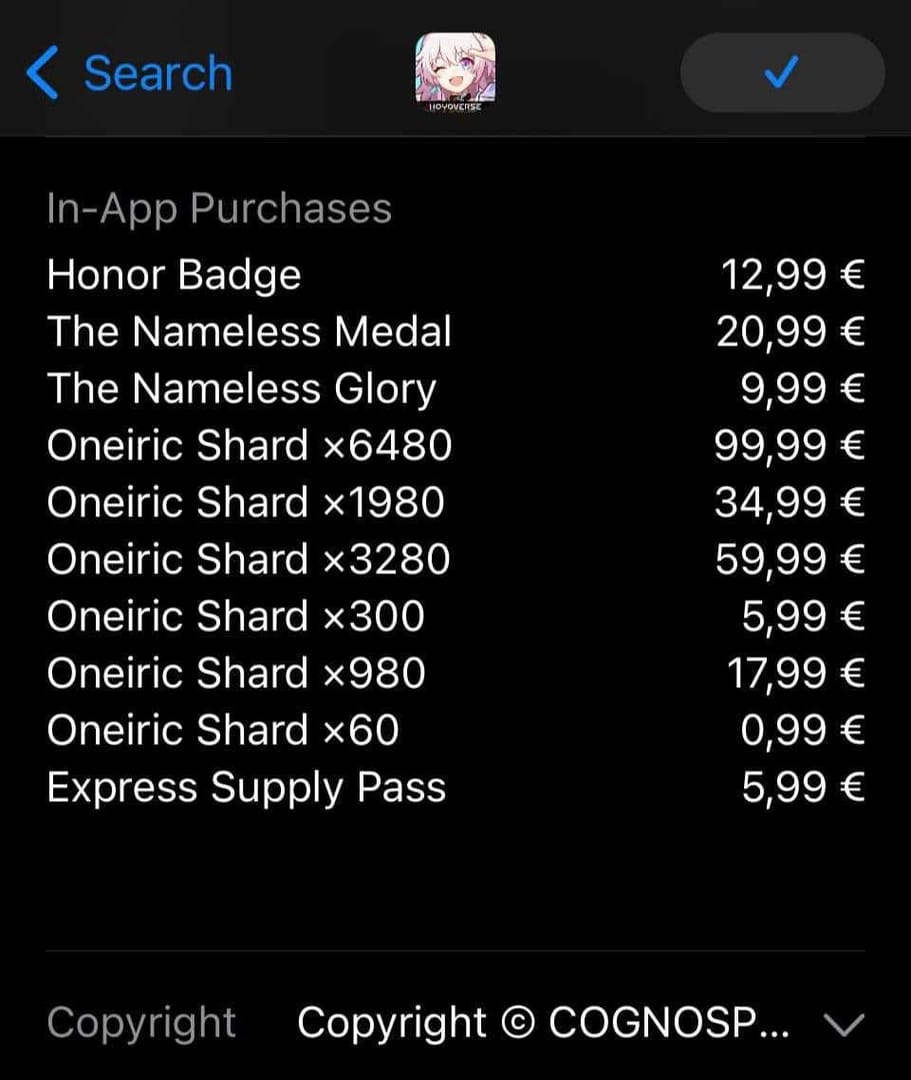
One firm recommendation: don't start with a refund or chargeback unless support confirms it. Non-authorized top-up handling and chargeback behavior can create account penalties or asset loss.
What is the fastest safe way to resolve a missing Honkai: Star Rail top up?
The fastest safe path is simple: verify, sync, wait the correct window, then escalate with proof. Most users lose time by guessing instead of checking payment state.
My preferred order is:
Confirm pending vs completed
Confirm UID/server/account
Relog and restart purchase flow
Wait the route-specific window
Contact the payment channel
After 24 hours, send HoYoverse a complete ticket
For future purchases, I personally prefer methods with clearer order tracking, even if they aren't always the cheapest. If you use a UID-only seller such as VGTopup, the main safety habit is simple: double-check UID and server before paying. Officially, non-authorized top-ups carry ban and asset-loss risk, so stick to trusted, clearly tracked routes and avoid region workarounds.
FAQ
Why is my Honkai: Star Rail top up not showing after payment?
Most often it's a sync delay, pending payment review, or wrong account/UID/server detail. A bank charge or app receipt can appear before the game updates your balance.
How long does Honkai: Star Rail top up take to arrive?
Direct official recharges are often instant, with peak delays up to 10 minutes. App store purchases commonly take 5-30 minutes, while some event or batch rewards can take up to 24 hours.
What should I do if money was deducted but I received no Honkai: Star Rail top up?
Check whether the charge is still pending, then relog, restart the game, and verify UID, server, and order details. If nothing arrives within 24 hours, contact the payment provider first and then HoYoverse support with receipts.
Can a wrong UID or server cause a Honkai: Star Rail top up to go missing?
Yes. This is one of the most common causes for UID-based top-ups not arriving. Always match the 9-10 digit UID and the correct server before payment.
Should I buy again if my Honkai: Star Rail payment is still pending?
No. Repurchasing during a pending state is how duplicate charges happen. Wait for the payment to settle or fail first.
How do I contact Honkai: Star Rail support for a missing purchase?
Use in-game feedback for official in-game purchases, or go to support.hoyoverse.com. Include UID, server, item, order ID, payment status, receipt, and screenshots in the first ticket.
Can I get a refund if my Honkai: Star Rail top up was not received?
Possibly, but don't rush into a chargeback. If the item arrives later, a forced reversal can create account problems, and community reports warn this can lead to bans.
Missing Honkai: Star Rail top-ups are usually fixable. In most cases, the order is delayed, pending verification, or tied to the wrong UID, server, or account—not truly lost. Check payment status first, force a sync, wait the correct delivery window, and only then escalate with full proof. If you want fewer problems next time, use a clearly tracked payment route and verify every account detail before you pay.