
If your Genshin Impact Top Up Not Received After Payment issue happened right after checkout, first check whether the payment is actually completed or only pending, then verify the exact UID, server, and account login used. Most money deducted but no crystals cases are payment review, app store delay, bank authorization hold, or account mismatch—not permanent loss.
For fast recovery, restart the game, log out and back in, confirm the order in your payment history, and save proof before contacting support. If you need a reference point for Genshin Impact top up not received cases, the key is separating delayed delivery from failed fulfillment.
Why is my Genshin Impact top up not showing after payment?
The usual reason is that the payment looks successful on your side before the top-up fully clears on HoYoverse’s side.
From reviewing failed recharge cases, I would check this first: was the charge captured, or is it only authorized/pending? A bank app notification or card hold is not the same as a settled payment. Official guidance is clear here: if the transaction is pending, reversed, or still under review, contact the payment provider first. If it is confirmed with no refund initiated, wait for processing, then contact HoYoverse support.
Common causes break down like this:
Officially, restarting Genshin Impact and logging out/in can refresh the Genesis Crystals balance. Users also commonly report that network sync issues clear after a relaunch.
How do wrong UID, server, or login mistakes cause missing top ups?
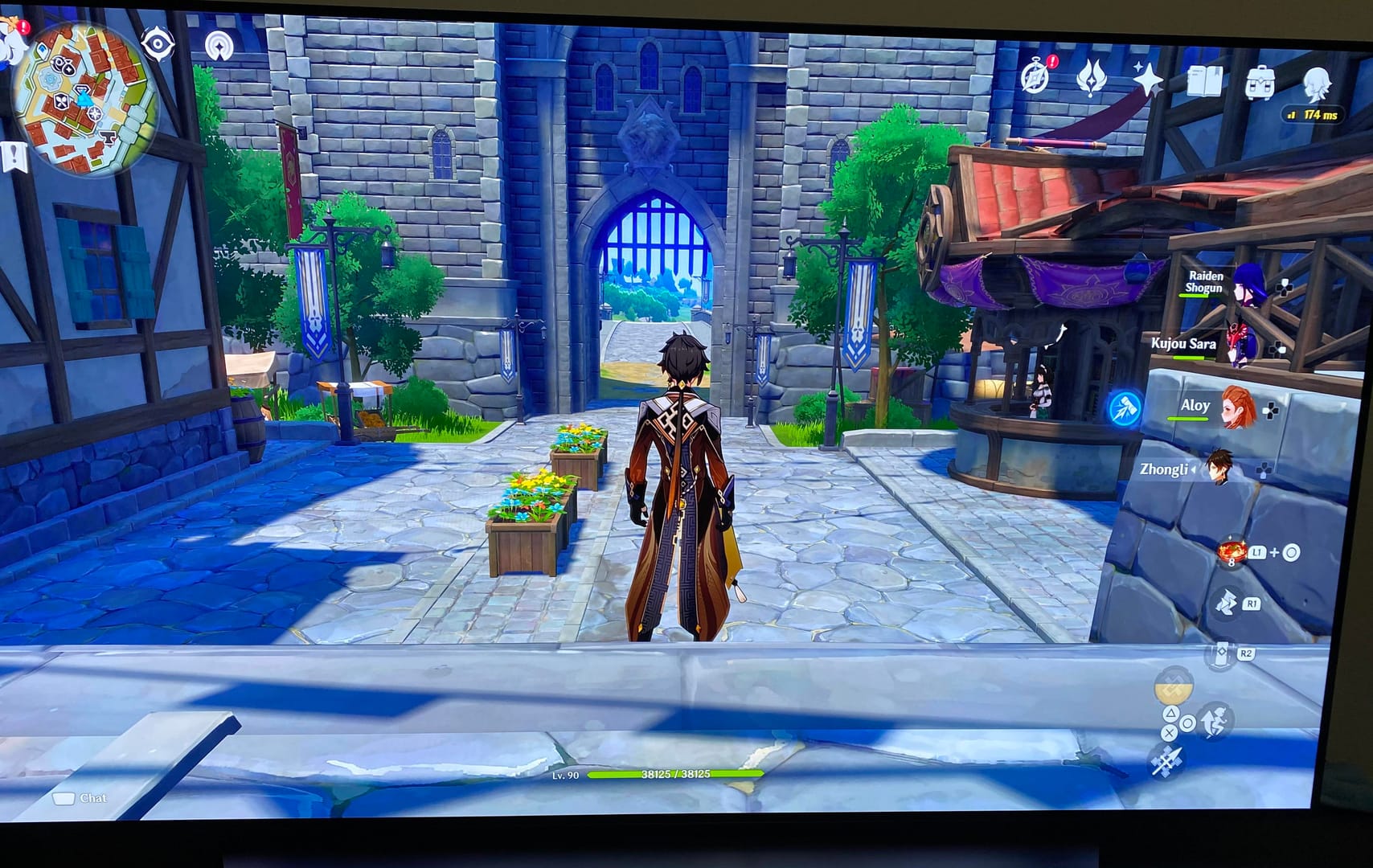
They cause the top-up to go somewhere else, or fail to process against the intended account.
This is the part many guides miss. A missing purchase is not always missing. Sometimes it was delivered to the wrong account because of:
wrong UID entered on the HoYoverse Top-Up Center
wrong server selected: Asia, Europe, or America
logging into a different HoYoverse account than the one you actually play
duplicate account setups across email/social login methods
platform mismatch in cross-platform play
Users commonly report UID not processed errors when region or server details don’t match, especially on non-official recharge paths. And on cross-platform setups, community reports say a PC website top-up may need manual claim behavior on mobile or PlayStation-side sessions. Personally, I would verify the account identity before blaming the payment rail.
Quick verification list:
UID: exact digits, no typo
Server: matches the character/account you use
Login: same HoYoverse account, not an alternate linked login
Package: Genesis Crystals vs Blessing of the Welkin Moon
Platform: same ecosystem used for purchase where relevant
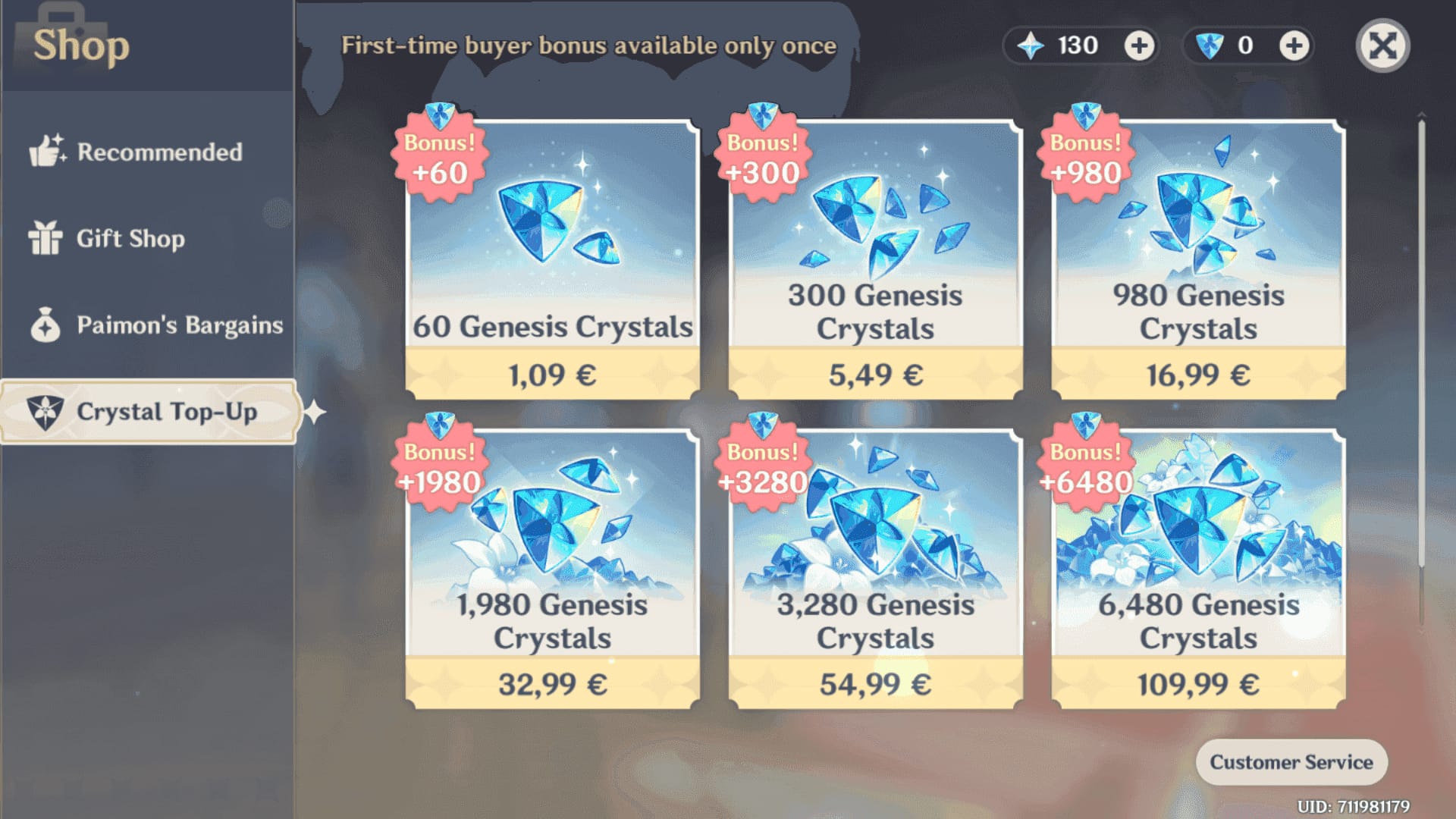
Genesis Crystals are the paid currency and convert to Primogems 1:1. Welkin is different: it gives 300 Crystals plus 90 Primogems daily for 30 days, so users sometimes think it didn’t arrive because they expected a larger instant crystal balance.
How long does Genshin Impact top up usually take to arrive?
Usually it’s fast, but official guidance allows for delays of 30 minutes to 24 hours when payment processing is involved.
Honestly, delayed delivery is frustrating when the payment already left your account. But a short delay is still normal, especially for:
card payments under fraud review
Apple App Store or Google Play processing lag
network sync issues after purchase
peak traffic periods reported by users
A practical decision rule:
Officially, delayed delivery and failed fulfillment are different. If no refund has started and the payment is confirmed, wait through the processing window. If the transaction is still pending or reversed, support can’t fix what the payment provider hasn’t settled.
How can I fix a Genshin Impact top up that was paid but not received?
Use a short decision tree: verify account details, verify payment status, force a sync, collect proof, then contact the right party.
Check the account and item
Confirm UID and server.
Make sure you’re logged into the intended HoYoverse account.
Check whether you bought Genesis Crystals or Welkin.
If you’re troubleshooting Genshin Impact genesis crystals not showing after payment, this is where most wrong-account cases surface.
Check payment status where you paid
Official Top-Up Center: review the card/PayPal/payment confirmation.
In-game purchase: open the platform receipt flow.
Apple App Store: confirm the receipt in purchase history.
Google Play: check order history; if stuck, users commonly clear Play cache and relaunch.
Force the game to sync
Restart Genshin Impact.
Log out and log back in.
Disable VPN and switch to a stable network.
Officially, you can retry the same purchase flow without completing payment to trigger activation, or manually activate in-game using the exact same platform and account.
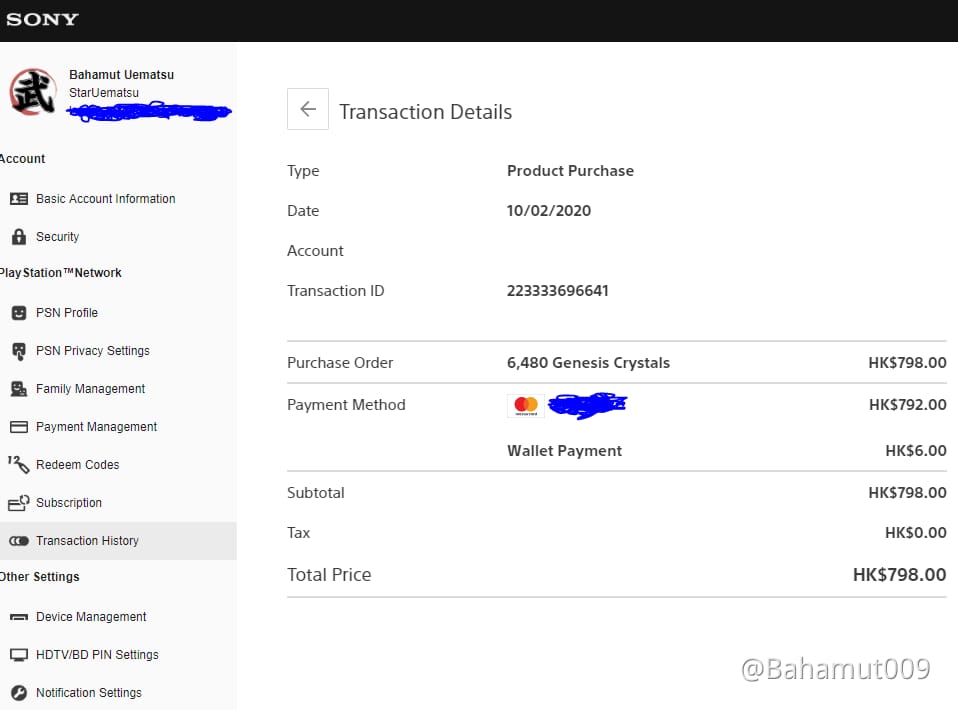
Collect proof before opening a ticket
order ID
transaction ID
receipt screenshot
UID
server
timestamp
screenshots of missing balance/item
Contact the correct support channel
Payment pending/reversed/authorized hold: contact bank, Apple, Google, or payment provider first.
Payment completed, no delivery after checks: contact HoYoverse via in-game feedback or help.hoyoverse.com.
Support requires HoYoverse account login for feedback submission.
From a support-efficiency standpoint, the tickets that move fastest usually include the timestamp, receipt, UID, server, and screenshots in the first message. Don’t make support ask twice.
What should I do if Genshin Impact took my money but gave no crystals?
First determine who actually has the stuck transaction: HoYoverse or the payment provider.
Use this channel-by-channel path:
I would avoid rushing into a refund or chargeback on official purchases. Users commonly report account issues, negative Primogems, or item deductions after chargebacks. On third-party purchases, refunded items may also be deducted permanently. If the order is still under review, a chargeback often makes the case messier, not faster.
For future purchases, the safest route is still the official HoYoverse Top-Up Center at genshin.hoyoverse.com/payment, which officially supports standard methods like credit/debit cards, PayPal, Apple Pay, and Google Pay depending on channel. There is no official crypto payment support.
How can I avoid Genshin Impact top up problems next time?
Use official channels, verify account details before paying, and keep proof until delivery is complete.
My prevention checklist:
Use the official channel when possible
HoYoverse officially supports top-ups through its payment center and in-game flows.
Official checkout is usually clearer for order tracing.
Double-check identity fields
UID
server
account login
package type
platform used
Use a stable payment setup
enough card balance
international transactions enabled
no VPN
stable network
Save evidence immediately
receipt
order ID
transaction ID
timestamp
screenshots
Don’t duplicate attempts too fast
Community reports show duplicate top-up attempts can create failed fulfillment confusion despite payment activity.
If you want a clearer checkout flow next time, use VGTopup and always double-check your UID, server, and receipt details before confirming payment.
FAQ
Why is my Genshin Impact top up not showing after payment?
Usually because the payment is still pending, under review, delayed by the app store, or sent to the wrong account/server. Restarting the game and verifying UID, server, and payment status solves a large share of cases.
How long does Genshin Impact top up take to arrive?
Officially, delays can take 30 minutes to 24 hours. If the payment is completed and nothing arrives after that window, contact HoYoverse support with proof.
Can a Genshin Impact top up be delayed by payment verification?
Yes. Card payments and store purchases can be held for review even when your bank app already shows activity. A successful-looking charge does not always mean the order has fully cleared.
How do I contact HoYoverse support for a missing purchase?
Use in-game feedback or help.hoyoverse.com, and log in with your HoYoverse account. Include order ID, transaction ID, receipt, UID, server, timestamp, and screenshots in the first message.
Can I get a refund if my Genshin Impact top up was not received?
If the payment is pending or reversed, the payment provider may resolve it first. But don’t jump straight to chargeback on a completed digital purchase, because users commonly report negative balance or account penalties after improper refund action.
What happens if I topped up the wrong Genshin Impact UID?
The purchase may be delivered to that UID or fail against the intended account. Gather proof immediately and contact HoYoverse support, but recovery is harder than a normal delay case, so prevention matters most.
If your Genshin Impact top up was not received after payment, don’t guess—verify whether the charge is completed, confirm the UID/server/account, then force a sync by restarting and relogging. If nothing appears after the official delay window, send HoYoverse support a complete proof set. That’s the fastest, cleanest way to recover a missing purchase without creating bigger account problems.