
If your Genshin Impact Top Up Not Received After Payment issue happened, don’t pay again yet. Most cases are a delay, a pending payment that hasn’t been fully captured, a UID/server mismatch, or a purchase that needs manual activation—not a permanent loss.
From reviewing recharge issues, I would check three things first: whether the charge is still pending, whether the UID and server match the intended account, and whether the order shows completed on the same platform used for payment. If you’re dealing with a Genshin Impact top up not received case, those checks solve or correctly route most reports before support is even needed.
Why is my Genshin Impact top up not showing after payment?
The usual reason is that the payment and the delivery are not at the same stage. A card, wallet, or app store can show successful when it only means the payment was authorized. Delivery happens after capture and fulfillment.
That distinction matters:
Users commonly report confusion here. A successful bank charge does not always mean the order cleared verification. And app-store purchases can stay pending for hours before they reflect.
Other common causes:
Wrong UID entered
Wrong server/region selected
Wrong package selected
Platform mismatch between where you paid and where you checked
Manual activation required after payment
Connection issues during purchase flow
Officially, you should restart the game, log out and back in, and in some cases start the purchase flow again for the same item without paying again to trigger activation. Purchases may also require manual activation on the same platform and account used for payment.
How can a UID or server mismatch send the top-up somewhere else?
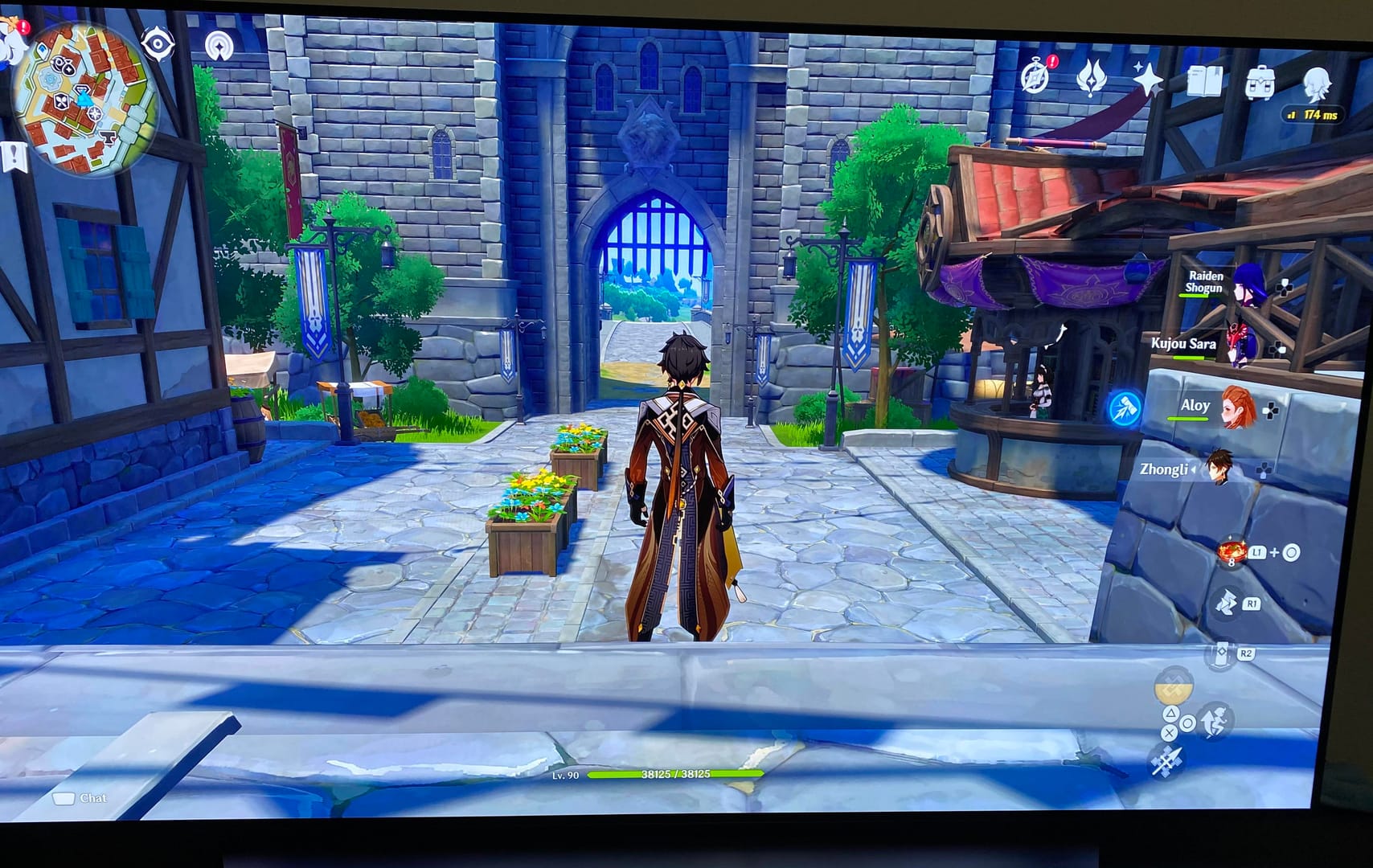
Yes, a top-up can land on the wrong account or server. This is one of the most overlooked real-world causes.
In my experience reviewing failed recharge cases, this is the first thing that resolves many missing top up reports. Genshin uses a 9-digit UID, and community guidance widely notes that the first digits indicate server grouping—for example, users commonly identify UIDs starting with 8 as America. If the UID or server doesn’t match, the crystals may go to another account profile instead of the one you’re logged into.
Check these before anything else:
Community reports after recent restrictions also suggest some third-party failures happen because of UID-region limitations. I wouldn’t ignore region matching, especially if you used a cross-region payment method or VPN. Officially, disabling VPN and using your registered device is safer.
How long should a Genshin Impact top up take to arrive before I worry?
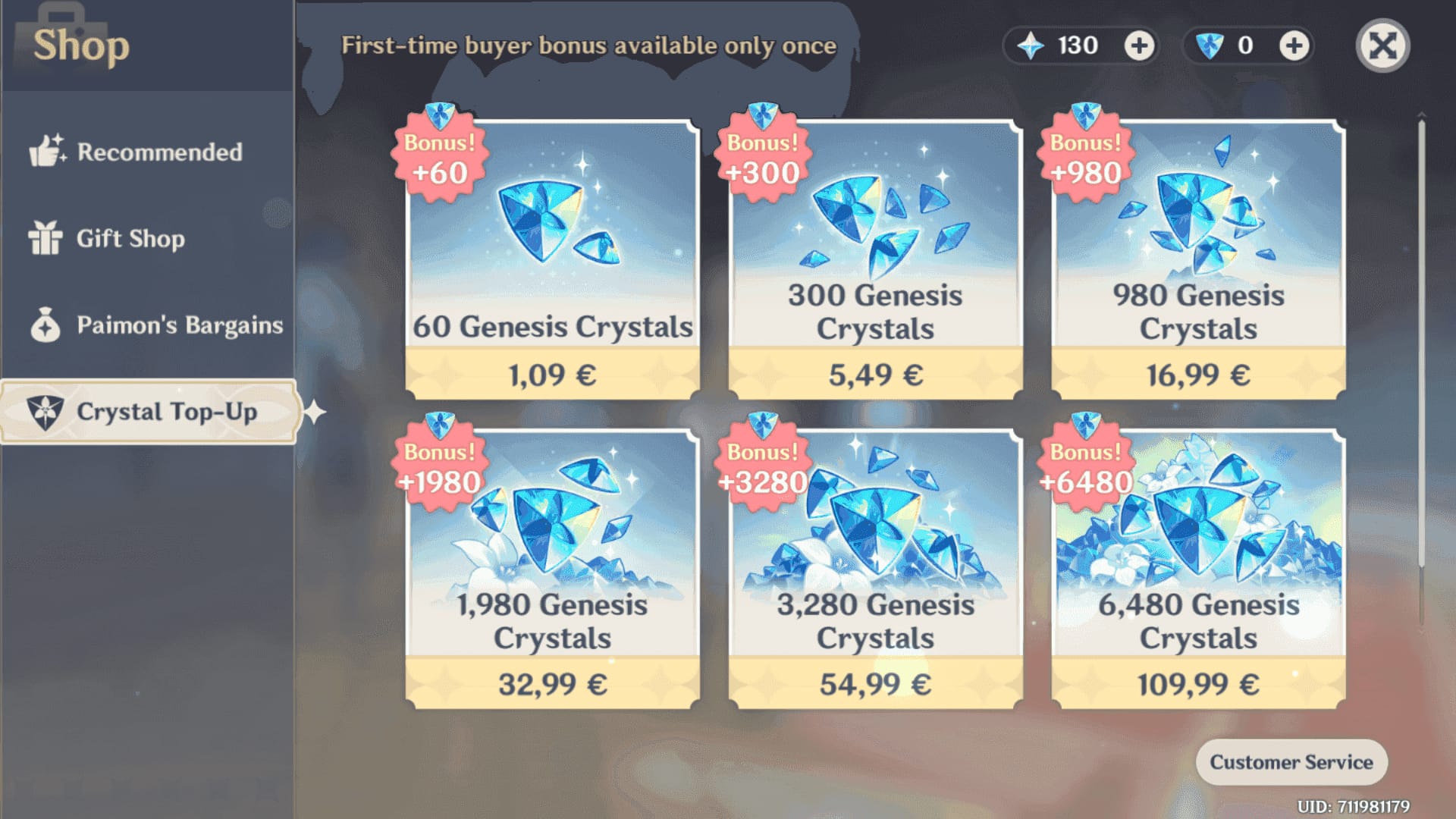
Usually it’s instant, but delays of 10 to 30 minutes are widely observed during peak periods. After 12 to 24 hours with confirmed payment and no delivery, it becomes a support case.
Here’s the practical timing:
Platform-specific checks matter:
Official website / PC: officially, check the in-game shop again after bank transfer or payment completion.
App Store / Google Play: verify purchase history, then restart the device and game.
Apple Pay / Google Play pending: users report these can remain pending for hours.
PlayStation: some users report needing seller-side help if the purchase doesn’t reflect.
Honestly, delayed delivery is frustrating when the money already left your account. But I would still avoid panic-buying a second time. Duplicate purchases create a mess, especially if the first one later completes.
How do I fix a Genshin Impact top up that was paid but not delivered?

Start with verification, then refresh, then escalate in the right order.
Check payment status
Open your bank, wallet, App Store, or Google Play history.
Confirm whether the payment is pending, captured, or reversed.
If it’s only authorized/pending, wait. No delivery is expected until capture.
Verify the account details
Confirm the UID, server region, and package name.
Check the UID inside the game menu, not from memory.
If you suspect a wrong server, inspect your other server profiles immediately.
Refresh the game state
Restart Genshin Impact.
Log out and log back in.
Officially, try opening the purchase flow for the same item again without completing payment. This can trigger activation.
If required, manually activate the purchase in-game on the same platform and account used for payment.
Check the right destination
For Genesis Crystals, look at your crystal balance directly.
For Blessing of the Welkin Moon, confirm the subscription activated; it gives 300 Genesis Crystals + 90 daily Primogems for 30 days.
Don’t judge only by Primogem count if you bought crystals.
Check connection and device
Switch network or use a mobile hotspot if your connection was unstable.
Officially, use the registered device and disable VPN.
Contact support in the right order
Seller/platform support first
Then HoYoverse support via in-game feedback or the Help Center
Then the payment provider if the order is unresolved
If you need to compare a retry path after verifying details, this Genshin Impact recharge payment failed fix resource is relevant—but only retry after you confirm the first order won’t still post.
What should I prepare before contacting support about a missing Genshin Impact purchase?
Prepare a complete evidence pack. This is where many users lose time.
The fastest support outcomes usually happen when the first message already includes:
Screenshot of payment receipt
Transaction ID or order ID
UID
Server region
Exact package bought
Payment timestamp
Platform used
Screenshot showing no delivery in account
Use a short issue summary like this:
Paid for 980 Genesis Crystals on [platform] at [time].
Order ID: [ID]. UID: [UID]. Server: [region].
Payment shows captured, but crystals not received after [time elapsed].
I restarted the game, logged out/in, and checked the correct account.
That gives support enough to trace the order quickly. If the seller confirms delivery but nothing appears, escalate to official support with the same evidence.
One caution: don’t rush into a chargeback if the item later arrives. Users commonly report that disputing a delivered top-up can cause negative Genesis Crystals/Primogems or even account lock until the balance is repaid. Personally, I would treat chargebacks as a last resort after seller and official support both fail.
FAQ
Why is my Genshin Impact top up not showing after payment?
Usually because the payment is still pending, the order hasn’t been fulfilled yet, or the UID/server was wrong. Payment successful often means authorization happened, not confirmed delivery.
How long does Genshin Impact top up take to arrive?
Most top-ups are instant. Delays of 10 to 30 minutes are commonly reported, while 12 to 24 hours with confirmed payment is the point where you should contact support.
What should I do if money was deducted but I got no Genshin Impact top up?
Check whether the charge is pending, captured, or reversed, then verify UID, server, package, and platform. Restart the game, log out/in, and gather receipt, order ID, and screenshots before contacting support.
Can a Genshin Impact top up go to the wrong UID or server?
Yes. If the UID or server is wrong, the purchase can be delivered to another account profile or region slot. Check the in-game UID and all server profiles before assuming the order failed.
How do I contact official support for a missing Genshin Impact purchase?
Use HoYoverse support through in-game feedback or the official Help Center. Include your UID, server, order ID, receipt, timestamp, package name, and screenshots in the first message.
Will I get a refund if my Genshin Impact top up was not delivered?
If the payment was reversed, funds usually return automatically and no delivery occurs. If the order is unresolved, refund handling depends on the platform, and app-store refunds can take business days; avoid disputing a delivered item because that can trigger negative balance issues.
Why does my payment say successful but the order is still pending?
Because the processor may have authorized the payment without fully capturing it yet. That’s common with cards, Apple Pay, Google Pay, and app stores, and it explains many card charged, no top up reports.
Conclusion
If your Genshin Impact top-up is missing after payment, the most likely causes are delay, pending payment capture, or UID/server mismatch. Check those first, refresh the game, and don’t buy again until you confirm the first order’s status. If nothing arrives after 12 to 24 hours, contact seller support, then HoYoverse, with full evidence from the start.