
If your Call of Duty: Mobile CP Top Up Pending or Delayed order hasn't arrived, don't place a second order yet. First confirm whether the payment was actually captured, check your order status in the payment channel, verify your UID/player details, and keep your receipt, timestamp, and order ID ready. Officially, CP delivery can take up to 24 hours to appear, including purchases through Google Play, Apple, or the official web store.
For urgent buyers, I would check three things first: whether the charge is still pending at the bank, whether the account region matches the payment region, and whether the order shows processing rather than failed. If you need a quick reference for Call of Duty: Mobile CP top up not received, the safest rule is simple: wait through the normal window, restart the game, then escalate with proof.
Why is my Call of Duty: Mobile CP top up still pending after payment?
Pending usually means the payment is still being verified or the game delivery hasn't synced yet. It does not automatically mean the order failed.
From reviewing delayed digital top-up cases, the most common confusion is this: a bank charge and a completed top-up are not the same thing. A card can be authorized, but the order still sits in fraud screening, gateway review, or publisher-side processing. Users commonly report that card and bank verification delays often clear in 30 minutes to 1 hour, while official guidance still allows up to 24 hours for CP to appear.
Here’s how common statuses usually map in digital top-up workflows:
A detail many guides miss: payment-side delay and delivery-side delay are different problems. If your bank or card issuer is still reviewing the transaction, support often can't speed it up. If the merchant shows delivered but your CP balance is still unchanged, that's when you move toward official game support.
How long should a Call of Duty: Mobile CP top up take before I worry?
For most buyers, the first hour is observation time; the 24-hour mark is the real escalation point. Officially, COD Points purchases can take up to 24 hours to appear in-game.
Community reports are still useful for urgency planning:
In my experience reviewing recharge issues, urgent buyers get into trouble by treating a 10-minute delay like a failed order. Honestly, delayed delivery is frustrating when the payment already left your account, but duplicate orders create a worse mess: double charges, refund delays, and sometimes account review.
There are also edge cases:
Region mismatch: users commonly report top-up failure when payment country and account region don't match.
UID mismatch: a wrong 10-12 digit Player UID can block or misroute fulfillment.
App store latency: rare, but some users report delays beyond 24 hours through Apple or Google channels.
High traffic holds: publisher-side processing can slow during busy periods.
How do I track a Call of Duty: Mobile CP top up order step by step?
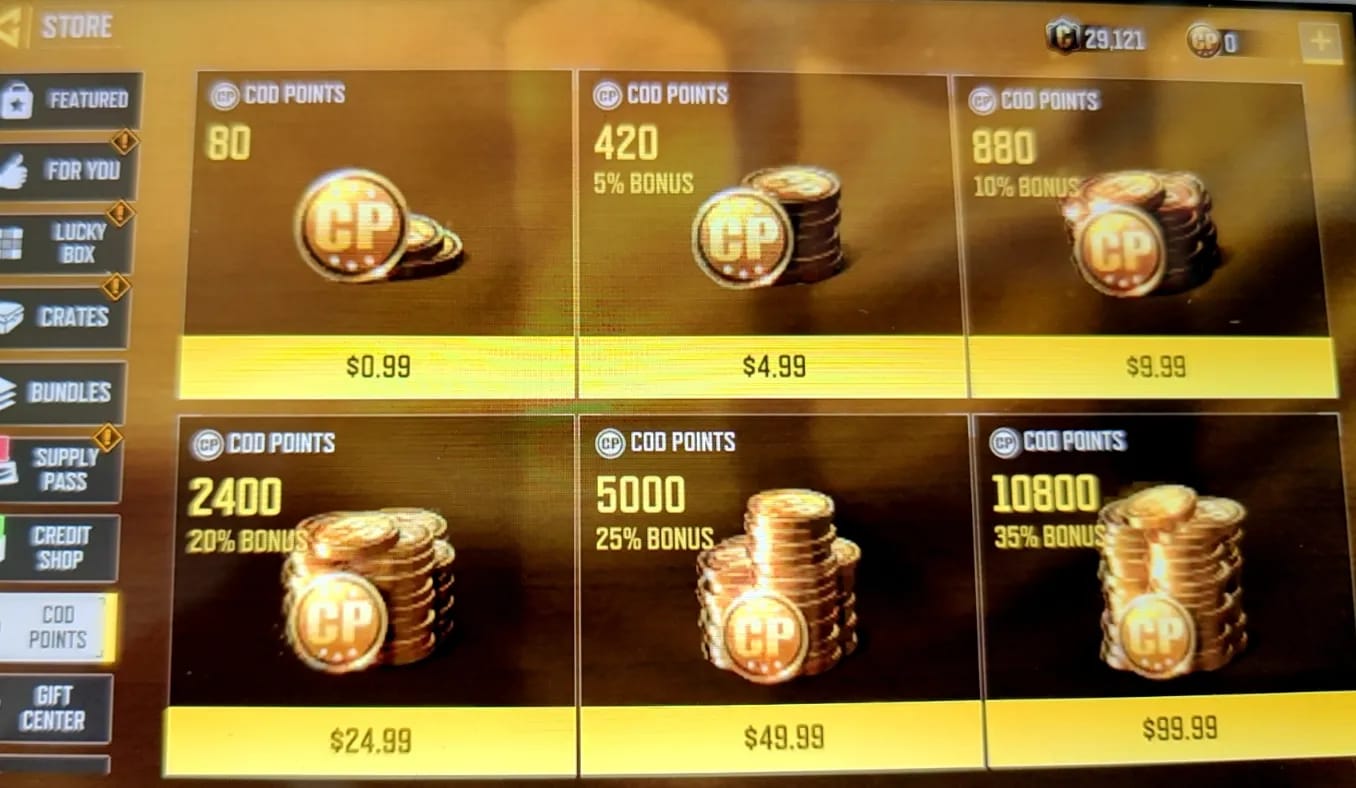
There is no public dedicated CP tracking page, so you track the order through your payment records, merchant confirmation, and support references. That's the part many buyers don't expect.
Use this checklist:
Find the order reference
Merchant Order ID
Payment Transaction ID
Email receipt or checkout confirmation
App store order history if you bought through Google Play or Apple
Confirm payment status
Google Play: check order history for pending or completed
Apple: check purchase history and whether the charge is still under verification
Card/bank/local wallet: check whether the charge is posted, pending, or reversed
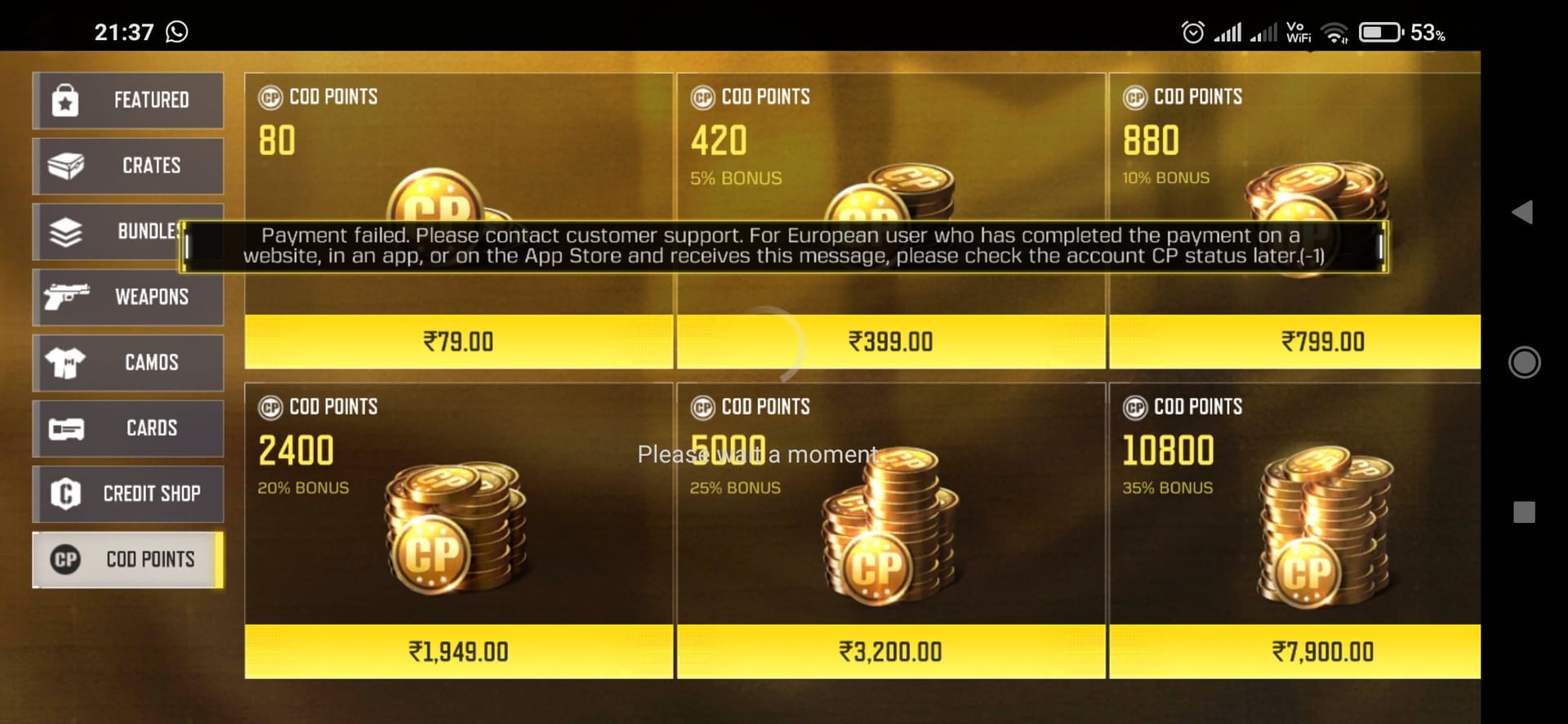
Verify account details
Confirm the correct UID / Player ID
Recheck package selected
Confirm account region matches payment region
Check in-game delivery
Open CODM and check CP balance
Check the in-game mailbox
Restart the app, then restart the device if needed
Match the status to the next action
Pending/processing: wait and monitor
Failed: don't retry until you know why
Delivered/completed but no CP: escalate with proof
For buyers who want cleaner support handling later, save everything in one folder before you contact anyone. If you're comparing what to keep on hand for Call of Duty: Mobile CP recharge order tracking, the essentials are the same every time: order ID, transaction ID, UID, timestamp, amount, and screenshots.
What should I do while waiting for a delayed Call of Duty: Mobile CP order?
Use a time-based workflow. It's faster than guessing, and it avoids duplicate charges.
What should I do in the first 5, 15, 30, and 60 minutes?
Do this in order:
First 5 minutes
Refresh the game
Check CP balance and mailbox
Confirm the payment confirmation actually arrived
At 15 minutes
Fully close and reopen CODM
If still missing, restart your device
At 30 minutes
Check bank/card/local wallet/app store status
Look for pending authorization, fraud review, or verification hold
At 60 minutes
Stop troubleshooting loops
Wait through the official 24-hour window unless the payment clearly failed
Personally, I would avoid changing payment methods and reordering during this period. Across payment troubleshooting flows, card payments and bank-side reviews create a "paid but still processing" gap more often than users expect, especially on first-time or larger purchases.
How do I escalate a delayed CP order safely?

Escalate in two stages. Merchant support first; official game support second if the order shows delivered but CP is still missing.
Prepare this evidence before you open a ticket:
Then follow this path:
Wait up to 24 hours
This is the official delivery window.
Restart the game and device
Official troubleshooting says to shut down and reboot the game first, then the device if needed.
Contact the seller or merchant support
Use the order ID and payment proof.
If the order is still processing, ask whether it's payment review or fulfillment delay.
Contact Activision if the order shows delivered but CP is missing
Use the official support channels:
support.activision.com/cod-mobileactivision.helpshift.com/hc/en/3-cod-mobile
Do not use off-platform fixes while waiting
Users commonly report that unofficial workarounds create more account trouble, not less.
Unofficial top-ups carry account-freeze risk under newer policy reports.
If you need a safer route next time, the official CODM Web Store is the clearest direct purchase path, and official sources state crediting is instant after payment confirmation. Still, "instant" only starts after the payment clears verification.
How long does a Call of Duty: Mobile CP top up usually take?
Most short delays resolve within 30 to 60 minutes based on user reports, but the official window is up to 24 hours. If you're still missing CP after that, restart the game and contact support with proof.
Why is my Call of Duty: Mobile CP order still pending after payment?
Usually because the payment is under processing, fraud screening, or bank authorization review. A successful charge notification doesn't always mean the top-up has cleared fulfillment.
What should I do if payment was successful but CP has not arrived?
Check your CP balance, in-game mailbox, and restart the app first. If the order shows delivered and the CP is still missing after the official wait window, contact Activision support with your UID, receipt, and order details.
Can I cancel a pending Call of Duty: Mobile CP top up order?
Not always. If the payment is still pending, cancellation depends on the payment channel or merchant review stage; if it fails, refunds are often automatic, and official support can review undelivered CP after 24 hours.
How do I track my Call of Duty: Mobile CP top up order?
Use your merchant order ID, payment transaction ID, email receipt, app store history, and bank or wallet status. There is no dedicated public CP status page, so those records are your tracking trail.
Should I place another order if my CP top up is delayed?
No. Users commonly report that duplicate orders lead to double charges, refund delays, or account issues. Wait until the first order is clearly failed, refunded, or resolved.
What details does support need for a delayed CP order?
Support usually needs your UID or Player ID, order ID, transaction ID, payment receipt, timestamp, selected package, and screenshots. In urgent cases, sending all of that in the first message usually gets faster handling.
Delayed CODM CP doesn't mean lost CP. Most cases are payment verification, app-store latency, or account-detail mistakes, and the safest move is to track the order carefully, avoid duplicates, and wait through the official 24-hour window. If the order still hasn't credited, restart the game and escalate with complete proof. Need a smoother checkout next time? Use VGTopup and keep your order ID and account details handy from the start.