
Yes—third-party PUBG: New State NC top up can be safe, but only when the seller is transparent about product details, payment methods, delivery timing, and support. Official checkout is still the lower-risk option for billing disputes because app stores and official support paths are clearer. But a vetted third-party is a reasonable choice if you need lower prices, local wallets, or no-card payment options.
From comparing checkout paths, the biggest difference isn't just cost. It's whether you can track the order, prove payment, and get help fast if something goes wrong. If you're weighing PUBG: New State NC official vs third party recharge, focus on support ownership, refund limits, account-ID accuracy, and order-status visibility.
Why is official PUBG: New State NC checkout usually the lower-risk option?
Official checkout is usually safer because policy, billing ownership, and support responsibility are clearer. PUBG: New State officially supports NC as premium currency, and official help resources cover payment and refund issues through the Krafton Help Center and in-game Customer Support. Official redemption also exists through the New State redemption page for NC codes.
Community experience consistently points to one advantage: app store purchases through Google Play or Apple provide stronger buyer protection for disputes and chargebacks. That's the practical edge. If a charge posts but the item doesn't arrive, the support path is more defined than on most third-party sites.
Still, official doesn't solve everything. In my experience reviewing recharge issues, failed orders are often caused by account-region friction, store restrictions, or bank verification blocks rather than fraud. A successful card attempt also doesn't always mean the order cleared verification.
Official vs third-party: where the risk actually changes
The part many guides miss: both methods can fail if you enter the wrong Player ID or use the wrong region/server. That isn't a "third-party problem." It's a top-up-input problem.
When is a third-party PUBG: New State NC top up reasonably safe to use?
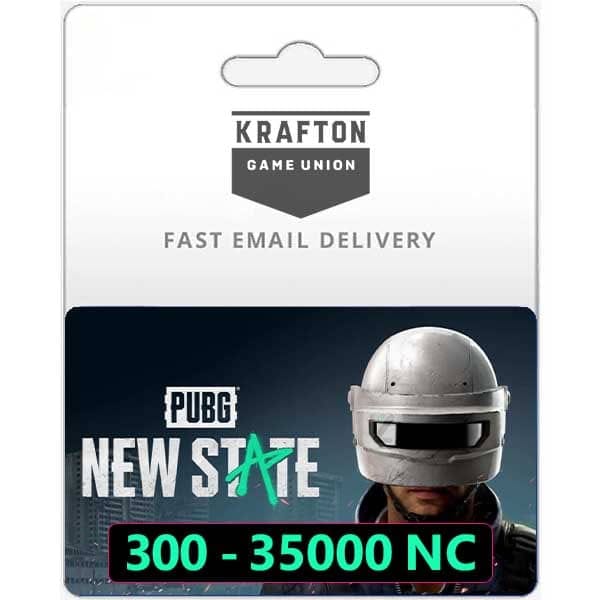
A third-party PUBG: New State NC top up is reasonably safe when it requires only your Player ID, clearly shows the package, uses secure payment processing, and offers visible support plus order tracking. Official policy does not explicitly ban reputable third-party NC top-ups, and community sources report no bans tied to normal use of trusted providers.
That matters. A site asking only for your Player ID is operating within the normal top-up pattern users commonly report. A site asking for your game login or password is not.
Reputable third-party sellers also tend to offer:
NC packages such as 300, 1580, 3600, or 9300+bonus
instant or near-instant delivery expectations
payment methods beyond cards, including e-wallets, bank transfer, local wallets, and sometimes USDT or Binance Pay
a dashboard, receipt, or order history you can actually use later
If you need no-card checkout, this is where third-party can be genuinely useful. Official channels don't always support the same regional payment mix. And for some users, local wallets build more confidence than forcing a foreign card through a store checkout.
What red flags should you check before buying PUBG: New State NC from a third party?
Check for unsafe account access requests, weak support visibility, and poor order transparency before you pay. Personally, I would avoid any site that doesn't make these basics obvious.
Use this trust checklist:
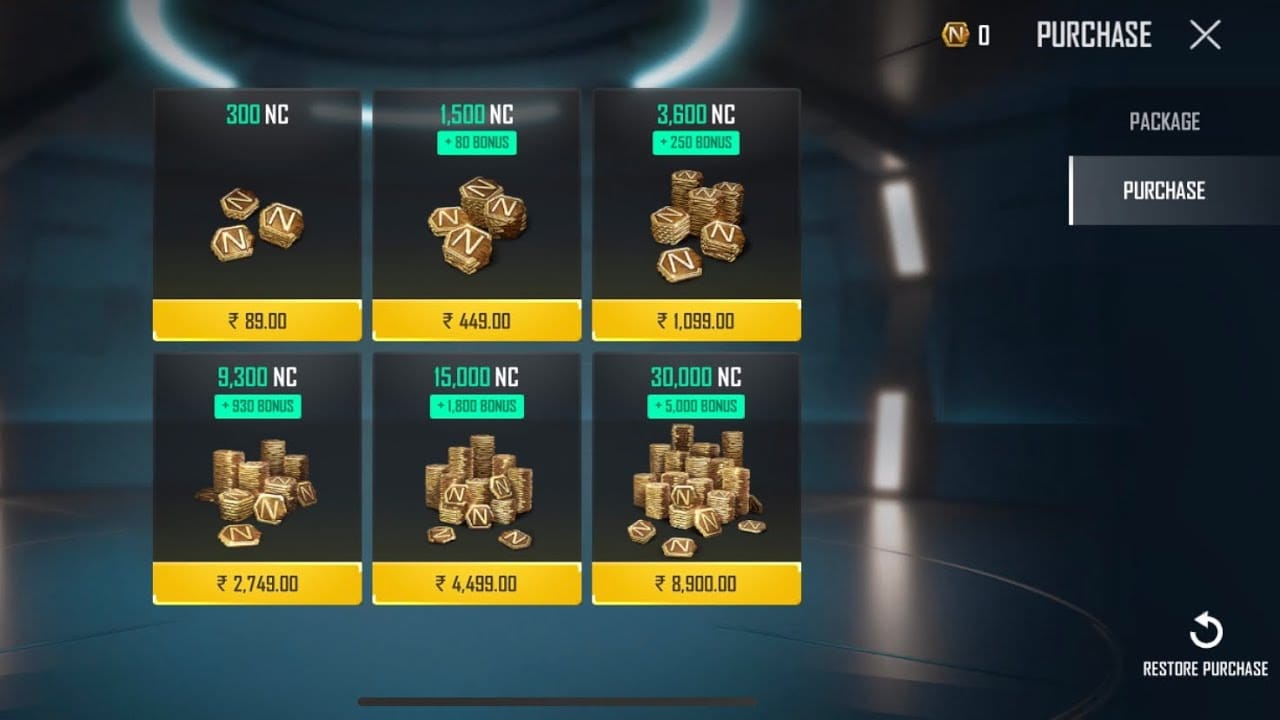
From reviewing failed recharge cases, the most common preventable issue is account-ID or region mismatch, not payment theft. So I would check these first:
exact Player ID
region/server tied to that ID
selected NC package
payment timestamp and receipt
whether the site promises instant delivery or allows manual review delays
And yes, prices matter. But if a deal is much lower than normal and the page doesn't explain fees, stock, or delivery conditions, that's a warning sign. Cheap isn't automatically unsafe; unexplained cheap is.
A practical example: if you're comparing whether PUBG: New State NC third party top up safe, don't stop at the price box. Check whether the checkout shows support steps, order status, and exactly what proof you'll have after payment.
How can you safely top up PUBG: New State NC through a third-party site?
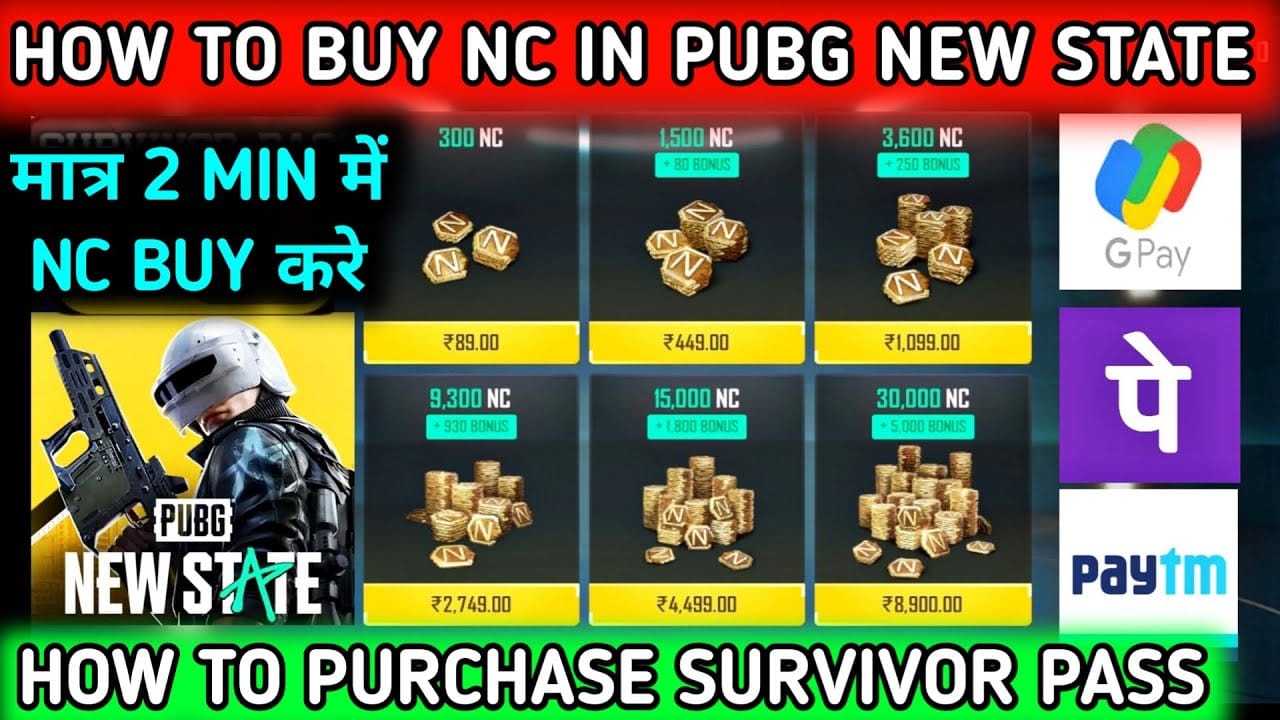
You can safely top up through a third-party site by verifying the account details first, choosing a traceable payment method, and saving proof before leaving checkout. Honestly, delayed delivery is frustrating when the payment already left your account, so prepare for that before you click pay.
Confirm the exact product
Make sure the page is for PUBG: New State NC, not another PUBG title.
Check the denomination: 300, 1580, 3600, or 9300+bonus if listed.
Verify whether the order is direct top-up or code redemption.
Enter the right account identifier
Use the correct Player ID only.
Match the account's region/server exactly.
Double-check every digit. UID/account ID mismatch can send NC to the wrong account or cause delivery failure.
Choose the safest payment method for your situation
Card users: confirm your bank supports verification and won't flag the transaction.
No-card users: compare e-wallets, bank transfer, local wallets, and where available, USDT or Binance Pay.
For high-value purchases, I would lean official because refund and dispute handling is stronger.
Capture proof before and after payment
Save the order ID.
Save the payment receipt.
Note the payment timestamp.
Screenshot the package and Player ID used.
Watch the delivery window
Many users report instant in-game mail delivery from reputable third-party sellers.
If the order enters manual review or stock delay, keep the receipt and wait for the stated window before escalating.
What should you do if PUBG: New State NC top up is delayed or not received?
If your PUBG: New State NC top up is delayed or not received, first verify the Player ID, region, package, and payment status, then contact the seller with proof. When troubleshooting delayed delivery, the first three details that usually resolve the case fastest are the exact package, account identifier, and payment timestamp.
Follow this order:
Check whether payment was actually captured
A bank authorization isn't always final capture.
If payment failed, verify with your bank, check fraud flags, and retry only after confirming the first attempt didn't settle.
Recheck account details
Confirm the Player ID matches your account.
Confirm the region/server was correct.
Refresh or restart the game and check in-game mail.
Review the provider's order page
Look for pending, processing, or completed status.
Some delays come from manual review or temporary stock/system issues.
Contact support with usable evidence
Send order ID
payment receipt
payment time
Player ID
selected package
screenshots if needed
Escalate to official support when relevant
For official purchases, use the Krafton Help Center at
krafton.helpshift.comor the in-game Customer Support button.For code redemption issues, the official redemption page is
newstate.pubg.com/en/redemption.
FAQ
Is it safe to buy PUBG: New State NC from a third-party website?
Yes, if the site is vetted and asks only for your Player ID. Users commonly report safe purchases from reputable sellers, but you should still verify HTTPS, support visibility, and order tracking before paying.
What is the difference between official and third-party PUBG: New State NC top up?
Official checkout is stronger for refunds, disputes, and support ownership. Third-party top-up usually offers better prices, more payment methods, and faster direct delivery, but support and refund scope are often narrower.
Can your PUBG: New State NC account get banned for third-party top up?
There are no reported bans in the available official and community information for normal NC top-ups through reputable providers. The safer rule is simple: use sellers that require only Player ID and never share your login credentials.
How do I know if a PUBG: New State NC recharge site is legit?
Check for HTTPS, clear NC package names, visible support channels, company information, and a receipt or order-status page. If the site hides refund terms or asks for account passwords, don't use it.
What should I do if my PUBG: New State NC top up is not received?
First confirm the payment was captured, then recheck your Player ID and region/server. After that, refresh the game, review the order status, and send the provider your order ID and payment proof.
Can I get a refund for a PUBG: New State NC recharge?
Sometimes, but refund rights are tighter for digital goods. Official terms are clearer, paid currency cancellation follows the Terms of Service refund policy, and bonus NC is non-cancelable; third-party refunds are usually more limited than app store dispute options.
Why does PUBG: New State NC top up fail even when payment goes through?
The most common reasons are account-ID mistakes, region mismatch, bank verification issues, or an order stuck in manual review. Payment success on your bank side does not always mean the top-up has fully cleared for delivery.
Third-party PUBG: New State NC top up is safe enough for many users when the seller is vetted, the checkout is transparent, and you enter the correct Player ID and region. But official checkout remains the safer default for high-value purchases, refund-sensitive buyers, and anyone who wants the clearest support path. If you choose a third-party option such as VGTopup, confirm the package, payment method, order tracking, and support steps before paying.