
To track an 8 Ball Pool top up order safely, start with the order ID, payment receipt, and the exact account you recharged, then compare the payment status with the game or platform history before retrying. Most pending orders are caused by payment review, app-store processing, or account mismatch, so the safest move is to wait a reasonable window, keep proof, and contact support with complete evidence instead of placing duplicate orders. Officially, delivery can take up to 48 hours, even if some approved routes complete much faster.
First 5 minutes: what should you check right now?
Check four things immediately: the payment status, the account/UID used, the receipt source, and whether the game has refreshed.
From reviewing delayed digital top-up cases, I would check this first because buyers often lose time chasing the wrong issue. A bank charge alone doesn't confirm the top-up has cleared verification. It only confirms money was authorized or captured.
Immediate checks
Confirm the account: make sure the top-up was for the correct 8 Ball Pool account.
Find your UID: in 8 Ball Pool, tap your avatar at the top right. That's the Unique ID support needs.
Check payment proof:
Google Play:
payments.google.comorder historyiPhone/iPad: App Store purchase history
Web checkout: confirmation page, email, or seller order page
Refresh delivery:
Restart the game
Update the game and Google services if relevant
Log out and back in if the balance still looks unchanged
On device-change cases, use restore purchases where available
If you're already dealing with 8 Ball Pool top up pending, don't buy the same pack again yet. That's one of the most common avoidable mistakes.
How do I track my 8 Ball Pool top up order?
You track it through the payment route you used, not through a native in-game order tracker.
That distinction matters. Community reports consistently note there is no in-game order ID tracking for 8 Ball Pool, so your real tracking trail is the receipt, transaction history, and account identifier.
Tracking by checkout route
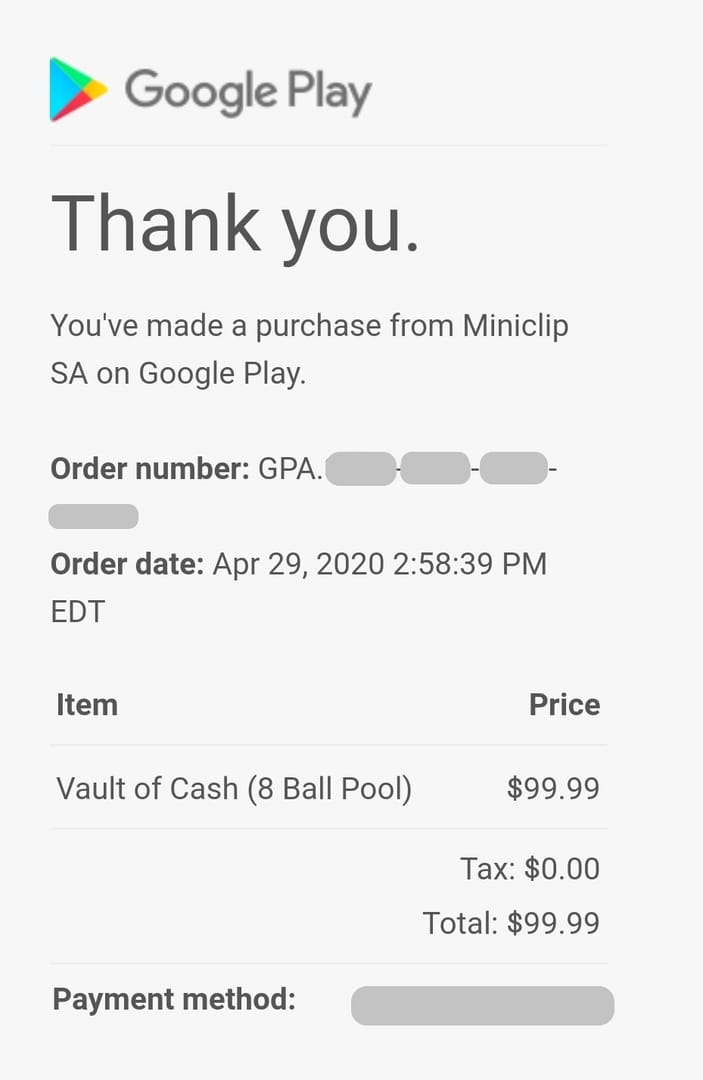
What common statuses usually mean

If your route gives clear order details, that's a real advantage. For buyers comparing options, 8 Ball Pool recharge delivery tracking matters more than a flashy instant claim when something stalls.
Why is my 8 Ball Pool top up still pending after payment?
Because payment successful and delivery completed are not always the same event.
Honestly, delayed delivery is frustrating when the money already left your account. But in digital top-ups, pending usually comes from one of these checkpoints:
Payment review or anti-fraud checks
Common after unusual purchase patterns or multiple attempts. Community patterns show duplicate attempts during verification can trigger more delay.3-D Secure or issuer checks
With credit/debit cards, the payment can stall if the card is expired, the billing address is wrong, or issuer verification isn't completed.App-store pending state
Google Play or Apple billing can show a purchase while entitlement hasn't synced to the game yet.Bank authorization delay
A bank hold can appear before the merchant fully clears the order.Wrong UID or account mismatch
This is the ugly one. If the top-up was sent to the wrong account, tracking becomes a support case, not a waiting game.Region or account restrictions
Less common, but linked accounts and region setup can affect restoration or recognition after device changes.Connection issues
Official guidance says to restart the game after purchase. Community users also report success after restarting the device, clearing app cache, or logging back in.
One lesser-known issue: community users warn against using a VPN during league play because it can block coin additions. I would avoid that entirely while waiting for a pending recharge to sync.
Scenario note: you need coins before an event, but the order is stuck
The safest urgent-buyer rule is simple: wait first, document everything, then escalate cleanly.
A realistic timing view:
Approved fast routes can be near-instant. Codashop top-ups are reported to complete in a few seconds, and in the Philippines GCash is supported there.
Official policy still controls the dispute window. Miniclip says purchases can take up to 48 hours to deliver.
Support should come after that 48-hour window if items still haven't arrived.
So if you're in a rush:
Use a route with clear receipts and order history.
Verify the UID before paying.
Don't stack multiple purchases because the first one feels slow.
If the event is time-sensitive, choose traceability over the absolute fastest-looking checkout.
From comparing checkout paths, I personally prefer the route with clearer order tracking, even if it isn't always the cheapest. Fast is great. Fast with proof is better.
What should you do while waiting so you don't make it worse?
Don't repurchase, don't delete evidence, and don't send incomplete tickets.
Safe waiting checklist
Wait within the official delivery window: up to 48 hours
Restart the game
Check stable internet before assuming failure
Update the game and Google services if applicable
Check bank statement or SMS for transaction confirmation
Review Google Play or App Store history
Log out and back in to force sync
Use restore purchases after a phone change if needed
Keep screenshots of:
receipt
timestamp
error wording
account UID
Avoid multiple payment attempts during review
Avoid VPN use while troubleshooting coin delivery
Mistakes that create bigger problems
Buying the same pack again while the first order is pending
Contacting support without UID and receipt
Assuming a bank authorization equals completed delivery
Forgetting which account was logged in at checkout
Sending screenshots publicly instead of through official support
When should you escalate, and who should you contact?
Escalate after 48 hours if the top-up still hasn't arrived.
Officially, Miniclip support handles delayed top-ups, and the fastest route is often the in-game Help & Support / Contact Us button. The web portal is also available at support.miniclip.com/requests/new.
Support evidence pack
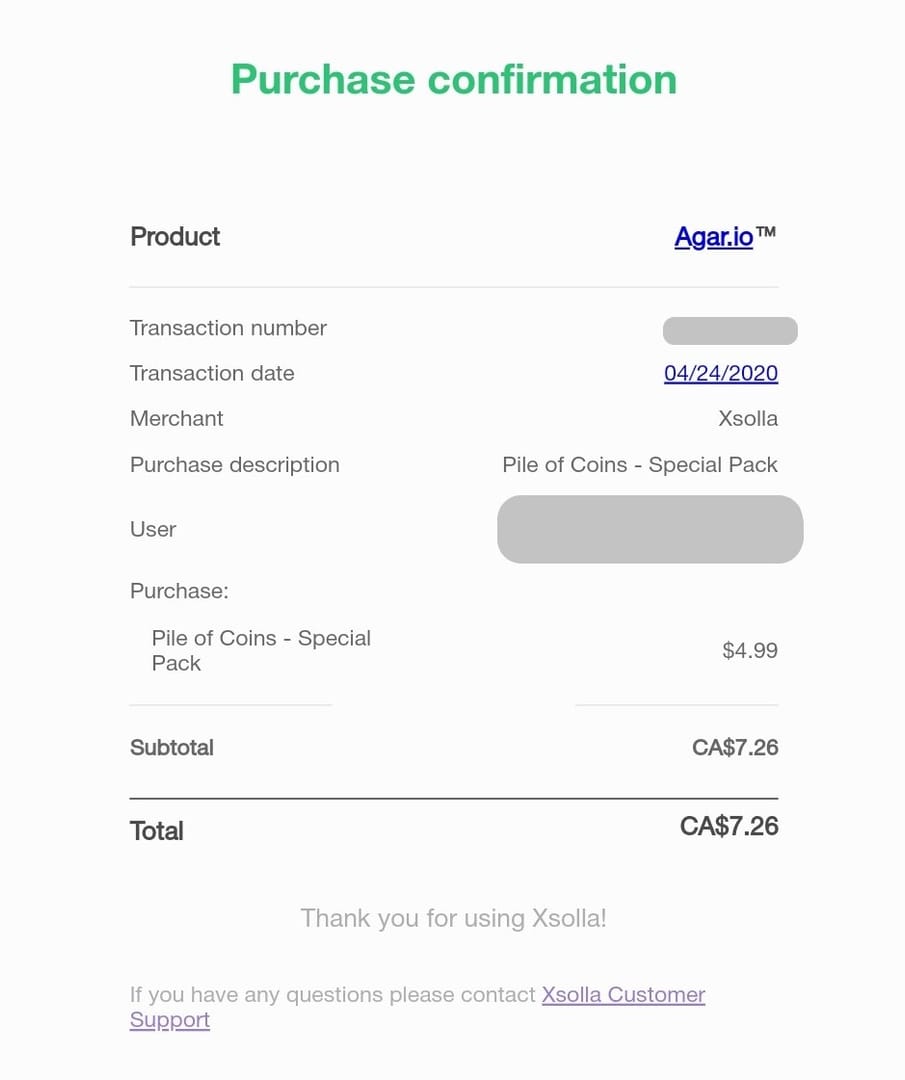
Official ticket path: submit in English under Purchase related > problem with purchase.
Can I contact support without an order ID for an 8 Ball Pool top up?
Yes, but your case is weaker without it.
If you don't have a merchant order ID, send:
UID
receipt screenshot
payment timestamp
payment method
store history screenshot
For Google Play issues, also check Google Play billing help. For Apple purchases, use App Store purchase history as your proof source first.
Before you buy again
If you need a cleaner checkout flow next time, set yourself up before payment, not after the problem.
Pre-buy checks for urgent buyers
Confirm the correct 8 Ball Pool account is logged in
Note the UID before checkout
Use a payment route with visible receipt history
Verify card expiration date and billing address if paying by card
Link your Miniclip, Facebook, or Google account so purchases are easier to restore after a phone change
Save the confirmation page before closing it
If you want a more trackable purchase flow, VGTopup is worth considering only if you still keep your order confirmation and account info from the start. That's what actually speeds up support when delivery doesn't land cleanly.
Final call
For 8 Ball Pool top up order tracking, the winning move is boring but effective: verify the UID, save the receipt, refresh the game, and wait through the official 48-hour window before escalating. Most bad outcomes come from panic reorders, not from the first delay itself. If the top-up still hasn't arrived, send Miniclip a complete ticket with UID and proof in one shot. That gets results faster than guesswork.