
To top up Valorant Points without wrong-account mistakes, verify the exact Riot ID and tagline, confirm you're logged into the intended Riot account, and check that the account region matches the purchase region before paying. Save your order ID, payment receipt, and account screenshots so support can act fast if VP is delayed or applied incorrectly.
Officially, Riot client purchases use your logged-in account and don't require manual ID entry. Third-party VP checkouts usually require the exact Riot ID#tag, which is where most wrong-account errors happen. If you're buying through a manual-ID flow, use this quick reference for Valorant Points (VP) top up correct riot id and recheck every character before submitting.
Why do users send Valorant Points to the wrong account or wrong region?
Because they confuse Riot ID with other account details, stay logged into the wrong account, or buy with a region-mismatched code or checkout. That's the pattern I would check first every time.
The confirmed rules are simple:
Riot ID is
username#taglineacross Riot gamesOfficial VP purchase in the Riot client uses your active login session
No login email, username, UID, or player ID is needed for official in-client top-up
Third-party top-ups commonly require exact Riot ID#tag
Prepaid cards are region-locked
The mistakes are just as predictable:
Entering a display name but not the full
#tagUsing an old auto-filled Riot ID from a previous order
Buying on a shared PC while the wrong Riot account is still logged in
Redeeming an EU prepaid code on an Asia-region account
Assuming server and billing region are the same thing
From reviewing failed recharge cases, the biggest issue isn't payment failure. It's users trusting memory instead of rechecking the live account details in the client.
Why do Riot ID, server, and account region matter before a Valorant Points top up?
They matter for different reasons, and mixing them up causes avoidable failures.
A point many guides miss: server shard and region are related, but not identical in practice. Officially, server shard is tied to region and affects matchmaking, not direct VP delivery. So if a third-party seller asks for server, the real high-risk field is still the Riot ID. Community reports even show some wrong server top-ups still deliver if the Riot ID is correct. But region still matters for pricing, code validity, and payment approval.
And yes, region mismatches can break both official and prepaid flows:
Officially, account region determines payment methods, currency, and VP pricing
Community reports say billing region mismatches can trigger payment declines
Region-specific prepaid cards can return invalid code errors on the wrong account region
Users also report verification delays after changing region close to purchase time
If you're comparing options for Valorant Points (VP) right server region recharge, check region first, then payment method. Personally, I would avoid prepaid cards entirely if the account's region history is unclear.
Why are gift buyers, shared-device users, and returning players more likely to make VP account mistakes?
Because they rely on assumptions instead of current account data. That's where wrong-account purchases happen.
Higher-risk situations:
Gift buyers: they often ask for username and receive the wrong identifier instead of Riot ID#tag
Shared devices: someone else's Riot session may still be active in the client
Returning players: old region settings, changed taglines, or multiple Riot accounts create confusion
Multi-account users: they know all their accounts, which oddly makes them less careful
Honestly, delayed delivery is frustrating, but wrong-account delivery is worse because community reports say it often isn't reversible once sent to another Riot ID on a third-party order. Official purchases are safer on this point because the client uses the logged-in account automatically.
How do you verify the correct Riot ID, server, and region before buying VP?
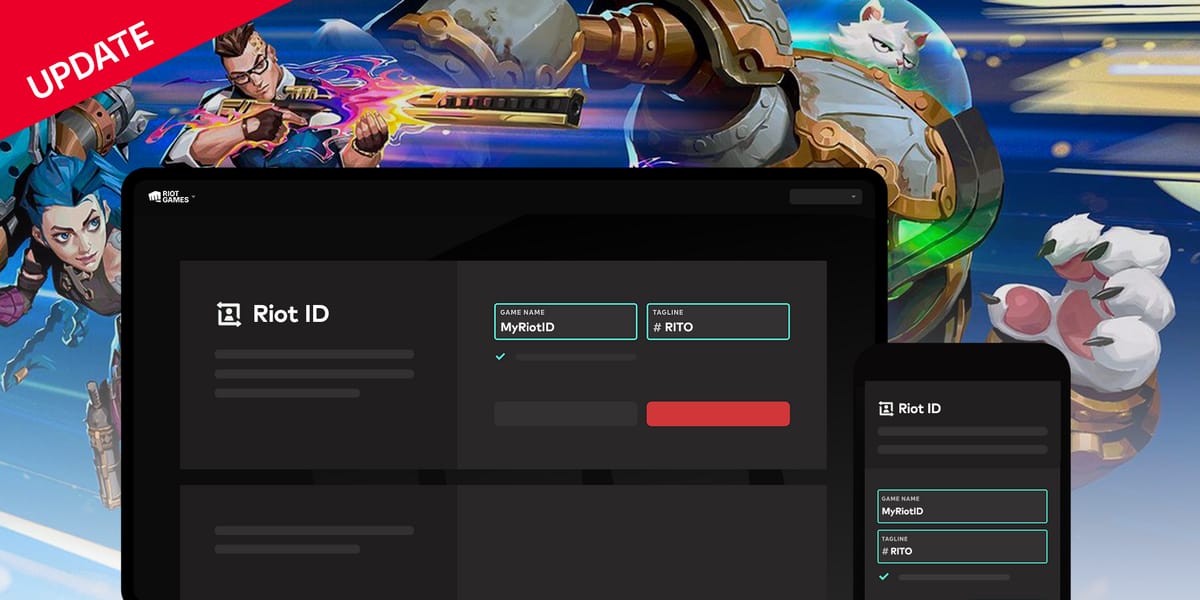
Use a 30-second checklist. It prevents most mistakes.
Open the Valorant client and copy your Riot ID
Click the profile icon in the upper right
Copy the exact
Riot ID#tagDon't type it from memory
Confirm you're on the intended Riot account
Check the visible profile before opening the VP store
On shared PCs, log out and back in if there's any doubt
Enable MFA on your Riot account before using any third-party top-up flow
Check region before paying
Your account's Region of Residence affects currency, pricing, and payment availability
If you think the region is wrong, use Riot's support tool to check eligibility for a residence update
Don't buy a prepaid code until region is confirmed
Match the checkout type to the account
Official client store: no manual ID entry needed
Third-party checkout: enter exact Riot ID#tag only
Never share passwords, one-time codes, or full login credentials
Review package and payment details
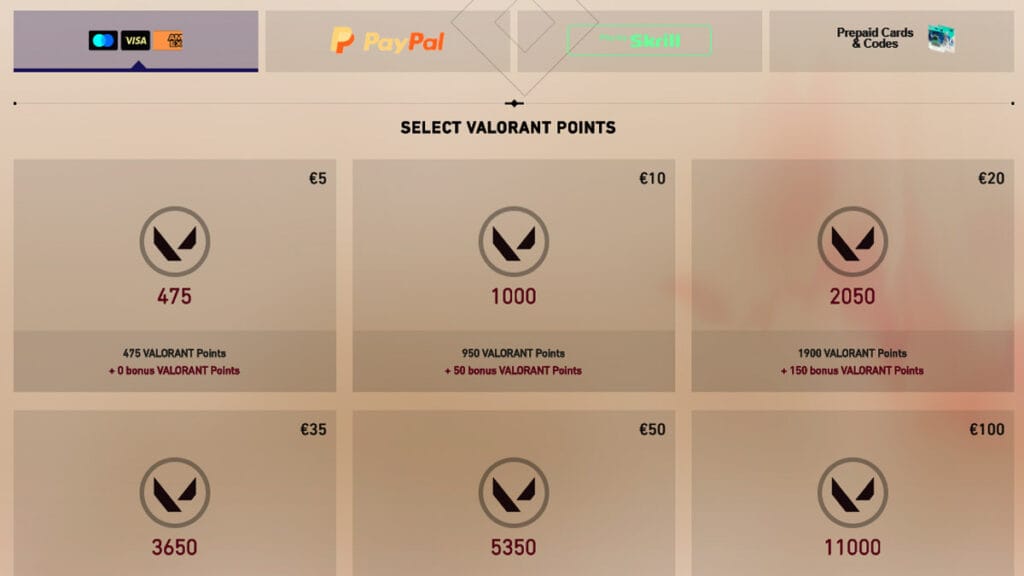
Official bundles include 475, 1000, 2050, 3520, 5350 VP
Make sure currency and payment method fit your account region
A successful bank charge does not always mean the order cleared verification
Save proof before closing the page
Screenshot the Riot ID entered
Save the order ID
Save payment confirmation email or receipt
Note the timestamp
Fast pre-pay checklist
What should you do if your Valorant Points order goes to the wrong account or does not arrive?
First, verify whether it's a display delay, a verification hold, or a true account error. Don't rush into duplicate payments.
If VP is paid but not showing
Log out and back into the client
Restart the game and recheck VP balance
Check Riot purchase history on your account page
Confirm the payment actually completed
Compare the Riot ID used at checkout with your intended account
For official purchases, VP delivery is officially instant after payment confirmation. If it doesn't appear, submit a ticket through Riot Support under Purchasing Assistance and include:
Order ID
Payment proof
Riot account details
Timestamp
Screenshots
Official support site: support-valorant.riotgames.com
If the wrong account received the VP
The next step depends on how you bought it.
One more warning: chargebacks are not a clean fix. Officially, chargebacks after June 4, 2024 can auto-recover VP from the account balance. I would treat chargebacks as a last resort after support, not a shortcut.
How do I make sure I top up Valorant Points to the correct account?
Use the official client if possible, because it uses your logged-in Riot account and removes manual ID entry. If you're using a third-party checkout, copy the Riot ID#tag directly from the client and verify it before paying.
Do I need my Riot ID or username to buy Valorant Points?
For official in-client purchases, no manual Riot ID or username is needed. For many third-party top-ups, you need the exact Riot ID#tag, not just a username or email.
How can I check my Valorant server or region before paying?
Check your Riot account region first, because that's what affects pricing, currency, and payment options. If the region looks wrong, use Riot's support tool to check whether you're eligible for a residence update before buying.
What happens if I buy Valorant Points for the wrong account?
Official purchases may be refundable if the VP is unused and the request is made within 14 days. Third-party wrong-ID deliveries are commonly reported as hard to reverse, so your screenshots and order proof matter immediately.
Can Valorant Points be transferred to another Riot account?
No official transfer flow is confirmed for moving VP between Riot accounts. If the wrong account received VP, your only realistic path is support or seller review, depending on where you bought it.
What proof should I save if my VP order is delayed or incorrect?
Save the order ID, payment confirmation, Riot ID entered, and timestamp. In delayed-delivery troubleshooting, the fastest resolutions usually happen when those details are ready before support asks.
Why does a Valorant Points order fail because of region mismatch?
Because region controls code validity, pricing, currency, and available payment methods. A prepaid card from one region can fail on another region's account, and official billing can also decline when the account region and payment setup don't align.
What is the safest final checklist before you top up Valorant Points?
The safest method is simple: buy through the Riot client when you can, and if you use a manual-ID checkout, verify Riot ID#tag, account region, and saved proof before paying. That's the difference between a routine VP purchase and a support headache. If you're ready to buy, double-check the account details first and don't submit any order that asks for your password or one-time code.