
Yes, you may be able to top up CarX Street Top-Up from a region-locked country, but success usually depends on three things matching: your account region, your current payment country, and the payment method accepted at checkout. Most failed cross-border recharges happen because the account is eligible but the billing country, local currency, or store region doesn't match app store or payment processor rules.
What's confirmed: CarX doesn't appear to publish official country-by-country top-up restrictions for CarX Street. What's widely reported by users: in-app purchases often fail when Google Play or App Store region, card issuer country, and billing setup don't line up. If you're buying while abroad, check region first, then payment compatibility, then your exact account ID before paying. For a direct purchase path, CarX Street Top-Up top up from abroad is only worth considering after those checks are clear.
Why does CarX Street Top-Up fail from region-locked countries?
It usually fails because different systems check different things, and they don't all care about the same region.
From reviewing failed recharge cases, the most common problem isn't the game item itself. It's a three-way mismatch:
That distinction matters. A supported CarX Street account can still fail at payment. And a valid card can still fail if the store region is wrong.
Users commonly report that in-app purchases break when Google Play country doesn't match the payment method. Community fixes usually start with Google Play payment settings and adding a payment method from the matching country. That's a checkout-level issue, not proof of a hard CarX account ban.
One thing many guides miss: region lock isn't one problem. It can happen at four levels:
the game offer itself
CarX policy
app store region
card processor screening
If you treat all four as the same, you end up retrying the wrong fix.
How do account-region mismatch and local currency problems break CarX Street Top-Up?

They break it by making your purchase look inconsistent, even when your account ID is correct.
In cross-border checkout reviews, local currency conversion and verification are frequent friction points. A successful bank charge doesn't always mean the order cleared verification. Honestly, that's the frustrating part: money leaves your account, but the item doesn't arrive because the payment is still under review or failed after authorization.
Common mismatch scenarios:
Community reports also say overseas purchases sometimes deduct money without delivering items. That's why I would always save the order ID before trying again.
If you're comparing options for a CarX Street Top-Up recharge region locked situation, personally I would avoid any path that hides order tracking. Clear order status matters more than shaving off a tiny amount on price.
How to Top Up CarX Street Top-Up from Region-Locked Countries step by step?
Use a region-first flow. Don't start with payment.
Verify your exact CarX Street account ID and platform
Confirm the account identifier you plan to top up.
If you use multiple devices or platforms, check whether your CarX account is properly linked across platforms.
If purchases seem tied to the wrong profile, users report relinking to a single CarX account can fix cross-platform confusion.
Check where the restriction is happening
If the game or offer is missing in-app, check your Google Play or App Store region.
If the offer appears but payment fails, the issue is more likely billing country, issuer country, or fraud screening.
If the game itself is unavailable in your country, users commonly report store-region changes as the workaround, but that's separate from payment approval.
Confirm payment-country compatibility before entering card details
Match billing name, billing country, and card issuer country as closely as possible.
If you're abroad, use a payment method that your current checkout accepts.
Don't assume a debit card will pass just because your account region is valid.

Choose currency carefully
If local currency is available, community experience suggests using it abroad can reduce conversion fees.
If only another currency is shown, check whether your bank blocks foreign-currency gaming transactions.
Place one order only
Save the order ID immediately.
Take a screenshot of the payment result page.
Wait for delivery status before retrying. Duplicate payments create harder support cases.
If the order doesn't arrive, escalate with proof
Email support@carx-tech.com.
Include your account ID, order ID, payment timestamp, and screenshots.
Officially, CarX support is the right contact for blocked accounts or missing in-game purchases.
What's the best way to check your region before paying?
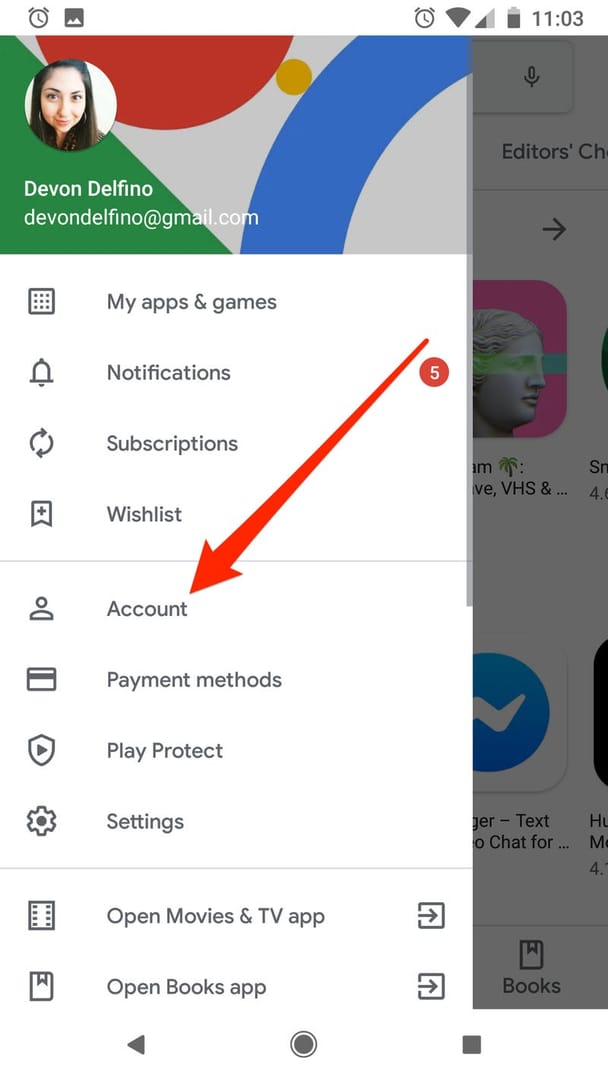
Check the store region first, then the account, then the card.
Use this quick checklist:
For Google Play, users commonly report this sequence:
Open Google Play payment settings.
Add a payment method from the matching country.
That's a user-reported fix, not an official CarX rule. Still, it's one of the most repeated causes behind the "check country" purchase error.
And one clear warning: community discussions regularly caution against using a VPN for in-app purchases. Reports suggest it can cause failures or account risk rather than solve the billing mismatch.
What should you do if CarX Street Top-Up payment fails or the order is delayed?
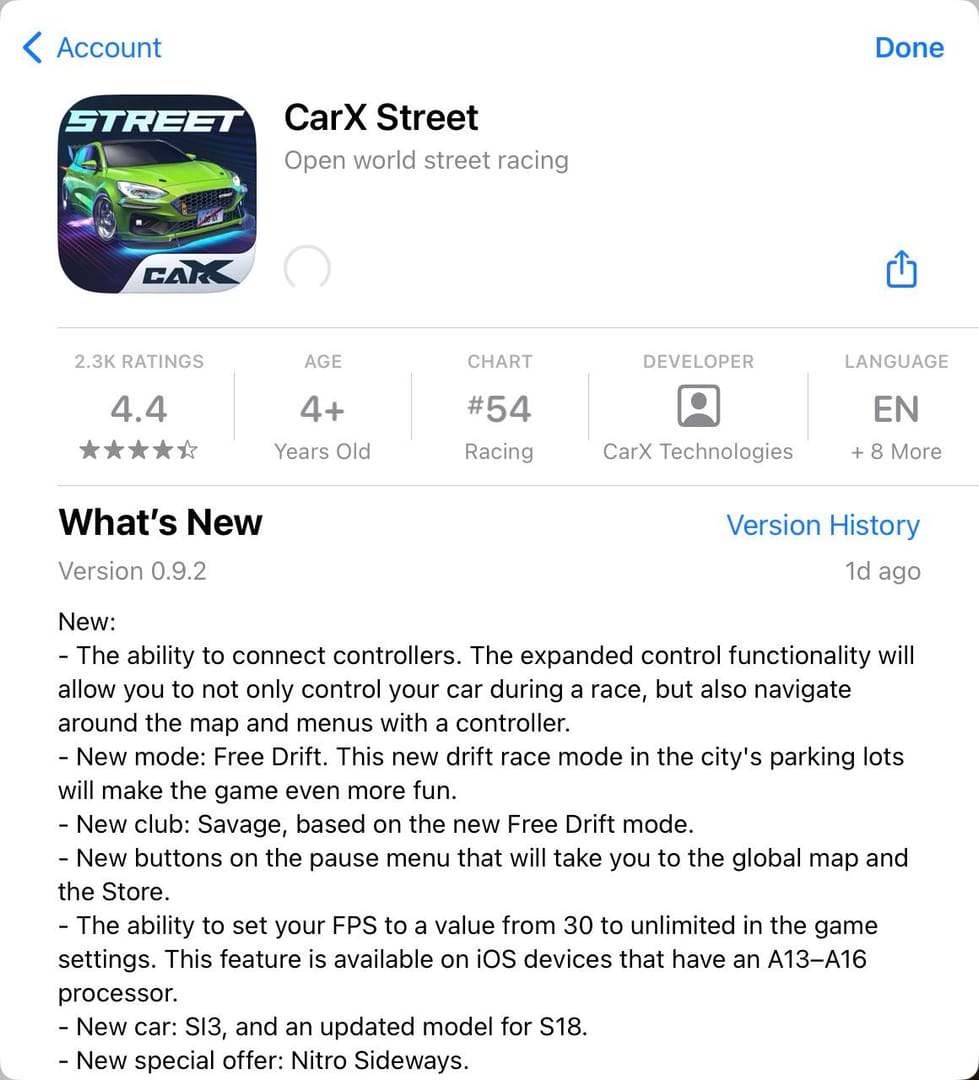
First, don't pay again immediately. A delay and a hard failure are not the same thing.
In my experience reviewing recharge issues, the fastest support resolutions happen when users send complete evidence in the first message. If money was deducted but no items arrived, collect:
CarX Street account ID
order ID
payment timestamp
screenshot of the error or success page
screenshot of the bank charge if relevant
Then contact support@carx-tech.com. Officially, that's the support route for blocked accounts and missing purchases.
Use this decision rule:
I personally prefer the path with clearer order tracking, even if it isn't always the cheapest. When you're abroad, traceability beats guesswork.
FAQ
Can I top up CarX Street from a country where it is not officially supported?
Sometimes, yes, but not reliably through in-app checkout. No official CarX documentation clearly lists top-up country restrictions, while users commonly report that third-party cross-border top-ups avoid app store billing mismatches better than in-app purchases.
Why does CarX Street Top-Up fail when my account and payment country are different?
Because account eligibility and payment eligibility are separate checks. Your account can be valid while the card issuer, billing country, or app store region still causes the payment to fail.
How do I check whether my CarX Street account region matches the top-up region?
Start with the store region on Google Play or the Apple App Store, then confirm you're topping up the correct CarX Street account ID. If you use linked accounts across devices, make sure purchases are tied to the same CarX account.
Can I pay for CarX Street Top-Up in my local currency from abroad?
If local currency is offered, that's often the cleaner option for fees. Community reports suggest local currency selection abroad can reduce conversion friction, but the payment still has to pass billing-country checks.
What payment methods work best for CarX Street Top-Up in region-locked countries?
The best method is the one accepted for your billing country and store region. Official sources don't confirm crypto, USDT, or Binance Pay for CarX top-ups, so don't assume those are available on official checkout.
What should I do if my CarX Street Top-Up is delayed or not received?
Save the order ID and don't place a duplicate order right away. Then send your account ID, order proof, timestamp, and screenshots to support@carx-tech.com.
Conclusion
You can top up CarX Street from abroad, but only when three things line up: account region, billing country, and accepted payment method. That's the real cross-border filter. Check store region first, verify the exact account ID, use a matching payment path, and keep your order ID. If money is deducted without delivery, stop retrying and contact official support with full proof.