
To enter the correct Character ID and Server for a Lineage2M Diamonds & Packages top up, copy the exact details from your current in-game character screen or Settings, then match the server name and region exactly before paying. Most wrong-account orders happen because users trust memory, old screenshots, or a character name instead of the live numeric ID.
For Lineage2M, the safe rule is simple: use the numeric Character ID, not the character name; choose the exact server shown in-game; and confirm your region first. If you're buying through a recharge page such as Lineage2M Diamonds & Packages top up character ID server, verify all three before checkout.
Why do Lineage2M top up orders fail when the character ID or server is wrong?
They fail because delivery is tied to a specific character on a specific server, not just to your general account. Community reports consistently show that a valid ID entered with the wrong server can still send the order to the wrong place or stop delivery entirely.
From reviewing failed recharge cases, this is the most common preventable mistake: users enter a real identifier, but it belongs to a different server or region context. And once automated delivery runs, recovery is often limited. Users commonly report no automatic transfer and only a small chance of manual correction through support.
What details actually matter for delivery?
These are the fields that matter most:
The mistake many guides miss: account ID and character ID are not interchangeable. Your account can hold multiple characters, but top-up delivery targets one character ID on one server.
Which mistakes cause the most wrong-account orders?
Users commonly report these patterns:
Entering a character name instead of the numeric ID
Picking the wrong server from a dropdown with similar names
Using an old screenshot after a server transfer
Assuming region doesn't matter because the ID looks valid
Topping up a guest account without proper account binding
Personally, I would check old screenshots first. A copied ID can look correct and still fail if the character moved servers. That's a nasty edge case because the payment can succeed while verification or delivery does not.
Why does region or server mismatch matter for Lineage2M Diamonds & Packages?
It matters because server access and top-up routing depend on the game region and version. Community evidence shows NAEU, SEA, and PH environments can behave differently, and a mismatch can block the order even when the ID itself is real.
Officially, labels can vary by platform, region, and version updates. So you may see slightly different wording on Google Play, App Store, or regional builds. But the practical rule doesn't change: match the region and server shown on the character you're logged into now.
What is confirmed, and what changes by version?
Confirmed points:
Character ID and Server are required for top-up delivery.
Server names must match the in-game listing exactly.
Official webshop flows use role info, which includes ID/server details.
Official Lineage2M systems also use server-specific logic for features like server transfer through the Diamond Shop.
Version-sensitive points:
Menu labels may differ by region or app version.
Region naming and server availability can change.
Official webshop access may be region-specific, such as the PH webshop path.
Honestly, this is where users get frustrated. The payment side looks universal, but the game side isn't always. If your account is region-locked, the cleanest fix is to confirm the account region before you pay, not after.
How do you find and enter the correct Character ID and Server for Lineage2M Diamonds & Packages Top Up?
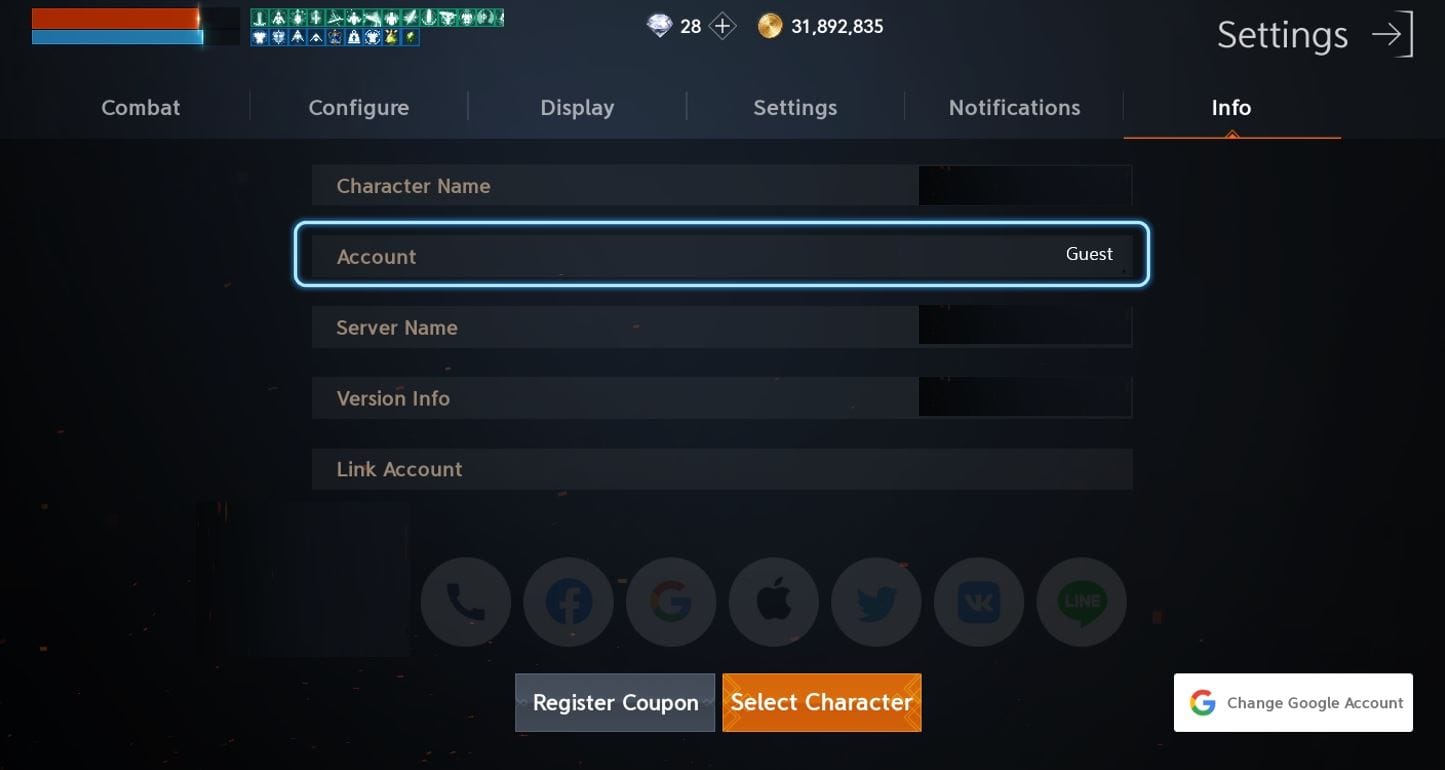
You find them inside the live game session, then copy them exactly into the recharge form. Don't guess. Don't use memory.
How do I locate the right ID and server inside Lineage2M?
Use this checklist:
Log in to the exact character you want to top up.
Open Settings from the top-right area of the game screen. Community guidance says this screen shows your Character ID and Server.
If needed, open My Characters from the bottom-right on the main screen. Note the server there, then open Settings for the Character ID.
Confirm the ID is numeric. If the field is a name, you're looking at the wrong thing.
Check the region context shown by your game version or publisher environment.
Take a fresh screenshot showing:
Character name
Character ID
Server
Region if visible
Enter the same details into the top-up page, then recheck before payment.
If you're comparing forms, Lineage2M Diamonds & Packages recharge correct UID should always mean the same practical thing here: the numeric character identifier tied to the exact server.
What's the best pre-payment checklist to prevent a wrong-account order?
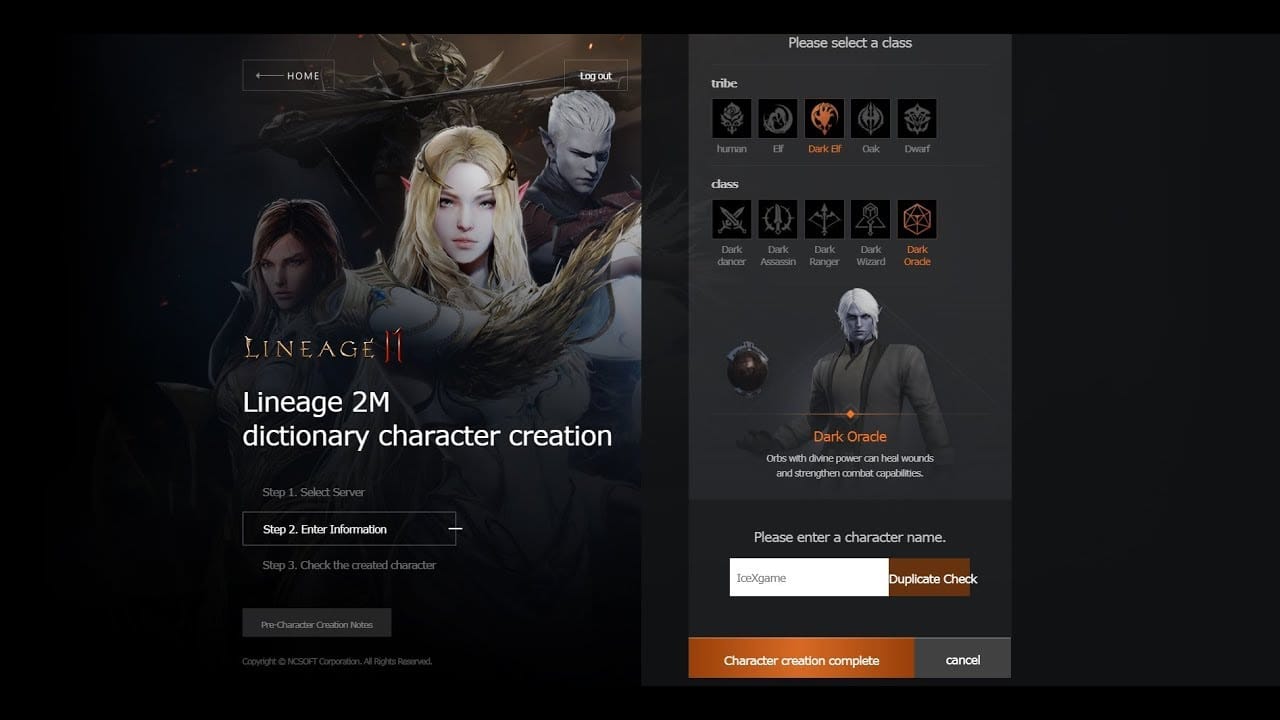
Use this before every order, especially if you're buying fast:
In support-led troubleshooting, the fastest cases to resolve are the ones with complete evidence from the start. I personally prefer any checkout path that gives clear order tracking, even if another payment method looks slightly faster.
What proof should you save before and after a Lineage2M top up?
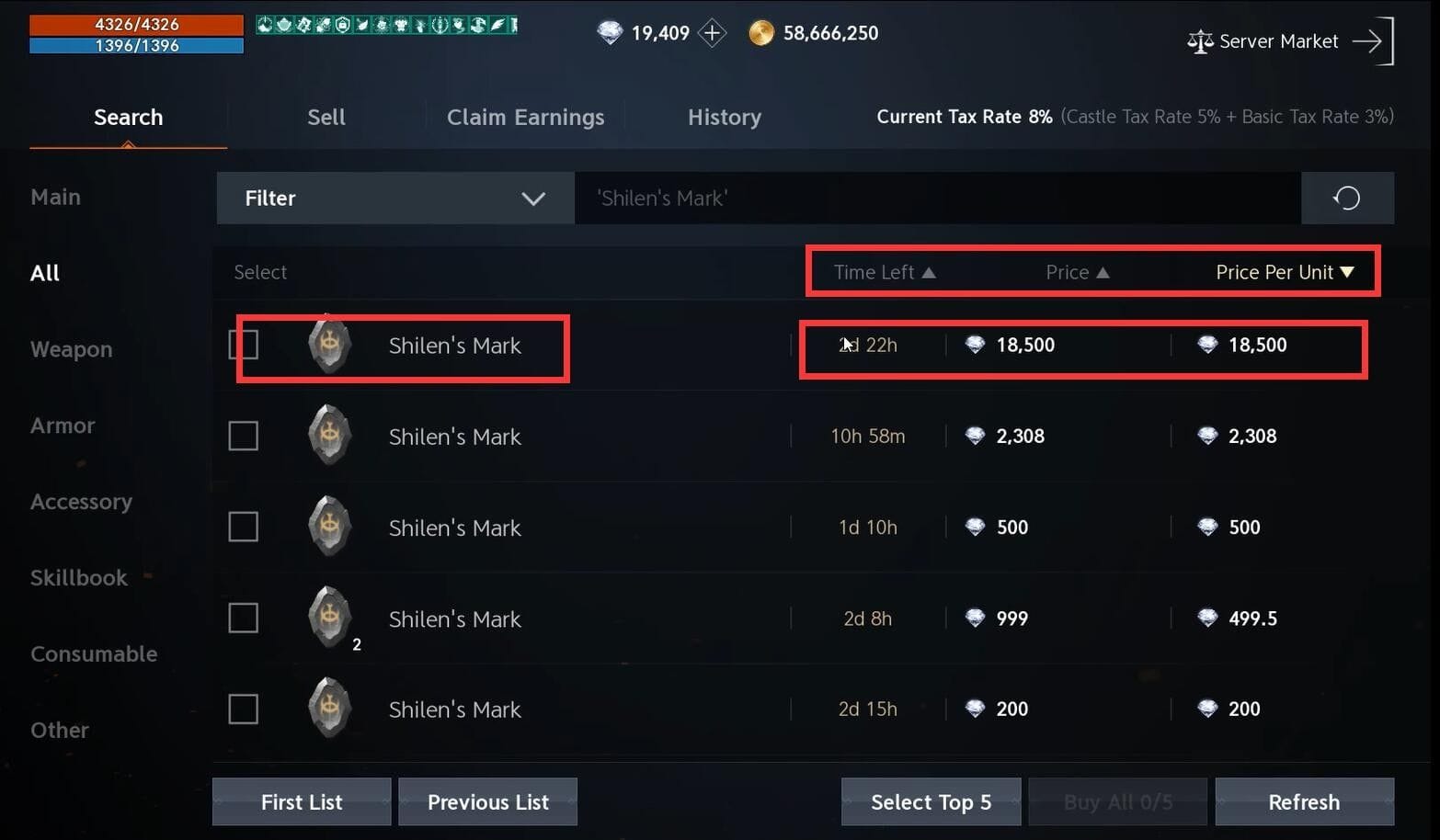
Save both game-side proof and payment-side proof. A successful bank or crypto payment does not always mean the order has cleared verification, and that distinction matters when Diamonds don't arrive.
What should you screenshot before checkout?
Save these before paying:
In-game Settings screen with Character ID
My Characters or profile view with Server
Character name on the same session
Region indicator if visible
Selected package or denomination on the checkout page
What should you save after payment?
Keep these records:
Order ID
Payment confirmation
Transaction ID if available
Checkout receipt page
Final submitted Character ID and Server fields
A post-payment in-game screenshot showing current Diamond balance
This is the evidence support usually asks for:
If you entered the wrong ID or server, contact support immediately with all of the above. Community experience says automated delivery failures on wrong server entries are hard to reverse, and refunds from third-party orders are often limited.
FAQ
How do I find my Lineage2M character ID for top up?
Open the game, log into the target character, and check Settings. The Character ID is typically a numeric identifier, not your character name.
What server should I enter for a Lineage2M Diamonds order?
Enter the exact server shown on your current character screen, such as Bartz 01 or Baium 01. Don't choose a similar-looking server manually unless it matches the in-game display exactly.
Can I top up Lineage2M if I choose the wrong server?
Usually no, not safely. Users commonly report that wrong-server orders don't auto-transfer, and support correction is limited.
What happens if I enter the wrong Lineage2M account details?
The order can fail, be delayed, or deliver to the wrong character/server target. Contact support at once with order ID, payment proof, and fresh screenshots of the correct details.
How can I verify my Lineage2M region before paying?
Check the game version, publisher environment, and server ecosystem you're logged into now. If your account is in NAEU, SEA, or PH, make sure the top-up path matches that region context.
What screenshots should I save for a Lineage2M top up issue?
Save the in-game ID/server screen, the selected package page, the order receipt, payment confirmation, and your post-payment balance screen. Those five pieces usually give support enough to investigate quickly.
Why were my Lineage2M Diamonds not delivered after payment?
Common causes are wrong Character ID, wrong server, region mismatch, or verification delay. Start by checking the intended character's balance, then send support your transaction ID and screenshots.
Conclusion
The safest way to handle a Lineage2M Diamonds or Packages top up is to verify the live numeric Character ID, exact server, and correct region before you pay. Don't rely on names, memory, or old screenshots. My recommendation: take a fresh in-game screenshot every time, save your order proof immediately, and pause checkout the moment any ID, server, or region detail looks uncertain.